

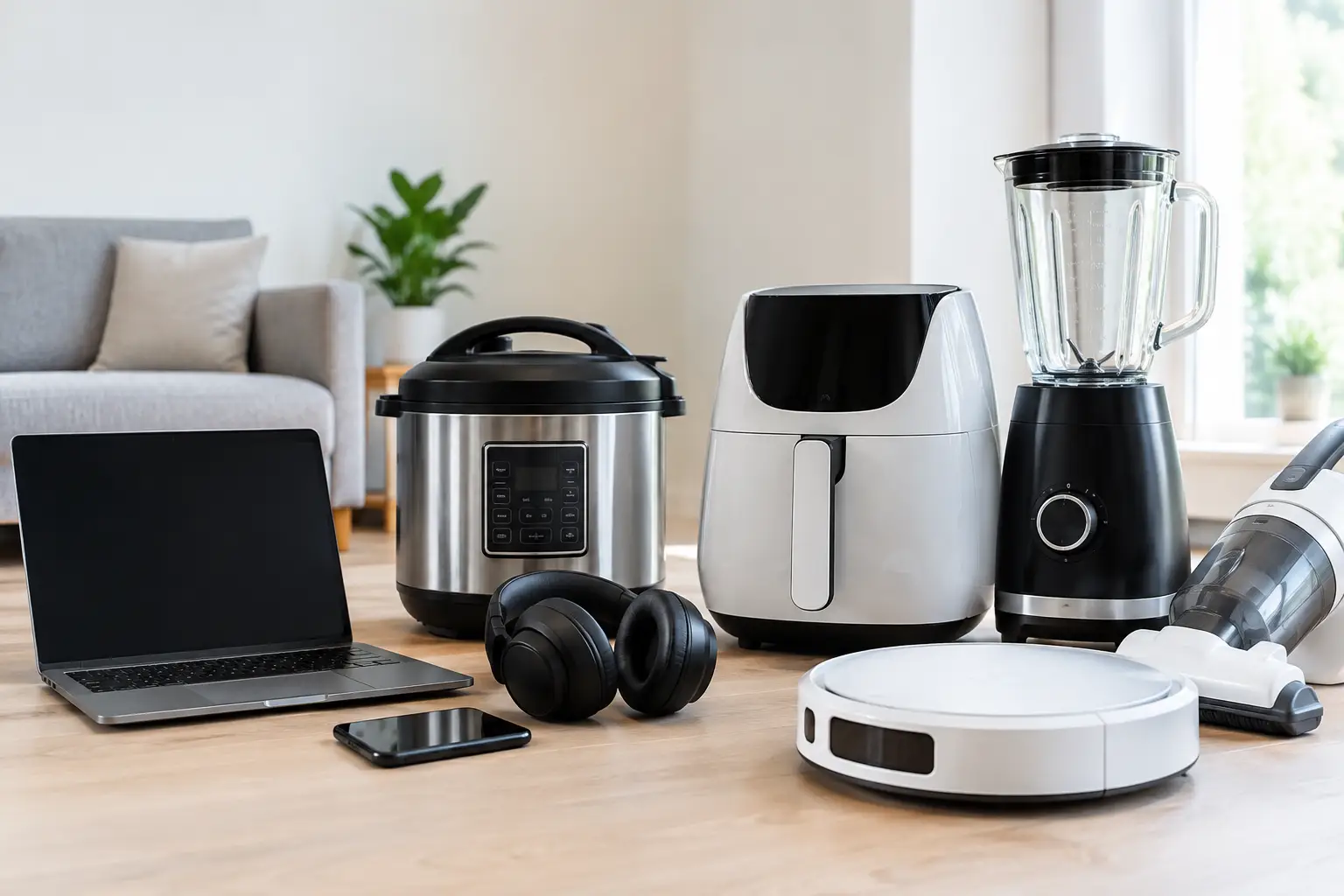
A retired laptop in a closet, a stack of old office phones, or a server removed during an upgrade can all hold far more than outdated hardware. The top devices needing secure disposal are often the ones people keep longest because they may contain photos, passwords, customer records, financial files, and company access details. Throwing them away, selling them without preparation, or handing them to an informal collector can create an unnecessary data and environmental risk.
Secure disposal is not just about getting electronics out of the way. It is about knowing what is stored on each device, removing it through an appropriate process, and ensuring the equipment enters a responsible recycling stream. For households, that means protecting personal information. For businesses, it also means protecting clients, employees, operations, and company records.
Why Old Electronics Need More Than a Quick Cleanup
Many people assume that deleting files, emptying the recycle bin, or resetting a device removes the data permanently. In many cases, it does not. Those actions may only remove the file reference, leaving recoverable information on the storage drive until it is overwritten or physically destroyed.
This is especially relevant for devices that have been used for work. A single desktop computer may contain saved emails, accounting documents, browser passwords, scanned IDs, supplier information, or access to cloud platforms. An old phone can hold authentication apps, banking alerts, contact lists, and stored messages. The risk is not always obvious from the outside of the device.
Secure disposal also matters because electronics contain materials that should not enter general waste. Batteries, circuit boards, screens, and other components need responsible downstream handling. A professional collection process gives unwanted equipment a clearer path from pickup through data handling and recycling coordination.
The Top Devices Needing Secure Disposal
Computers and laptops
Desktop computers and laptops are among the highest-priority items for secure disposal. They commonly store documents, email archives, saved credentials, photos, tax files, and business applications. Even a computer that no longer powers on may still have a working hard drive or solid-state drive inside it.
For personal devices, a factory reset may be appropriate only after confirming that the reset method properly removes user data and that needed files have been backed up. For business assets, a documented data-wiping process is usually the better choice. Where a drive cannot be wiped, is damaged, or contains particularly sensitive information, physical hard drive destruction may be the right option.
Hard drives, SSDs, and external storage
Loose drives deserve the same attention as the computers they came from. A hard drive removed from an old desktop can contain years of files. External hard drives often hold backups, which means they may contain more complete records than the original computer. USB flash drives and memory cards are small, easy to overlook, and frequently used to move files between devices.
The best disposal method depends on the type and condition of the media. A functioning drive may be securely wiped using an established overwriting method, such as a DoD 5220.22-M 3-pass process where suitable. For failed, obsolete, or highly sensitive drives, destruction support can provide a more appropriate end-of-life route. The key is to avoid treating a storage device as ordinary scrap.
Smartphones and tablets
Phones and tablets are compact but data-heavy. They may contain photos, text messages, location history, contact lists, saved passwords, email access, payment information, and two-factor authentication tools. A business phone may also retain customer messages, work chats, and access to company systems.
Before disposal, remove the SIM card and any removable memory card. Sign out of cloud accounts and disable device-tracking or activation-lock features where possible. A factory reset is still useful, but it should be part of a broader handover process rather than the only security step. If the device cannot be reset because it is damaged, secure handling becomes even more important.
Servers and network equipment
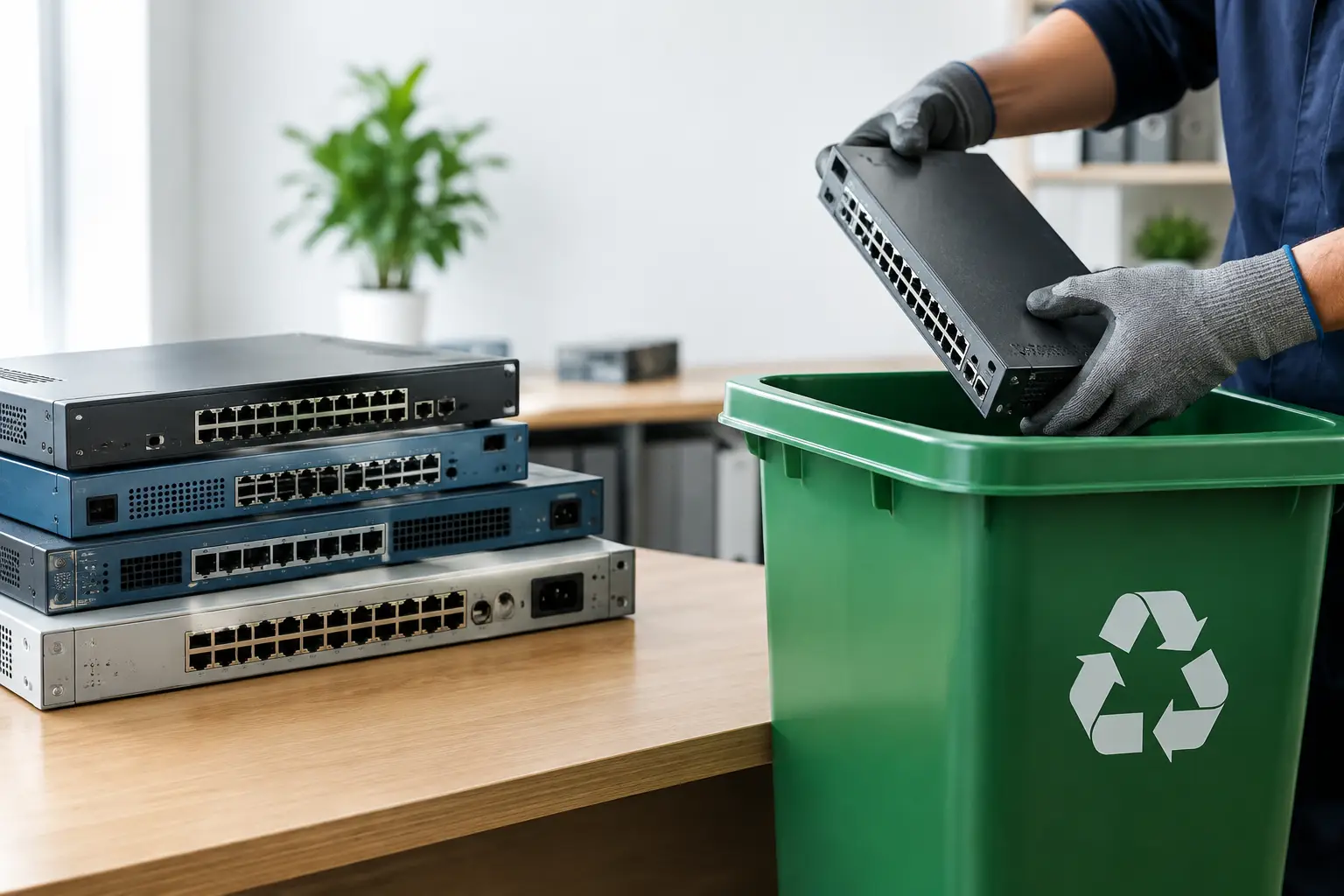
Small businesses often focus on employee laptops while overlooking the equipment in the comms room. Servers, network-attached storage units, firewalls, routers, switches, and backup appliances can retain sensitive configuration data, credentials, logs, and stored files.
Servers and storage arrays can contain multiple drives, so they require asset verification before collection. Each drive should be accounted for, not simply assumed to have been removed. Network equipment may not hold files in the traditional sense, but saved configurations can reveal Wi-Fi passwords, VPN details, IP addresses, and administrative credentials. These devices should be reset appropriately and handled by a provider that understands business IT equipment.
Printers, copiers, and multifunction machines
Office printers and copiers are regularly missed during an IT clear-out. Many multifunction printers have internal memory or hard drives that retain scanned documents, print jobs, fax records, and address books. In some offices, they may have processed invoices, contracts, employee documents, or customer information for years.
Before a device leaves the premises, check its model and configuration. Some machines support an internal data erase or storage overwrite function. Others may need their internal drive removed and securely wiped or destroyed. This is a practical step that can prevent an otherwise careful office move or upgrade from leaving a data gap.
Security cameras, DVRs, and smart devices
Digital video recorders, network video recorders, smart doorbells, cameras, and certain smart home devices may store recordings, account details, Wi-Fi credentials, or device histories. Older DVRs are particularly easy to forget because they are often installed out of sight and remain in place until a property renovation or security upgrade.
These devices should be removed from associated accounts, reset where possible, and checked for internal storage. The same approach applies to smart speakers, media boxes, and connected home hubs that may retain account access or network information.
A Safer Disposal Process for Homes and Businesses
The right process begins before collection day. Separate devices that contain data from general accessories and clearly identify anything that needs special handling. For a business, prepare a basic asset list with device type, brand, model, serial number if available, and the department or user responsible for it. This does not need to be complicated, but it makes verification much easier.
Back up any files you still need before handing over a device. Then remove personal or business accounts where possible, including email, cloud storage, mobile device management, and activation locks. Do not delay disposal simply because a device is broken or will not switch on. That is often when a professional assessment of its storage media is most valuable.
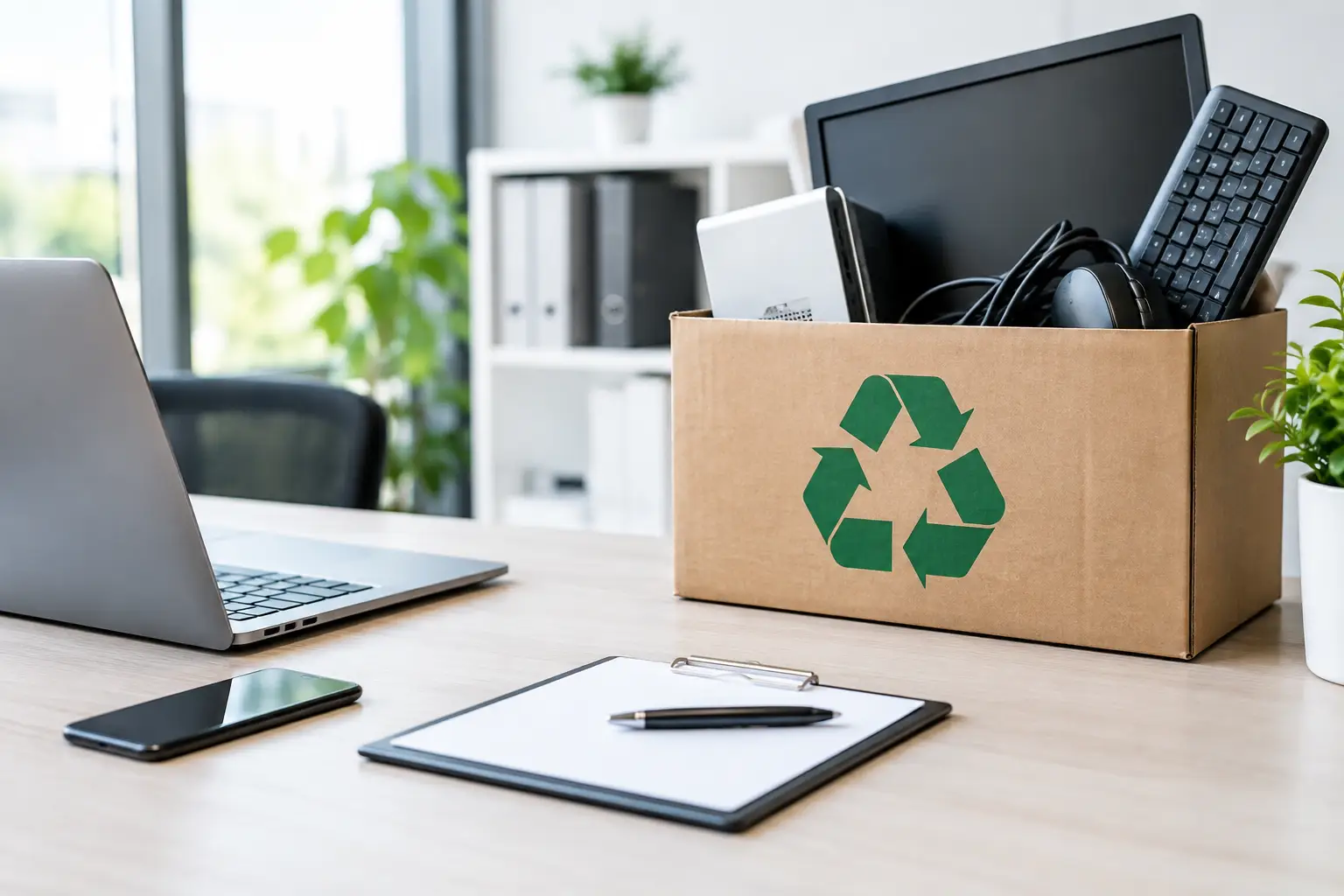
At pickup, look for clear proof that the equipment has been collected. Documented pickup records help households confirm where their devices went and help businesses maintain an audit trail for retired IT assets. For higher-risk equipment, ask how the provider handles data wiping, failed drives, and onward recycling. A responsible answer should be specific, not vague.
When Wiping Is Enough and When Destruction Makes Sense
Data wiping and physical destruction serve different needs. Secure wiping can be a good fit for functioning drives that may be reused or recycled after data removal. It supports a more resource-conscious outcome because usable equipment or components may have further value.
Physical destruction is often preferred when a drive is damaged, cannot be reliably accessed, contains highly confidential material, or falls under internal company policy. It can also be appropriate for drives from servers, finance systems, HR machines, or devices used by senior staff. There is no one-size-fits-all rule. The decision should reflect the device condition, the sensitivity of its information, and the level of documentation your organization needs.
MYPC2U helps households and businesses arrange convenient collection for unwanted electronics while treating data-bearing equipment as IT assets, not generic scrap. That distinction matters when the item being removed is a phone, a drive, a server, or a copier that once held information you were responsible for protecting.
Before the next office refresh, home move, or storage-room cleanup, take a closer look at the equipment you are about to let go. A secure, documented disposal process turns an uncertain handoff into a responsible final step for the technology that supported your work and daily life.



Leave a Reply