

An old laptop left in a storeroom can be more than clutter. It may still hold staff records, customer details, saved passwords, financial files, or access to cloud accounts. That is why an office IT disposal checklist should begin well before anyone loads equipment into a vehicle. A careful process protects your information, keeps your asset records accurate, and gives your team a clear path for removing unwanted technology responsibly.
For small and mid-sized businesses, disposal is often triggered by an office move, a hardware refresh, a staff change, or the discovery of equipment that has been sitting unused for years. Whatever the reason, treating old IT assets as ordinary waste creates avoidable risk. The goal is simple: know what you have, secure the data, arrange accountable collection, and retain the records.
Start Your Office IT Disposal Checklist With an Inventory
Before disposal, gather devices in one designated area and create a basic inventory. This does not need to become a complex audit. A spreadsheet or asset list with the device type, make, model, serial number, assigned user if known, and condition is usually enough to establish control.
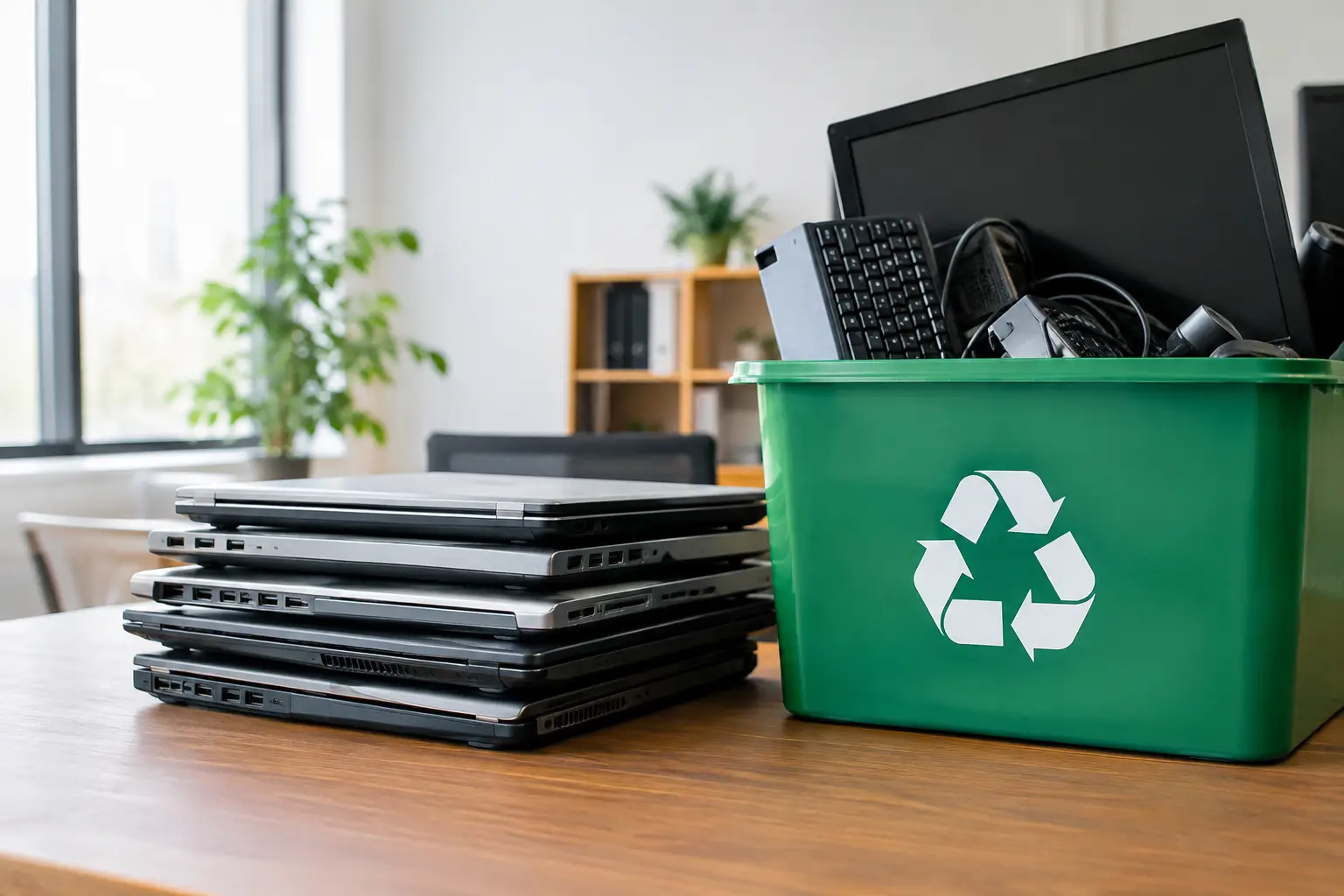
Include obvious equipment such as desktop computers, laptops, monitors, servers, printers, and mobile phones. Do not overlook the items that often contain data or business settings: external hard drives, USB drives, network switches, routers, Wi-Fi access points, tablets, docking stations, backup devices, and old point-of-sale equipment.
The inventory serves two purposes. First, it helps prevent a useful asset from being discarded by mistake. Second, it gives your business a record of what left the office. If your company has an internal asset register, reconcile the list before collection so retired devices are clearly marked and no longer appear as active equipment.
Separate Reusable Equipment From End-of-Life Items
Not every retired device has reached the end of its useful life. A recent laptop with a damaged screen, for example, may be repairable or suitable for redeployment after inspection. A server that is too old for production use may still contain valuable drives that require separate handling.
Create three practical groups: equipment to retain or redeploy, equipment for resale or donation if appropriate, and equipment for responsible recycling. Keep the final decision with an authorized manager or IT representative. This small step reduces the chance of disposing of equipment that still has operational or financial value.
Identify Every Place Data May Be Stored
The biggest disposal mistake is assuming data only exists on a computer’s main drive. Information may be stored locally, in removable media, within printer memory, on phone storage, or on a network appliance that has saved configuration files and credentials.
Ask the person responsible for IT to review each item category. Laptops and desktops commonly contain internal SSDs or hard disk drives. Servers may contain several drives in RAID configurations. Multifunction printers can retain scanned documents and print jobs. Phones and tablets may hold emails, files, authenticator apps, and saved business contacts.
Cloud-based businesses still need to take this seriously. Cloud applications reduce the amount of data held locally, but they do not eliminate it. Browser sessions, synced folders, locally downloaded reports, cached emails, and encrypted credentials can remain on a device.
Back Up What Must Be Kept
Confirm that required business records have been moved to approved storage before wiping or destroying anything. This is especially relevant when retiring a departing employee’s laptop or an older server with archived projects.
Check retention requirements with the relevant team. Accounting, HR, legal, and operations may have different obligations. Disposal should never become an accidental records-deletion exercise. Once the backup is verified, remove the device from active services, sign out of business accounts, and revoke or rotate access where necessary.
Choose the Right Data Sanitization Method
Data protection is not a one-size-fits-all decision. The appropriate method depends on the device, the storage type, the sensitivity of the information, and your internal policy.
For many working devices, secure data wiping is a practical option because it removes recoverable data while allowing the equipment to proceed for reuse or recycling. A documented process, such as DoD 5220.22-M 3-pass data wiping where appropriate, provides more assurance than a simple file deletion or a quick factory reset.
Physical drive destruction may be the better choice for failed drives, highly sensitive information, or media that cannot be reliably wiped. However, destruction should be planned, recorded, and matched to the actual storage media. Solid-state drives, hard drives, and removable media do not all respond to the same approach.
Avoid handing devices to an informal collector with the expectation that data will be handled later. Once equipment leaves your control without a clear process, it becomes far harder to prove what happened to the information on it.
Prepare Devices for Collection
After the inventory and data decision are complete, prepare equipment for pickup. Remove personal items, paper records, and detachable accessories that your business intends to keep. Disconnect cables, but keep power adapters with laptops or specialized equipment if they are part of the asset being recycled.
For phones and tablets, remove SIM cards and memory cards where applicable. For network equipment, make sure configuration backups have been completed before resetting devices. Label boxes or groups of equipment if your inventory uses asset numbers, particularly when disposing of multiple similar laptops or monitors.
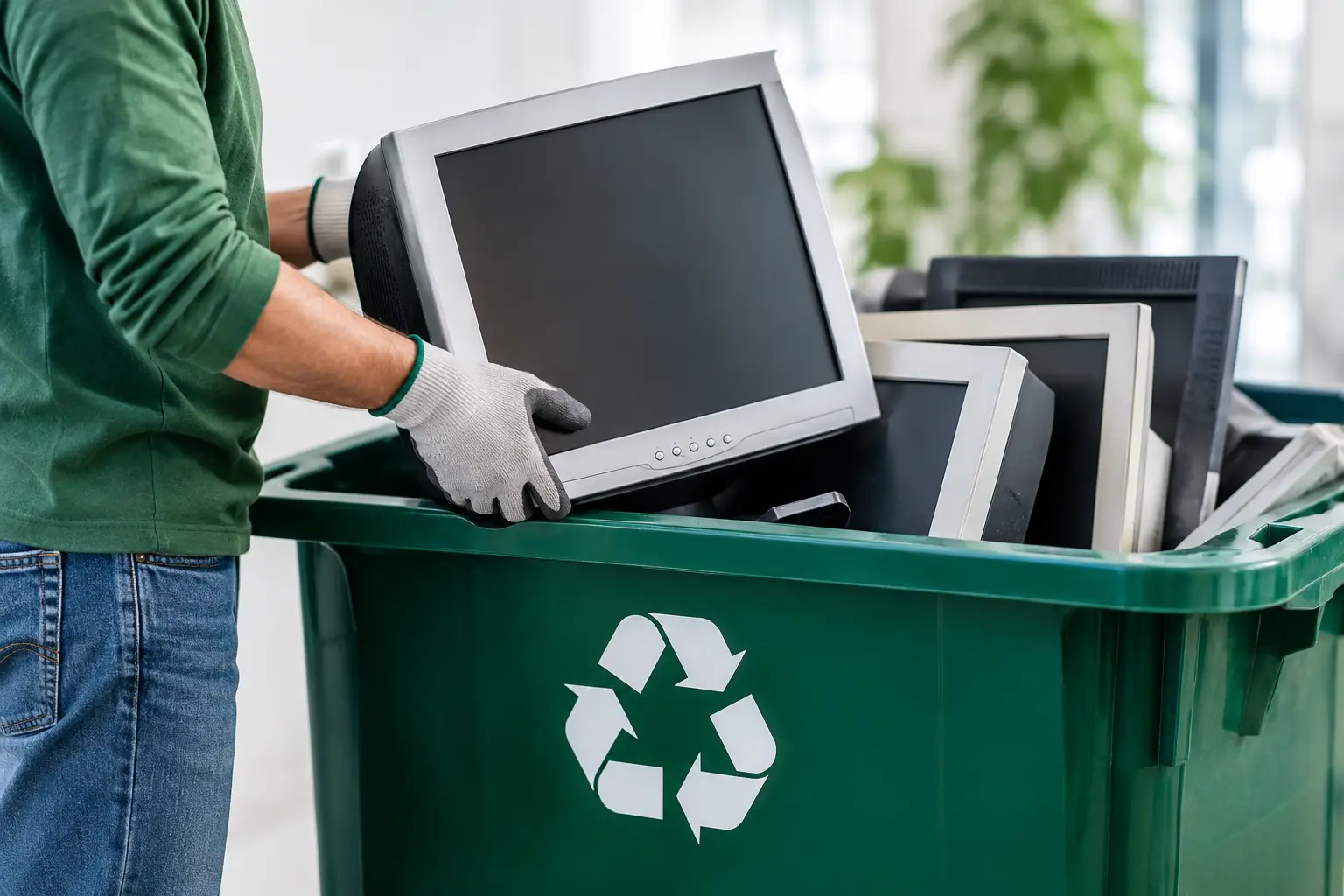
Do not stack heavy equipment on screens or pack loose devices where they can be damaged in transit. A professional collection provider can advise on safe staging, especially for bulky servers, printers, or large quantities of office equipment.
Confirm Documentation Before Pickup
A responsible office IT disposal process should leave a paper trail. Before collection, ask what records will be provided and make sure they align with your business needs. At minimum, retain your asset list and proof that the equipment was collected.
Depending on the scope of work, documentation may also cover data wiping, drive handling, asset verification, and downstream recycling coordination. The level of detail should reflect the risk involved. A few old monitors may need a simple collection record, while a batch of employee laptops or decommissioned servers deserves more detailed tracking.
This documentation helps with internal accountability, asset-register updates, and questions from management or auditors. It also gives office managers confidence that equipment did not simply disappear into an unknown disposal stream.
Use a Collection Partner That Understands IT Assets
Convenience matters, but pickup alone is not enough. The provider should understand that a retired computer is both electronic waste and a potential data-security concern. Look for clear communication about accepted equipment, secure handling, collection records, data wiping options, and how materials are directed for responsible processing.
MYPC2U supports businesses with scheduled pickup, IT asset verification, documented collection, and secure handling for devices ranging from laptops and phones to servers and network equipment. For offices in Kuala Lumpur and Selangor, on-site collection can remove the burden of arranging transport for bulky or sensitive equipment.
It is reasonable to ask questions before booking. Clarify whether the provider can handle your device types, how data-bearing media will be managed, what documentation you will receive, and whether any equipment needs special preparation. A trustworthy provider should be comfortable explaining the process in plain language.
Keep Disposal From Becoming a One-Time Cleanup
The best office IT disposal checklist becomes part of your regular asset lifecycle, not a rushed project once storage space runs out. Set a simple trigger for retiring equipment, such as a hardware refresh, employee exit, lease end, or device failure. Assign one person or team to maintain the asset list and approve final disposal.
A quarterly review can prevent old phones, drives, and laptops from accumulating in drawers and cabinets. It also makes secure disposal easier because devices are handled while ownership, passwords, and business purpose are still known.
When your office is ready to clear out retired technology, start with the inventory rather than the loading dock. A few organized steps now can protect your business data, simplify your records, and make responsible recycling a routine part of running the office.



Leave a Reply