

A retired laptop in a closet may be inconvenient. A retired server, office printer, or box of employee phones can become a real logistics problem. When comparing electronics pickup versus drop off, the best choice is not always the quickest-looking one. It depends on what you are disposing of, where the equipment is located, and whether the devices hold personal or business information.
For households, a nearby drop-off point can work well for a few low-risk items. For offices and businesses, pickup is often the safer and more practical route because it reduces handling, creates a clearer chain of custody, and avoids asking staff to transport equipment in personal vehicles. The right decision starts with more than convenience. It starts with understanding what is at stake.
Electronics Pickup Versus Drop Off: The Real Difference
Drop-off recycling means you bring unwanted electronics to a recycling location, collection event, retailer, or disposal center. You are responsible for packing the equipment, transporting it safely, unloading it, and confirming what happens after it is accepted.
Pickup recycling brings the collection process to your home or workplace. A service provider schedules a collection, removes the agreed equipment, and records the handover. Depending on the provider and the device type, pickup may also include support for data wiping, hard drive handling, IT asset verification, and documented collection records.
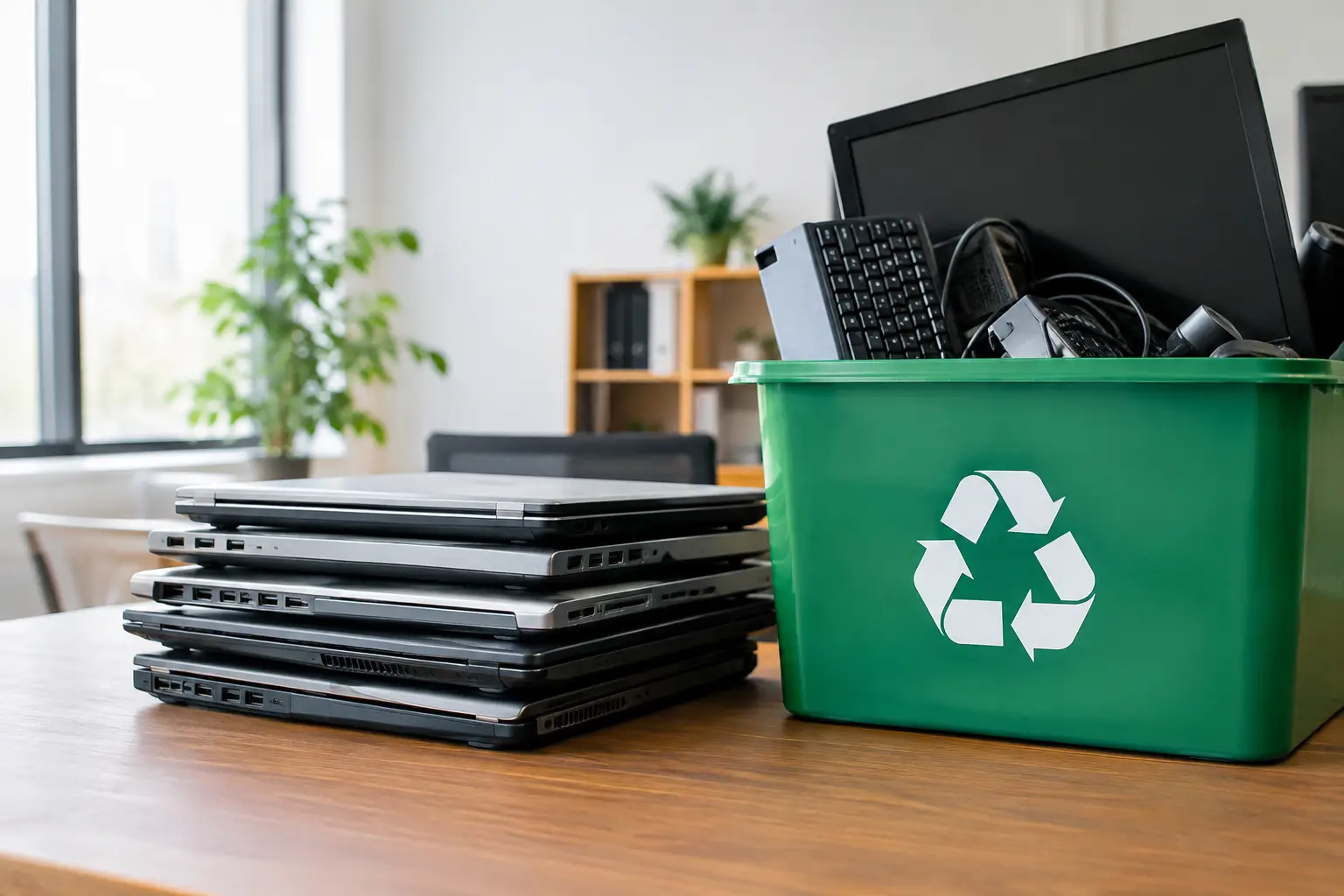
Neither method is automatically better in every situation. A single old keyboard or a non-working household radio does not necessarily need a scheduled collection. But the equation changes quickly when there are multiple computers, monitors, network devices, storage drives, batteries, or heavy office equipment involved.
The logistics are different
Drop-off requires time, transport space, and physical effort. Monitors can be awkward, desktop computers are heavier than they look, and old printers may leak toner or take up much of a car trunk. If an office has dozens of devices, someone must also organize the inventory, load the equipment, make the trip, and verify that every item arrived.
Pickup shifts that burden away from the customer. This is especially useful when equipment is stored across several offices, in a server room, or in an upper-floor workspace with limited access. A planned pickup allows the team to prepare the equipment in one place and hand it over without disrupting normal operations.
For Kuala Lumpur and Selangor businesses, local traffic and parking constraints can make a self-managed disposal trip less simple than it first appears. The time spent coordinating transport can exceed the apparent savings from choosing drop-off.
Data security is often the deciding factor
Most people recognize that laptops and phones hold data. Fewer people think about the information left on desktop computers, external drives, network-attached storage, servers, printers, and photocopiers. Saved passwords, invoices, client files, employee records, email archives, and scanned documents may remain accessible long after a device is no longer in use.
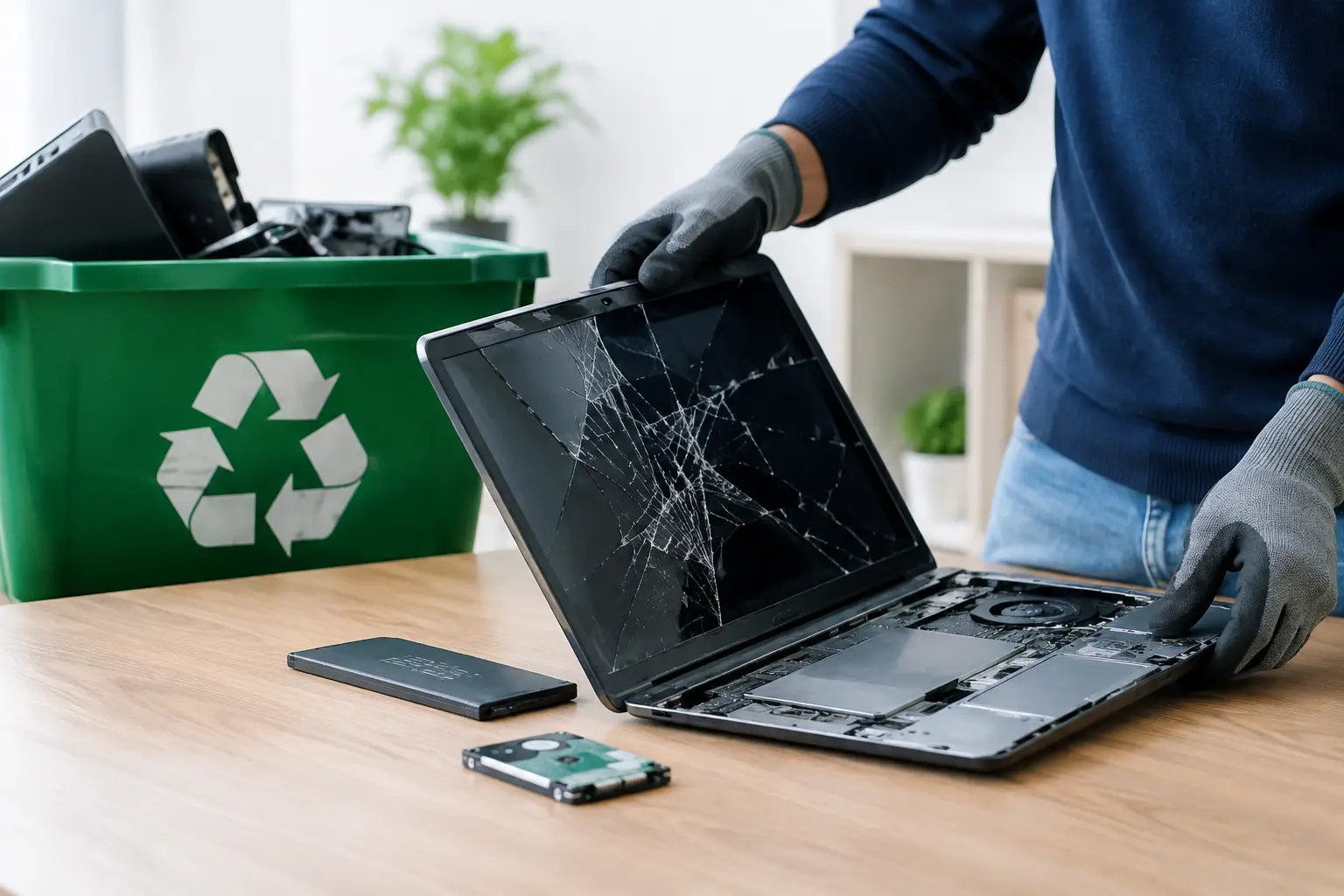
With drop-off, you need to be comfortable managing data protection before the equipment leaves your possession. That may mean removing storage devices, performing a verified erase, resetting mobile devices, or arranging separate destruction support for failed drives. Simply deleting files or formatting a drive is not a reliable method of removing recoverable information.
A professional pickup service can provide a more controlled handover for data-bearing assets. MYPC2U supports secure data wiping using a DoD 5220.22-M 3-pass process where appropriate, along with hard drive destruction support for devices that cannot be wiped or are no longer functional. The practical benefit is accountability: you know who collected the equipment, when it was collected, and what handling process was arranged.
That does not mean every household device requires the same level of service. A basic, factory-reset tablet may pose a lower risk than a company server. Still, it is worth treating every storage device as if it contains information until it has been checked properly.
When Drop Off Makes Sense
Drop-off can be a sensible choice when the volume is small, transportation is easy, and the devices do not contain sensitive data. For example, a household might have a few cables, an old mouse, a damaged keyboard, or a small consumer electronic item that can be safely carried to an approved collection point.
It may also suit people who have already completed their own data-clearing process and can confirm that storage drives have been removed or securely erased. In that case, the key question becomes whether the destination accepts the specific item. Not every location accepts batteries, large monitors, printers, or mixed electronic waste, so checking accepted categories before leaving home prevents a wasted trip.
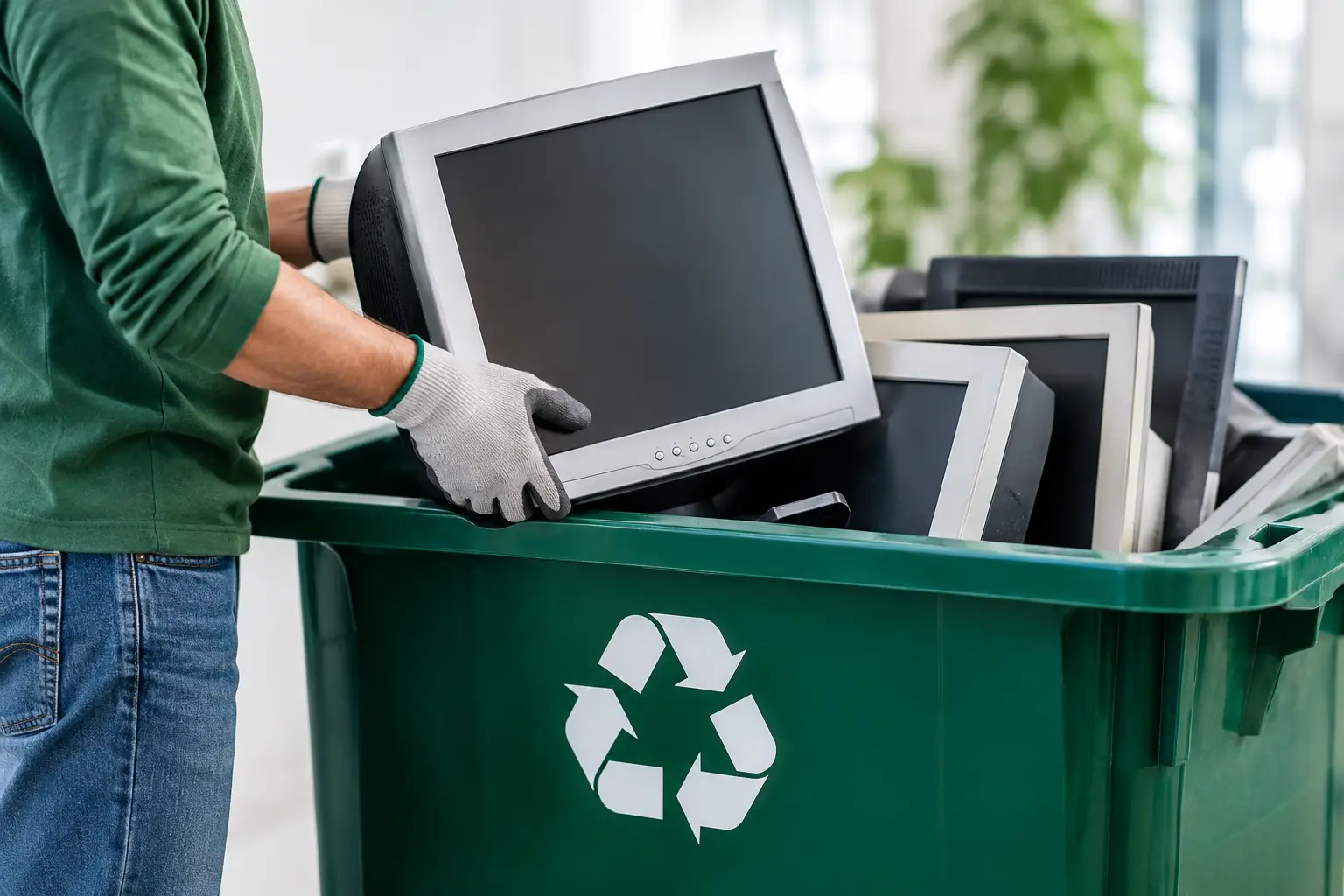
Drop-off is less attractive when an item is bulky, fragile, or difficult to move. Older CRT monitors, multifunction printers, desktop towers, and server equipment can be damaged in transit or become a safety issue during loading. It is also a poor fit when there is no clear record of what was handed over, particularly for business-owned assets.
When Pickup Is the Better Choice
Pickup becomes the stronger option when convenience and responsibility need to work together. Businesses replacing laptops, clearing a storeroom, relocating offices, or retiring aging network equipment usually benefit from an organized collection. Instead of assigning employees to make multiple disposal trips, the business can schedule one handover and keep operations moving.
It is also helpful for households with several devices or larger items. An old desktop, monitor, printer, phone collection, and pile of cables may not sound like much until it is time to fit them in a vehicle. Pickup removes the need to borrow a larger car, carry awkward loads, or guess whether a facility will take everything.
Documentation is another meaningful advantage. For business equipment, a documented pickup record helps demonstrate that assets were removed from the premises responsibly. This can support internal IT records, office closure checklists, and basic audit needs. If the equipment includes company data, documented collection is part of a more defensible disposal process than leaving devices with an informal collector.
Pickup is not always free, and it may require a minimum quantity, scheduled time slot, or service area confirmation. Those are reasonable trade-offs to consider. The value is not just that someone carries the equipment away. It is that the collection is planned, traceable, and handled by a provider that understands IT assets.
What to Check Before Choosing Either Option
Before arranging pickup or loading a car for drop-off, separate your equipment into broad categories. Identify data-bearing devices such as computers, laptops, phones, servers, external drives, and network storage. Then identify non-data equipment such as monitors, cables, keyboards, power supplies, and small office electronics.
For data-bearing devices, ask whether the equipment still works, whether it has been signed out of company use, and whether the data has been properly addressed. Businesses should also check for asset tags, remove devices from management systems where required, and confirm that no equipment is being retained for legal, financial, or operational reasons.
For both pickup and drop-off, get clarity on these practical points:
- Which devices and quantities will be accepted.
- Whether data wiping or drive handling is available for relevant equipment.
- How the handover will be documented.
- Whether the provider coordinates responsible downstream recycling.
These questions help separate a professional recycling process from a simple removal service. The lowest-cost option may not be the best value if it leaves uncertainty about data, custody, or where the equipment eventually goes.
Avoid the Informal Collection Trap
It can be tempting to hand old electronics to anyone offering fast removal. The problem is that informal collectors may focus on parts with resale value and leave behind low-value materials, damaged items, or equipment that requires more careful processing. They may also provide no record of collection and no assurance about how data-bearing devices will be handled.
Responsible recycling should account for the whole device, not only the components that can be sold quickly. That includes proper coordination with licensed recyclers for downstream processing and careful handling from the moment equipment leaves your premises.
For a business, the reputational risk is straightforward: if a discarded computer later turns up with recoverable client information, the fact that it was no longer useful does not remove the responsibility to have disposed of it carefully. For a household, the risk may involve personal photos, banking details, tax files, or saved account access.
Choose Based on Risk, Not Just Distance
A drop-off location may be close, but distance is only one factor. If you are disposing of a few simple items with no sensitive information, bringing them yourself can be practical. If you are managing bulky equipment, a larger quantity of electronics, or devices that may contain personal or business data, pickup usually provides the clearer path.
The best disposal decision is the one that lets you hand over old electronics with confidence: the devices are accounted for, the data has been addressed, and the next stage of recycling is handled responsibly. Before your equipment becomes clutter or a liability, set aside a little time to choose the collection method that protects both your space and your information.


Leave a Reply