
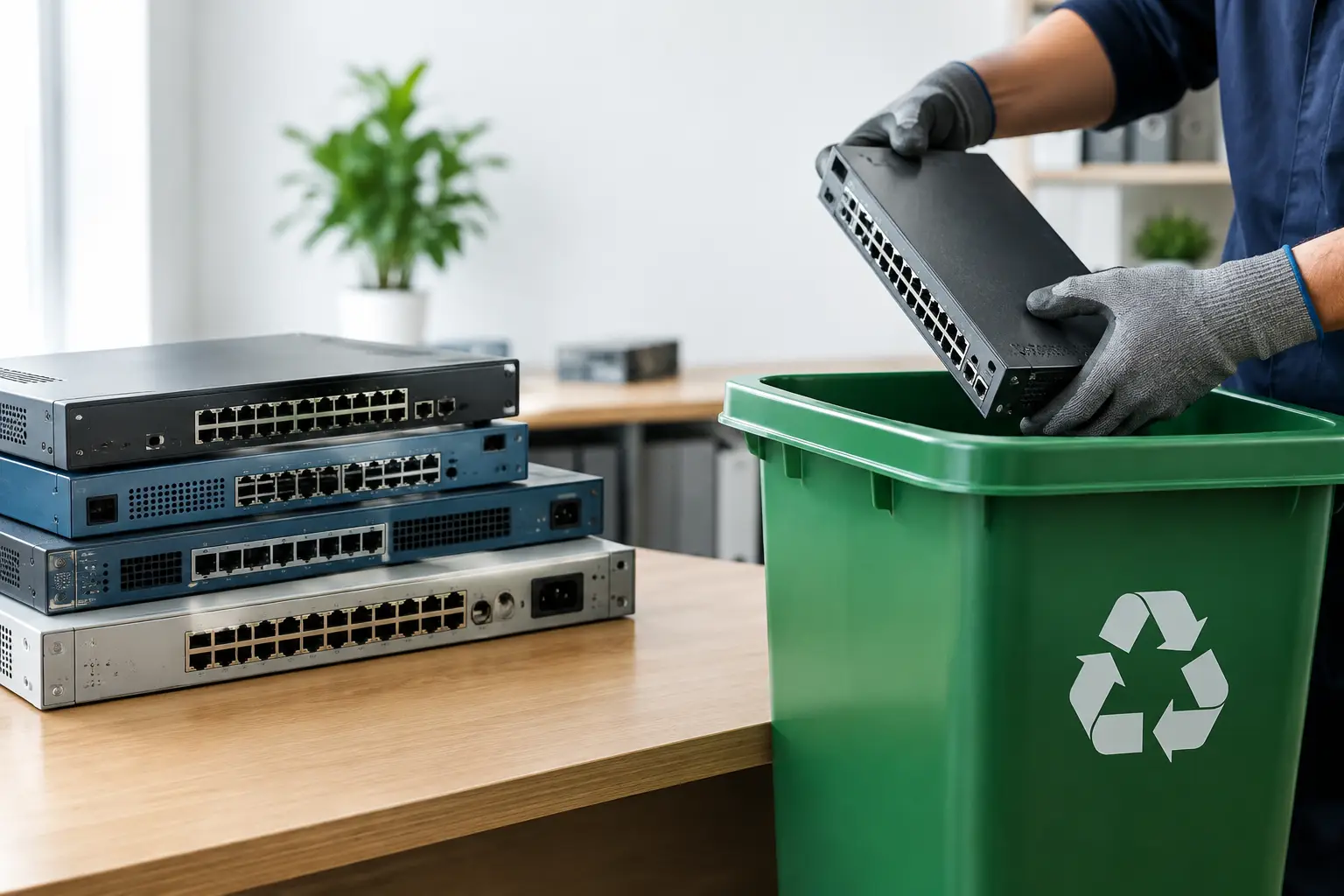
A retired firewall can hold far more than a network connection. It may contain administrator passwords, VPN certificates, saved configurations, user activity logs, IP addresses, and details about the systems it protected. That is why secure disposal for old network hardware should be treated as an IT task, not a routine clear-out.
For households, an old router may still hold Wi-Fi credentials or device details. For businesses, a stack of outdated switches, access points, servers, and firewalls can create a real security and compliance concern. The goal is not simply to remove equipment from the premises. It is to know what is leaving, protect the information it may contain, and send it for responsible downstream processing.
Why network hardware needs special handling
Network equipment is often overlooked because it does not look like a traditional data-bearing device. A laptop clearly has a hard drive. A router, switch, firewall, NAS unit, or wireless controller can be easier to dismiss as just another piece of electronics.
In reality, many of these devices store information in internal flash memory, removable storage, configuration modules, or attached drives. A firewall may retain rule sets, remote-access settings, and security logs. A managed switch can store VLAN configurations and administrator credentials. A network-attached storage device may contain complete business files, backups, and customer records.
Even when data is limited, old network hardware can reveal how an organization is set up. That information can help an unauthorized person identify systems, users, or weak points. Factory-resetting a device may be appropriate in some cases, but it is not a universal answer. The right approach depends on the device, its storage method, and the sensitivity of the information involved.
Start with an inventory before anything is removed
A good disposal process begins before pickup day. Gather equipment in one place where possible, then identify what is being retired. This gives households a clearer view of what they own and gives businesses a record of IT assets leaving the site.
For business equipment, note the make, model, serial number, asset tag, department, and whether the item is known to contain storage. It is also helpful to record the condition of each device. Equipment that is still functional may have a different reuse or recycling path from equipment that is damaged or obsolete.
Do not forget related items. Power supplies, rack accessories, network cables, adapters, UPS units, and old phones may also need responsible recycling. Keeping an inventory prevents common mistakes, such as leaving a device in a storeroom, sending the wrong unit for disposal, or losing track of equipment after an office move.
Decide how the data will be handled
The key question is not whether a device has a visible hard drive. It is whether it can retain information. Check routers, firewalls, managed switches, wireless controllers, NAS devices, servers, and any appliance used for security, backup, or communications.
Where supported by the device, secure data wiping can remove stored information before recycling or redeployment. MYPC2U provides DoD 5220.22-M 3-pass data wiping for applicable drives and devices, helping customers take a documented approach to data removal.
Some situations call for a different method. If a hard drive is faulty, inaccessible, encrypted without available credentials, or too sensitive to release for reuse, physical destruction support may be the better option. The decision should reflect the value of the data, the device condition, and your internal security policy.
A factory reset is useful for clearing everyday settings from many consumer devices, but it should not be assumed to erase every form of stored data. For business equipment, verify that configurations have been removed and that any removable drives, SD cards, USB devices, or backup media have been accounted for. If there is uncertainty, treat the device as data-bearing until a qualified process confirms otherwise.
Prepare devices without creating new risks
Preparation should be careful but practical. Do not dismantle equipment just to make it easier to discard. Opening devices can damage components, create safety concerns, and separate a storage device from the asset record that identifies it.
Instead, disconnect the equipment properly, label it if needed, and keep related accessories together. For a business clear-out, separate equipment that requires data handling from items such as keyboards, monitors, cables, and printers. This makes collection more organized and reduces the chance that a sensitive device is mixed into general electronic waste.
Before the equipment leaves, make sure your team has removed any personal items, SIM cards, removable media, or labels that should remain private. If a device is part of an active network, confirm that it has been replaced and that its removal will not interrupt internet access, phones, cameras, or other essential services.
Choose a collection partner that can account for the equipment
The easiest disposal option is not always the safest one. Informal collectors may remove electronics quickly, but they may not provide a clear record of what was collected, how data-bearing devices were handled, or where the equipment goes next.
A professional IT asset disposal process should provide confidence at each stage. That includes an agreed pickup arrangement, careful handling of equipment, data wiping or appropriate destruction support where required, and documented pickup records. For businesses, these records help demonstrate that retired assets were managed through a controlled process rather than disappearing without accountability.
It also matters what happens after collection. Responsible electronic recycling helps keep recoverable materials in circulation and prevents old devices from being treated as ordinary trash. A service provider that coordinates with licensed recyclers offers a more accountable path for equipment that has reached the end of its useful life.
What to do with common network devices
Different devices carry different levels of risk. A basic home router may only need a verified reset and responsible recycling. A business firewall, managed switch, or wireless controller deserves closer review because of its settings, certificates, credentials, and logs.
NAS devices and servers require particular care. They often contain one or more hard drives, and removing a single drive does not necessarily mean the job is complete. Confirm how many drives are installed, whether any have failed, and whether there are backup drives or media stored separately. If the files include financial information, customer data, employee records, or confidential documents, use a disposal method that matches that level of sensitivity.
For offices replacing a large number of devices, it can be useful to schedule collection after the new equipment is installed and verified. This minimizes downtime while avoiding the clutter and risk of keeping retired assets around for months.
A practical disposal checklist
Before arranging collection, make sure you can answer these questions:
- What equipment is being retired, and do you have a basic inventory?
- Which items may contain credentials, logs, files, or removable storage?
- Has each device been disconnected from active services safely?
- Is secure wiping, physical destruction support, or both required?
- Will you receive a documented record of the collected assets?
This level of preparation does not need to slow down an office move or home cleanup. It simply ensures that convenience does not come at the expense of data security.
Make space without leaving questions behind
Old network equipment has a habit of accumulating in cabinets, storerooms, and under desks because nobody wants to make the wrong call on it. A scheduled pickup turns that uncertainty into a controlled process. For households and businesses in Kuala Lumpur and Selangor, MYPC2U can collect unwanted IT equipment at your location, with secure handling and documented pickup records designed to make disposal easier to manage.
The best time to deal with retired hardware is before it becomes forgotten hardware. Set aside the equipment, identify the data risks, and arrange a disposal process you can account for with confidence.



Leave a Reply