

A retired laptop can look harmless on a shelf, yet it may still hold customer records, saved passwords, financial files, emails, and years of business activity. The real decision is not simply whether to recycle it. It is whether onsite versus offsite erasure gives you the right level of security, visibility, and convenience before that device leaves your control.
For households, this may involve a single old computer or phone. For an office, it may mean dozens of laptops, desktop PCs, servers, hard drives, and network devices collected during an upgrade or relocation. Both situations deserve a clear process that protects the data first and handles the equipment responsibly afterward.
What Onsite and Offsite Erasure Mean
Onsite erasure means the data wiping process is performed at your home, office, or designated business location. The storage drive stays on your premises while it is processed. You or a member of your team can observe the handling, confirm the equipment being worked on, and retain direct oversight until the wipe is complete.
Offsite erasure means devices are collected, recorded, and transported to a controlled processing location, where the data wiping is completed. This option is often practical when there are many devices to process, when workspaces are busy, or when equipment needs to be sorted, tested, and prepared for responsible downstream recycling.
Neither approach is automatically better. The right choice depends on the type of data involved, the number and condition of devices, your internal policy, and how much operational disruption your team can accommodate.
Onsite Versus Offsite Erasure: The Key Differences
The biggest difference is visibility. With onsite erasure, you can see the devices remain at your location throughout the wiping process. For organizations handling highly sensitive records, that direct observation can provide confidence and help meet internal requirements around data control.
Offsite erasure places more weight on process discipline. A professional provider should identify the equipment at pickup, maintain clear handling records, transport it securely, and provide documentation of the work completed. When those safeguards are in place, offsite processing can be a sensible option for larger collections or businesses that need a more efficient workflow.
The decision should not be based on location alone. A wipe performed onsite without proper verification is not automatically safer than an offsite process supported by documented pickup, device tracking, secure handling, and clear reporting.
When onsite erasure makes sense
Onsite erasure is often a strong fit when an organization has strict rules about devices leaving the premises. This can apply to computers containing employee information, client files, payroll records, legal documents, or internal financial data.
It is also useful when a business wants specific staff members to witness the process. An office manager or IT representative can confirm serial numbers, verify which devices are being handled, and ensure that equipment is released only after the agreed work is complete.
For a small number of priority devices, onsite work may be straightforward. A few executive laptops, selected hard drives, or systems with sensitive records can be addressed without adding a complicated transport step.
There are trade-offs. Onsite work requires time, space, access to the devices, and coordination with the people responsible for them. If a large office has hundreds of devices spread across departments, processing every item onsite can take longer and interrupt normal operations.
When offsite erasure makes sense
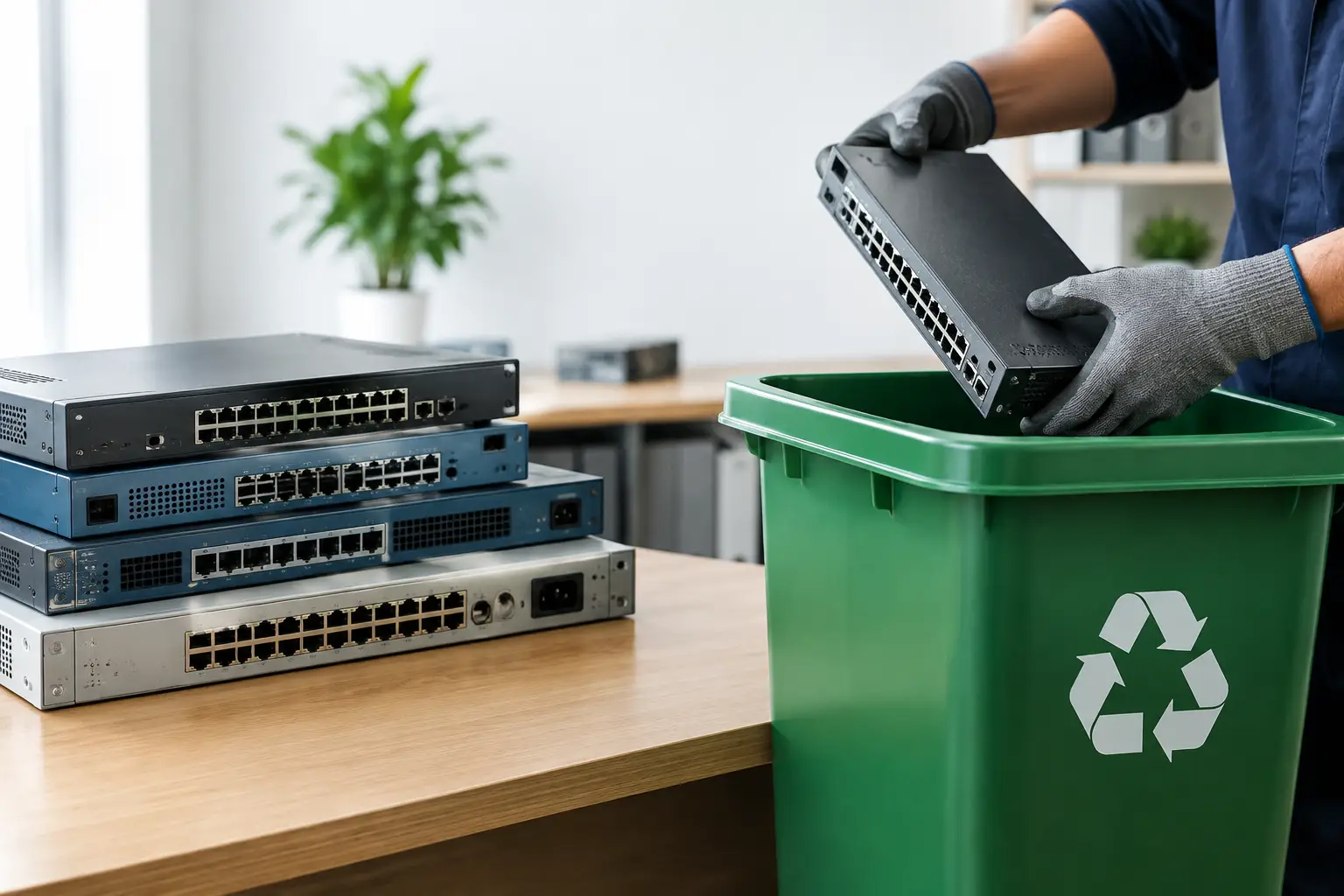
Offsite erasure is often better suited to office clear-outs, IT refresh projects, relocations, and collections involving mixed equipment. A business may have laptops, monitors, desktop towers, servers, printers, network hardware, and loose drives that all need to be removed in an organized way.
In these cases, a documented pickup can help establish a clean chain of custody from the moment devices are collected. Equipment can be counted, identified, and moved for secure processing without requiring your team to dedicate a meeting room or keep technical staff available for a long onsite session.
Offsite processing may also allow more time for sorting and verification. Some devices have damaged screens, failed power supplies, missing chargers, or drives that cannot be accessed through a normal wipe procedure. These items need an appropriate alternative based on their condition and your data protection requirements.
The key question is whether you trust the provider’s handling process. Informal collection arrangements may be convenient, but convenience without records leaves too much uncertainty about where devices go and what happens to the information stored on them.
Security Depends on More Than the Wipe Method
A secure data disposal plan begins before the erasure software starts. Devices should be identified, separated from equipment that is still in use, and handled by people who understand that an old computer remains a data-bearing asset until its storage has been properly addressed.
For hard disk drives, a verified multi-pass wiping process may be appropriate when the drive is functional and the goal is to remove data before reuse or recycling. MYPC2U can support secure data wiping using a DoD 5220.22-M 3-pass process for applicable devices, alongside documented collection and responsible recycling coordination.
However, not every storage device can be wiped successfully. Failed hard drives, physically damaged media, and certain solid-state drives may require a different handling decision. Solid-state storage manages data differently from traditional spinning hard drives, so a one-size-fits-all approach is not enough. A responsible provider should assess the media type and condition instead of treating every device as identical.
Encryption can provide another layer of protection, but it should not be used as an excuse to skip a formal disposal process. If encryption keys, recovery credentials, or stored access tokens remain available, the device may still create risk. Documentation and verification remain valuable even when devices were encrypted during use.
Documentation Is Part of Data Protection
Many businesses focus on the wipe itself and overlook the records around it. Yet documentation is what helps answer practical questions later: What was collected? When was it collected? Which department released it? Was the equipment processed as intended?
For a household, a clear pickup record provides reassurance that unwanted electronics were handed to a legitimate service provider rather than left with an unknown collector. For an office, it supports internal accountability and can make asset retirement easier to manage.
A well-run process should account for the equipment from pickup through processing. The level of detail may vary according to the job, but businesses should be able to discuss their needs before collection. If you have an asset list, serial number requirements, or devices assigned to specific teams, share that information early.
This matters especially during staff turnover, office moves, and technology upgrades, when devices can disappear into storage rooms or be passed between departments without a clear owner. A scheduled collection creates a defined handover point and reduces the chance that old equipment is discarded through an untracked route.
Questions to Ask Before Choosing a Method
Before deciding between onsite and offsite erasure, start with the sensitivity of the data. Devices holding customer information, financial records, health information, or confidential business material may justify closer oversight or additional internal approval.
Next, consider volume. A handful of laptops may be practical to handle onsite, while a large retirement project may benefit from organized collection and offsite processing. Also consider device condition. Equipment that no longer powers on, has damaged storage, or contains specialized hardware may need an assessment before a wiping method is confirmed.
Ask how the provider records the collection, how devices are transported, how exceptions are handled, and what proof is available after processing. Clear answers are more valuable than broad promises. You should know who is taking possession of your equipment and what happens if a drive cannot be wiped normally.
Finally, think about your team’s time. The most secure plan is not always the one with the most steps. It is the one your organization can follow consistently, with sensible controls and a trusted handover process.
Make the Handover Deliberate
Old electronics should not be treated as ordinary clutter. A laptop in a cabinet, a server in a storeroom, or a phone in a desk drawer may still carry information that deserves protection.
Whether you choose onsite oversight or offsite processing, set expectations before collection: identify the devices, decide how data will be handled, and keep a record of the handover. That small amount of preparation turns electronics disposal from a lingering risk into a controlled, responsible next step.




Leave a Reply