
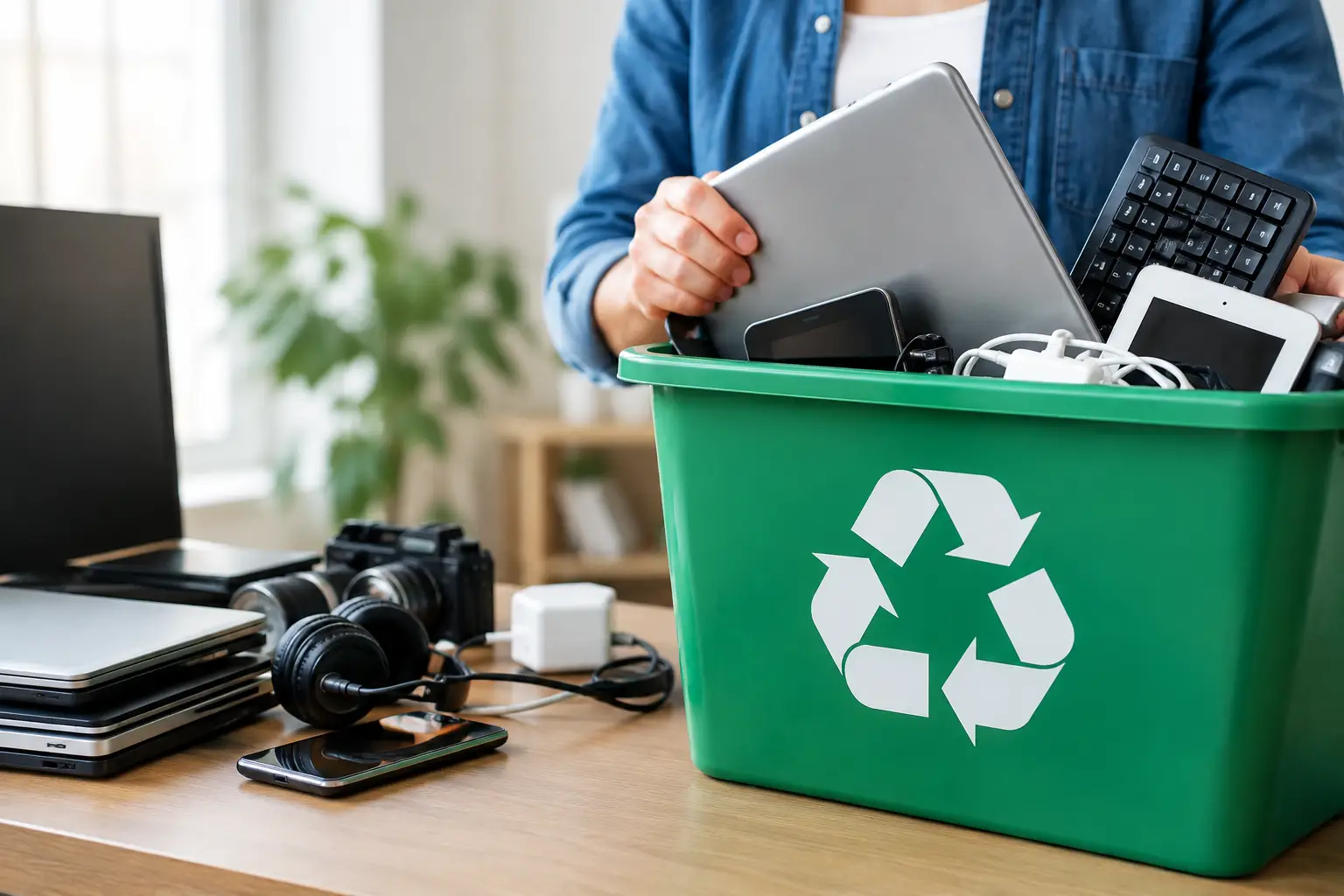
That old laptop in the closet may look harmless, but it can hold years of passwords, photos, customer records, and account details. Finding the best places to recycle old electronics is not simply about getting rid of clutter. It is about choosing a collection option that can handle equipment responsibly, protect the data inside it, and give you confidence about where it goes next.
For a single phone, convenience may be the deciding factor. For an office clear-out involving computers, servers, hard drives, and network equipment, the stakes are higher. The right recycling partner should make the process easier without asking you to compromise on data security or accountability.
What Makes an Electronics Recycling Option Worth Using?
Not every place that accepts unwanted devices offers the same level of care. A general scrap collector may be able to remove equipment quickly, but that does not automatically mean data-bearing devices are handled securely or sent through a responsible downstream recycling process.
The best option depends on what you are recycling, how much equipment you have, and whether the devices contain personal or business information. Before handing anything over, ask practical questions: Will the equipment be collected from your location? Is data wiping available? Can the provider document the pickup? Do they work with licensed recyclers for final processing?
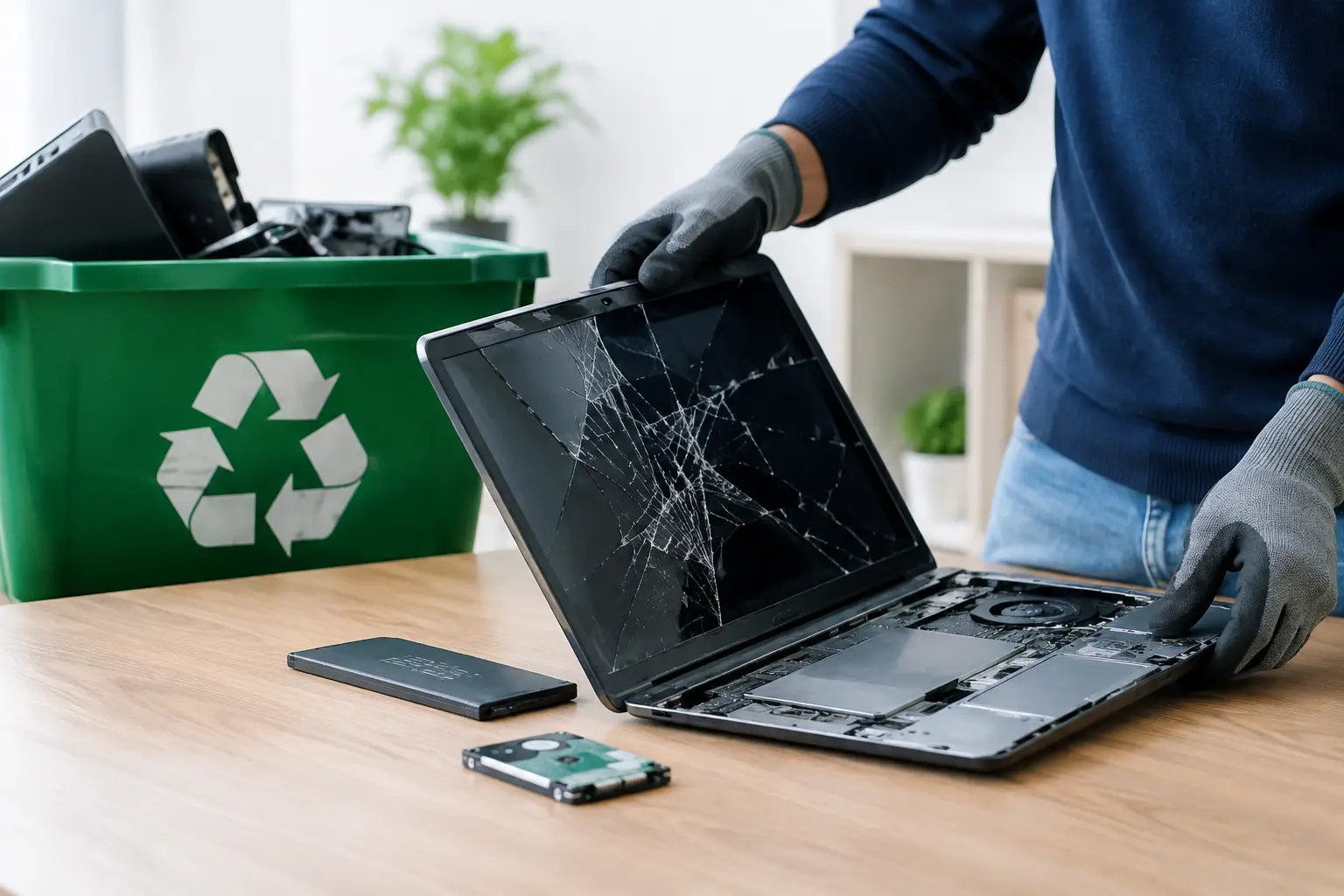
Those answers matter most for laptops, desktop computers, phones, tablets, servers, external drives, printers with internal storage, and network hardware. Even equipment that no longer turns on can contain a hard drive or other memory that needs attention.
Best Places to Recycle Old Electronics
A professional e-waste pickup service
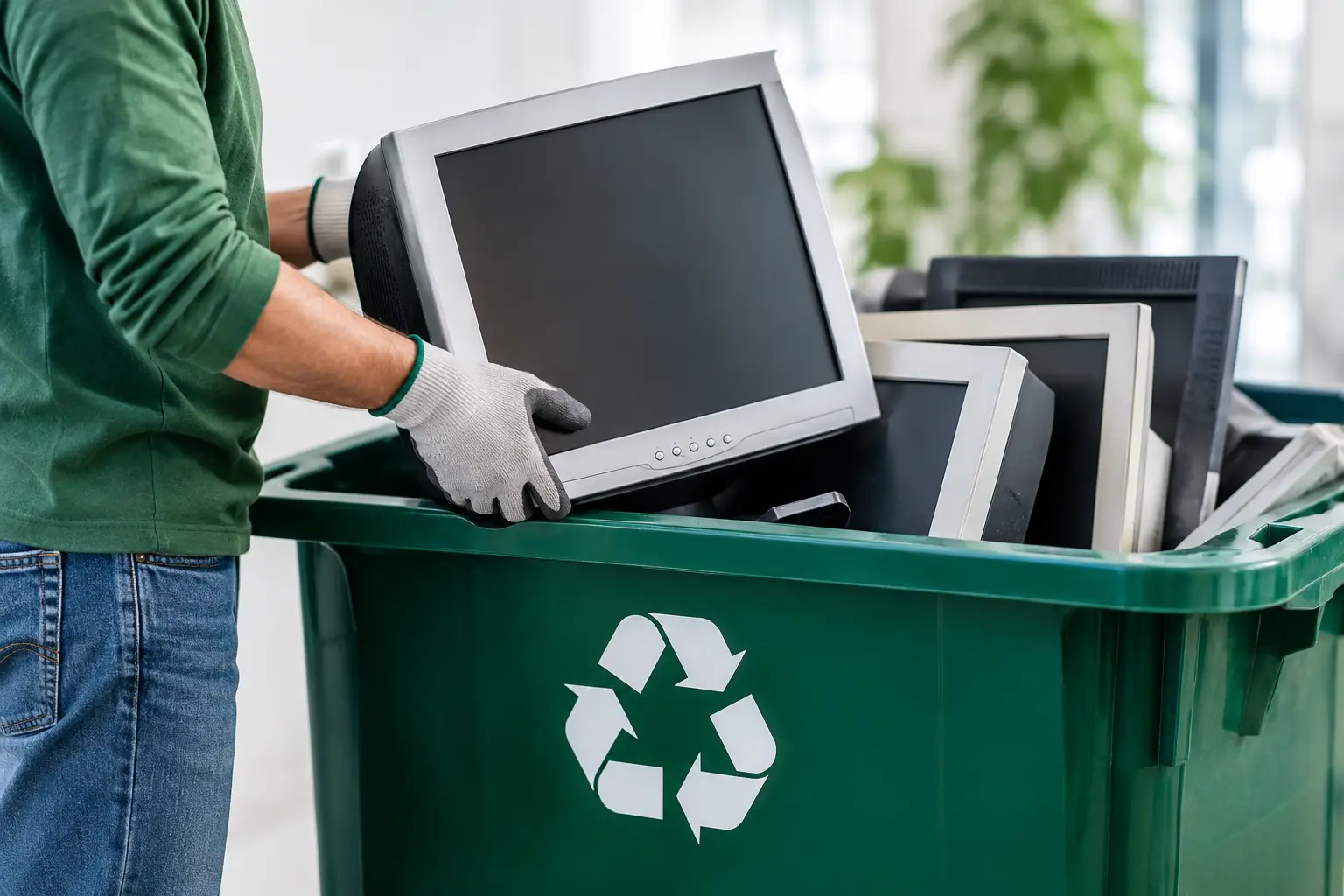
For households with several devices and businesses with outdated IT assets, an on-site e-waste collection service is often the most practical choice. Rather than loading bulky monitors, desktop towers, and office equipment into a car, you can arrange a scheduled pickup at your home or workplace.
This is especially useful when devices contain sensitive information. A professional provider can identify data-bearing equipment, coordinate secure wiping or hard drive destruction support where needed, and provide a record of collection. That creates a clearer chain of responsibility than leaving devices at an informal drop-off point.
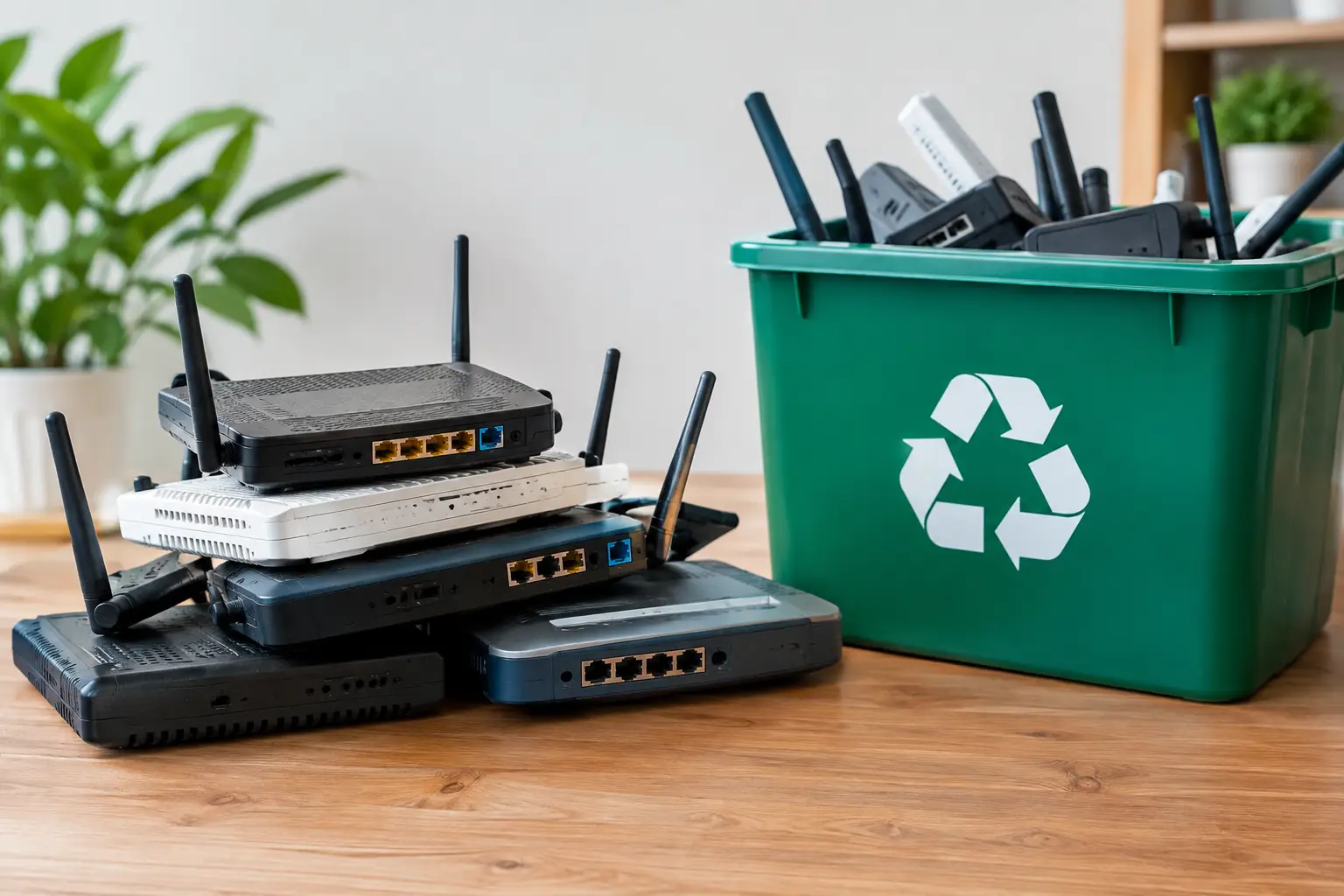
MYPC2U supports pickups for unwanted computers, laptops, phones, servers, network hardware, office equipment, and small electronic devices in Kuala Lumpur and Selangor. The service is designed for people who need practical collection combined with IT-aware handling, rather than a basic haul-away arrangement.
Manufacturer and retailer take-back programs
Some electronics manufacturers and major retailers accept selected devices for recycling or trade-in. These programs can work well for a small number of consumer items, particularly when you are replacing a phone, tablet, laptop, or printer with a newer model.
The trade-off is that accepted items, condition requirements, and data-handling practices can vary. A retailer may only take specific brands or categories, and it may not be equipped to collect old servers, networking gear, or a large volume of office technology. You will also usually need to transport the items yourself.
If you use a take-back program, erase your data first whenever possible. Sign out of accounts, remove devices from account-management tools, and perform a factory reset. For computers, a standard reset may not be enough if the device contains confidential business files or regulated information.
Municipal or community collection events
Community recycling days can be a useful option for residents who have a few common household electronics and can wait for a scheduled event. They may accept items such as cables, keyboards, small appliances, monitors, and old computers.
These events are convenient when they are nearby, but they are not always predictable. Some have limited dates, long lines, item restrictions, or volume limits. They also may not offer individual pickup records or data wiping services. For a household clearing one drawer of accessories, that may be fine. For a business disposing of multiple workstations, it is usually not enough.
Licensed recycling facilities
A licensed recycling facility can be a responsible destination for electronic equipment, especially if you can deliver the items yourself and have confirmed what the facility accepts. Proper facilities separate materials for downstream processing instead of treating electronics as ordinary garbage.
However, the recycling facility handles the final processing stage, while your immediate need may be collection, sorting, and data protection before the equipment gets there. If you are dropping off devices directly, clarify whether they accept hard drives, whether they provide proof of receipt, and what their process is for equipment that stores data.
Donation or reuse organizations
Working electronics may still have value. If a laptop, monitor, or desktop computer is safe, functional, and reasonably current, donation or refurbishment can extend its useful life. Reuse is often preferable to recycling when the device can genuinely serve another person or organization.
But donation is not a shortcut around data security. A deleted folder is not the same as securely erasing a drive. Before donating a device, remove personal files, sign out of all accounts, reset the system, and make sure storage media has been properly wiped. Businesses should also confirm that asset tags, installed software, and configuration data have been addressed before equipment leaves the premises.
How to Choose the Right Recycling Route
Start with the device type. Phones and tablets are small but highly personal. Computers, servers, and external drives can hold large amounts of confidential data. Printers, copiers, and multifunction office machines may also store scanned documents or saved jobs internally.
Next, consider volume and logistics. Carrying one old phone to a drop-off point is simple. Coordinating the removal of 20 desktop computers, monitors, cables, and network switches is a different job. Pickup-based recycling reduces handling, saves staff time, and helps keep equipment organized from collection onward.
Finally, consider the level of documentation you need. Households may only need reassurance that their equipment will be responsibly recycled. Offices often need documented pickup records, asset verification, and confirmation that data-bearing devices were handled according to an agreed process. The more sensitive the equipment, the more valuable that documentation becomes.
Prepare Electronics Before Collection or Drop-Off
A little preparation helps prevent mistakes. Keep chargers, cables, and accessories together if they belong with a specific device, but do not worry about making everything look perfect. A professional collection team can usually sort common electronics safely.
For devices that still work, back up anything you want to keep before arranging recycling. Then sign out of email, cloud storage, banking apps, and device-management accounts. Remove SIM cards from phones and tablets, and take out any removable storage cards.
For business equipment, create a basic inventory before pickup. Record the device type, asset tag, serial number if available, and whether it contains a hard drive or solid-state drive. This makes it easier to reconcile equipment later and helps prevent an old laptop or server from disappearing unnoticed during an office move or refresh.
Do not place electronics in regular trash bins. Batteries, circuit boards, screens, and other components need specialized handling. Storing equipment indoors and dry until collection is also wise, particularly for devices with rechargeable batteries.
Data Security Should Come Before Convenience
The easiest recycling option is not always the safest one. If a device has ever stored personal documents, client files, employee information, passwords, or financial data, its storage should be treated as a security concern.
A qualified IT-focused recycling provider can assess which devices need data wiping and which need physical drive handling support. At MYPC2U, DoD 5220.22-M 3-pass data wiping can be arranged for suitable drives, alongside documented pickup and coordination with licensed recycling partners. This approach gives households and businesses a more accountable alternative to handing sensitive equipment to an unknown collector.
There are situations where a factory reset is sufficient, such as a personal device being passed to a family member after careful account removal. But for a retired office laptop, failed hard drive, or decommissioned server, relying on a quick reset or an assumption that the device is broken can create unnecessary risk.
Make Disposal the Last Easy Step
Old electronics should not become a long-term storage project because disposal feels complicated. Choose a recycling route that fits the equipment, the data risk, and the effort required to move it. For a few low-risk accessories, a local drop-off program may be enough. For computers, drives, servers, or a workplace collection, secure pickup and clear records offer greater peace of mind.
The goal is simple: clear the space, protect the information, and ensure the equipment is handled responsibly after it leaves your hands.


Leave a Reply