
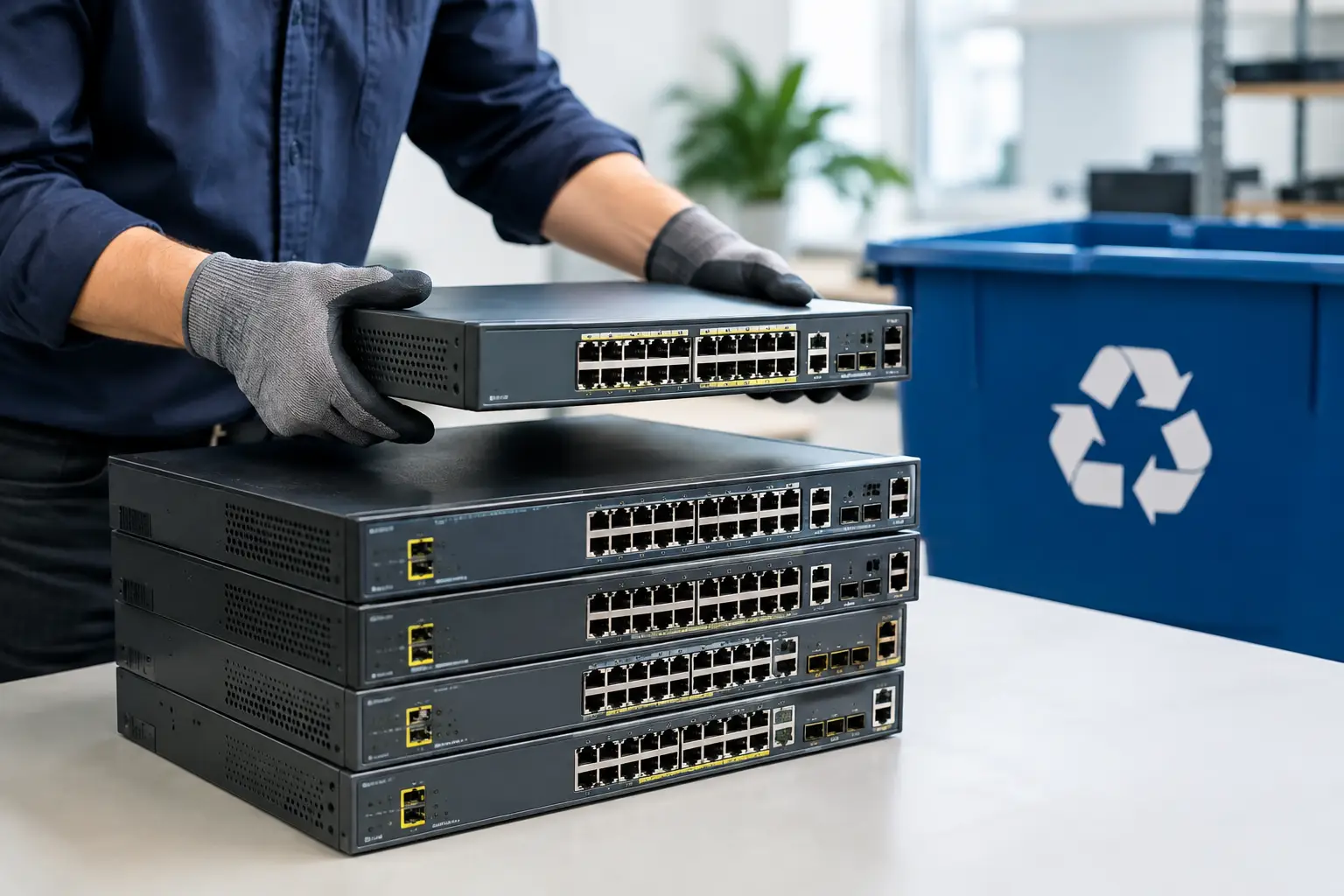
A retired network switch can look harmless beside a server or laptop, but it may still hold information that should not leave your control. If you are deciding how to dispose of network switches, start by treating them as IT assets rather than ordinary office waste. Managed switches can retain configuration files, network maps, credentials, certificates, logs, and settings that reveal how your home or business network is built.
The right disposal method depends on the switch, its condition, and whether it contains removable storage. A small unmanaged switch is usually straightforward to recycle. A rack-mounted managed switch used in an office, however, deserves a more careful process that includes asset records, configuration removal, and a documented handoff to a responsible electronics recycler.
Why Network Switch Disposal Needs More Care
Network switches do not normally store personal files in the same way as computers. That does not mean they are data-free. Managed models may hold administrator usernames, encrypted passwords, Wi-Fi or VLAN details, IP addresses, SNMP community strings, VPN information, certificates, and device logs. For a business, those records can expose details about internal systems long after the switch is unplugged.
Older switches can also have valuable parts that should stay out of the trash. Circuit boards, power supplies, fans, batteries, and metal housings need appropriate downstream processing. Throwing a switch into a general garbage bin creates both a data-handling question and an e-waste problem.
There is another practical reason to slow down: some equipment may still be reusable. A working switch with current security support can be redeployed, sold through an approved channel, or donated when appropriate. Hardware that no longer receives firmware updates, has failed ports, or does not meet your network requirements is usually a better candidate for recycling.
Identify the Type of Switch First
Before arranging disposal, check the label and make a simple record of the manufacturer, model, serial number, quantity, and condition. For business equipment, include the department, site, or rack location where it was used. This inventory does not need to be complicated, but it gives you a clear record of what left your premises.
An unmanaged switch generally has no administrative interface and limited or no stored configuration data. It still belongs in an e-waste recycling stream, but the data-security steps are lighter. A managed or smart switch needs closer attention because it may store settings in flash memory or on an attached removable module.
Look especially for rack-mounted enterprise switches, Layer 3 switches, PoE switches, firewalls with switching functions, and units with USB ports, SD card slots, or removable flash storage. Also check whether the equipment is leased, under a maintenance agreement, or owned by another party. Disposal should not begin until ownership and return obligations are clear.
Prepare the Switch Before It Leaves Your Site
The safest approach is to remove the switch from service in an orderly way rather than simply unplugging it. Save any configuration you may need for a replacement device, but store that backup in a secure location with restricted access. A configuration file can contain the same sensitive network information you are trying to remove from the retired hardware.
Once the new equipment is operating correctly, disconnect the old switch from the network. Remove patch cables, transceivers, stacking cables, power cords, rack ears, and any accessories you intend to keep. Label reusable components clearly so they are not accidentally sent for recycling.
For managed switches, use the manufacturer’s documented procedure to erase the startup configuration and return the unit to factory defaults. This is more meaningful than deleting a few settings from the dashboard. Depending on the model, you may need to erase the saved configuration, remove VLAN database files, delete cryptographic keys or certificates, and clear local user accounts before rebooting.
A factory reset is helpful, but it is not a universal guarantee. Different manufacturers store information differently, and some devices retain logs, keys, or configuration fragments in flash memory. When the switch handled sensitive business systems or you cannot verify that its storage has been cleared, use a disposal provider that understands IT asset handling and can advise on the correct next step.
Check for Removable Media and Cloud Management
Do not overlook removable items. Take out SD cards, USB drives, removable flash modules, and any other storage accessories. These should be handled like other data-bearing media. If a device includes a hard drive or solid-state drive, secure data wiping or physical destruction may be required before recycling.
Many current switches are managed through a cloud portal. Removing the physical switch is only part of the job. Sign in to the management platform and remove or unassign the device from the organization, tenant, inventory, license pool, or monitoring account. Revoke API keys, certificates, and administrator access associated with the retired unit where applicable.
This step prevents a common operational issue: a disposed device remains listed as active in the network management console, creating confusion during audits or future troubleshooting. It also helps make sure licenses and support subscriptions are not left attached to equipment you no longer control.
Decide Between Reuse, Resale, and Recycling
A switch in good condition may have a useful second life, but reuse should be assessed honestly. Consider its age, port speed, PoE requirements, firmware support, energy use, and compatibility with current security standards. A device that is functional but unsupported may cost more in risk and maintenance than it saves in purchase price.
For businesses, resale can recover some value from newer enterprise equipment, but it adds responsibility. The device must be properly cleared, tracked, and transferred through a trustworthy channel. If the resale value is low, the time spent testing, listing, packing, and managing a buyer may outweigh the return.
Recycling is often the right route for failed, obsolete, damaged, or unsupported switches. Choose a provider that handles network hardware as part of an accountable e-waste process rather than treating it as anonymous scrap. The goal is not simply to make the equipment disappear. It is to establish a clear chain of handling from collection to responsible downstream processing.
Use a Documented Pickup Process
For a household with one small switch, transporting it to an approved electronics recycling location may be manageable. For an office clearing several switches, servers, access points, and computers, pickup is usually safer and more efficient. It avoids leaving equipment in a lobby, loading dock, or unsecured storage room while staff wait for someone to collect it.
A professional pickup process should begin with an agreed collection date and an understanding of what equipment is included. At handoff, keep a record of the items collected. For business assets, this may include model details, serial numbers, quantities, and the condition of the equipment. A proof of collection helps demonstrate that your organization followed a controlled disposal process.
MYPC2U supports this kind of practical handoff by collecting unwanted network hardware and other electronic equipment, providing documented pickup records, and coordinating responsible recycling. Where data-bearing devices are involved, secure data wiping and HDD destruction support can be arranged based on the equipment and your requirements.
Avoid These Common Disposal Mistakes
The most common mistake is assuming that a switch has no sensitive information because it is not a computer. Another is relying on a quick reset without checking for saved configurations, certificates, or removable storage. Businesses also sometimes discard old network equipment without recording serial numbers, making it difficult to answer audit, insurance, or security questions later.
Avoid giving equipment to an informal collector without confirming how it will be handled. A collector may remove valuable metal and leave the rest to be processed improperly. This approach also gives you little evidence of where the equipment went or whether data-bearing components were managed carefully.
Do not place switches, power supplies, or related network equipment in regular household or office trash. Even a small device contains materials that belong in an electronics recycling stream. Keep retired equipment in a secure area until pickup or drop-off, especially when it came from a network with sensitive records.
How to Dispose of Network Switches With Confidence
For a single unmanaged switch, responsible recycling may be as simple as separating it from general waste and sending it to an appropriate e-waste provider. For managed business equipment, the process should include inventory, secure configuration removal, removable-media checks, cloud account cleanup, and documented collection.
That extra care is not bureaucracy. It is a sensible way to protect your network history, keep useful materials in the right recycling channels, and avoid uncertainty about what happened after the equipment left your site. A well-prepared handoff lets you clear aging hardware without creating a security problem for the next person who manages your network.





Leave a Reply