
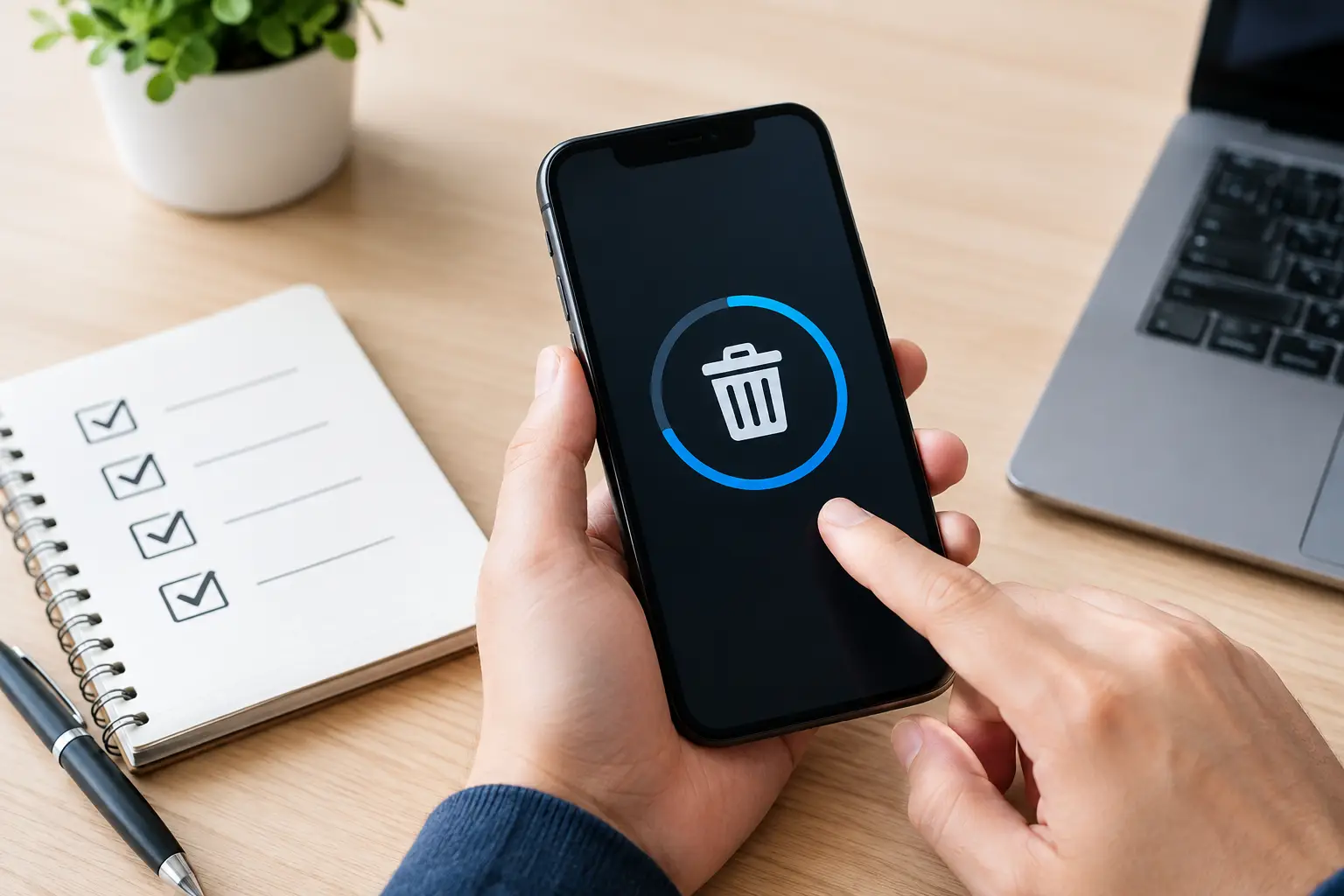
A phone that no longer powers on can still hold more than a cracked screen and an old battery. It may contain saved passwords, family photos, work email, customer contacts, banking details, authentication apps, and messages that were never meant to leave your control. A proper mobile phone data erasure review helps you assess whether a recycling provider can handle that risk responsibly before the device enters the disposal stream.
For households, the concern is usually personal privacy. For businesses, it can also involve client information, staff records, internal documents, and access to company systems. The right process is not simply handing over a phone and trusting that someone will reset it later. It should include clear handling, an appropriate erasure method, and documentation that matches the level of risk.
What a Mobile Phone Data Erasure Review Should Cover
A worthwhile review starts with the device itself. Phones do not all store data in the same way, and their condition affects what can be done. A working iPhone or Android phone that can be unlocked is generally easier to prepare for secure recycling than a damaged device with a failed screen, dead battery, or unknown passcode.
The review should establish whether the phone can be powered on, whether its owner can access it, and whether it is still tied to a personal or business account. This matters because modern mobile devices use encryption. When properly reset and removed from the associated account, many devices erase the encryption keys that protect the stored information. That can be an effective method, but only when the reset is completed correctly.
A responsible provider should also identify whether the phone is a personal device, a company-owned asset, or part of a larger batch of IT equipment. A single household phone and a box of retired staff devices may require different records, approvals, and chain-of-custody controls.
Start With the Owner’s Preparation
Secure recycling works best when the device owner takes a few steps before collection. These actions reduce the chance of account lock issues and make the erasure process more reliable.
First, back up anything worth keeping. This might include photos, contacts, notes, files, app data, or messages. Once the device has been reset or wiped, recovering that information may not be possible.
Next, sign out of the phone’s main account. On Apple devices, this means removing the device from the Apple ID and turning off Find My. On Android devices, remove the Google account and disable device protection features where applicable. If these steps are missed, activation locks can remain in place, making the phone difficult or impossible to reuse responsibly.
Remove the SIM card and, where present, any memory card. A SIM can contain contacts and account-related information, while a microSD card may hold photos or downloaded files. These items should be retained, separately erased, or physically destroyed based on the owner’s needs.
For business phones, an IT administrator may also need to remove the device from mobile device management software. Leaving a phone enrolled in an organization’s management system can create problems during redeployment, resale, or recycling. It may also indicate that the asset was never formally retired from company records.
A Factory Reset Is Helpful, but Context Matters
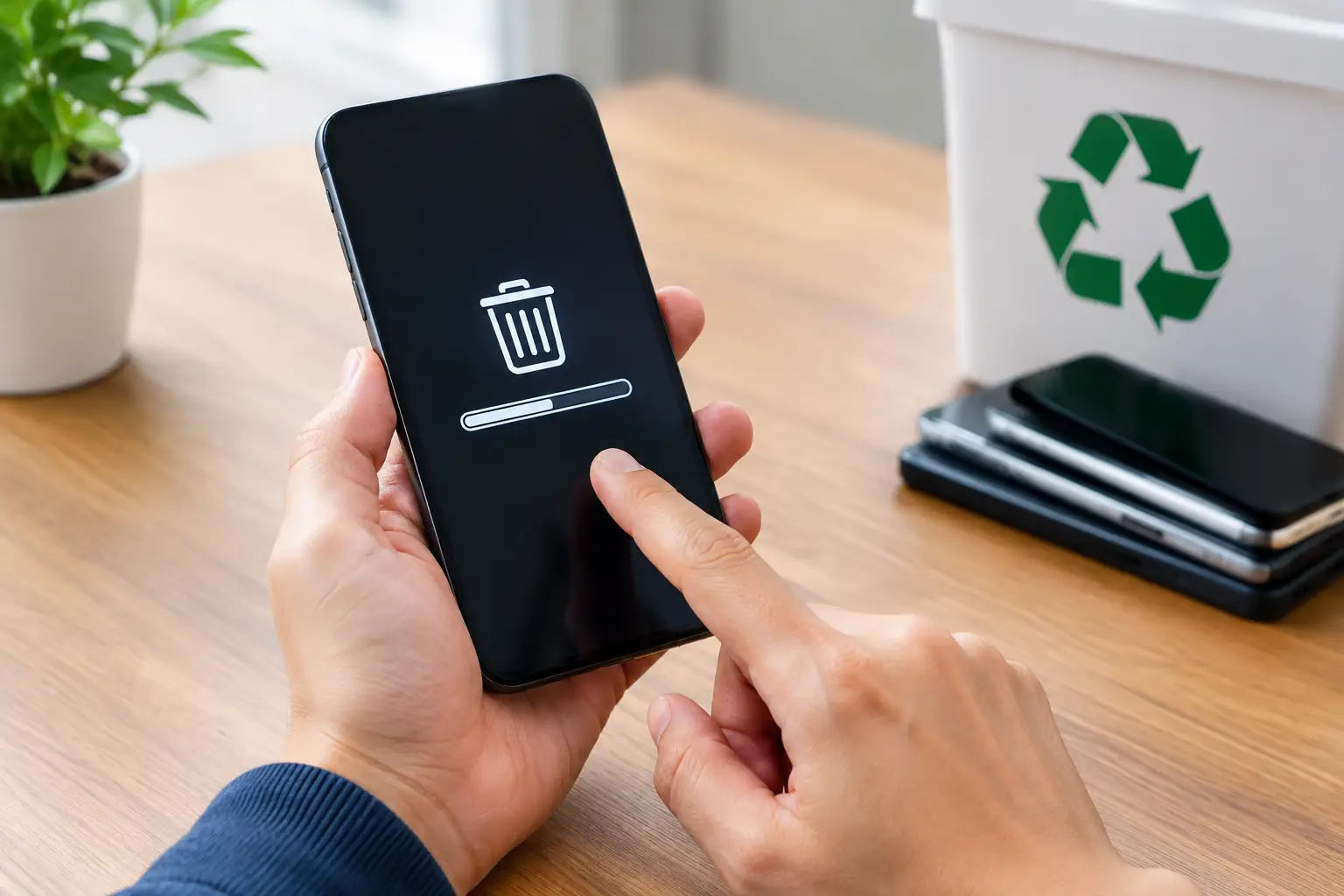
Many people assume that a factory reset always solves the data issue. Often, it is an appropriate first step for a modern, functional phone. Current smartphones typically use hardware-backed encryption, so a correctly completed reset can render prior user data inaccessible by removing the keys needed to read it.
However, a reset is not a complete answer in every situation. If the phone cannot be unlocked, cannot power on, has storage damage, or still has an active account lock, the normal reset process may not be available. Older phones can also have different storage behavior and weaker security protections than newer encrypted models.
That is where the recycling provider’s technical judgment matters. They should not promise the same outcome for every device without first considering its model, operating condition, and storage type. In some cases, secure software erasure may be appropriate. In others, physical destruction of the storage component or entire device may be the safer option.
For organizations with sensitive information, the key question is not whether a phone was “cleared.” It is whether the chosen method is suitable for the risk level and can be supported with records.
Review the Erasure Method, Not Just the Claim
Terms such as “data wiped” and “securely erased” sound reassuring, but they are too vague on their own. Ask how the provider determines which method to use and what evidence they can provide afterward.
For accessible devices, the process may involve verified device reset procedures or recognized data-wiping tools. MYPC2U also supports secure handling informed by IT asset disposal practices, including DoD 5220.22-M 3-pass data wiping where suitable for applicable storage media. While multi-pass overwriting is more commonly associated with hard drives, the broader point remains the same: the method should fit the device and be carried out in a controlled process.
For phones that cannot be securely accessed or erased through software, physical destruction may be the more defensible route. This is especially relevant for severely damaged units, devices with unknown ownership credentials, or phones previously used for confidential business activity. Physical destruction has a trade-off: it prevents reuse and reduces recovery value. But for some assets, certainty is more valuable than resale potential.
A good provider will explain this trade-off plainly rather than treating every phone as a simple resale item.
Documentation Makes Disposal Accountable
A secure process should leave a clear trail. For a household collection, proof of pickup may be enough to confirm that the devices were handed to a professional recycling service. For a business, more detailed records are usually worthwhile.
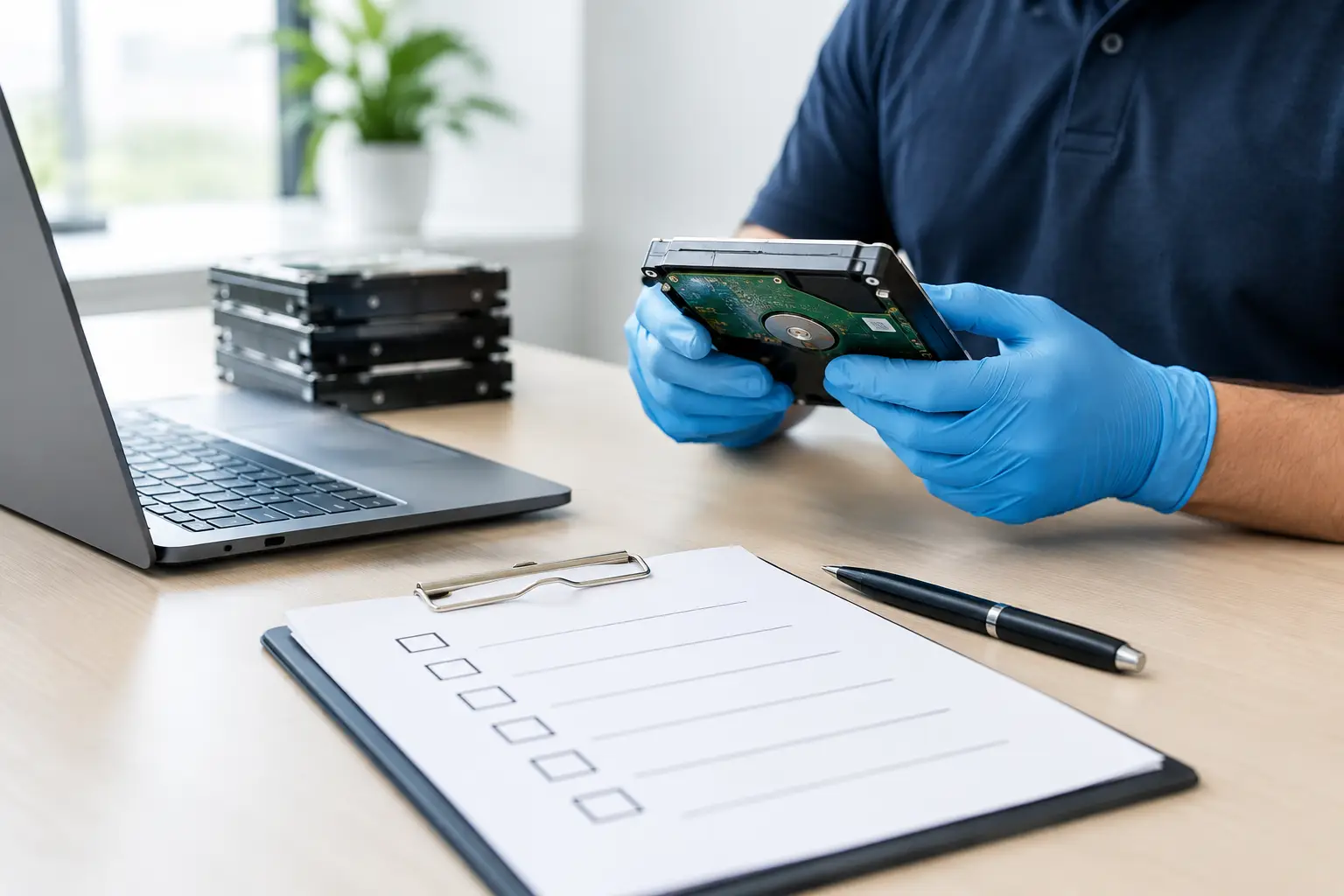
Useful documentation can include an itemized asset list, device make and model, serial number or IMEI where available, collection date, pickup confirmation, and an erasure or destruction record. The exact level of detail depends on the organization’s internal policy and the sensitivity of the information involved.
Documentation is not just administrative paperwork. It helps office managers reconcile retired assets, gives IT teams evidence for audits, and reduces uncertainty if questions arise later. If a company disposes of twenty phones after a staff refresh, it should be able to show what was collected and how the equipment was handled.
Be cautious of collectors who offer only a cash quote with no collection record, no device list, and no explanation of downstream processing. Convenience is useful, but convenience without accountability can shift the data risk back to the owner.
Check How Devices Are Handled Before Erasure
Data protection starts at pickup, not at the final wiping stage. Phones can be lost, mixed with unrelated equipment, or accessed improperly if collection is unmanaged. A professional service should use an organized pickup process, with equipment counted or recorded at handover and transferred for appropriate processing.
For businesses, it is sensible to keep retired phones in a secure location until collection. Avoid leaving them in an open storeroom, reception area, or general e-waste pile. If devices are being collected alongside laptops, servers, or network equipment, request a process that distinguishes data-bearing assets from ordinary office electronics.
Households should also avoid placing old phones in curbside bins or giving them to unknown buyers without first addressing the data and account status. A phone’s small size makes it easy to overlook, yet it can hold some of the most personal information in the home.
Questions Worth Asking Before Booking Collection
Before handing over phones, ask whether the provider can verify the collection, explain its data-erasure approach, and advise what happens when a device cannot be powered on or unlocked. For company assets, ask whether an itemized list and supporting records can be provided.
It is also reasonable to ask whether devices are assessed for reuse, secure erasure, component recovery, or destruction. Responsible recycling should balance data protection with environmental outcomes. A working, securely erased phone may be suitable for reuse, while a damaged or high-risk device may need a different path.
The best choice depends on the condition of the phone and the value of the data it once held. A clear process, documented pickup, and honest advice make it much easier to let go of old devices without carrying the risk forward.

Leave a Reply