
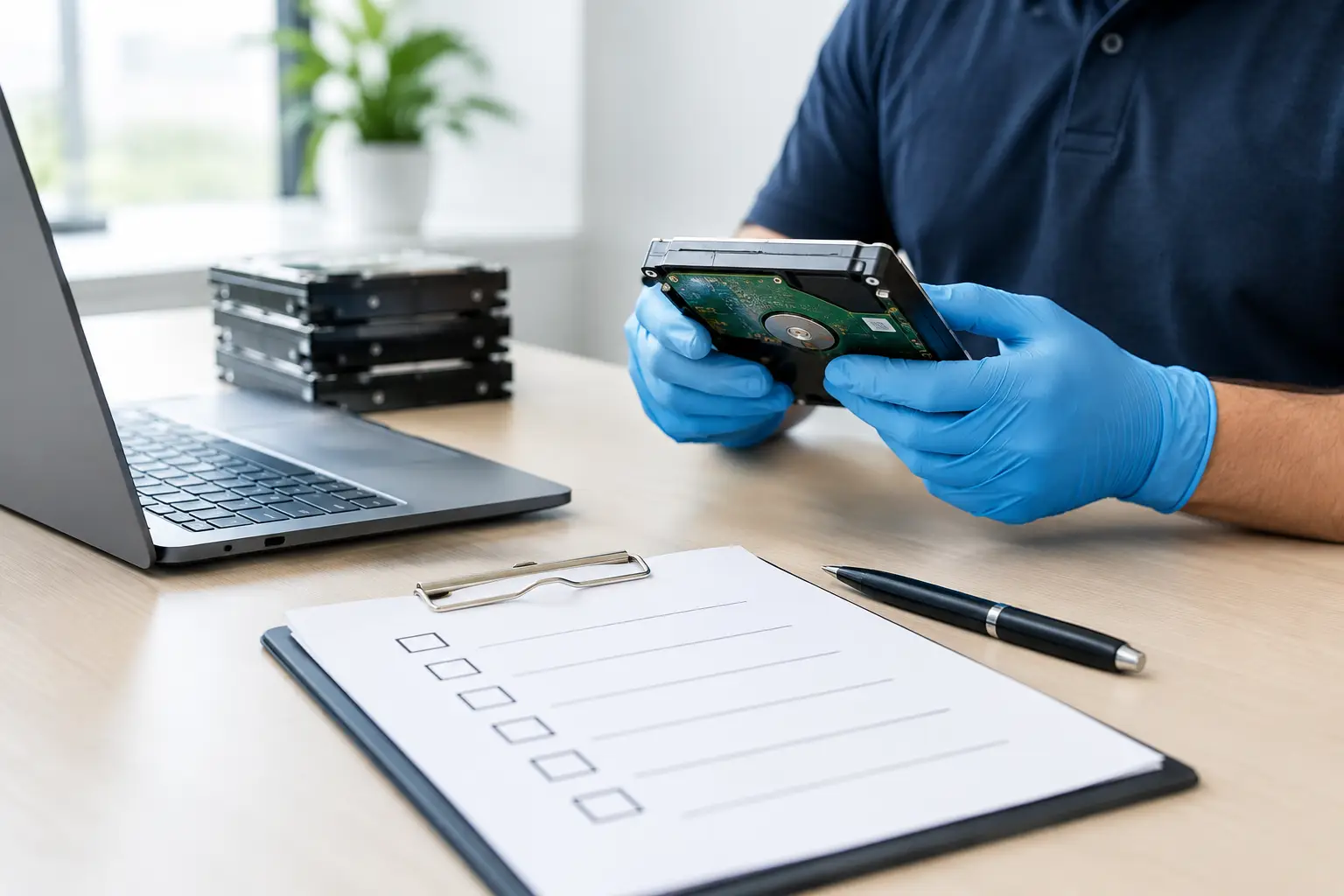
A retired laptop can hold years of customer emails, tax records, passwords, photos, and saved browser sessions. An old office server may contain far more. That is why an onsite data wiping service review should focus on more than whether a provider can collect unwanted equipment. The real question is whether they can protect your information from the moment devices leave your hands until they are safely wiped, destroyed when needed, or sent for responsible recycling.
For households, the concern is usually personal privacy and convenience. For businesses, it also involves customer confidentiality, employee records, internal files, and proof that IT assets were handled correctly. A dependable on-site provider should make the process clear, documented, and practical without expecting you to become a data security specialist.
What an Onsite Data Wiping Service Review Should Cover
The best way to assess a data wiping service is to follow the device journey. Start with collection, then consider asset verification, data sanitization, documentation, and downstream recycling. A weak point at any stage can create unnecessary risk.
On-site collection is valuable because devices do not need to be dropped off at an unknown location or handed to an informal scrap collector. A scheduled pickup is especially helpful for bulky desktop computers, servers, monitors, printers, network equipment, and large batches of office devices. But convenience alone is not a security control. Ask how equipment is identified during pickup and whether a collection record is provided.
A clear pickup record helps establish what was transferred and when. For a small household collection, that may be a straightforward list of devices. For an office, it may include asset tags, serial numbers, device types, storage media details, and the condition of each item. This record supports accountability if questions arise later.
Data Wiping Is Not the Same as Deleting Files
Deleting files, emptying the recycle bin, or resetting a computer does not reliably remove data from a storage drive. Those actions may make information less visible to the average user, but recoverable data can remain on the device.
Professional wiping uses a structured process designed to overwrite or sanitize data on supported storage media. MYPC2U uses DoD 5220.22-M 3-pass data wiping as part of its secure handling approach. A multi-pass overwrite process can be appropriate for many traditional hard disk drives, but it is worth understanding the limits.
Solid-state drives, flash storage, damaged drives, and encrypted devices may require a different method. SSDs manage data differently from older hard disk drives, so a standard overwrite may not always reach every storage area in the same way. When a drive cannot be reliably wiped or verified, physical destruction may be the safer option.
A good provider should explain this without making broad promises that every device can be wiped in exactly the same manner. Security depends on the drive type, its operating condition, its encryption status, and whether the wipe can be verified successfully.
Questions Worth Asking Before Pickup
You do not need a long technical questionnaire to make a sound decision. Focus on the points that show whether the provider has a real process rather than simply collecting electronics.
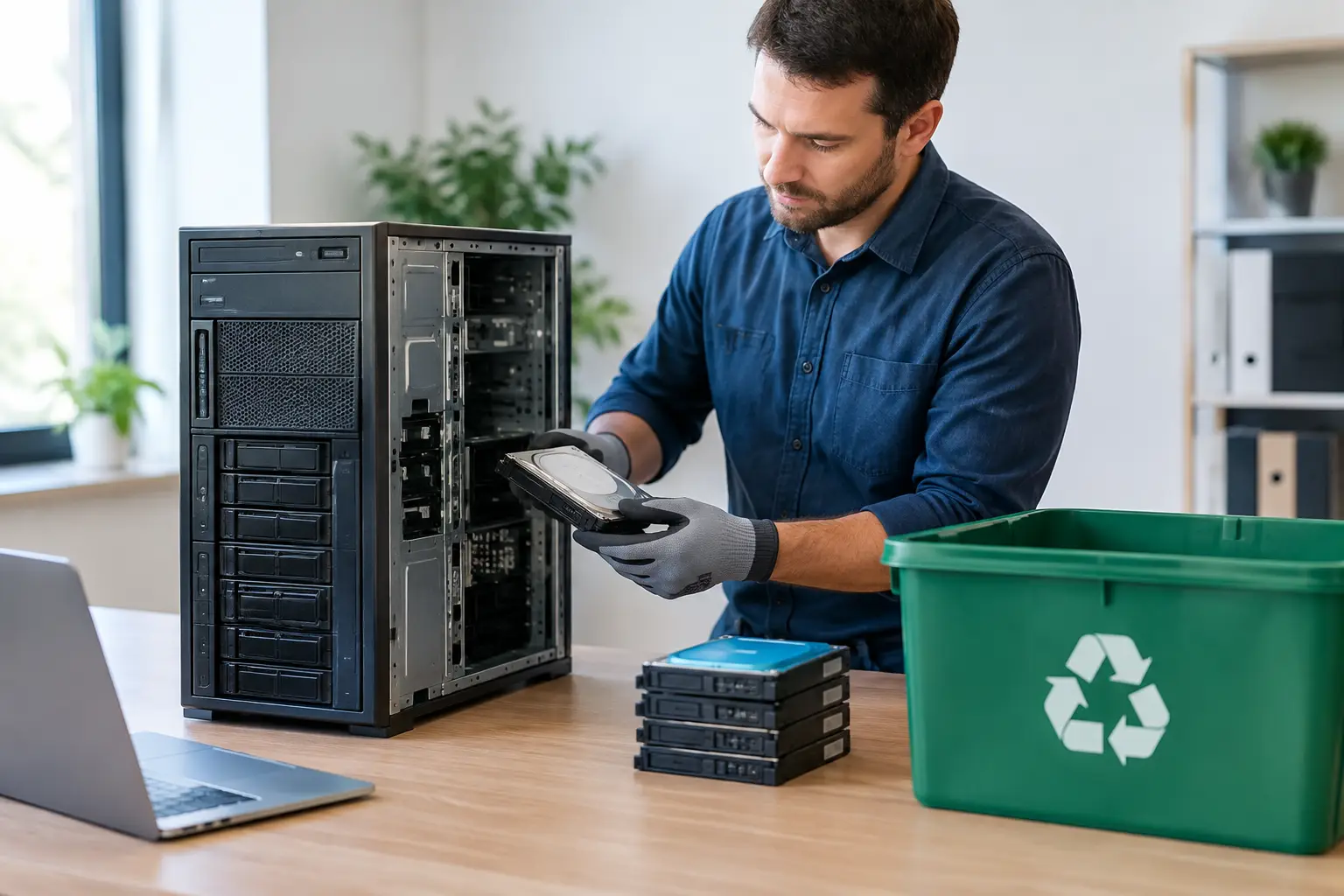
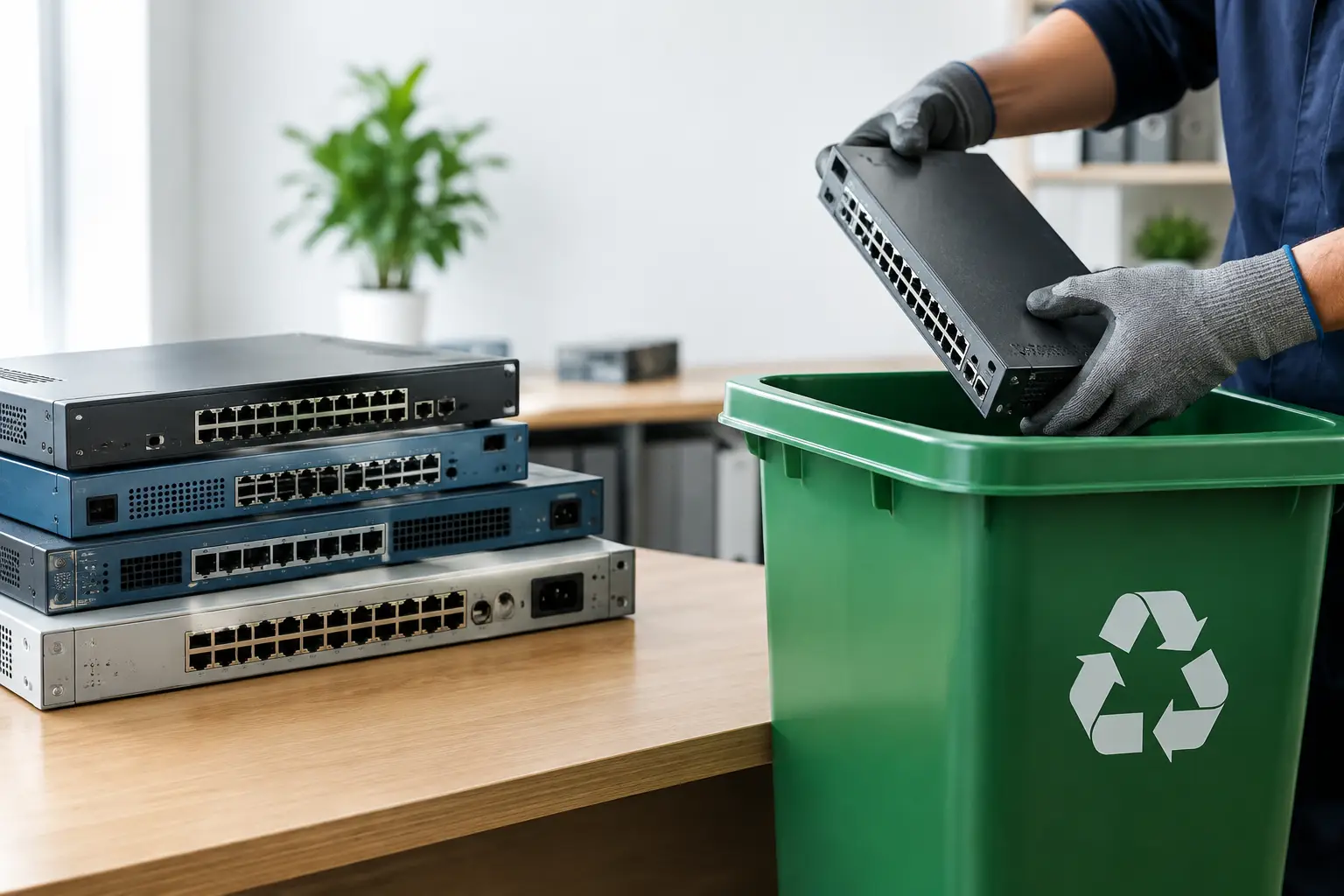
Ask whether the team can identify storage-bearing devices during collection. Computers, laptops, servers, external drives, network-attached storage, smartphones, tablets, photocopiers, and some printers can all retain data. It is easy to remember the laptops while overlooking an old office copier with stored scans or a retired firewall with saved network settings.
Ask what happens if a drive fails testing or cannot be wiped. The answer should be specific. A responsible service should have a clear escalation path, such as secure hard drive destruction support, rather than treating an unreadable device as ordinary e-waste.
Also ask what documentation is available. Businesses may need a pickup acknowledgment, asset list, data wiping record, or destruction confirmation depending on their internal policy. Even households benefit from knowing what was collected and how it will be handled.
Documentation Makes Disposal More Accountable
Documentation is not paperwork for its own sake. It creates a traceable record of responsible handling.
For an office manager clearing out 25 old laptops, documentation can help reconcile assets against internal inventory. For an SME owner disposing of outdated servers, it can demonstrate that equipment was passed to a professional service rather than left in storage or sold without controls. For a household, a simple proof of collection offers reassurance that devices entered an accountable recycling process.
The level of detail should fit the job. A few personal electronics may not need an extensive asset report. A business disposal project often does. The important point is that the provider can work in an organized way and communicate clearly about what is collected, what is wiped, and what requires destruction or special handling.
On-Site Collection Versus On-Site Wiping
These terms can sound similar, but they may describe different services. On-site collection means the provider comes to your home or workplace to collect equipment. On-site wiping can mean data sanitization is performed at your location before equipment is removed.
For many routine collections, secure pickup followed by controlled wiping and documented processing is practical and efficient. However, some organizations have policies requiring drives to remain on their premises until sanitization is completed. This can be relevant for regulated industries, highly sensitive internal data, or companies with strict IT governance requirements.
If you need wiping performed at your location, confirm that requirement before scheduling. If secure collection and off-site processing are acceptable, ask how devices are transported, separated, tracked, and protected after pickup. The right option depends on your organization’s policy and risk level, not on a one-size-fits-all claim.
Responsible Recycling Still Matters After Data Is Removed
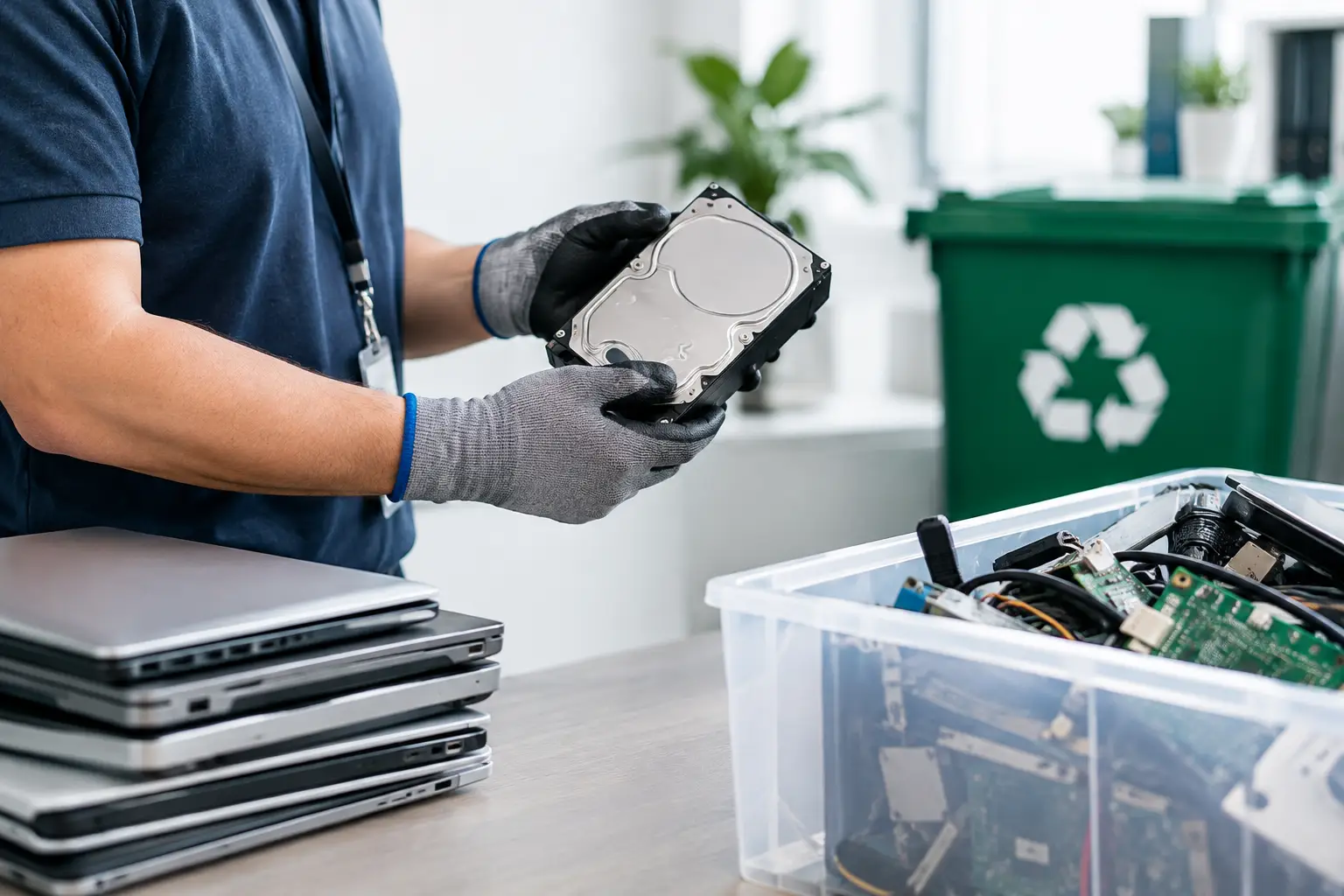
Data security and environmental responsibility should work together. Once a device has been wiped, it may be suitable for reuse, refurbishment, parts recovery, or recycling. If it cannot be reused, it should move through appropriate downstream processing rather than being discarded with general trash.
A professional electronics recycling service recognizes that different items need different handling. Batteries, screens, circuit boards, cables, storage drives, and power supplies should not be treated as one mixed pile of waste. Coordinating with licensed recyclers helps ensure that recoverable materials are processed responsibly and that unsuitable components are handled correctly.
This matters because secure disposal is not complete when the hard drive is wiped. The remaining equipment still needs a proper path. Choosing a provider with IT asset disposal experience can reduce the gap between protecting data and managing e-waste responsibly.
Signs of a Service You Can Trust
A dependable provider is usually easy to evaluate by how clearly they explain their process. They should be comfortable discussing the devices they accept, how pickup is arranged, how data-bearing equipment is handled, what records are available, and when physical destruction is recommended.
Be cautious with services that offer vague assurances such as data will be taken care of without describing the method. Low-cost collection can be tempting, particularly when clearing a storeroom or moving offices, but the cheapest option may leave important questions unanswered. If your old device contains personal information or business records, clarity is worth more than a quick removal service with no documentation.
You should also be wary of providers who treat every device as scrap value only. A professional partner sees retired IT equipment as an asset handling responsibility. That means recognizing storage media, protecting devices during collection, and following an organized process through final recycling.
A Practical Way to Prepare Your Devices
Before collection, sign out of cloud accounts where possible, remove SIM cards from phones, and keep any devices you plan to reuse separate from those being disposed of. If you have asset tags or a simple equipment list, provide it to the collection team. This makes verification easier, particularly for businesses with multiple devices.
Do not rely on a factory reset as your only security measure, and do not delay disposal simply because you are unsure what is stored on an old device. Label equipment that may contain sensitive information and tell the provider about non-working drives, encrypted systems, or devices that require special attention.
The most useful onsite data wiping service review comes down to confidence in the process: careful pickup, appropriate sanitization, clear documentation, and responsible recycling. When those pieces are in place, clearing old electronics becomes a manageable task instead of a lingering data risk.



Leave a Reply