

A stack of retired laptops in a storeroom can look harmless until someone asks where they went, whether the hard drives were handled securely, or who approved their removal. A documented electronics collection process turns that uncertainty into a clear, accountable handover. It gives households and businesses a record of what was collected, when it was collected, and how the equipment entered the responsible recycling stream.
For an office manager clearing out old workstations or a homeowner replacing a desktop computer, collection is more than loading equipment into a vehicle. The devices may contain customer records, financial files, passwords, photos, or business data. A professional process helps protect that information while making disposal easier to manage.
What documented collection really means
Documented collection means the pickup is recorded rather than treated as an informal removal. The record should identify the collection date, pickup location, and the types or quantities of equipment handed over. For business collections, it may also include an asset list, serial numbers, or other identifiers when that level of tracking is needed.
This is useful because electronics often pass through several hands before they reach a licensed downstream recycler. Clear pickup documentation establishes the starting point of that journey. It shows that the equipment left your premises through an agreed collection process, not through an unverified scrap pickup.
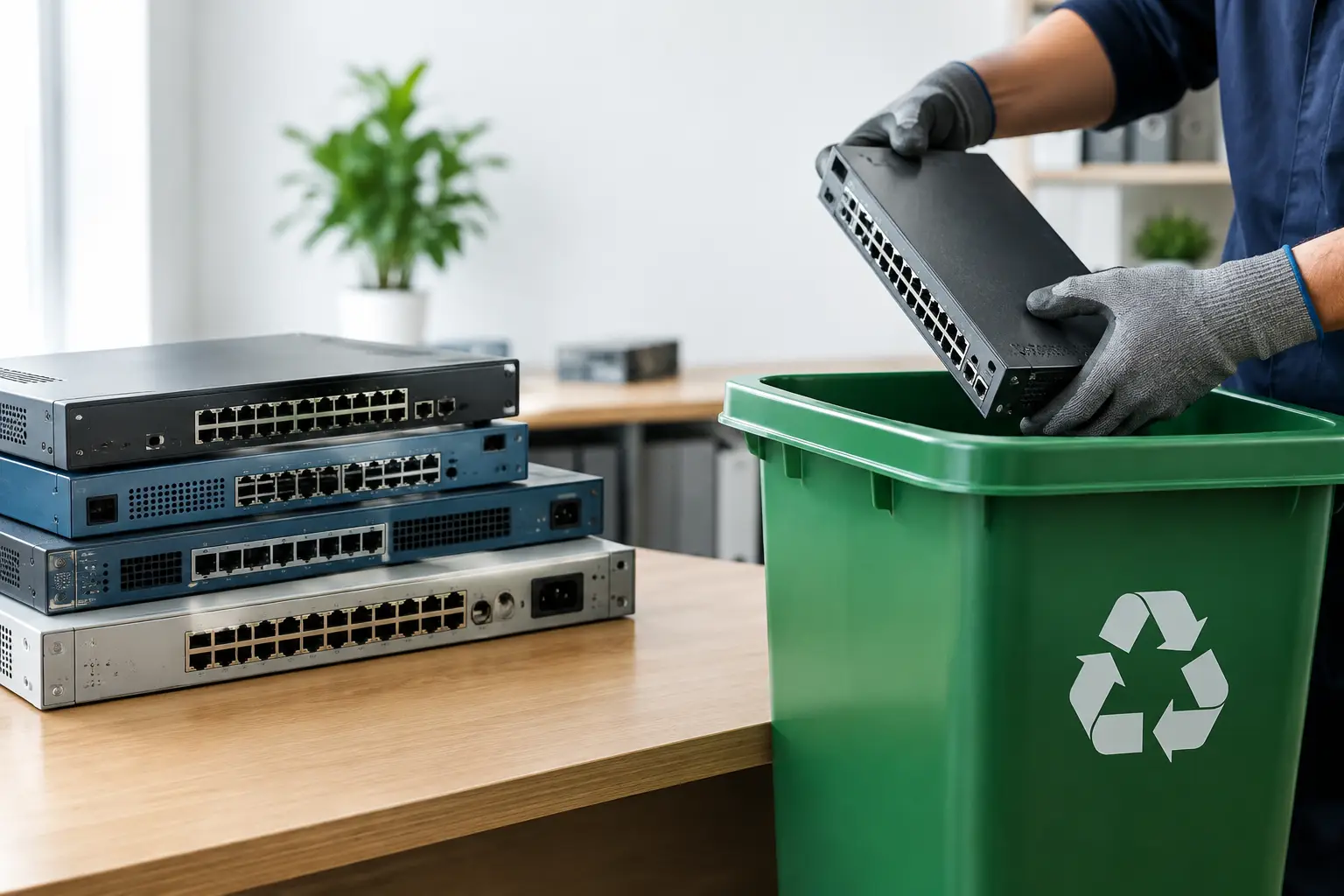
The level of detail should match the equipment and the risk involved. A household dropping off a few cables and a broken toaster does not need the same paperwork as a company retiring 40 laptops, network switches, and servers. But both situations benefit from a clear collection record and responsible handling.
Why documentation matters before devices leave your premises
The biggest concern for most customers is data. Old equipment is rarely truly empty just because it no longer powers on or has been replaced. A laptop can hold saved browser passwords, email archives, tax documents, client spreadsheets, or access to cloud accounts. Servers, desktop computers, external drives, and network storage can carry far more sensitive information.
A collection record does not erase data by itself. What it does is create accountability around the handover, which is an essential first step. From there, secure data wiping or physical drive destruction can be arranged according to the condition of the device and your requirements.
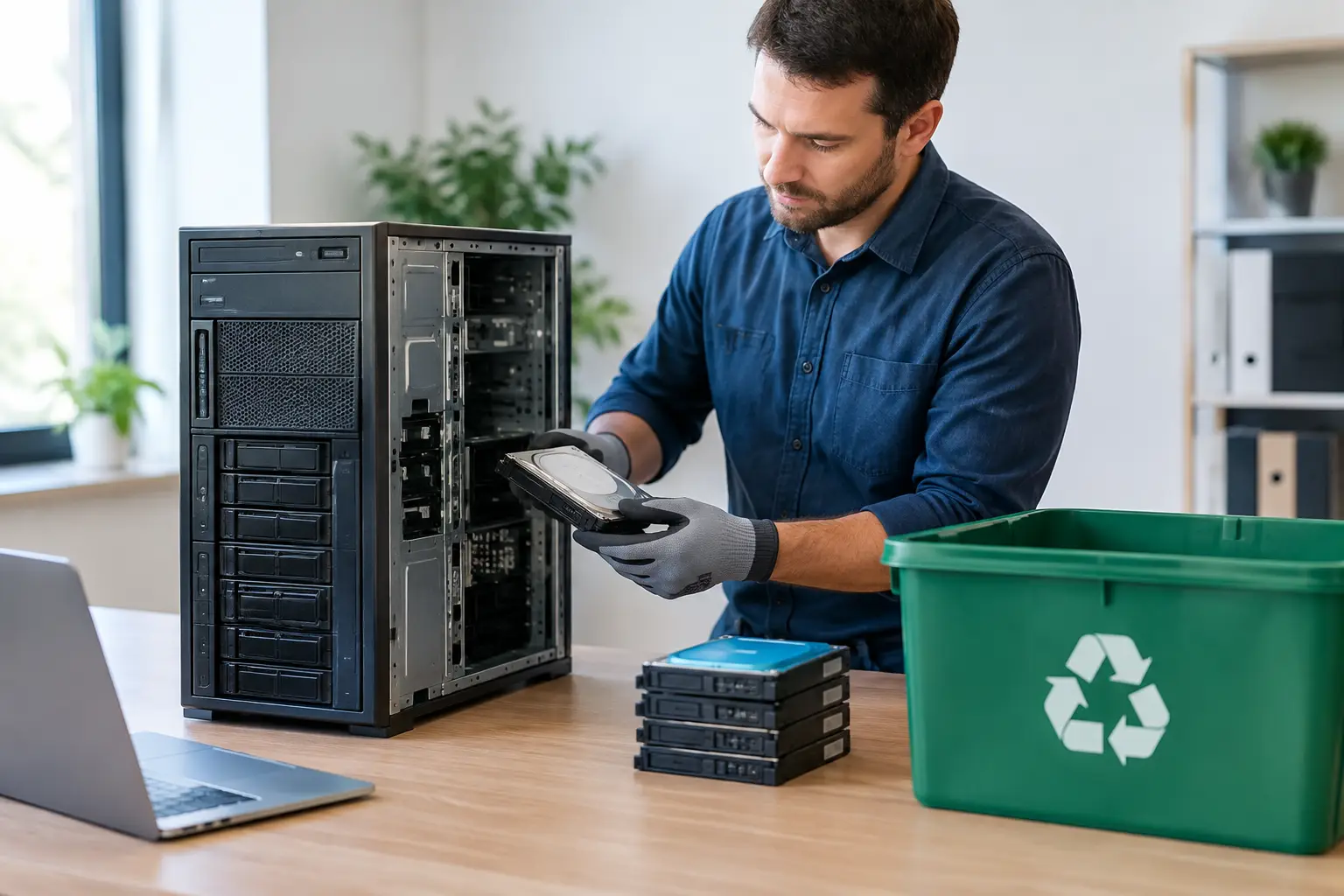
For working hard drives and supported storage media, secure wiping may be the practical option. MYPC2U can provide DoD 5220.22-M 3-pass data wiping as part of an IT-aware disposal service. For failed drives or equipment that cannot be reliably wiped, physical destruction support may be more appropriate. The right choice depends on the media type, the condition of the drive, and your internal security policy.
Documentation also helps when questions arise later. A business may need to show that retired IT assets were removed from an office during a relocation, refresh project, or closure. A pickup record gives administrative teams something concrete to file alongside inventory records, vendor paperwork, or internal approval notes.
A documented electronics collection process, step by step
The process should be simple for the customer while still protecting the devices from careless handling. It starts before the pickup date, with a clear discussion about the equipment involved. Sharing the number and type of items helps the collector plan for bulky equipment, access restrictions, loading requirements, and any data-related services.
1. Identify what is being removed
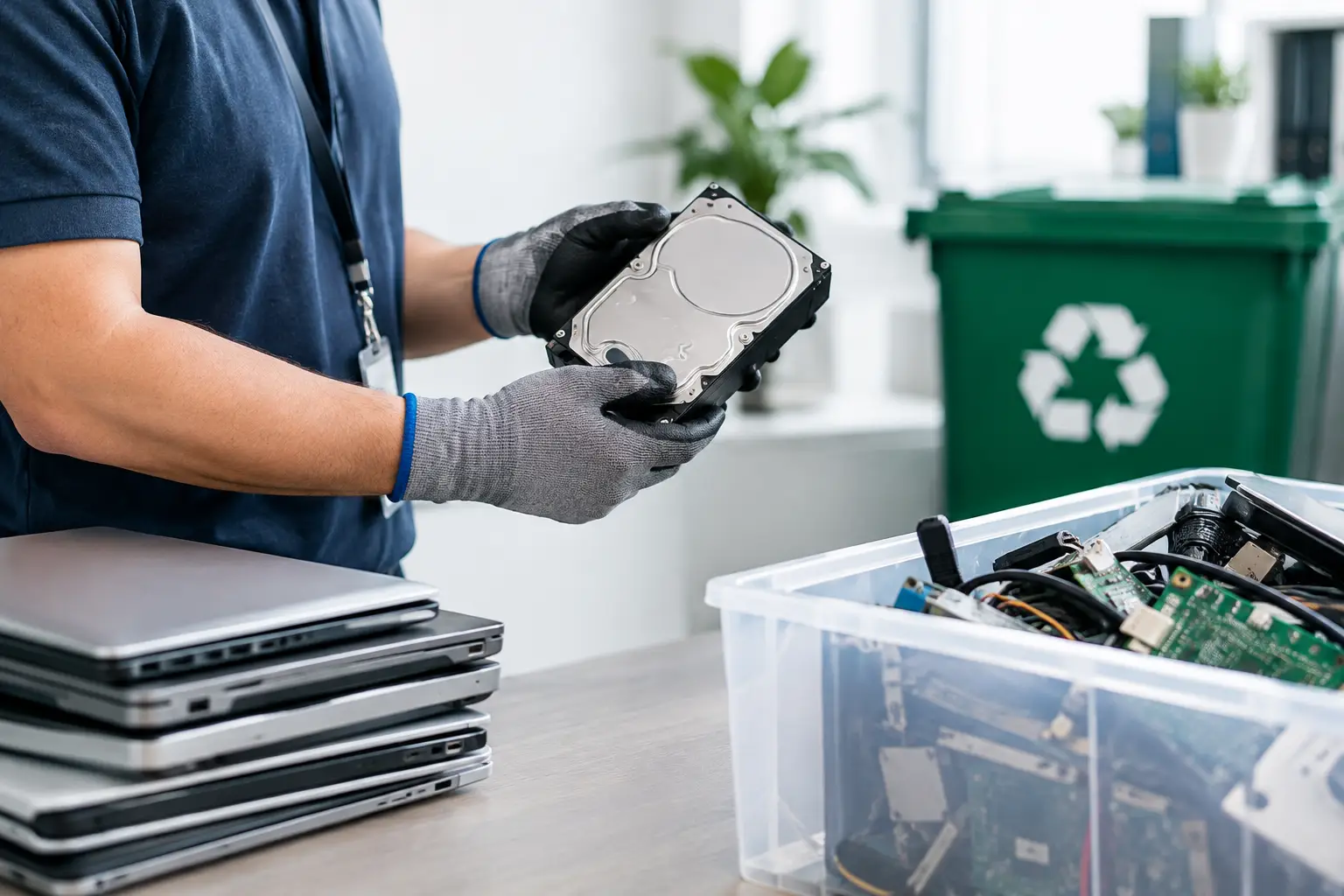
Start by separating devices that contain data from general electronic items. Computers, laptops, servers, phones, tablets, hard drives, solid-state drives, USB storage, printers with internal memory, and some multifunction office machines may all require additional consideration.
For businesses, a basic asset list is helpful. It does not have to be complicated. A list of device types, brands, asset tags, or serial numbers can support verification later, particularly when several departments are involved. For households, a simple count of laptops, monitors, phones, and other items is usually enough to arrange collection.
2. Confirm data handling needs
Before pickup, decide whether each data-bearing device needs wiping, drive removal, or destruction support. If your organization has compliance requirements, get approval from the relevant IT, security, or management contact before equipment is released.
Do not assume that deleting files or resetting a device is sufficient for sensitive information. Those actions may remove visible files without securely sanitizing the underlying storage. A proper data handling plan is especially worthwhile for devices used for payroll, accounting, healthcare, customer service, or company administration.
3. Schedule a practical pickup
Convenience matters because old electronics are often awkward to move. Servers, desktop towers, UPS units, printers, monitors, and boxes of cables can quickly become a logistics problem for a small office or household.
A scheduled pickup allows equipment to be collected from your location rather than requiring you to transport it yourself. It also gives you time to ensure the right people are available, building access is arranged, and devices are gathered in one secure area. For offices, avoid leaving retired equipment unattended in a public hallway or loading area before collection.
4. Verify and record the handover
At collection, the equipment should be checked against the agreed scope where practical. The collector can then issue proof of collection or a documented pickup record. This is the point where your responsibility for storing the equipment transitions into the next stage of managed handling.
For a larger IT asset disposal project, verification may be more detailed. Serial numbers, asset tags, storage device counts, and equipment condition can be recorded to help reconcile what was removed. This takes more time than a simple mixed-electronics pickup, but it is often the better trade-off when devices contain business information or belong to multiple teams.
5. Send equipment into responsible downstream processing
After collection, electronics should be directed to appropriate recycling channels rather than treated as ordinary trash. Equipment may be assessed for reuse, component recovery, or recycling, while materials that cannot be reused are managed through licensed downstream recyclers.
Not every device has the same outcome. A newer working laptop may be suitable for reuse after proper data handling, while a damaged monitor or obsolete printer is more likely to be processed for material recovery. Responsible disposal means making those decisions with care instead of sending mixed electronic waste to an unknown destination.
What to prepare for pickup
A little preparation makes collection safer and faster. Keep all retired devices in a dry, accessible area, but away from public access. If equipment belongs to a business, label items that require wiping or special handling. Remove personal accessories such as phone cases, SIM cards, paper documents, and removable media unless you intend to recycle them as well.
Do not dismantle computers or remove batteries unless you know how to do so safely. Damaged lithium-ion batteries, swollen batteries, and devices with visible heat damage should be identified before pickup because they may need different handling. If you are unsure, describe the condition when arranging the collection.
For businesses, designate one person to confirm the final equipment count and receive the collection documentation. This small step avoids confusion when several departments have contributed devices to the same pickup.
Documentation is a practical form of protection
Paperwork can sound like an extra administrative task, but a documented pickup usually saves time later. It gives office managers a clean record for internal files, helps IT teams track retired assets, and reassures households that their electronics were not simply handed to an unknown collector.
The goal is not to make recycling complicated. It is to make the handover clear, secure, and easy to verify. When old devices leave your home or workplace through a documented process, you can clear valuable space with greater confidence and a better record of what happened next.



Leave a Reply