
A retired office PC sitting in a storeroom can still hold payroll files, customer records, saved passwords, and years of emails. That is why the question of data wiping vs hard drive shredding matters before any computer, server, or laptop leaves your home or workplace.
Both methods are used to protect sensitive information, but they solve different problems. One is designed to erase data while keeping the drive usable. The other is designed to physically destroy the drive so it cannot be used again. If you are clearing out old IT assets, choosing the wrong option can create either unnecessary cost or unnecessary risk.
What data wiping actually does
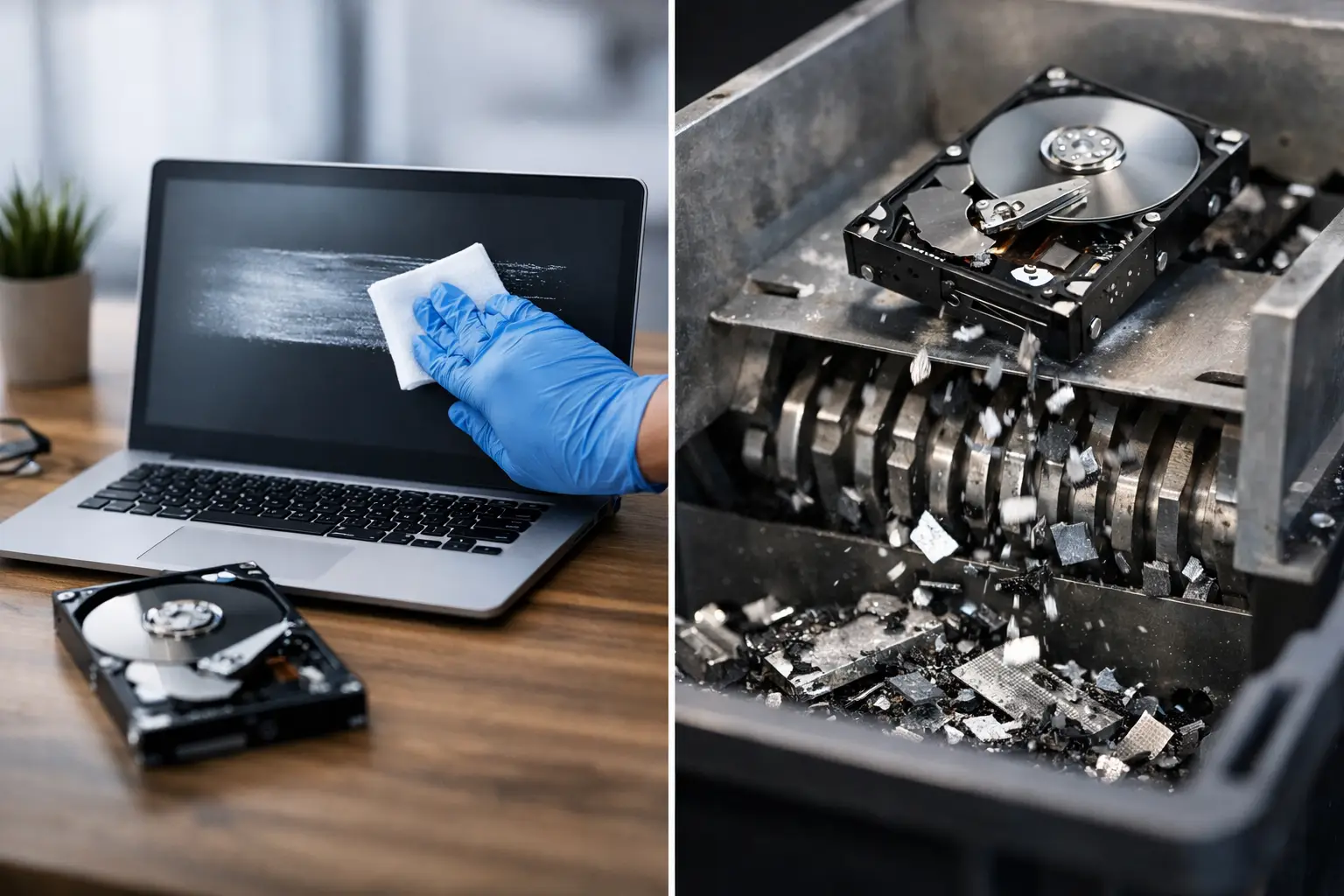
Data wiping is a software-based process that overwrites the information stored on a drive. Instead of simply deleting files or formatting the device, proper wiping replaces the existing data with new patterns so the original files cannot be recovered through normal means.
For businesses and households, this matters because deleted files are often still recoverable if the drive has only been reset or reformatted. A proper wipe goes much further. It is intended to make the stored information unreadable while preserving the hard drive itself.
In practical terms, data wiping is often the right fit when a device still has value. If a laptop is being redeployed to another staff member, sold, donated, or sent for resale, wiping allows the storage media to remain in service. That can support both data security and asset recovery.
Some providers use recognized overwrite methods such as DoD 5220.22-M 3-pass wiping. For customers, the technical standard matters less than the outcome – secure erasure carried out in a documented, professional way.
What hard drive shredding does
Hard drive shredding is physical destruction. The drive is broken into fragments or damaged beyond recovery using industrial equipment. Once shredded, the media cannot be reused, and data recovery becomes effectively impossible.
This option is often chosen for drives that contain highly sensitive business records, confidential client information, internal financial documents, or regulated data. It is also common when the drive is faulty and cannot be wiped properly through software.
Shredding gives a very direct kind of reassurance. You are not relying on the drive to function long enough for a wipe to complete. You are removing the storage media from use entirely. For some organizations, that level of finality is exactly what they want.
The trade-off is obvious. Once a drive is shredded, there is no reuse value left in that storage device. If the rest of the equipment is still serviceable, physical destruction may reduce what can be resold, refurbished, or redeployed.
Data wiping vs hard drive shredding: the real difference
The simplest way to compare data wiping vs hard drive shredding is this: wiping protects data while keeping the drive intact, while shredding protects data by destroying the drive itself.
That difference affects cost, reuse, logistics, and documentation. Wiping is usually more suitable when the asset still works and there is a reason to preserve it. Shredding is usually more suitable when the drive is damaged, the sensitivity level is very high, or company policy requires physical destruction.
Neither option is automatically better in every case. It depends on the condition of the device, the type of information stored on it, and what you plan to do with the asset afterward.
When data wiping makes more sense
If your business is rotating laptops out of service but plans to remarket or reassign them, wiping is often the more practical choice. The same applies to desktop computers from home offices, decommissioned staff devices, and storage media that still operate normally.
Wiping can also help if you want a cleaner chain of handling for reusable assets. A properly erased drive can stay with the machine, which means less dismantling and less disruption to the equipment. For small and mid-sized businesses, that can make IT refresh projects easier to manage.
Households also tend to benefit from wiping when disposing of old but working devices. Many people assume a factory reset is enough. Usually, it is not. Professional wiping gives a more reliable level of protection without automatically turning the device into scrap.
When hard drive shredding is the better choice
Shredding becomes the stronger option when the drive cannot be accessed, has failed, or contains information you do not want preserved under any circumstance. Think accounting systems, legal files, HR records, medical information, or archived company data from older systems.
It is also useful when you do not need the drive anymore and want a straightforward end point. Some businesses prefer that certainty for retired servers, backup drives, or storage pulled from old office infrastructure.
For households, shredding can make sense too, especially for drives from long-unused family computers where no one knows exactly what is stored inside. If the device is broken and there is no reuse plan, physical destruction may be the most reassuring path.
A few common misconceptions
One of the biggest misconceptions is that deleting files or emptying the recycle bin counts as secure disposal. It does not. Those actions remove access in the operating system, but the underlying data can still remain on the drive.
Another misconception is that every device should always be shredded. That sounds safer on the surface, but it is not always the smartest operational choice. If a drive is healthy and the device can be reused, wiping may deliver strong protection while supporting more responsible recovery of the asset.
There is also the assumption that one method covers every storage type in the same way. In reality, older hard disk drives and newer solid-state drives can behave differently. The right process depends on the media type, its health, and whether it can still be accessed for secure erasure.
What businesses should think about before deciding
For businesses, this decision is rarely just technical. It also affects internal policy, audit readiness, and staff confidence. If your office manager is clearing out ten workstations, or your IT team is retiring a rack of old servers, the disposal method should match both the risk level and the recordkeeping expectations.
Ask practical questions. Is the drive still functional? Does the equipment have resale or redeployment value? Are there compliance concerns? Do you need documented pickup and proof that the assets were handled securely?
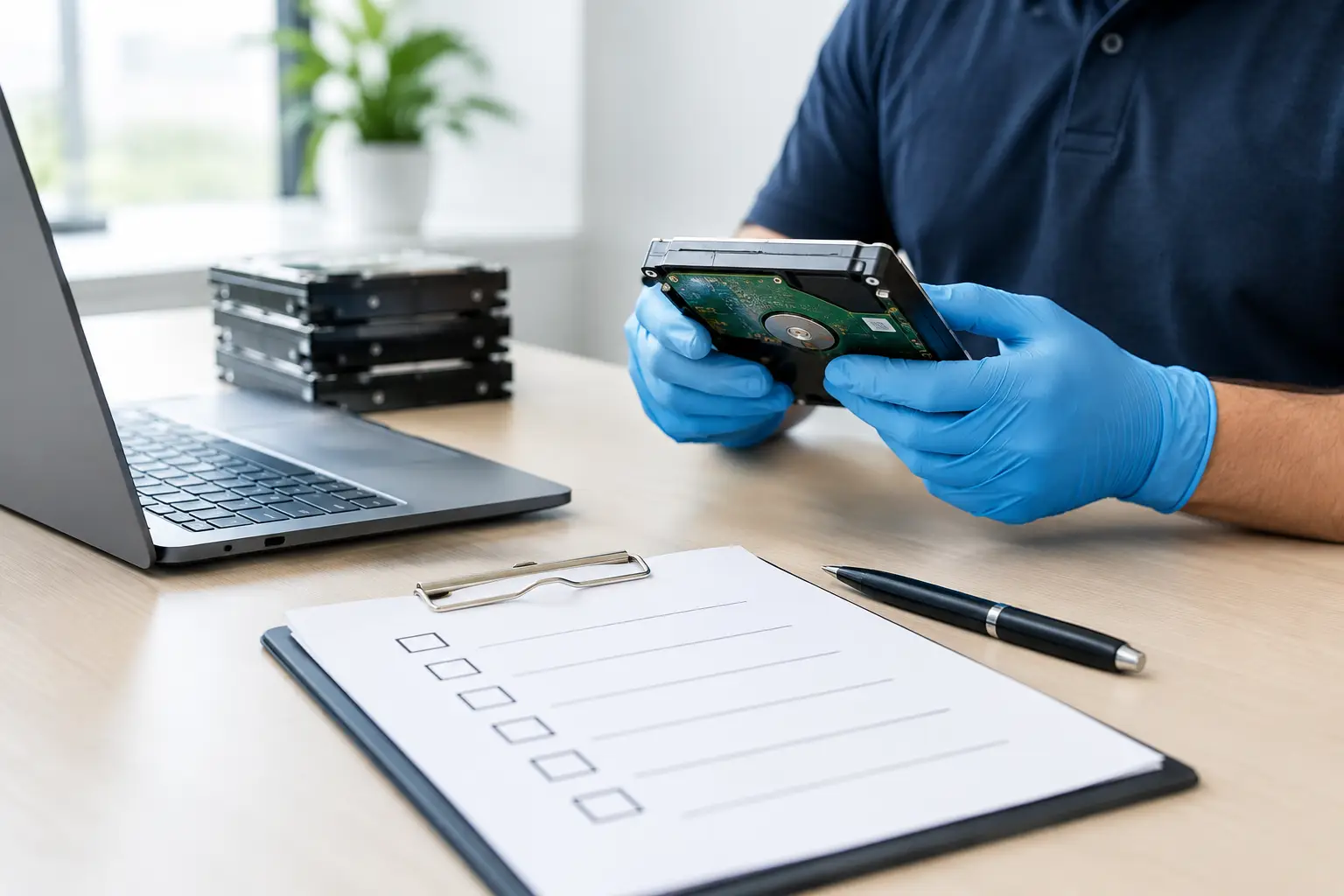
That last point is often overlooked. A secure process is not only about what happens to the data. It is also about who collects the devices, how they are handled, and whether there is a clear record of transfer. A professional pickup service with documented collection can reduce uncertainty from the moment the equipment leaves your site.
Why the disposal partner matters
The best method on paper can still fall short if the handling process is casual. Sensitive electronics should not be treated like general scrap. They need controlled pickup, proper device tracking, and a clear process for wiping or destruction.
That is where an IT-aware recycling partner can make a difference. MYPC2U, for example, supports on-site collection, secure data wiping, hard drive destruction coordination, and documented pickup records so customers are not left guessing what happened after collection.
For homes and smaller offices, this matters because convenience and security often need to come together. Many people do not have the time, tools, or transport to deal with old electronics properly. A service-driven collection process helps remove those barriers.
Which option is right for you?
If the device still works and you want to preserve value, data wiping is usually the more sensible option. If the drive is damaged, highly sensitive, or covered by a stricter destruction policy, hard drive shredding is often the safer choice.
Sometimes the right answer is a mix. A business may wipe laptops intended for redeployment while shredding failed drives removed from servers. That kind of practical split is common, and it reflects the reality that secure disposal is not one-size-fits-all.
What matters most is making the decision before the equipment leaves your control, not after it has been stacked in a hallway or handed to an informal collector. Old devices should leave your hands with a clear plan, a secure process, and no doubt about where your data ends up.




Leave a Reply