
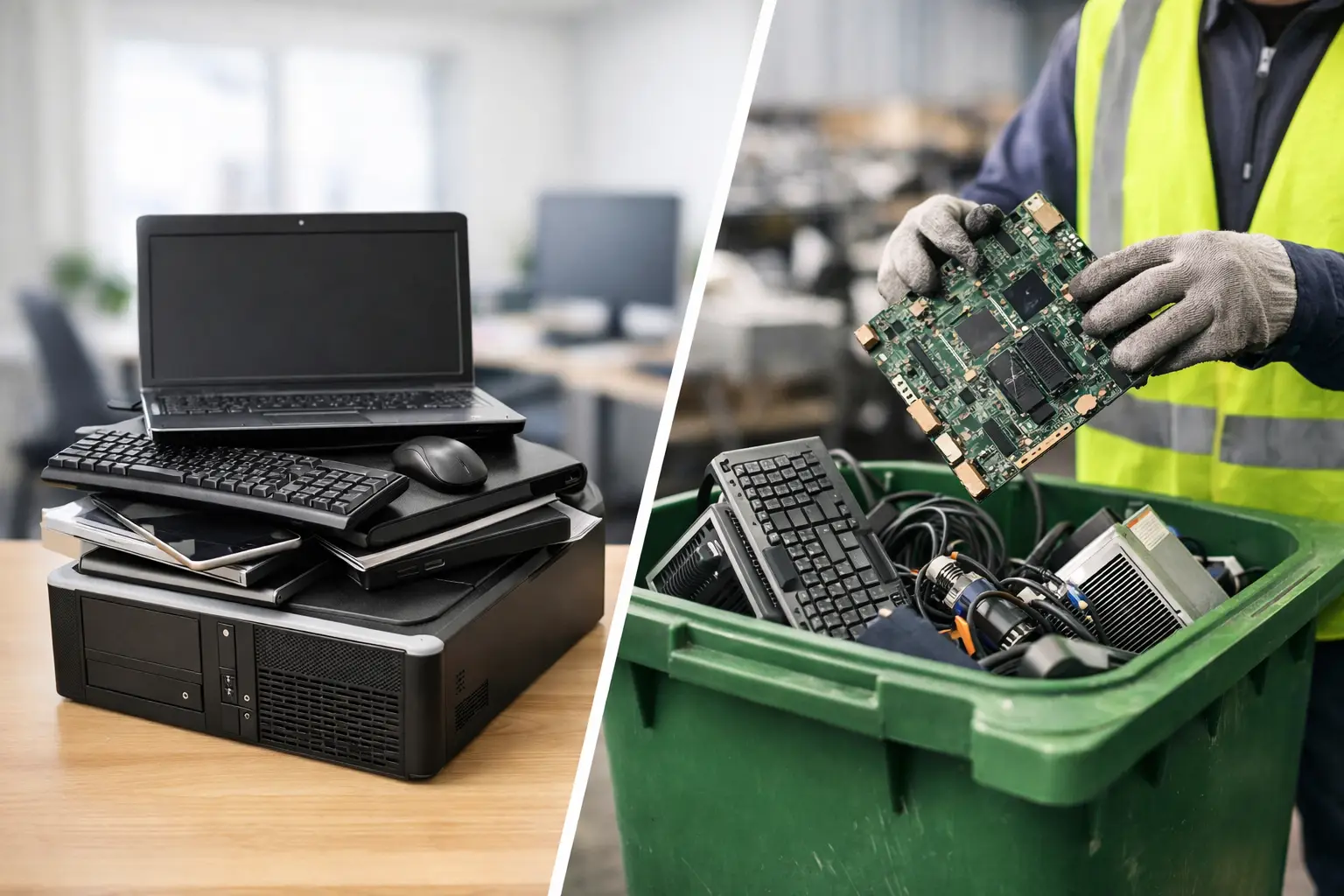
An old laptop may look like e-waste, but for a business it can also be a storage device, an access point, and a source of confidential information. That is why IT asset disposal vs electronic recycling is more than a wording difference. One service focuses on managing retired technology responsibly from collection through data protection and records. The other focuses primarily on recovering materials from unwanted electronics.
For households, either option may be appropriate depending on the device and whether it holds personal data. For offices, servers, laptops, desktop computers, phones, and network equipment usually require a more controlled process before recycling begins.
What is electronic recycling?
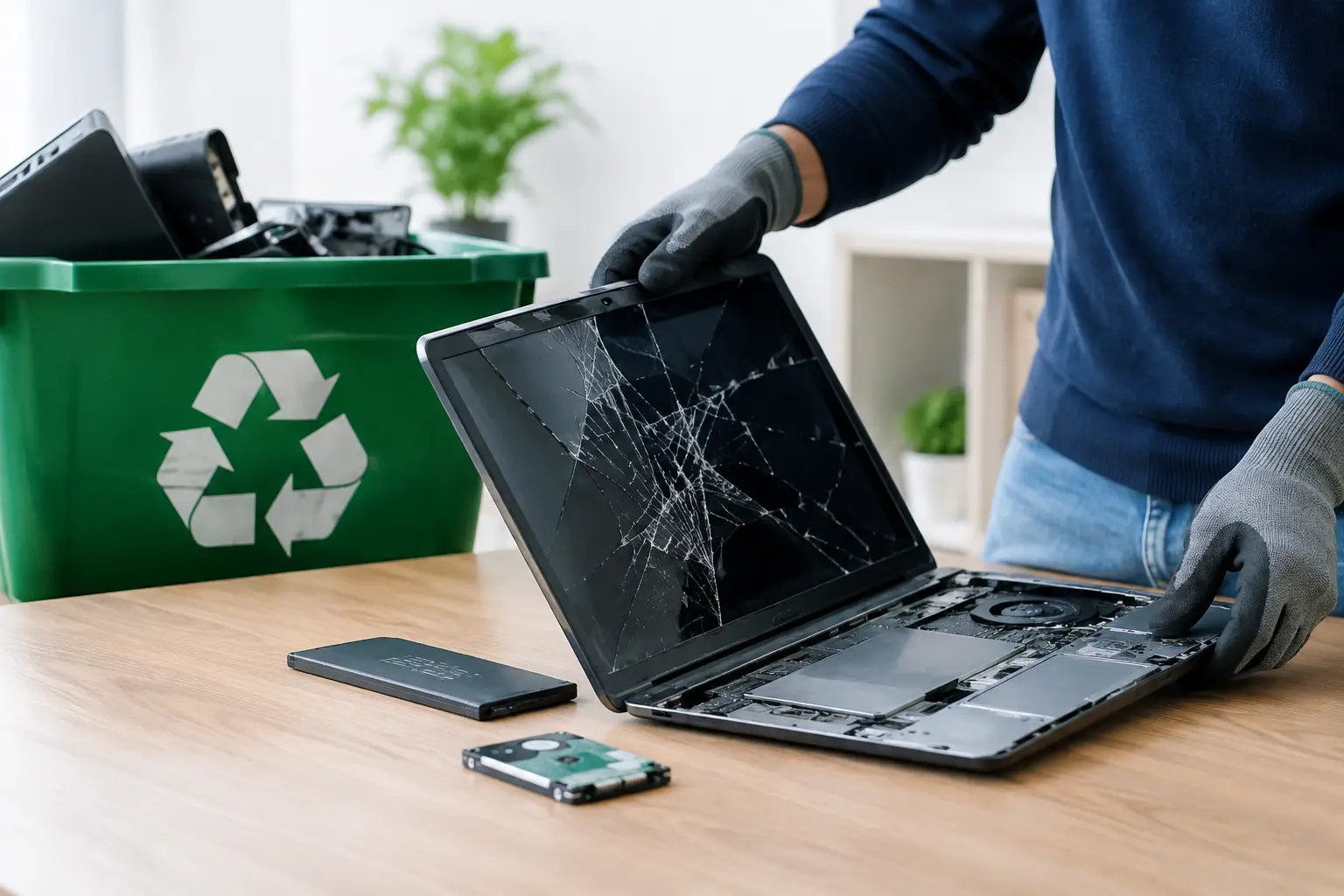
Electronic recycling is the process of collecting end-of-life devices and separating them into materials that can be reused, recovered, or processed safely. Computers, monitors, printers, cables, phones, and small office electronics can contain metals, plastics, glass, circuit boards, and batteries that should not simply enter the general waste stream.
A recycler may dismantle equipment, sort usable components, and send materials to appropriate downstream facilities. The environmental value is clear: recovering materials reduces waste and helps keep potentially harmful components out of landfills.
However, recycling alone does not automatically answer every question about the device before it is dismantled. If a laptop still contains employee files, a server holds customer information, or a phone has saved passwords, the organization disposing of it needs confidence that the data was handled before the unit enters the recycling stream.
For a household with a broken toaster, damaged keyboard, or old monitor with no stored information, standard electronic recycling may be all that is needed. The situation changes when the item is a data-bearing IT asset.
What is IT asset disposal?
IT asset disposal, often called ITAD, is a managed process for retiring technology equipment. It can include collection, identifying and verifying assets, secure storage and transport, data wiping or hard drive destruction support, documentation, reuse assessment, and responsible recycling.
The practical distinction is that ITAD treats retired equipment as an operational and information-security responsibility, not just waste. A business may need to know which serial-numbered devices left its premises, what happened to their data, and whether the equipment was reused or sent for recycling.
This is especially relevant for organizations replacing a batch of laptops, moving offices, decommissioning servers, or clearing an IT storage room. The devices may no longer be useful to the business, but they can still contain sensitive records, licensed software, customer details, financial documents, and network credentials.
A professional ITAD provider helps create a clear handoff. Rather than sending equipment away with an informal collector and hoping for the best, the business can arrange pickup, confirm the assets collected, and choose data-handling support suited to the equipment involved.
IT asset disposal vs electronic recycling: the real difference
Electronic recycling is often one part of IT asset disposal. ITAD is the broader service framework around the equipment before it reaches a recycler.
The difference can be understood through three practical questions: Is there data on the device? Does the owner need records of what was collected? Is the equipment part of an organized IT environment?
When the answer is no, recycling may be straightforward. For example, a household might have a nonworking scanner, old cables, a broken monitor, and a printer that has already been cleared of personal information. A convenient recycling pickup can remove the items responsibly.
When the answer is yes, IT asset disposal is usually the safer fit. Consider an office replacing 30 employee laptops. Even if the company plans to recycle every unit, it should first account for the devices and address their data. The laptops may contain local files, browser sessions, saved passwords, or information that was not stored solely in the cloud.
ITAD also supports better internal accountability. Office managers and administrators are often asked later where old devices went. A documented pickup record and asset verification process give them a clear answer.
Data security comes before material recovery
The most significant reason businesses choose IT asset disposal is data protection. Deleting files, emptying a recycle bin, or resetting a computer does not always make information unrecoverable. A device can appear clean while data remains on the drive.
Secure data wiping overwrites stored information using a defined method. For suitable hard drives, a DoD 5220.22-M 3-pass wipe provides a structured wiping approach before the equipment is directed to reuse or recycling. Where a drive cannot be wiped, is damaged, or requires a different level of control, physical hard drive destruction support may be the better option.
The right method depends on the media and the organization’s requirements. Traditional hard disk drives, solid-state drives, servers, smartphones, and removable storage do not all behave the same way. A useful provider will explain the available handling options rather than promising one identical solution for every device.
For households, data security matters too. An old family computer may contain tax documents, photos, banking details, and saved account logins. Before arranging recycling, owners should identify devices with internal storage and ask how data will be handled.
When recycling is enough and when ITAD is the better choice
There is no need to make simple device disposal more complicated than it needs to be. Electronic recycling is a sensible choice for low-risk equipment with no data storage, such as cables, keyboards, mice, speakers, monitors, and many small peripherals.
IT asset disposal is a stronger choice when you are handling computers, laptops, mobile phones, tablets, servers, network switches, storage devices, office copiers, or other equipment that may retain information. It is also preferable when a business has multiple assets, needs collection from its premises, or needs proof that equipment was transferred for responsible processing.
The decision is not based only on the size of the item. A small USB drive can create a bigger data risk than a large monitor. Likewise, a single former executive laptop may deserve more careful handling than a room full of empty printer cartridges.
What a responsible disposal process should look like
A good process starts before pickup. The customer identifies the equipment, notes any devices containing storage, and confirms whether data wiping, destruction support, or asset verification is required. This planning prevents a rushed collection from becoming an unclear handoff.
At pickup, equipment should be handled as IT equipment, not loose scrap. For businesses, this may involve checking the assets being removed and providing documented pickup records. For homes, it means having a convenient way to clear unwanted electronics without loading bulky devices into a car or leaving them with an unknown collector.
After collection, data-bearing devices should follow the agreed security process. Equipment that can be reused may be assessed only after data has been properly addressed. Units that are no longer suitable for reuse should move into responsible downstream recycling through licensed recyclers.
This sequence matters. Recycling is still the destination for many retired devices, but secure handling and accountability should come first when sensitive assets are involved.
Questions to ask before handing over old electronics
Before choosing a provider, ask whether they collect from your location, how they handle devices with data, and whether they can provide documented proof of collection. Businesses should also ask whether assets can be verified during the process and what options are available for hard drives that cannot be wiped.
Be cautious with vague promises such as “we take all scrap.” That may be sufficient for a box of cables, but it does not explain how a laptop drive, office server, or employee phone will be protected. Clear answers are a sign that the provider understands both recycling and the operational risks around retired IT equipment.
MYPC2U supports this more accountable approach with scheduled pickup, IT-aware device handling, secure data wiping options, hard drive destruction support, asset verification, and documented collection records. It is a practical option for households and organizations that want old equipment removed without treating security as an afterthought.
Retiring technology should feel organized, not uncertain. Whether you need basic electronic recycling or a more structured IT asset disposal service, start by considering the information inside the device, not just the device sitting on the shelf.


Leave a Reply