
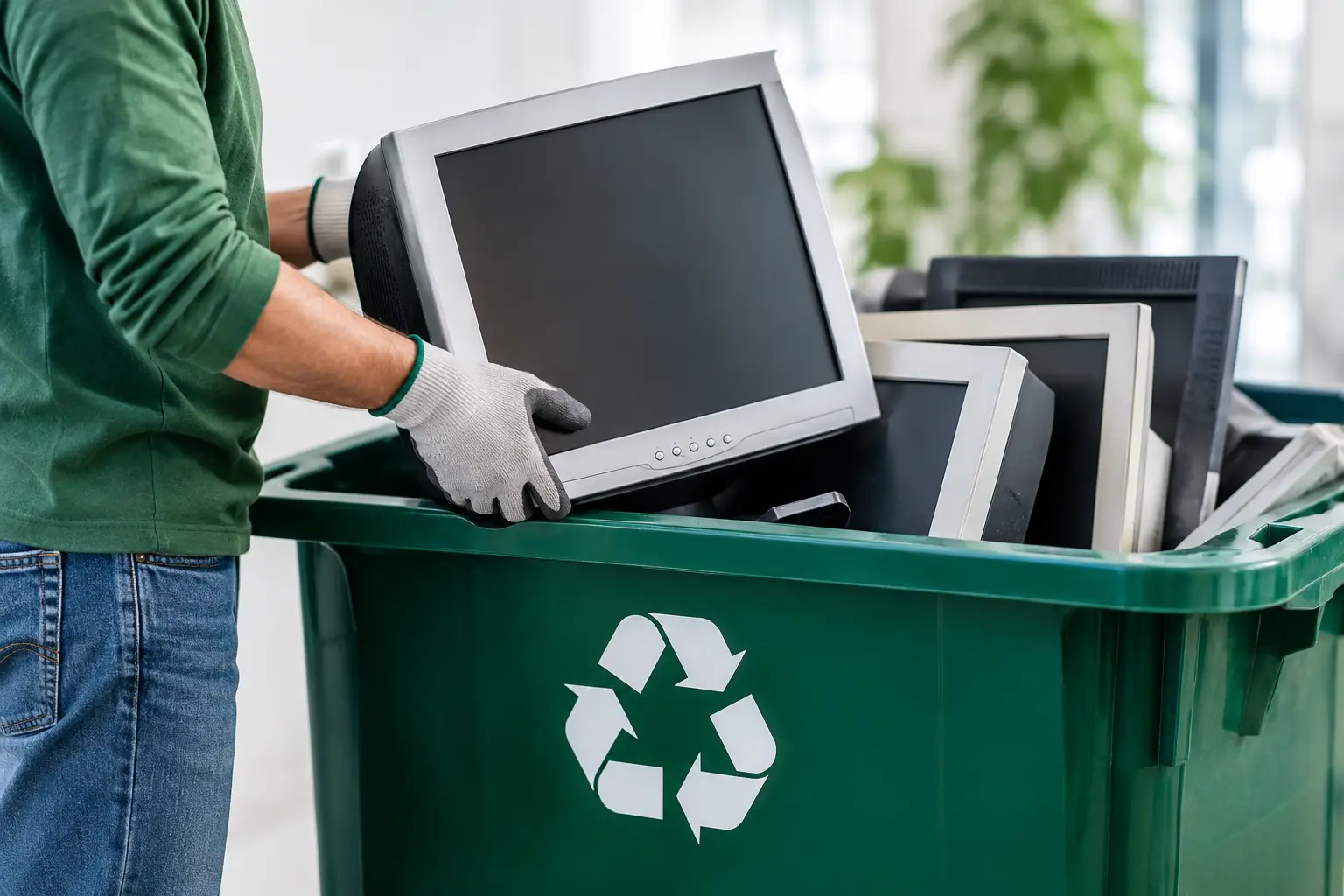
An old monitor is easy to leave in a corner until an office move, renovation, or clear-out forces the question: where can I recycle old monitors without creating a data, safety, or disposal problem? The right answer is rarely the nearest informal collector. Monitors contain materials that need proper downstream handling, and the computer or storage devices connected to them may hold far more sensitive information than expected.
For households, the priority is usually convenience and responsible disposal. For businesses, there is another layer: asset records, data security, and proof that unwanted equipment has left the premises through an accountable process. A professional pickup-based e-waste service can make both situations much easier.
Why old monitors should not go in regular trash
Monitors are electronic waste, not ordinary household waste. Older CRT monitors are especially heavy and contain glass components that require careful handling. Newer LCD, LED, and curved displays may be lighter, but they still contain circuit boards, wiring, plastics, metals, and display components that should be separated through responsible recycling channels.
Putting a monitor in a regular garbage bin can lead to damage during collection and improper disposal. Leaving it beside a dumpster or handing it to an unknown collector creates a different concern: you may not know where the unit ends up or whether it is dismantled safely.
There is also a practical reason to recycle rather than store it. A monitor that has been sitting unused for years is unlikely to become more valuable. It takes up useful space, gathers dust, and becomes harder to move when several units accumulate.
Where can I recycle old monitors in Kuala Lumpur and Selangor?
Your best option depends on the number of monitors, their condition, and whether you need collection records or data-related support. For a single working monitor, reuse or donation may be worth considering if the screen is intact and the model remains useful. For broken, outdated, bulky, or multiple monitors, an e-waste recycling pickup is usually the more practical route.
Households can arrange collection when transporting a display is inconvenient, particularly for large screens or older CRT units. Businesses can schedule an on-site pickup for monitors alongside laptops, desktops, servers, network equipment, printers, phones, and other retired office devices. This avoids asking staff to load equipment into personal vehicles or leaving assets unsecured while waiting for disposal.
A responsible provider should coordinate recycling with licensed downstream partners rather than simply treat electronics as scrap. Ask what equipment is accepted, whether pickup documentation is provided, and how devices are handled after collection. These simple questions help separate a professional IT asset disposal service from an informal collection arrangement.
The monitor is not always the data risk
A monitor itself usually does not store your files. That does not mean a monitor disposal project has no data-security concerns.
Offices often retire displays at the same time as desktop computers, laptops, docking stations, external hard drives, phones, and servers. Those devices can contain employee records, customer information, financial files, saved passwords, browser data, or business documents. Even a small pile of old IT equipment can create a meaningful exposure if it is passed on without checking what is included.
Before collection, separate the monitor from any attached device or storage media. Check desk drawers, monitor arms, cable trays, and the back of all-in-one computers. An all-in-one PC can look like a monitor while actually containing a full computer and internal drive.
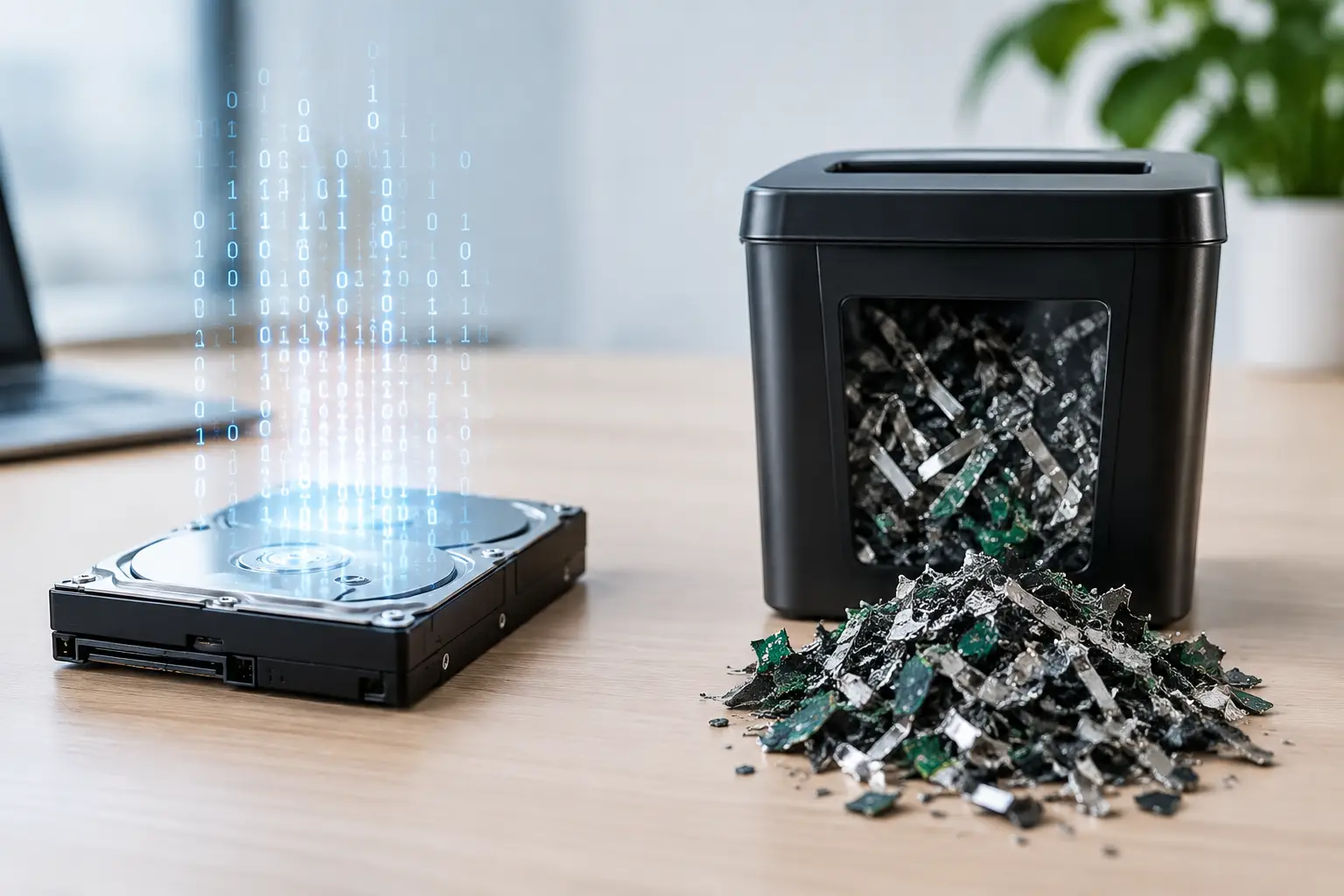
For devices that do store data, a proper disposal plan may include secure data wiping or hard drive destruction support. MYPC2U uses DoD 5220.22-M 3-pass data wiping for eligible drives and can provide documented pickup records, helping households and businesses keep the process clear and accountable.
How to prepare old monitors for recycling
You do not need to dismantle a monitor before recycling. In fact, opening a display can create safety risks and make responsible processing harder. Keep the unit intact unless a qualified technician has instructed otherwise.
Start by unplugging the monitor and removing personal accessories you intend to keep, such as a webcam, USB receiver, detachable stand, HDMI cable, or power cord. Cables can often be recycled too, but retaining them is reasonable if they are still useful with another device.
If the monitor still works, take a quick photo of the screen and model label before pickup. This can help you keep an internal asset record or confirm which units were collected. Businesses handling many assets should note the quantity, model, serial number where practical, and the department or location the equipment came from. The level of detail depends on your internal policy, but a basic list is far better than relying on memory later.
For damaged monitors, avoid pressing on cracked screens or trying to remove broken panels. Place the unit somewhere dry and stable until collection. A large television or CRT monitor may need two people to move safely, so tell the pickup provider about the size and condition in advance.
Choosing a recycler: what to ask first
Not every collection service offers the same level of care. Price and speed matter, but they should not be the only deciding factors when equipment came from an office, home workspace, or family computer area.
A worthwhile conversation should cover four practical points:
- Accepted items: Confirm that monitors are accepted and ask whether associated equipment, such as CPUs, laptops, printers, cables, UPS units, and network hardware, can be collected at the same time.
- Pickup process: Ask whether collection is scheduled, whether items are removed from your premises, and what information the provider needs before arriving.
- Documentation: Businesses should ask for proof of collection and clarify whether item counts or asset verification can be included.
- Data handling: If computers or drives are part of the pickup, ask how data wiping or drive destruction support is managed and what records are available.
The right level of service depends on the job. A resident with one broken display may only need a convenient collection appointment. An office replacing 40 monitors and 20 computers may need an inventory, secure handling, staged removal outside business hours, and records for administration or audit purposes.
Reuse, repair, or recycle?
Recycling is not always the first choice. If a monitor works well, has no major screen defects, and uses a connection that suits the next user, reuse can extend its useful life. A spare display may be helpful for a student, home office, security camera setup, or secondary workstation.
Repair can make sense for a newer or higher-value model, especially if the issue is limited to a power cable, stand, adapter, or minor connection problem. But repairs are less attractive when the panel is cracked, the backlight has failed, or the cost approaches that of a replacement.
For very old displays, particularly low-resolution units with limited ports or poor energy efficiency, recycling is often the sensible decision. The goal is not to keep every device alive indefinitely. It is to make a realistic choice that avoids unnecessary waste while keeping the disposal process safe.
A smoother process for office monitor replacements
Monitor replacement projects tend to become messy when disposal is left until the last day. New displays arrive, old units pile up in corridors, and staff are unsure which equipment belongs to whom. Planning collection alongside deployment keeps the workplace safer and more organized.
Set aside a temporary holding area that is dry, accessible, and away from busy walkways. Group monitors by floor or department if that helps count them. Keep all retired computers, drives, and network equipment in a separate labeled area so they can receive the appropriate data-handling attention. Then arrange a pickup window that works around your operations.
This approach is particularly useful for small and mid-sized businesses that do not have an internal IT asset disposal team. A local service partner can collect equipment from the doorstep, verify the assets being removed, and provide a clearer handover than an ad hoc scrap collection.
Make disposal the last responsible step
Old monitors may look like simple clutter, but they are part of a larger equipment lifecycle. Whether you are clearing one home office display or retiring an entire floor of screens, choose a collection method that treats electronics with appropriate care.
A scheduled, documented recycling pickup gives you a practical way to clear space without guessing where the equipment will go. More importantly, it lets you move on from outdated technology with the confidence that the handover was handled responsibly.

Leave a Reply