

An old laptop can look harmless sitting in a cupboard or storeroom, but it may still hold passwords, customer records, tax files, photos, emails, and saved browser data. Kuala Lumpur laptop recycling should therefore be more than dropping a device into a scrap pile. A proper process protects the information on the device, provides a clear handover record, and sends the equipment into responsible downstream recycling.
For households, the concern is usually personal privacy and the inconvenience of transporting unwanted electronics. For businesses, the stakes can be higher. Retired laptops may contain employee data, financial documents, client information, and access credentials that should not leave the organization without controlled handling.
Why laptop disposal needs more care than general waste
Laptops are compact, but they combine materials that need different treatment. They contain metals, plastics, circuit boards, batteries, displays, and storage drives. When equipment is handled casually, reusable materials can be lost and components that require specialist processing may be disposed of improperly.
The more immediate concern is data. Deleting files, emptying the Recycle Bin, or performing a basic reset does not always make old information unrecoverable. A laptop that no longer starts can still contain a working drive. Even a damaged device may hold data that can be accessed once its storage media is removed.
That is why responsible recycling begins with identifying the device and deciding what needs to happen to its data before the laptop enters the recycling stream. The right approach depends on the device type, its condition, and whether it belongs to a household or an organization.
What a secure Kuala Lumpur laptop recycling process looks like
A reliable collection service should make the process understandable from the first inquiry through pickup and handover. You should know what equipment is being collected, how it will be handled, and what documentation you will receive.
Start with an inventory, even a simple one
Businesses should record the make, model, asset tag, and serial number of every laptop being retired when possible. This helps administrators confirm that all assigned assets have been returned and prevents equipment from disappearing during an office move or technology refresh.
For a household, a short list is still useful. Note the number of laptops, whether chargers are included, and whether any devices have swollen batteries, broken screens, or missing drives. Sharing accurate details before collection helps the recycling team prepare for safe handling.
Separate data handling from recycling
Data protection should not be an afterthought. Ask how the storage media will be handled before the laptop is collected. Where drives are functional and suitable for wiping, a recognized overwrite process can be used. MYPC2U supports DoD 5220.22-M 3-pass data wiping for applicable drives, giving customers a more controlled option than simply assuming files are gone.
Not every laptop can be wiped in the same way. A failed hard drive, an inaccessible device, or certain solid-state storage may require a different handling decision. In those cases, secure hard drive destruction support may be more appropriate. The key is to agree on the method based on the condition of the media, rather than treating every device as identical.
Use a scheduled pickup instead of an informal handover
Old equipment is often left near loading bays, building lobbies, or waste areas while someone waits for a collector. That creates an unnecessary chain-of-custody gap, especially for business devices. A scheduled pickup provides a clearer process: equipment is identified, collected from the agreed location, and recorded at handover.
For residents, pickup removes the need to fit bulky electronics into a car or carry them to an unfamiliar drop-off point. For offices, it can reduce disruption when several laptops, monitors, desktop computers, or network devices need to be removed at once.
Keep proof of collection
A documented pickup record is a practical safeguard. It gives a business an internal reference for facilities, IT, finance, or management teams, and it reassures households that their devices were handed to a professional collection service rather than an unknown intermediary.
Documentation does not replace good data handling, but it supports accountability. If your company has asset disposal procedures, the collection record should be retained alongside your asset inventory and any data wiping records.
Devices commonly collected with unwanted laptops
Laptop recycling is often part of a larger clear-out. Collecting related equipment at the same time can save repeated trips and help ensure no data-bearing devices are overlooked. Depending on the collection arrangement, this may include:
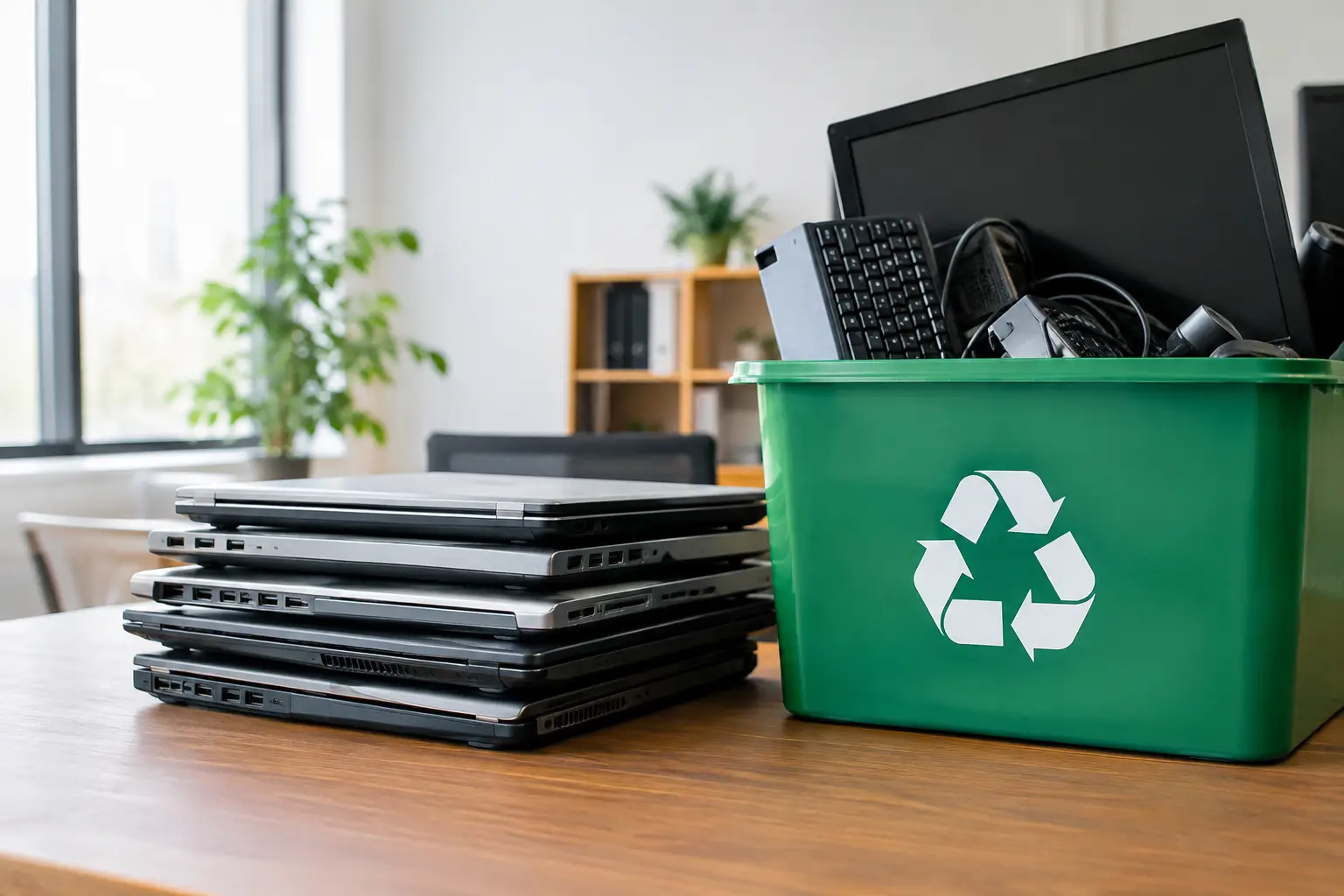
- Desktop computers, monitors, keyboards, mice, and cables
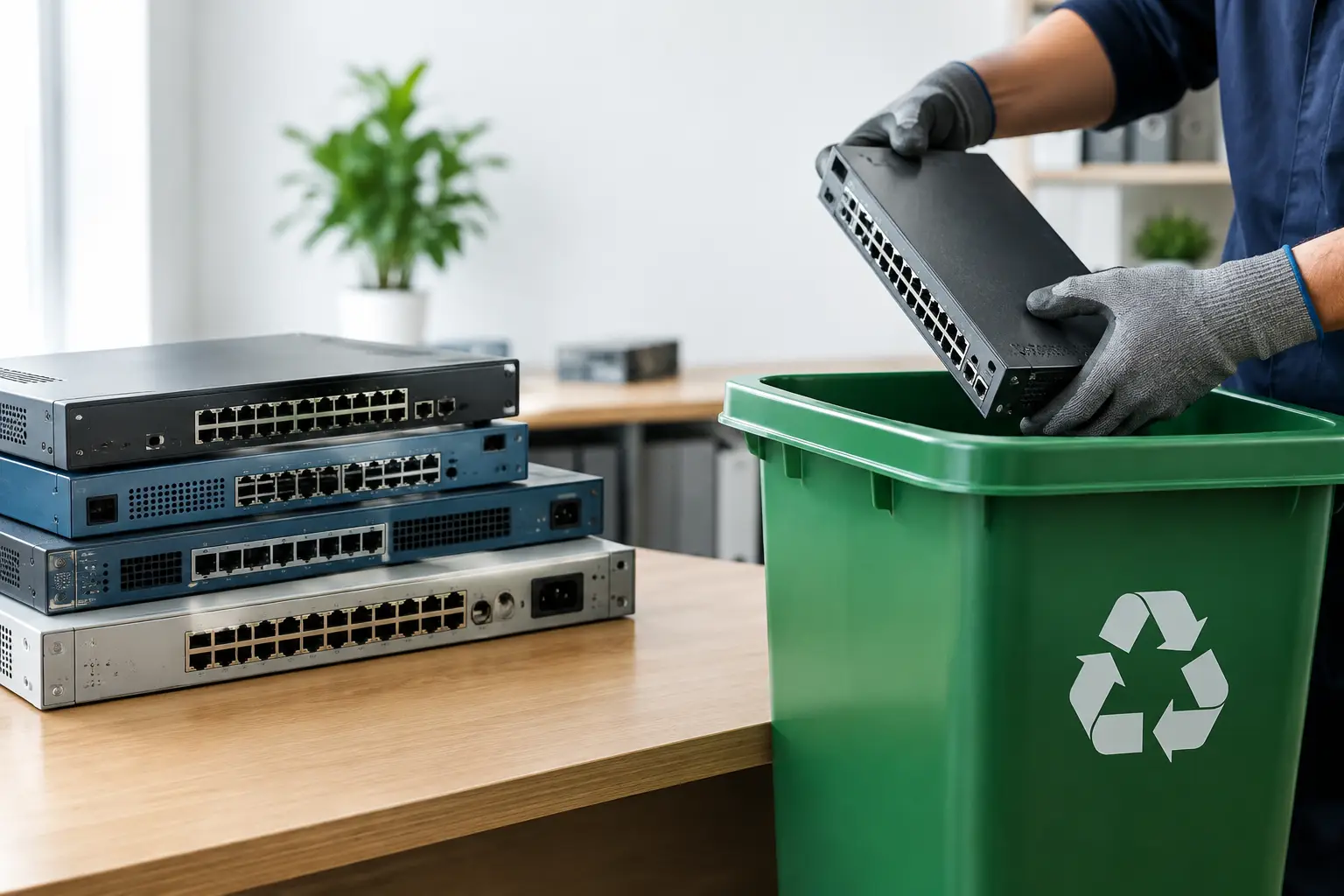
- Servers, network switches, routers, and other IT hardware
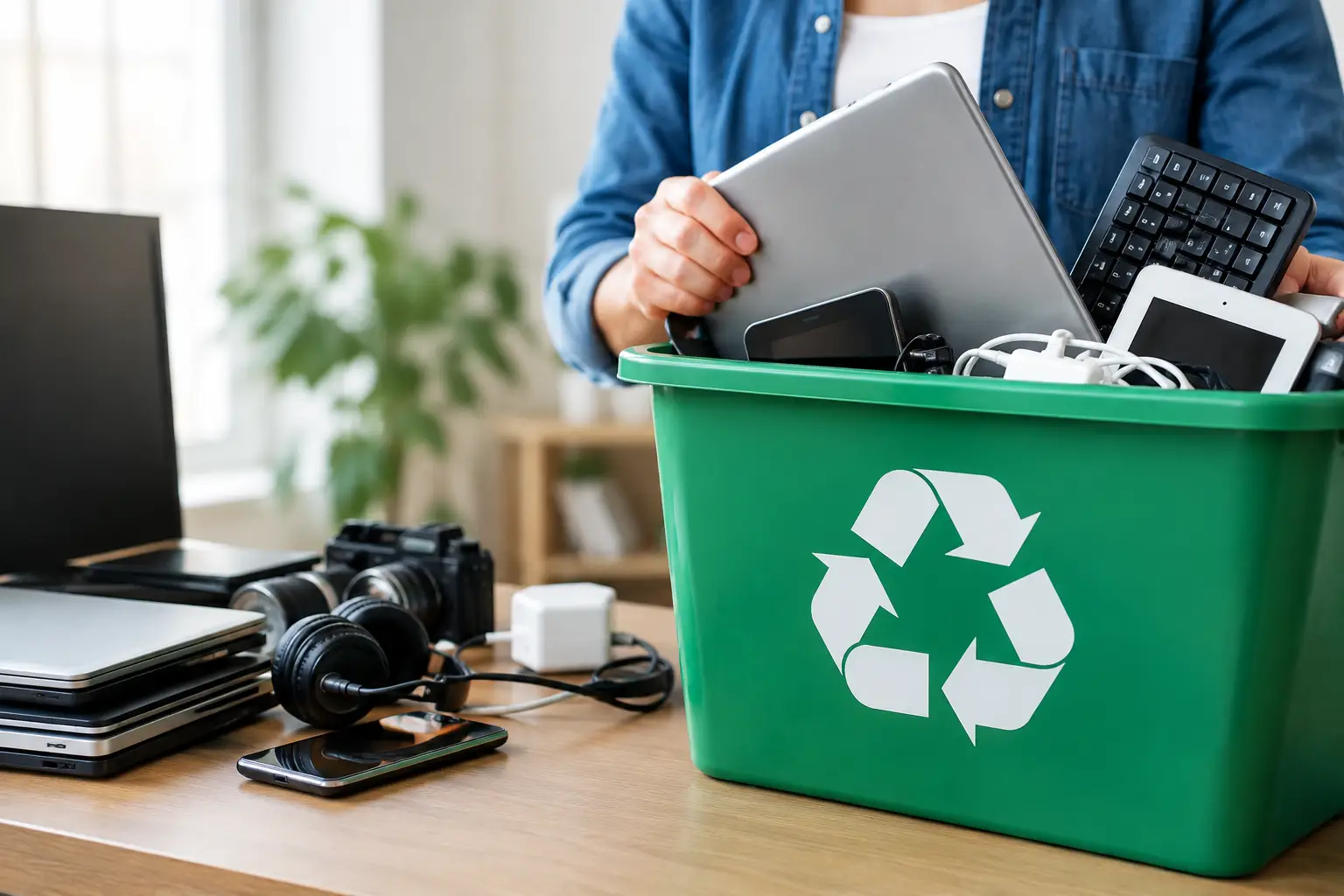
- Mobile phones, tablets, and small electronic devices
- Printers, scanners, office equipment, and accessories
Before pickup, separate any equipment your team plans to reuse, donate, repair, or retain for spare parts. It is easy to mix working assets with retired ones during an office cleanup. A simple label such as “retain” or “recycle” can prevent costly mistakes.
The difference between a scrap collection and IT-aware disposal
Scrap collectors can play a role in material recovery, but businesses and privacy-conscious households should look beyond the immediate removal of unwanted equipment. The value of a professional IT asset disposal service lies in the controls around collection, identification, data handling, and recycling coordination.
An IT-aware provider understands that a laptop is not just mixed metal. It is an asset that may have a serial number, assigned user, encryption key, business application, or storage drive containing sensitive records. This perspective changes how the equipment is moved, documented, and prepared for downstream processing.
Cost also deserves a realistic conversation. Free or low-cost collection may suit some equipment types and locations, while data wiping, difficult access, large quantities, or special handling can affect service arrangements. The best option is not always the cheapest collection offer. It is the one that gives you enough confidence in how your devices and information will be handled.
Preparing laptops before collection
If a laptop still works, sign out of accounts where practical and remove any external accessories that you want to keep, such as USB receivers, memory cards, or personal adapters. Businesses should also remove devices from management systems and record their retirement according to internal policy.
Do not rely on these steps alone as your data protection plan. Account sign-out and factory resets are useful preparation, but they are not substitutes for verified wiping or appropriate drive handling. If there is any uncertainty about a device’s storage media, tell the collection provider before pickup.
Keep chargers with the laptop if they are no longer needed. They can be processed with the equipment and help maintain an organized collection. If batteries are visibly damaged, leaking, or swollen, do not attempt to puncture, crush, or force them out. Flag the issue in advance so the device can be handled safely.
A practical choice for homes and growing businesses
For a resident with one outdated laptop, the priority may be simple, convenient removal without exposing family files. For an office manager clearing 30 devices after a hardware upgrade, the priority may be asset verification, wiping records, coordinated pickup times, and a handover document. Both situations deserve a process that is clear and responsible.
Kuala Lumpur and Selangor customers do not need to choose between convenience and careful handling. With scheduled pickup, secure data options, and documented collection, old laptops can leave a home or workplace without becoming a loose end in your privacy or IT records.
Before your next clear-out, gather the devices in one place, identify any that may contain sensitive data, and arrange collection with a provider that treats every retired laptop as both electronic waste and an information-bearing asset.


Leave a Reply