
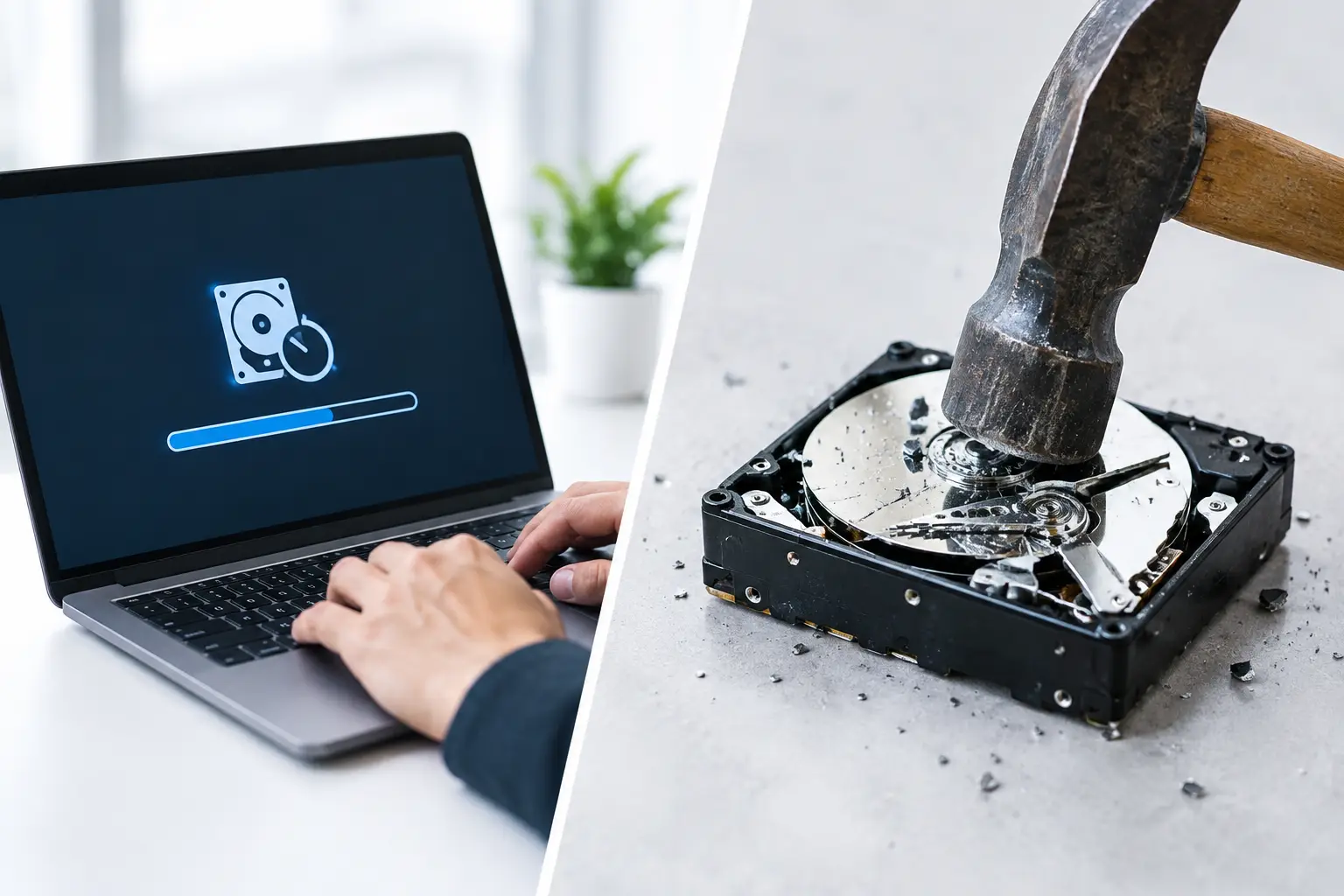
An old laptop may look harmless sitting in a storeroom, but its drive can still hold years of emails, client records, passwords, financial files, and personal photos. That is why the choice between data wiping vs physical destruction deserves more thought than simply handing equipment to a scrap collector. Both methods can help protect sensitive information, but they serve different purposes and lead to different outcomes for the device.
For households, the right option may preserve a working computer for reuse. For businesses, the decision often depends on the type of information stored, internal policies, audit requirements, and whether the equipment still has value. A secure disposal partner should be able to explain the difference clearly, handle the equipment responsibly, and provide a documented collection process.
Data Wiping vs Physical Destruction: The Core Difference
Data wiping removes information from a storage device while leaving the drive and, in many cases, the entire device usable. Physical destruction makes the storage media permanently unusable by damaging it beyond practical recovery.
Think of data wiping as securely clearing a device for its next purpose. A properly completed wipe can allow a laptop, desktop, server, or hard drive to be refurbished, reused, or recycled through the appropriate channel. Physical destruction is different. It is chosen when the storage media must never be used again and the priority is irreversible damage rather than reuse.
Neither method is automatically better in every situation. The right choice depends on the device, the data it contains, the condition of the storage media, and the level of assurance you need.
When Secure Data Wiping Is the Better Choice
Secure data wiping is often the practical choice for devices that are still functional and may have reuse value. This includes working laptops, desktop computers, servers, and many hard drives that can be refurbished or processed for responsible reuse.
A professional wiping process does more than delete folders or empty a recycle bin. Standard deletion only removes the file references that make data easy to find. The underlying information may remain on the drive and can sometimes be recovered with readily available tools. Reformatting a drive also may not provide the level of assurance needed for confidential business or personal data.
Secure wiping overwrites or sanitizes data according to an established process. MYPC2U can support DoD 5220.22-M 3-pass data wiping for suitable drives, providing a more controlled approach than a basic reset. The goal is to make previous data inaccessible while keeping the drive available for reuse or downstream recycling.
Data wiping is particularly useful when a business is replacing office computers but wants to recover value from working equipment. It can also be a sensible option for households with old laptops that remain in good condition. Reuse extends the useful life of electronics and can reduce unnecessary waste, provided the data has been handled correctly first.
There are limits, however. A wipe should be verified, especially when devices contain sensitive company or customer information. Older, damaged, or unreliable drives may not complete the process successfully. Solid-state drives also require appropriate sanitization methods because their storage architecture differs from traditional hard disk drives. In these cases, physical destruction may offer greater certainty.
When Physical Destruction Makes More Sense
Physical destruction is best suited to storage media that contains highly sensitive data, cannot be reliably wiped, or has reached the end of its useful life. This may include failed hard drives, damaged devices, legacy servers, drives from finance or HR systems, and media covered by strict internal retention or disposal policies.
The process can involve methods such as drilling, crushing, or shredding the storage device so that its internal components cannot be practically reconstructed. Simply breaking a laptop casing, removing a drive, or hitting it with a hammer is not a dependable security process. Storage platters, chips, or other components may remain recoverable if the destruction is incomplete.
Physical destruction provides a clear final outcome: the drive will not return to use. That makes it attractive when an organization needs the highest level of certainty that a specific storage device is permanently retired. It can also be the right choice for a drive that has failed and cannot be accessed for wiping.
The trade-off is straightforward. Once a drive is physically destroyed, it cannot be refurbished or reused. The remaining material must then enter an appropriate recycling stream. For this reason, destruction should be coordinated with responsible downstream processing rather than treated as a quick disposal shortcut.
How to Choose Between Wiping and Destruction
Start with the data, not the device. A five-year-old laptop may have little resale value but still contain payroll documents or saved browser passwords. A damaged server may no longer boot, yet its drives can hold backup files with valuable business information.
Four questions usually make the decision clearer:
- How sensitive is the data? Customer records, financial information, employee files, health-related data, and confidential business documents may justify physical destruction or a tightly verified wiping process.
- Can the drive be wiped successfully? Functional drives are better candidates for secure wiping. Failed or damaged drives may need physical destruction.
- Is reuse valuable? If equipment is in working condition, wiping can preserve its value and support refurbishment.
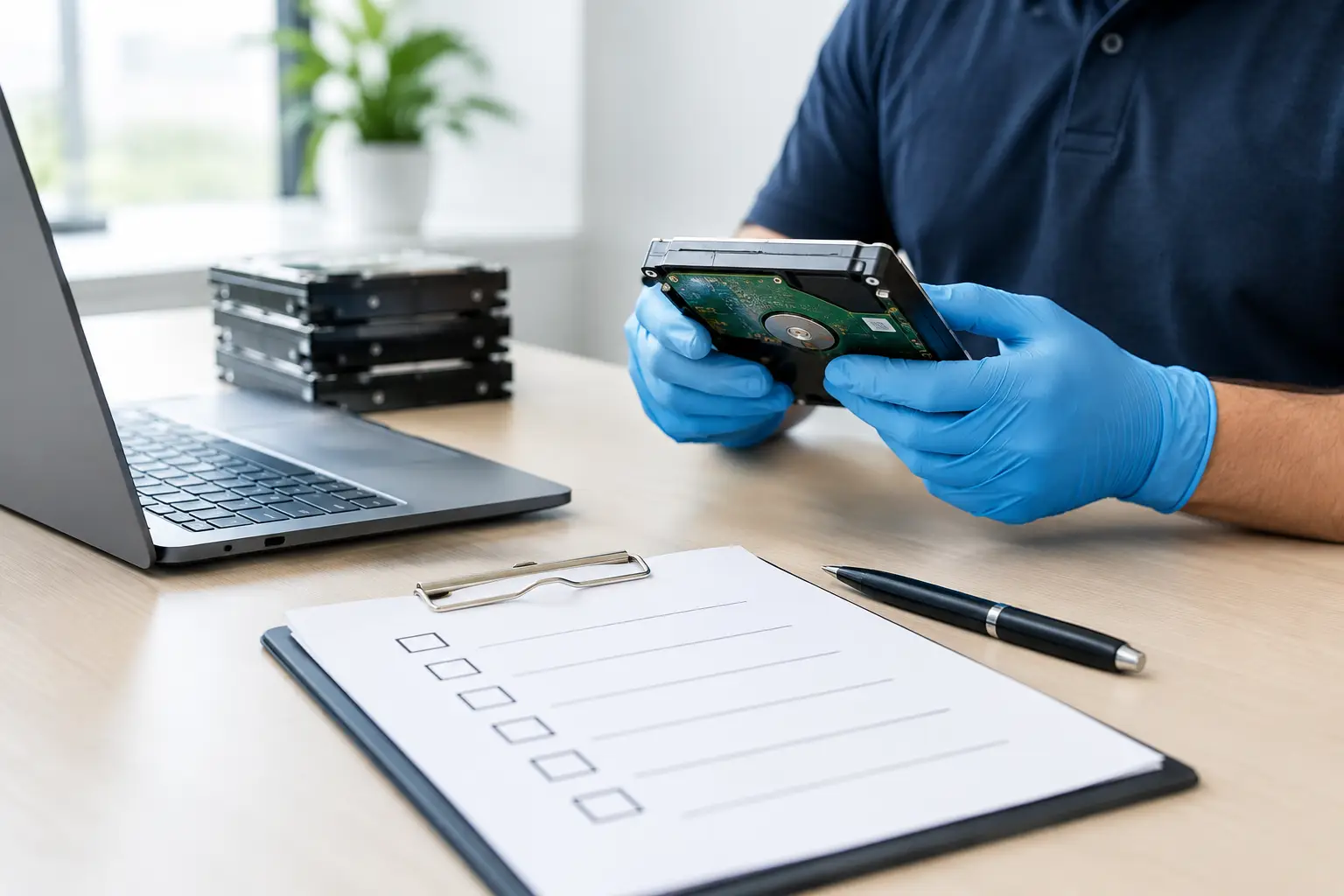
- What documentation is required? Businesses should consider whether they need asset verification, pickup records, wiping confirmation, or proof that drives were destroyed.
For many organizations, the best approach is a combination. Working laptops and desktops can be securely wiped for reuse, while failed drives and particularly sensitive storage media can be physically destroyed. This avoids treating every device the same while still maintaining a strong security standard.
Documentation Matters as Much as the Method
Security does not begin only when a drive is wiped or destroyed. It begins when equipment leaves your office or home. A clear chain of handling reduces uncertainty about where devices went, who collected them, and what happened next.
For businesses, documented pickup records and IT asset verification can make disposal easier to manage internally. Office managers and administrators often need a simple way to account for retired equipment, especially when multiple laptops, monitors, phones, servers, or network devices are involved. Knowing which assets were collected helps prevent devices from being forgotten in storage rooms or accidentally discarded through informal channels.
Documentation is also valuable for households. If you are disposing of an old computer that once held tax records, family photos, or online account details, you should know that it was handled through a professional process rather than mixed into a general scrap collection.
Ask your disposal provider what records are available, whether they can identify storage-bearing devices, and how they coordinate recycling after the security step is complete. Clear answers are a good sign that the service is designed around accountable handling rather than just collecting metal.
Common Mistakes to Avoid Before Disposal
The most common mistake is assuming that deleting files is enough. It is not a reliable way to prepare a computer for disposal. Another mistake is relying on a factory reset without understanding whether the reset actually sanitizes the storage media.
Do not leave old devices in an unsecured office corner while waiting for disposal. A forgotten laptop, loose hard drive, or retired phone can create unnecessary exposure long before it reaches a recycler. Businesses should gather equipment in a controlled area and make an inventory of devices where practical.
It is also wise to remove obvious personal items before handover, such as SIM cards, memory cards, USB drives, and paper labels containing passwords or asset details. If you have access to the device, sign out of cloud accounts and deactivate device-tracking features. These steps complement secure wiping or destruction, but they do not replace them.
A More Responsible Way to Retire Electronics
The best disposal decision protects both your information and the environment. Secure wiping supports reuse when a device still has useful life. Physical destruction provides stronger finality for failed, sensitive, or high-risk storage media. Responsible recycling ensures that the remaining equipment is processed properly rather than abandoned or handled carelessly.
Before scheduling a pickup, separate devices that contain data from general electronics such as monitors, printers, cables, and peripherals. Make a short note of which computers, servers, phones, and loose drives need special handling. That small amount of preparation gives your recycling partner the information needed to recommend the right path and helps ensure your retired equipment leaves with confidence, not unanswered questions.




Leave a Reply