
An old laptop in a closet may look harmless. A retired office server, a stack of staff PCs, or a phone with years of personal accounts is different. A proper computer pickup recycling review should begin with one question: who will handle the equipment from your door to its final processing, and what proof will you receive along the way?
Pickup recycling is convenient, especially when devices are bulky, numerous, or difficult to transport. But convenience should not mean handing data-bearing equipment to the first person willing to collect it. For households and businesses, the best service combines practical collection with clear safeguards for information security and responsible disposal.
1. Check what equipment the service will collect
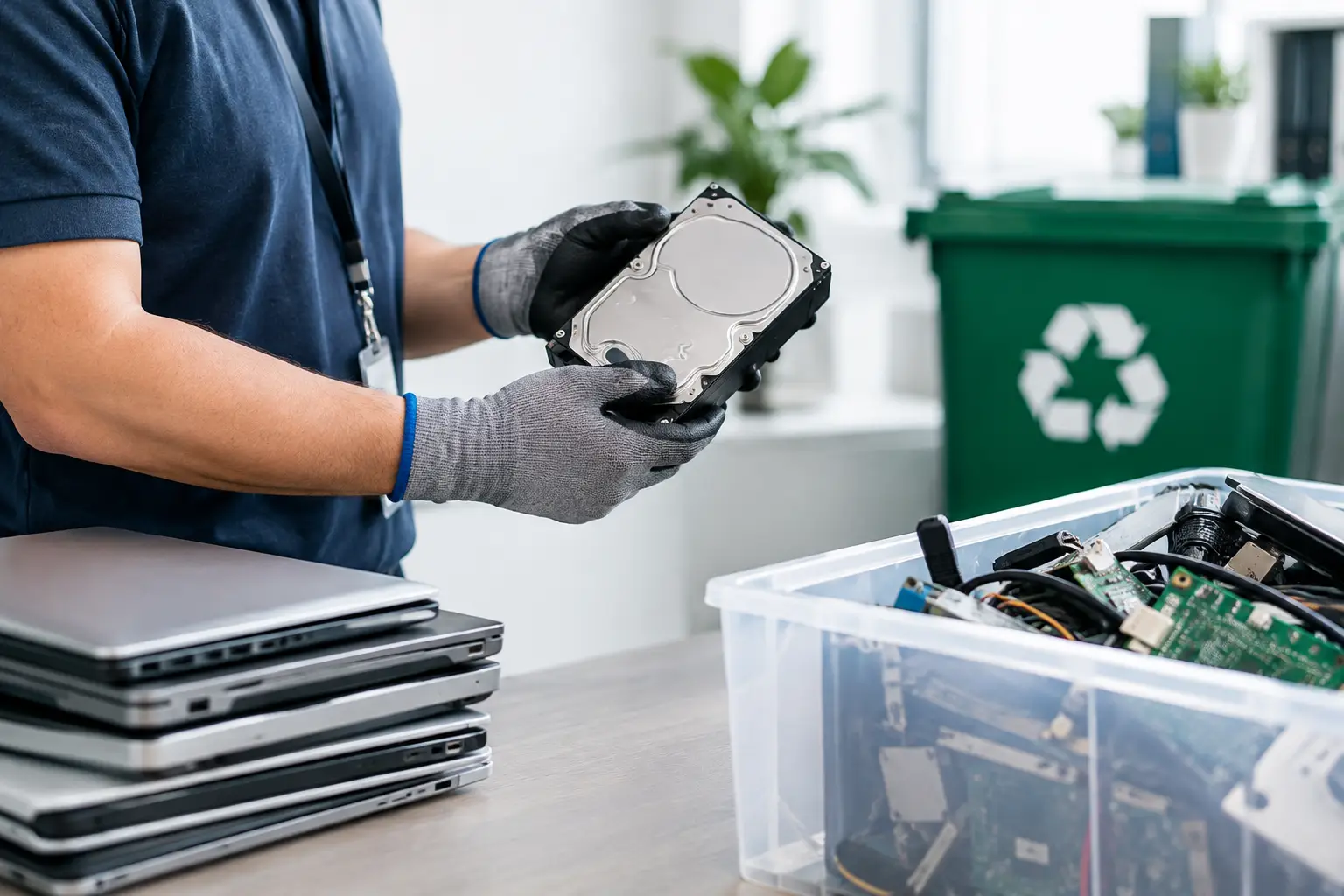
Start with the basics. A capable pickup recycler should clearly state the types of electronics it can handle. Computers and laptops are obvious, but many clear-outs include monitors, printers, phones, tablets, servers, network switches, routers, cables, keyboards, and other office equipment.
This matters because an incomplete collection can create more work. A business replacing its IT setup may need old desktop towers, hard drives, monitors, and networking equipment removed at the same time. A household may have a laptop, a broken printer, and a drawer full of small devices. Confirming accepted items before booking prevents surprises on collection day.
It is also worth asking about equipment condition. Some devices may still be suitable for reuse or parts recovery, while others are only suitable for material recycling. A professional provider should assess the equipment appropriately rather than treating every item as generic scrap.
2. Ask how data will be protected
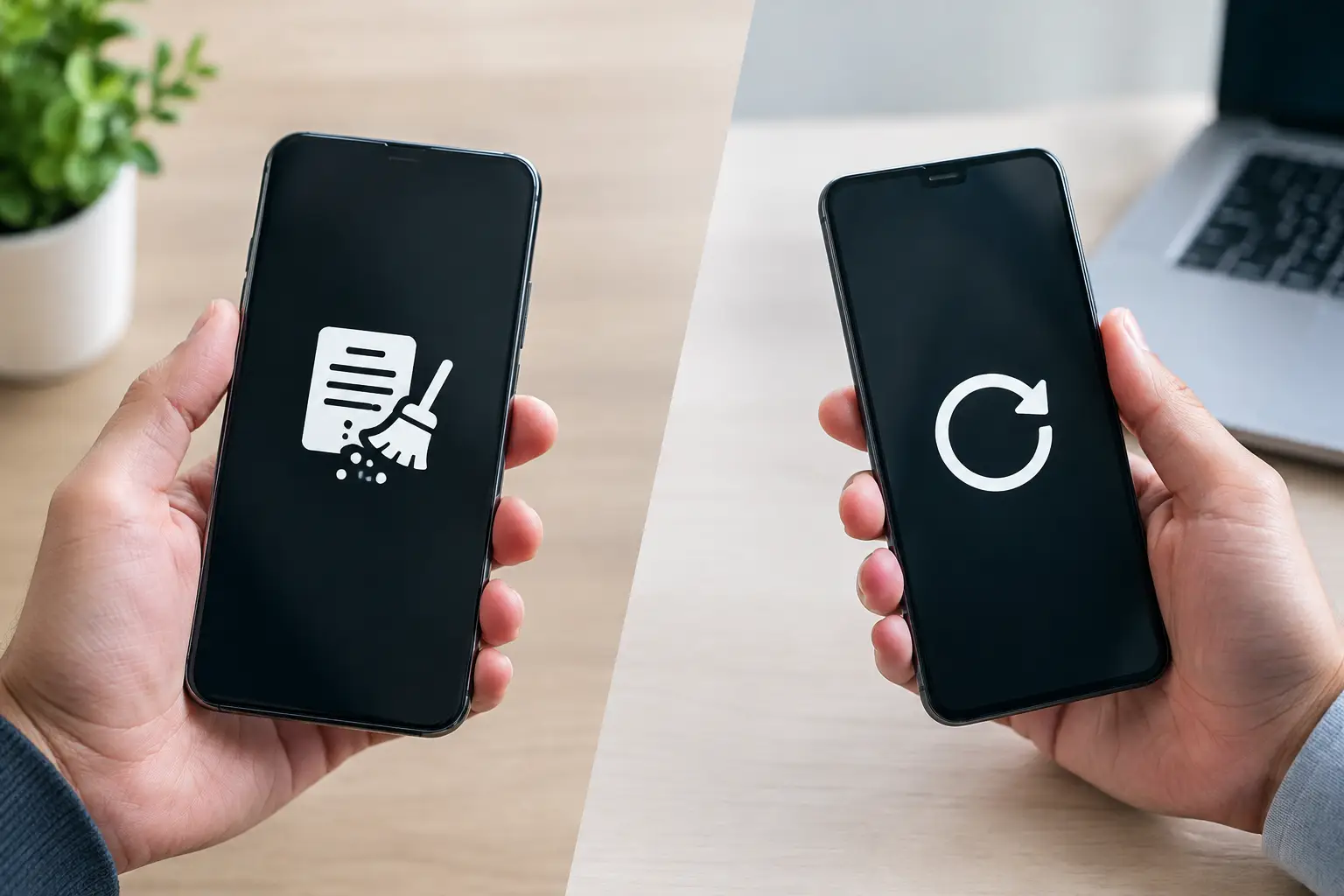
The most important part of any computer pickup recycling review is data security. Deleting files, emptying the recycle bin, or performing a quick factory reset does not always remove recoverable information. Hard drives and solid-state drives can contain financial records, customer details, passwords, photos, emails, and business documents long after a device stops being used.
For business equipment, the risk can extend beyond one employee’s files. A server, office laptop, or network storage device may hold confidential company information or data subject to internal retention and privacy requirements. The collection process needs to recognize that these are IT assets, not just unwanted metal and plastic.
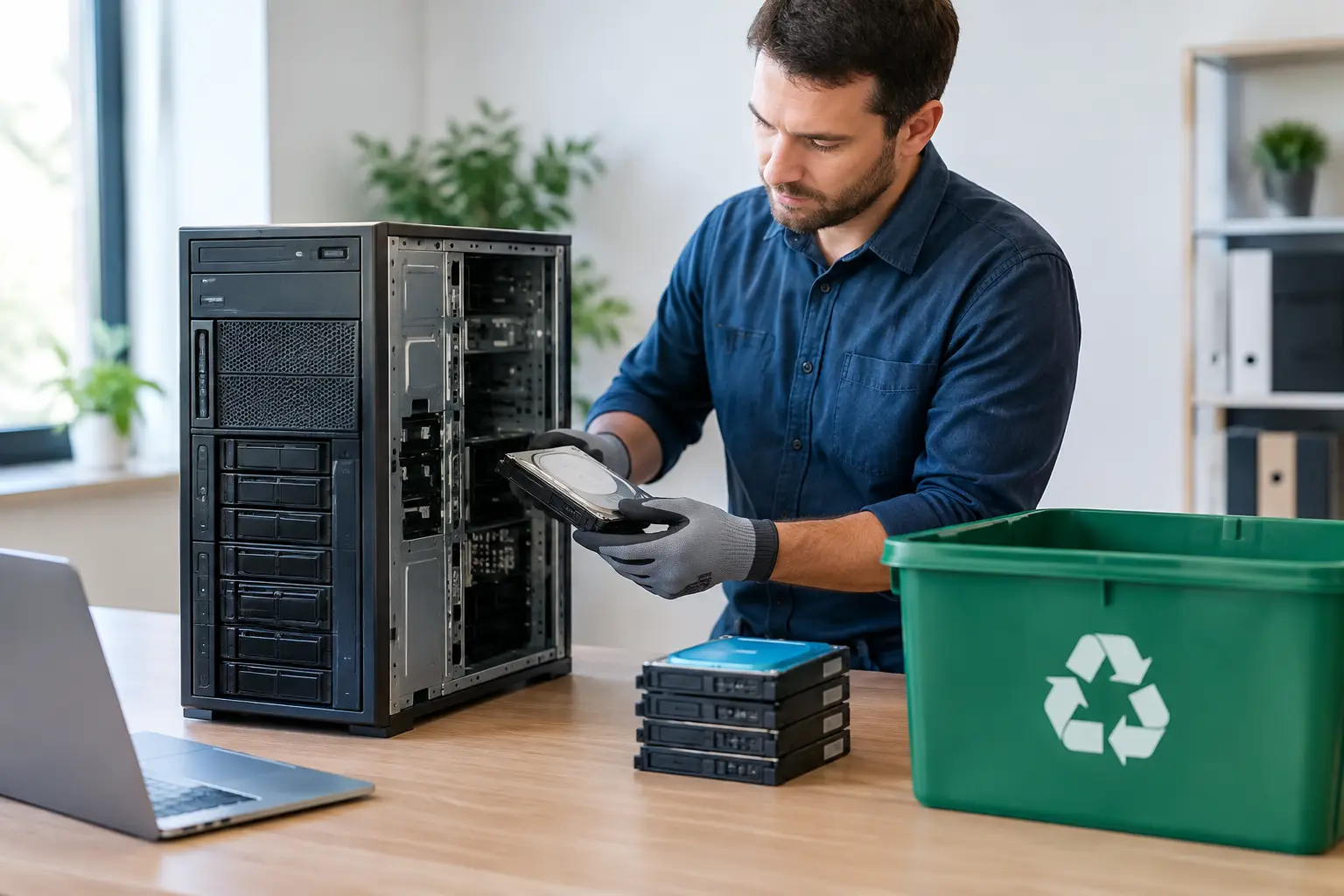
Ask whether the provider offers documented data wiping and how the process is performed. MYPC2U supports DoD 5220.22-M 3-pass data wiping for suitable drives, giving customers a more accountable option than simply disposing of a computer without a record of how its data was handled.
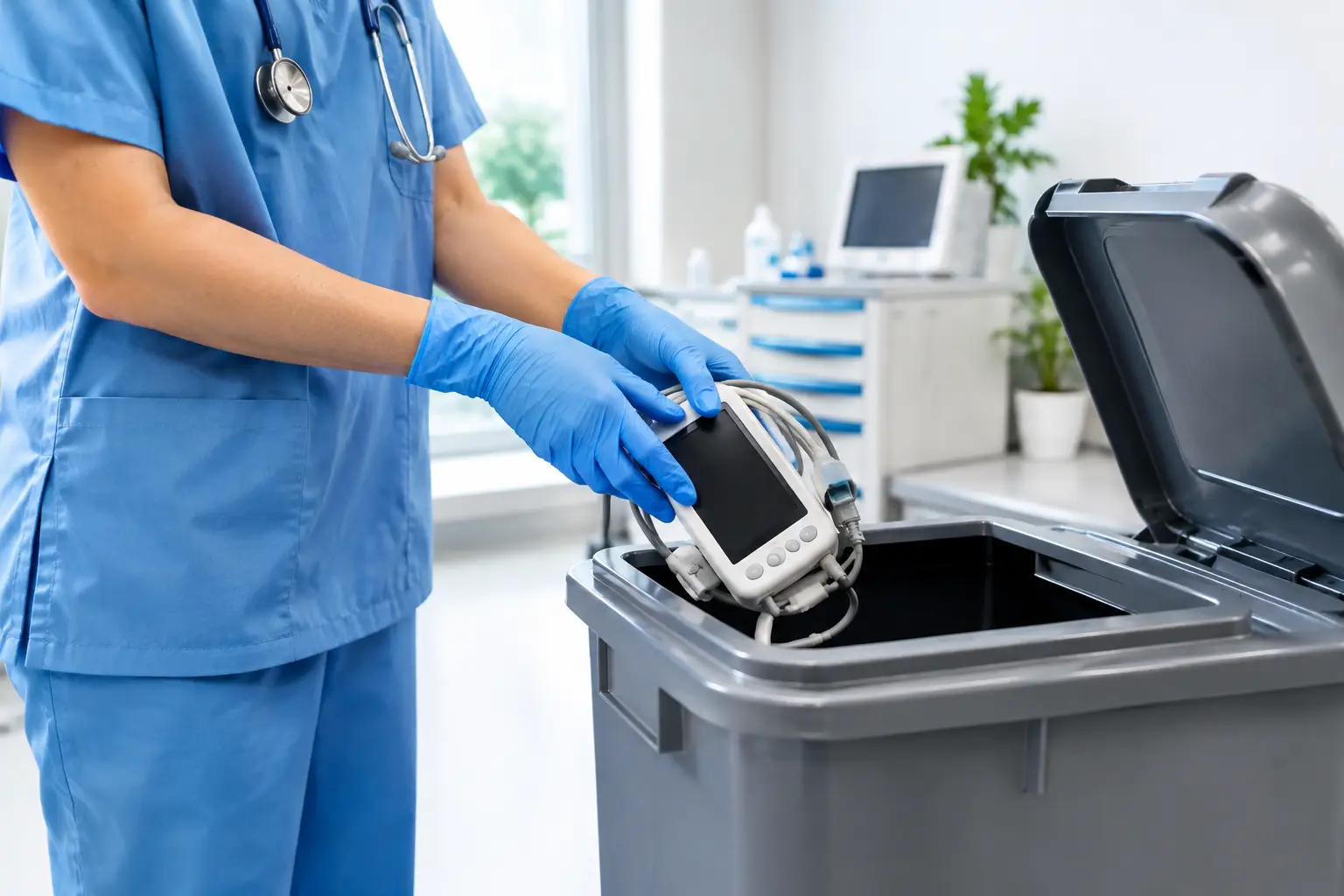
There are situations where wiping is not practical, such as a failed drive that cannot be read or a device that will not power on. In those cases, ask what secure handling option is available for the storage device. The right approach depends on the condition of the equipment and the sensitivity of the data it once held.
3. Look for a documented pickup process
A pickup should not end with a verbal promise that the equipment has been taken away. For businesses especially, a collection record provides a useful chain of accountability. It helps office managers reconcile what left the premises, supports internal asset records, and gives leadership confidence that retired equipment did not disappear into an informal disposal channel.
A clear record should identify the pickup date and the equipment collected. For a larger IT refresh, asset verification can add another layer of control by confirming specific devices or storage media before they leave the site.
Documentation is useful for households, too. If you are disposing of a personal computer that contained tax files, family photos, or saved passwords, knowing that a professional service collected it is more reassuring than leaving it at an unverified drop-off point. Good records turn an uncertain handoff into a traceable service transaction.
4. Review how pickup logistics are handled
The value of pickup is not merely avoiding a trip to a recycling center. It is about reducing the physical and administrative burden of disposal. Servers, desktop computers, and multiple monitors can be difficult to move safely, particularly from an upper-floor office or a home without suitable transport.
Before scheduling, provide an accurate picture of the collection: the number of items, their general size, whether any equipment is especially heavy, and whether there are access restrictions. For offices, mention building loading rules, visitor registration, elevator access, and preferred collection times. These details allow the provider to plan properly and help the pickup run without disrupting the workday.
Small household collections and larger business clear-outs do not always need the same arrangement. A few devices may be straightforward, while a company decommissioning a server room may require more coordination and asset checking. A reliable service will ask sensible questions rather than making assumptions.
5. Confirm responsible downstream processing
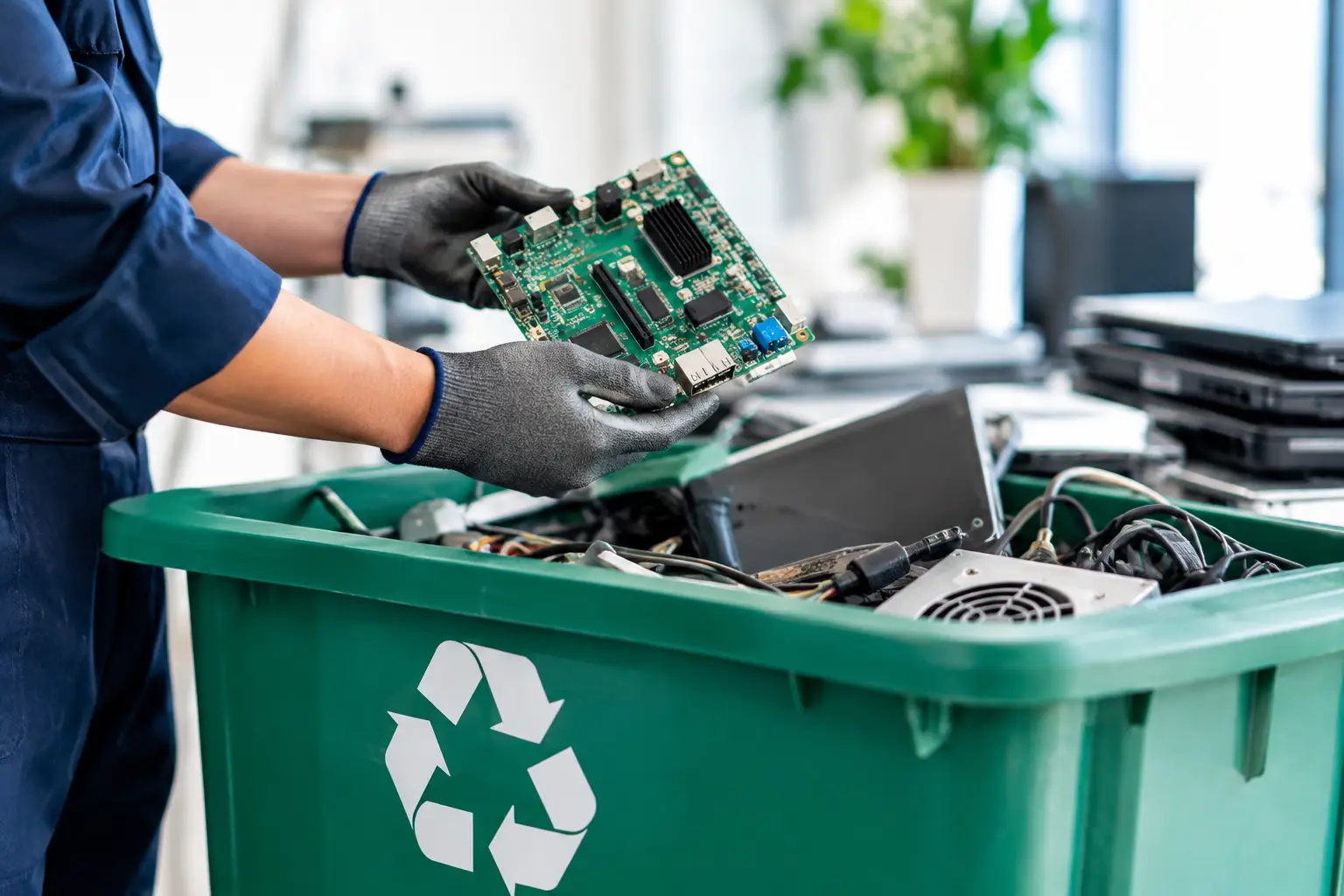
Collection is only the first stage. Once electronic equipment leaves your premises, it should enter a responsible recycling pathway. Computers contain materials that can be recovered, but they can also contain components that should not be handled through ordinary waste channels.
Ask whether the provider coordinates with licensed recyclers for downstream processing. This is a meaningful distinction. An IT-aware collection service should be able to explain that it handles the pickup, device control, and data-related requirements before equipment is passed on for proper recycling.
Responsible processing does not mean every device has the same outcome. Functional equipment may have reuse value, while damaged or obsolete equipment may be dismantled for material recovery. What matters is that the provider has a defined process and does not leave customers guessing where their devices will end up.
6. Compare professionalism, not just price
Free or low-cost collection can be appealing, particularly when you have several unwanted devices. However, price alone is a weak measure of value when computers may contain sensitive information. A service that cannot explain its data protection steps, provide collection records, or confirm its recycling pathway may create a larger risk than the savings justify.
A better comparison looks at the full service: responsiveness, pickup scheduling, accepted device types, handling procedures, data wiping support, proof of collection, and recycler coordination. For a business, this comparison should also include whether the provider understands IT assets well enough to distinguish ordinary office equipment from devices containing critical data.
That does not mean every household needs enterprise-level handling for a decades-old keyboard. It means the service level should fit the equipment. The more data-bearing, valuable, or business-critical the item, the more important documented handling becomes.
7. Use this computer pickup recycling review before booking
Before confirming a collection, make sure you can answer seven practical questions: What items will be collected? Which devices contain data? Is secure wiping available? What happens if a drive has failed? Will you receive pickup documentation? How will access and timing be managed? And does the provider use a responsible downstream recycling process?
These questions are simple, but they reveal whether a recycler is prepared to handle electronic equipment professionally. Vague answers should be a warning sign, especially when laptops, servers, phones, or hard drives are involved. A trustworthy provider should make the process easy to understand without minimizing the importance of secure handling.
For residents and businesses in Kuala Lumpur and Selangor, pickup-based recycling can remove the hassle of transporting old electronics while giving sensitive equipment the attention it deserves. Set aside time to identify data-bearing devices before collection, keep any equipment list you may need for your records, and choose a service that treats your retired technology with the same care it required when it was still in use.
Leave a Reply