
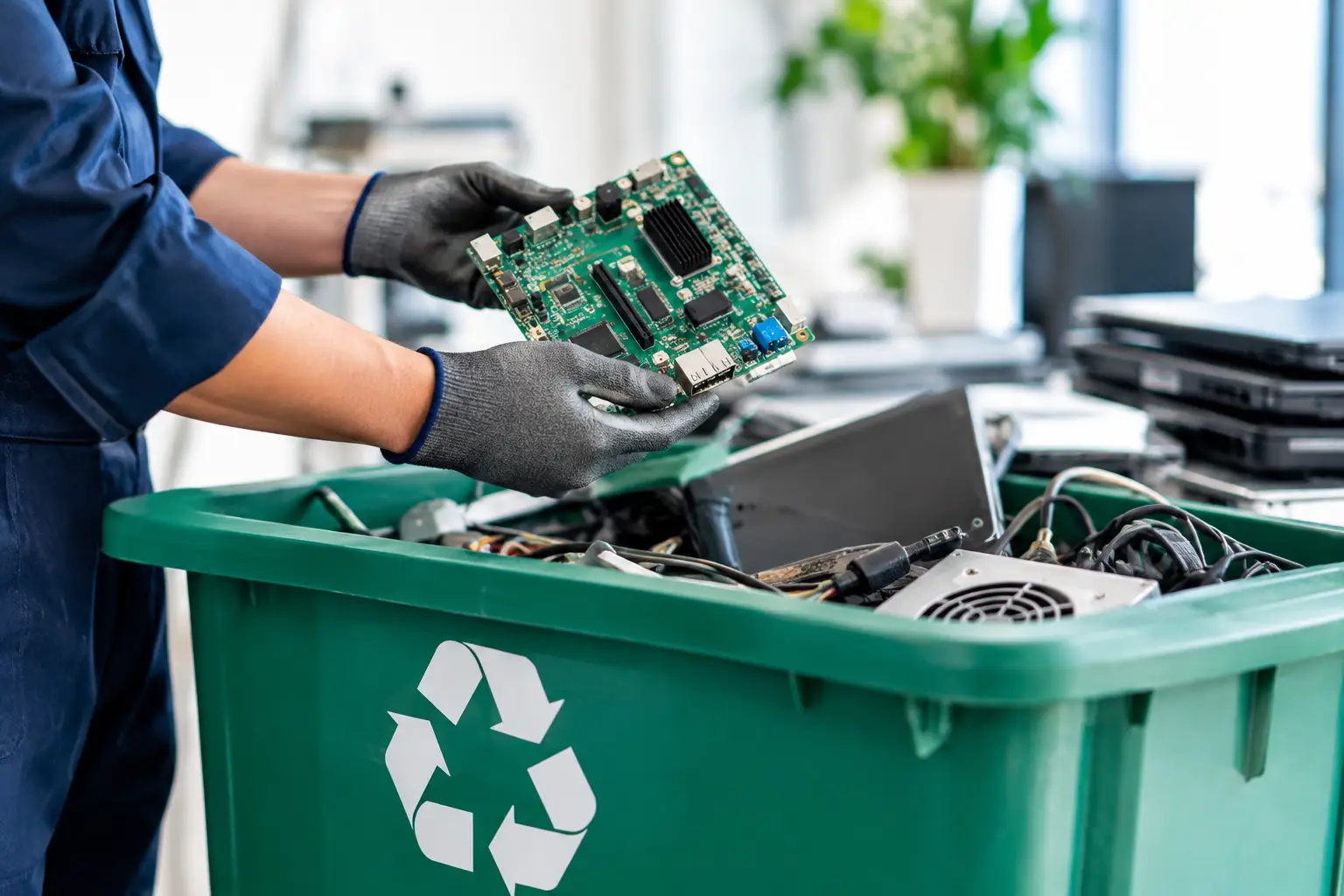
A retired laptop can look harmless sitting in a storeroom, but it may contain a battery, circuit boards, personal files, account credentials, or years of business records. That is why electronics recycling regulations are about more than keeping unwanted devices out of the trash. They set expectations for how electronic waste is collected, transported, processed, and documented.
For households, the practical question is usually simple: where can this device go safely? For businesses, disposal also involves data protection, asset records, internal approval, and confidence that equipment will not reappear through an unaccountable channel. Understanding the basics helps you choose a recycling provider based on responsible handling, not just the fastest collection offer.
Why electronics recycling regulations exist
Electronic equipment contains a mix of reusable materials and components that require controlled handling. Metals, plastics, glass, batteries, circuit boards, cables, and display panels do not all belong in ordinary household or commercial waste streams. When devices are dismantled or discarded improperly, hazardous materials can enter the environment, while valuable recoverable materials are lost.
Regulations are designed to reduce these risks by setting rules around collection, storage, transport, treatment, and final processing. The exact requirements vary by country, state, city, and type of material. Batteries, lamps, displays, and certain industrial equipment may be subject to different rules than ordinary office electronics.
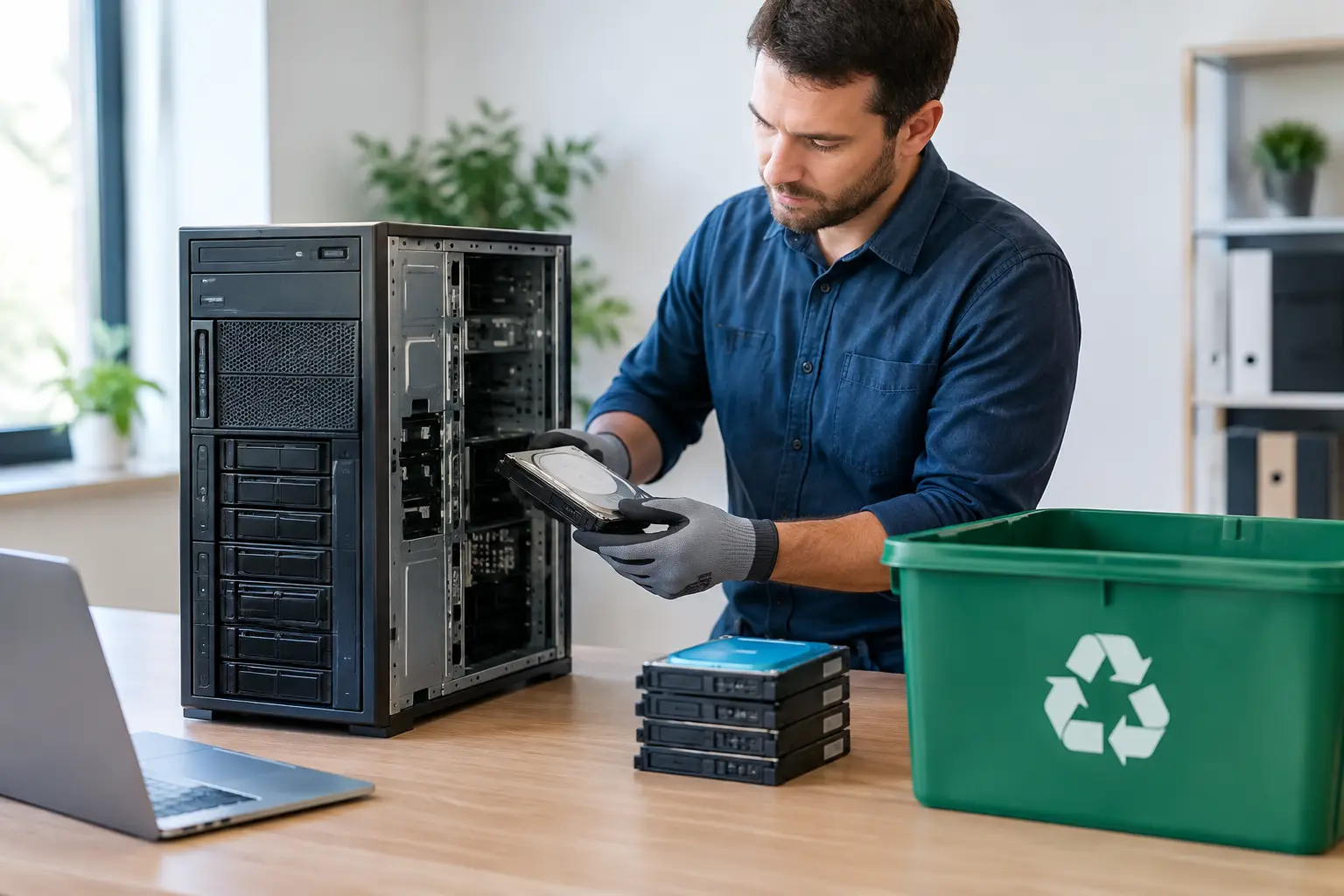
For customers, this means there is rarely a one-size-fits-all answer to “Can I throw this away?” A broken keyboard may be straightforward to recycle, while an old server with multiple drives requires much closer attention to data and asset handling.
The regulations are only one part of responsible disposal
Compliance matters, but responsible electronics disposal should also address what happens before and after a device leaves your premises. A reliable process considers secure collection, clear device identification, data protection, and coordination with appropriate downstream recycling facilities.
This distinction matters because a provider can collect equipment quickly without giving you much visibility into its journey. For a household, that may mean uncertainty about personal photos, saved passwords, or banking documents left on a computer. For an office, it can mean uncertainty about customer information, employee records, intellectual property, and company-owned assets.
A professional recycling process should therefore be built around both environmental requirements and practical accountability. Regulations set a baseline. Good handling practices give customers confidence.
What households should check before recycling electronics
Before arranging a pickup or dropping off a device, take a few minutes to identify what you are handing over. Phones, laptops, tablets, desktop computers, printers, monitors, routers, cables, and small appliances are commonly accepted, but acceptance can depend on condition, quantity, and local processing options.
The first priority is personal data. Sign out of accounts where possible, remove SIM cards and memory cards, and back up any files you want to keep. A factory reset can be helpful, but it should not be treated as the only protection for a device that held sensitive information. Data can sometimes remain recoverable without proper wiping or physical drive handling.
Battery condition is another consideration. Swollen, leaking, damaged, or overheating batteries need special care. Do not place them loose in a general recycling box or attempt to open the device yourself. Tell the collection provider about damaged batteries before pickup so they can advise on safe handling.
You should also avoid mixing electronic waste with general junk. Keep devices together, separate accessories if requested, and make sure the collector knows about heavier items such as desktop computers, monitors, or printers. This makes collection safer and helps ensure the equipment reaches the correct recycling route.
What businesses need beyond basic recycling
For a business, electronics recycling regulations are only part of the disposal decision. The larger concern is often proving that retired IT equipment was handled securely and responsibly.
Start with an inventory. It does not need to be complicated, but your team should know what is leaving the office. Record the device type, asset tag, serial number when practical, assigned user or department, and whether the item contains storage media. This supports internal controls and prevents devices from disappearing during a busy office move, hardware refresh, or cleanup.
Next, decide how data will be managed. A monitor or network switch may not contain user files, while a laptop, desktop, server, external drive, or multifunction printer may hold sensitive data. The right approach depends on the device, the condition of its storage media, your internal policy, and any privacy or contractual obligations your business has.
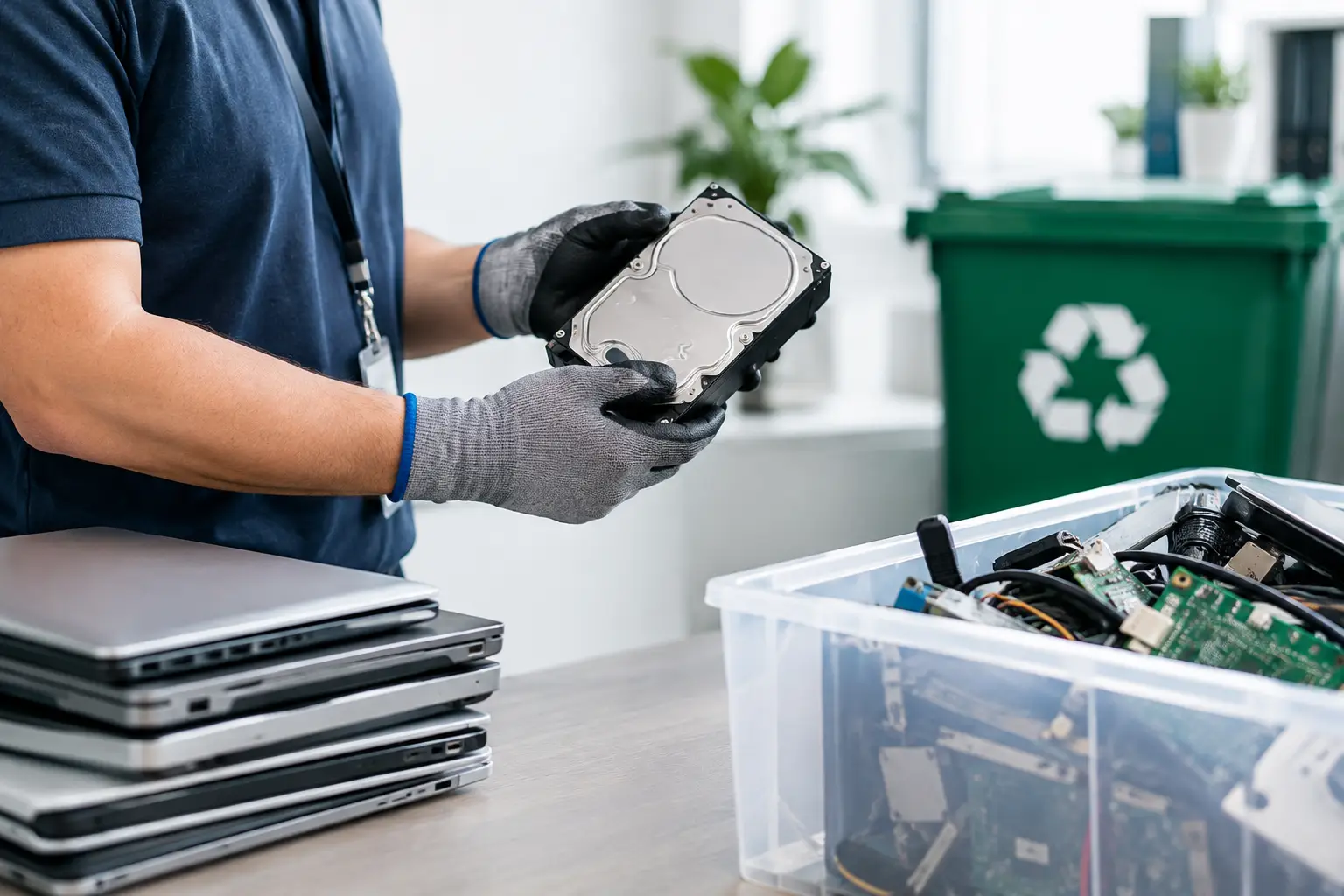
Secure data wiping is often appropriate for working drives intended for reuse or recycling. For example, a documented multi-pass wiping process can provide a stronger level of assurance than a basic reset. If a drive is damaged, inaccessible, or cannot be reliably wiped, it should be handled through an approved destruction method instead. The key is choosing a method that matches the risk, then keeping a record of what was done.
Documentation makes disposal easier to defend
A documented pickup record is useful even for smaller collections. It creates a clear handover point: your equipment was collected on a certain date, from a certain location, by a named service provider. For organizations, that can support internal asset management, audit preparation, office closure records, and procurement requirements.
Depending on the service and equipment involved, useful documentation may include a collection acknowledgment, an itemized asset list, serial number verification, data wiping confirmation, or a certificate related to drive handling. Not every household collection needs every document. A business with dozens of laptops and servers, however, will usually benefit from more detailed records.
Be cautious of vague assurances such as “we will take care of it” without any collection proof or process explanation. Responsible providers should be able to explain how equipment is collected, how data-bearing devices are identified, and how materials are passed to suitable recycling channels.
Questions to ask an electronics recycling provider
A short conversation before collection can prevent major uncertainty later. Ask whether the provider accepts your specific equipment, particularly batteries, old displays, servers, printers, and damaged devices. Confirm whether pickup records are provided and whether your devices are handled as a mixed load or identified individually.
For any computer, laptop, server, phone, or storage device, ask what happens to the data. Is data wiping available? Is the process documented? What happens if a drive cannot be accessed or wiped? Clear answers are more valuable than technical jargon.
It is also reasonable to ask how the provider manages downstream recycling. A collection company may not perform every stage of processing itself, but it should work with appropriate recycling partners and have a defined path for the equipment it accepts. Transparency matters because responsible disposal does not end at the pickup truck.
A practical path for secure, responsible disposal
For Kuala Lumpur and Selangor households and businesses, an on-site pickup can remove the difficulty of loading bulky or sensitive equipment into a car and searching for the right drop-off point. It also creates an opportunity to review the equipment before it leaves your location.
MYPC2U approaches collections with IT-aware handling, including documented pickup records, asset verification where needed, secure data wiping options, and coordination with licensed recyclers for downstream processing. This is particularly useful when devices are not simply unwanted electronics, but part of a business’s information and asset-management responsibilities.
Regulations can feel distant until an old laptop, server, or phone becomes someone else’s problem. Treat disposal as the final step of responsible ownership: identify the equipment, protect the data, keep the handover clear, and choose a recycling path you can explain with confidence.



Leave a Reply