
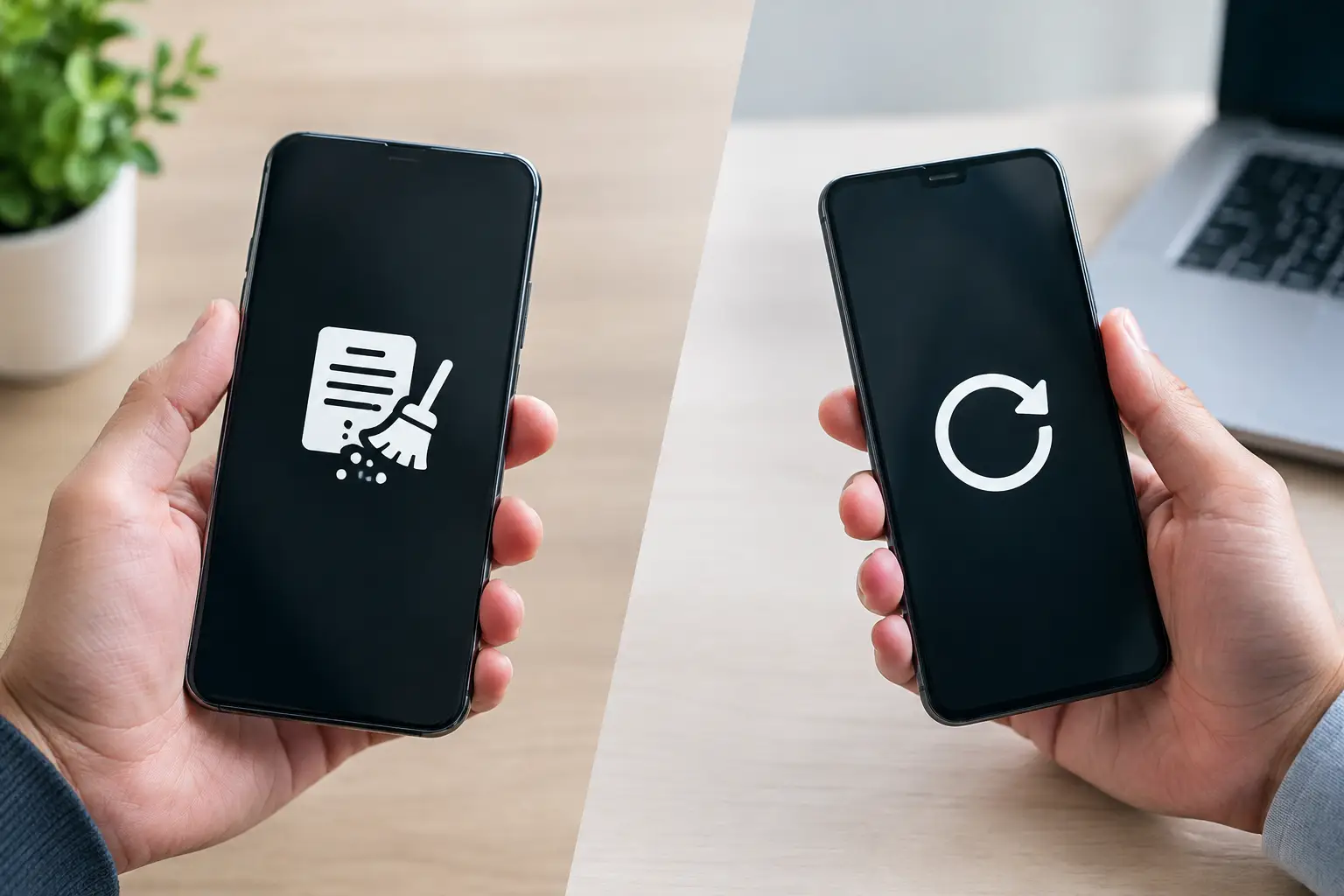
A laptop can look completely empty and still contain recoverable information. That is the practical difference behind data wiping versus factory reset – and it matters whenever you sell, donate, recycle, or hand over a device that once held personal files, customer records, passwords, or business documents.
A factory reset is useful when you want to start using a device again. Secure data wiping is designed for a different job: reducing the risk that previous data can be recovered before the device leaves your control. Knowing which one you need helps households and businesses make safer disposal decisions.
What a factory reset actually does
A factory reset returns a phone, tablet, or computer to a default setup state. It usually removes user accounts, installed applications, settings, and files visible through the operating system. When the reset is complete, the next person may see the same welcome screen that appeared when the device was new.
That result can be reassuring, but it does not always mean the underlying data is permanently gone. On many devices, a reset removes the file directory or encryption key rather than overwriting every part of the storage drive. The operating system no longer displays your files, but portions of the data may remain until they are overwritten by new information.
The level of protection also depends on the device, its age, storage type, operating system, and whether encryption was enabled before the reset. A modern, encrypted smartphone that has been properly reset is generally far safer than an unencrypted older computer that has simply been restored to its factory settings. Still, a reset alone may not meet the security expectations of a business handling sensitive information.
Data wiping versus factory reset: the key difference
Data wiping is a deliberate process that targets the storage media itself. Instead of only removing access to files, a wiping process writes over data according to a defined method, making recovery substantially more difficult or impractical. The aim is to prepare a functioning storage device for responsible reuse, resale, or recycling.
For organizations, secure wiping also creates a clearer chain of accountability. A business may need to show that old computers, laptops, and servers were handled appropriately, especially where employee data, financial records, client information, or internal documents were stored. In those cases, the question is not simply whether a device starts fresh. It is whether the organization can confidently show that its data was addressed before disposal.
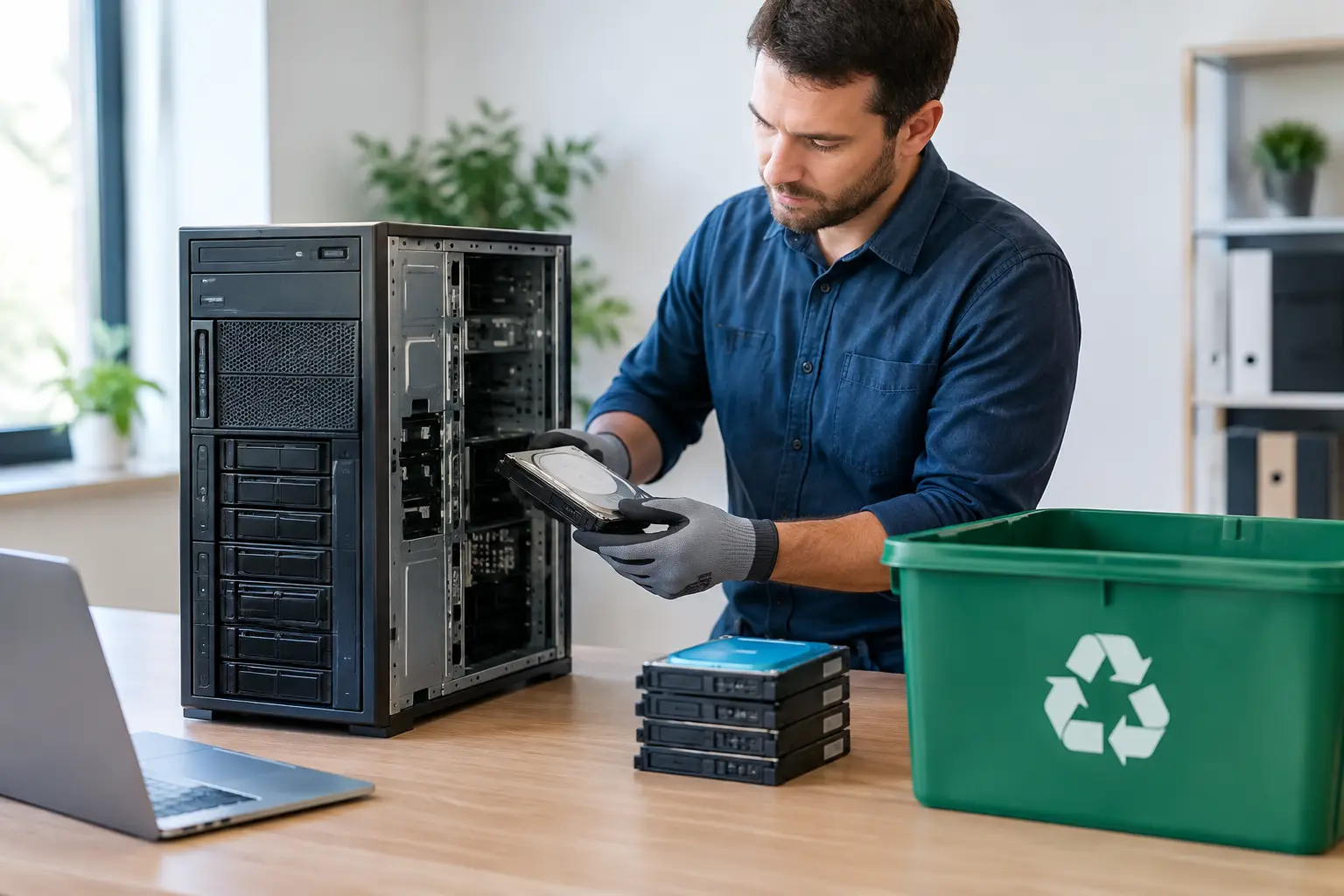
MYPC2U provides secure data wiping using a DoD 5220.22-M 3-pass wiping method for eligible devices. This involves multiple overwrite passes rather than a basic deletion command. It is a more suitable approach when devices are still operational and the storage media can be processed properly.
Factory resets can be appropriate for a device you are keeping, giving to a trusted family member, or troubleshooting before reuse. Data wiping is the stronger choice when the device is leaving your household or business and you want a professional process focused on information protection.
Why deleted files may still be recoverable
Deleting a file usually tells the operating system that the space it occupied can be reused. It does not necessarily erase the data immediately. Until that space is overwritten, recovery tools may be able to identify fragments of old files.
A factory reset can improve on simple deletion, but its effectiveness varies. Some systems use secure erase features, encryption-based erasure, or other protections as part of their reset process. Others may leave data remnants behind, particularly on older hardware or devices with damaged, incomplete, or improperly performed resets.
There are also common steps people forget before resetting a device. Cloud accounts may remain signed in, browser profiles can contain saved passwords, and removable media such as SD cards may still hold photos or documents. A safe disposal process considers the device as a whole, not only the reset button.
Hard drives, SSDs, phones, and servers are not the same
The best approach depends on the type of equipment and the condition of its storage.
Traditional hard disk drives use spinning magnetic platters. When the drive is functioning, a verified overwrite process can be an effective method for preparing it for reuse. If the drive has failed, cannot be accessed, or contains highly sensitive information, physical destruction may be more appropriate because software wiping cannot reliably reach inaccessible areas.
Solid-state drives require more care. SSDs manage data differently from traditional hard drives, using wear leveling and spare storage areas that may not be reached by a standard overwrite method. A proper SSD sanitization method may rely on the manufacturer’s secure erase or cryptographic erase capabilities where available. This is one reason a one-size-fits-all factory reset is not a complete disposal policy.
Phones and tablets are commonly protected by device encryption, particularly newer models. Removing accounts, disabling activation locks, and performing the manufacturer-recommended reset are essential steps. However, a device that is damaged, locked, or unable to complete its reset needs separate handling. The same applies to servers and network equipment, which can store configuration backups, user credentials, logs, and data across multiple drives.
When a factory reset may be enough
A factory reset can be a reasonable first step if you are retaining ownership and preparing a device for your own next use. It may also be suitable for a recent encrypted smartphone that has been properly signed out of all accounts and reset using the manufacturer’s process.
Even then, check for removable storage, linked cloud services, SIM cards, eSIMs, and activation locks. The reset process should be completed successfully, not merely started. If the device displays an error, cannot boot, or has storage problems, do not assume its information is gone.
For a household disposing of an old basic device with no sensitive records, a reset may reduce risk. But if that device contains tax documents, photos, banking details, saved passwords, or identity information, secure wiping or appropriate physical handling offers greater peace of mind.
When secure data wiping is the better choice
Secure wiping is usually the better fit when you are disposing of work computers, retiring several office devices, replacing a server, or clearing equipment that stored confidential information. It is especially relevant for small and mid-sized businesses that may not have an internal IT disposal process.
A professional approach should include more than erasing data. Useful safeguards include identifying the equipment collected, checking the condition of devices, separating items that can be wiped from those that cannot, and maintaining documented pickup records. These steps help prevent equipment from being misplaced between an office storeroom and downstream recycling.
For businesses in Kuala Lumpur and Selangor, on-site pickup can remove the logistics burden of transporting bulky desktops, monitors, servers, and network hardware. More importantly, it gives the business a clearer, more accountable handoff than leaving equipment with an informal collector.
Prepare devices before they are collected
Before any device is picked up for recycling or IT asset disposal, take a few practical precautions. Back up the files you still need, then sign out of email, cloud storage, browser profiles, and business software. Remove SIM cards, memory cards, USB drives, and any accessories you intend to keep.
For company equipment, create an internal inventory with the device type, serial number or asset tag, and assigned user where possible. This is useful even for a small batch of laptops. It allows an office manager or business owner to confirm what has left the premises and follow up if there are questions later.
Do not delay disposal by trying to repair every old device first. A non-working laptop can still contain a drive with sensitive data. Tell the collection provider that the device is faulty so its storage can be assessed and handled using the appropriate method.
A safer decision before equipment changes hands
Factory resetting is convenient, and it has a place. But convenience is not the same as verified data removal. The more sensitive the information and the less control you have once a device leaves your premises, the stronger your disposal process should be.
Before clearing out that drawer of old phones or replacing a set of office laptops, treat the stored data as seriously as the equipment itself. A careful handoff, clear records, and the right erasure method can turn a routine recycling task into a decision you do not have to second-guess.

Leave a Reply