

An old laptop in a closet is one thing. A stack of office PCs, retired servers, phones, hard drives, and network equipment is another. Once electronic devices leave your control, the question is not only where they will go, but who will handle them, whether data is protected, and whether you have a clear record of disposal.
When comparing onsite pickup vs drop off recycling, the right choice depends on the type of equipment, how much you have, and how sensitive the information on those devices may be. Drop-off recycling can work well for a few low-risk household items. For businesses, bulky equipment, or devices that may contain personal or company data, a scheduled pickup often provides a more controlled process.
What Is Onsite Pickup Recycling?
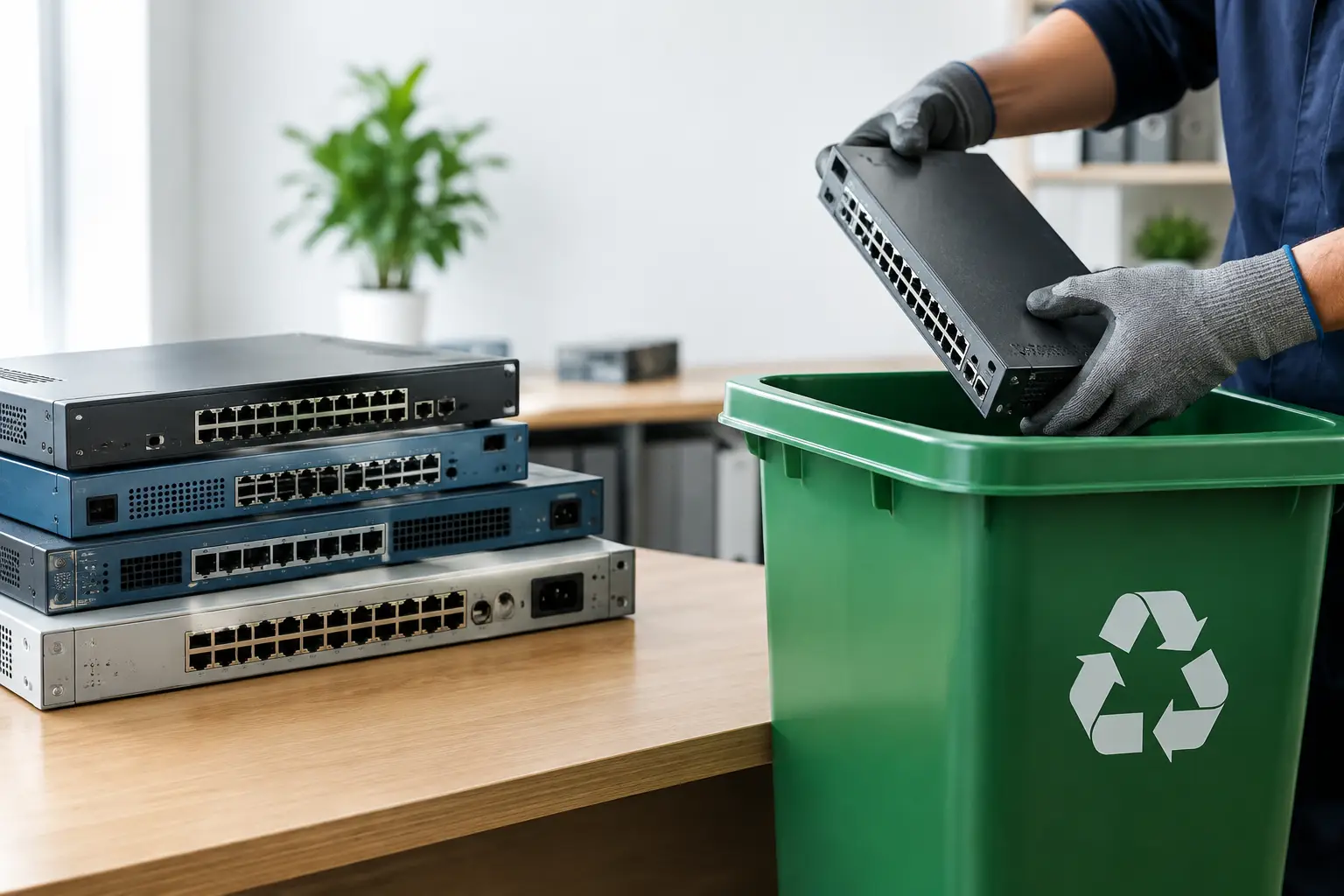
Onsite pickup recycling means a recycling provider comes to your home, office, warehouse, or other agreed location to collect unwanted electronics. Instead of loading devices into a personal vehicle and finding a recycling point, you schedule a collection and hand the equipment to a service team.
This approach is particularly useful for desktops, monitors, printers, servers, UPS units, network switches, and multiple boxes of small devices. It also suits office managers coordinating an IT refresh, businesses clearing storage rooms, and households that do not have a practical way to transport heavy electronics.
A professional pickup service should do more than remove equipment. It should identify the items being collected, handle them carefully, provide proof of collection, and explain the data security options available for storage devices. At MYPC2U, pickup-based recycling is designed around that chain of custody, with IT-aware handling and coordination for responsible downstream processing.
What Is Drop Off Recycling?
Drop-off recycling requires you to bring electronics to a collection point, retailer, recycling facility, or community recycling event. It can be convenient when you have a single device, the facility is nearby, and you are comfortable transporting the item yourself.
For example, a household may decide to drop off an old keyboard, cable box, small printer, or phone after confirming that the location accepts it. The main advantage is flexibility. You can often make the trip on your own schedule without arranging an appointment.
However, drop-off processes vary widely. Some sites accept only certain products. Some may have quantity limits, fees, or limited operating hours. More importantly, not every drop-off point can provide itemized documentation or secure data destruction support. That difference matters when a device contains customer information, employee records, financial files, passwords, or business documents.
Onsite Pickup vs Drop Off Recycling: The Key Differences
The biggest difference is not simply convenience. It is the level of control you retain from the moment equipment is retired to the moment it enters the recycling stream.
Convenience and transportation
Drop-off recycling places the transportation responsibility on you. For a lightweight tablet or one laptop, that may be perfectly reasonable. For a business with 20 computers, several monitors, and a cabinet of old networking equipment, it can turn into a time-consuming logistics task.
Onsite pickup removes that burden. Devices can be collected directly from an office, home, storeroom, or loading area. This reduces lifting, vehicle space concerns, and the chance that equipment sits around longer than necessary because no one has time to make the trip.
Data security
Data security is where the choice deserves the closest attention. Deleting files or formatting a drive does not necessarily remove recoverable data. Computers, laptops, phones, servers, external drives, and copier hard drives can all hold information long after they are no longer in use.
With a basic drop-off option, you may need to erase devices yourself before transport. That can be appropriate if you know how to complete the process correctly and can verify it. But many households and businesses are unsure which devices contain storage, whether a drive has been removed, or whether a reset actually clears all data.
A professional pickup service can support secure wiping or hard drive destruction arrangements as part of the disposal process. For business assets, methods such as DoD 5220.22-M 3-pass data wiping provide a more deliberate approach than simply powering on a device and selecting “reset.” The appropriate method depends on the device condition, the media type, and your organization’s requirements.
Documentation and accountability
A drop-off receipt may confirm that you delivered something to a facility, but it may not identify each asset or explain how data-bearing devices were handled. That may be enough for a household recycling a non-sensitive item. It is often not enough for a company disposing of IT equipment.
Onsite pickup can offer clearer accountability through collection records, equipment verification, and documented handover. For an office manager, that documentation helps show that retired assets were removed through an organized process. For an SME owner, it provides a useful record for internal administration and future questions about where equipment went.
Equipment volume and type
The more equipment you have, the stronger the case for pickup becomes. A single phone is easy to carry. A server rack component, a floor-standing printer, or several desktop computers are not.
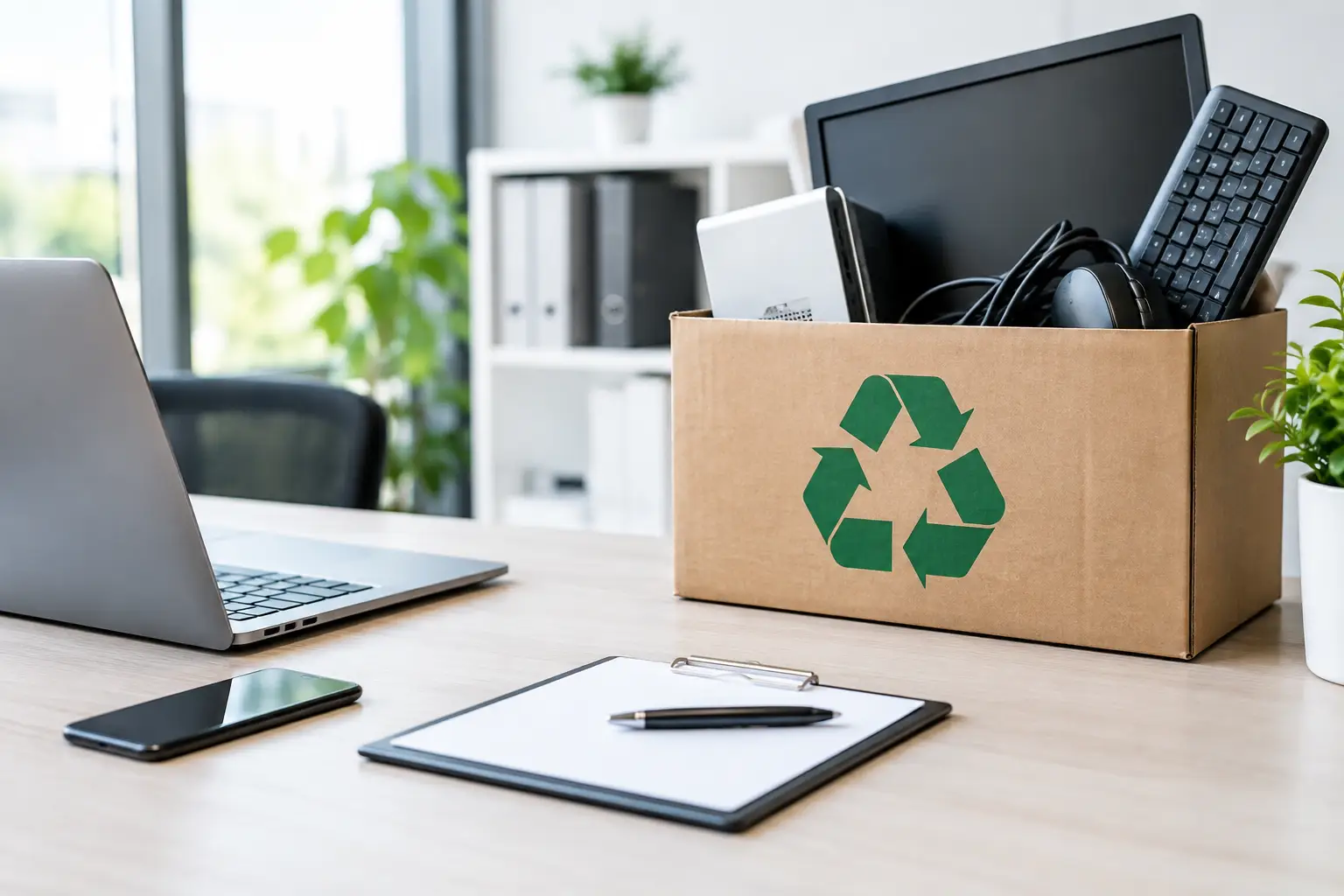
Pickup is also useful when equipment is mixed. An office cleanout may include laptops, desktop PCs, monitors, cables, routers, switches, keyboards, mobile phones, printers, and small electronics. A collection team can coordinate the removal in one scheduled visit rather than requiring several separate drop-offs to facilities with different acceptance rules.
Cost and timing
Drop-off is sometimes the lower-cost choice for a small number of accepted items, especially when a nearby location offers free collection. It can also be faster if you are already making the trip and do not need data-related services or documentation.
Pickup may involve a service charge depending on the location, quantity, equipment type, and handling requirements. Yet the value is often greater than the transport cost alone. It saves staff time, avoids the need for employees to use personal vehicles, and creates a more managed process for sensitive or business-owned assets.
When Drop Off Recycling Makes Sense
Drop-off recycling is a practical option when the equipment is easy to transport, low in volume, and does not require specialized handling. It may suit a household with a small electronic accessory, an already-wiped personal device, or a working device that a local program clearly accepts.
Before you go, confirm what the facility takes and whether it accepts batteries, monitors, printers, or damaged devices. Check its hours, any fees, and whether there are limits on quantities. Most importantly, remove personal accounts and make sure data has been properly erased from any device with internal storage.
If you are dropping off a computer or phone, do not rely on assumptions. Back up what you need, sign out of cloud accounts, remove SIM cards where applicable, and verify that the device has been reset or wiped according to the manufacturer’s process.
When Onsite Pickup Is the Better Choice
Onsite pickup is generally the better option when you need convenience with stronger handling controls. That includes businesses replacing workstations, moving offices, clearing retired IT stock, or disposing of equipment after an upgrade. It also helps households with heavy, awkward, or multiple electronic items.
It is especially worthwhile when there is any uncertainty about data. Even a non-working laptop can contain a functioning drive. A retired server may hold years of files. A printer or copier may retain scanned documents or address books. Having a professional team assess the equipment and arrange the right data handling method reduces avoidable risk.
Pickup also makes sense when you need a clean handover process. Rather than asking staff to carry old devices away in stages, you can schedule collection, prepare the equipment in one place, and receive documentation that records the removal.
How to Prepare Electronics for Either Option
A little preparation improves both security and efficiency. Start by separating equipment you still need from equipment approved for disposal. Back up required files, remove personal accessories, and label devices that need data wiping or drive destruction support.
For businesses, create a simple asset list before collection. Include the device type, asset tag if available, and whether it contains a hard drive or other storage media. You do not need a perfect inventory to begin, but a basic list makes verification easier.
Keep devices together in a safe, accessible area. Avoid leaving laptops, phones, or loose hard drives unattended near a building entrance. For pickup, let the provider know in advance about stairs, parking restrictions, heavy equipment, or access requirements so collection can be planned properly.
Choose the Process That Protects What Matters
The best recycling option is the one that matches the real risk and effort involved. A simple drop-off may be enough for one prepared, low-risk item. But when equipment is bulky, numerous, business-owned, or likely to contain sensitive data, onsite pickup offers a more practical and accountable route.
Before parting with any device, ask one useful question: can you clearly explain how it will travel from your hands to responsible recycling, and how its data will be protected along the way? If the answer is not clear, choose a process that gives you the handling, documentation, and reassurance you need.




Leave a Reply