
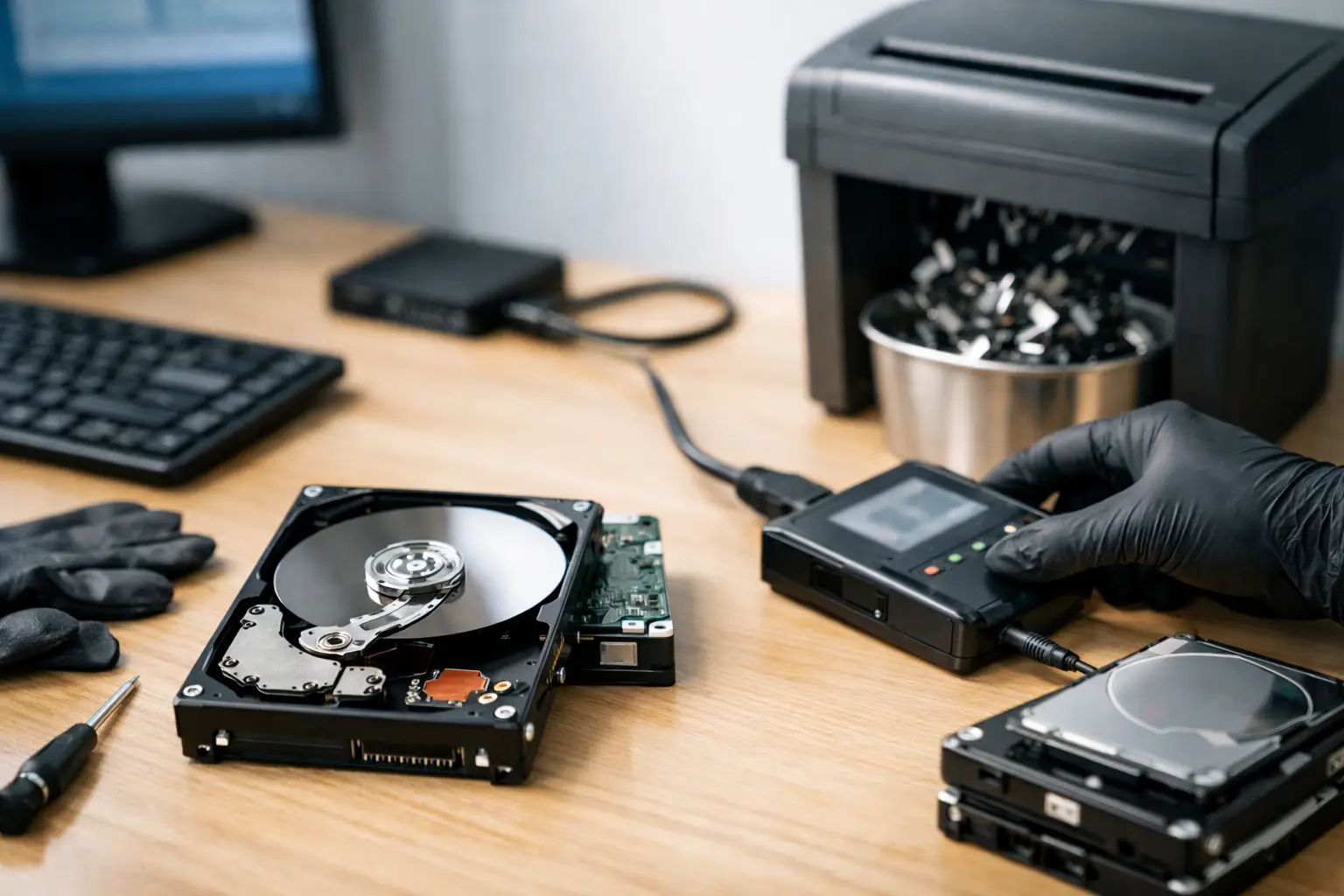
That old desktop in the storage room or the retired office server in the corner is not just clutter – it is a data risk. If you are figuring out how to wipe hard drives before disposal, the real question is not whether the device still works. It is whether any customer files, passwords, tax records, emails, or saved logins are still sitting on the drive.
For households, that can mean family photos, banking documents, and personal accounts. For businesses, it can mean employee records, invoices, contracts, and internal files. Simply deleting folders or doing a quick format is not enough. If the drive is leaving your control, it should be wiped properly or physically destroyed, depending on the situation.
Why wiping a hard drive matters before disposal
Many people assume a deleted file is gone for good. It usually is not. In most cases, deleting a file only removes the reference to it in the operating system. The data can still remain on the drive until it is overwritten.
That is why hard drives should be treated differently from general electronic waste. A monitor, keyboard, or printer may not hold much sensitive data. A desktop PC, laptop, server, NAS unit, or external hard drive often does. If you are disposing of storage equipment without checking what is inside, you are taking an unnecessary risk.
For businesses, there is also a process issue. Old equipment often gets passed between departments, stored in back rooms, or sent out with mixed e-waste collections. That creates gaps in accountability. A proper disposal process should include device verification, data wiping where appropriate, and a clear record of collection.
How to wipe hard drives before disposal the right way
The right method depends on the type of drive and the condition it is in. Not every device should be handled the same way.
If the drive still works
If the hard drive is functional, software-based wiping is usually the first option. This process overwrites the data on the drive so the original files cannot be easily recovered. For traditional hard disk drives, a proper overwrite method is far more reliable than a simple delete or standard reformat.
In business settings, many organizations prefer a recognized wipe standard such as DoD 5220.22-M 3-pass wiping. That approach writes over the drive multiple times to reduce the chance of data recovery. It takes longer than a basic erase, but for sensitive company devices, the extra assurance is often worth it.
If you are dealing with a personal PC at home, the same principle applies. A secure overwrite is a better choice than assuming a factory reset removed everything. Some systems offer built-in reset tools, but they do not always handle every type of stored data the same way. If the goal is safe disposal, use a wiping method designed for storage media, not just for preparing a computer for reuse.
If the drive is damaged or cannot be accessed
This is where many disposal mistakes happen. A broken drive is not a safe drive. If it powers on inconsistently, cannot be read, or has a damaged operating system, software wiping may not be possible at all.
In those cases, physical destruction is usually the safer route. A failed hard drive can still contain readable platters or recoverable data. If it cannot be securely wiped, it should not be passed along as ordinary scrap. It should be separated and handled as a data-bearing device.
If the device uses an SSD
Solid-state drives need extra care. SSDs store data differently from traditional hard drives, and standard overwrite tools are not always the best fit. Some SSDs support secure erase functions at the firmware level, which can be more effective than repeated overwrite passes.
This is one of those areas where the answer really depends on the device. A desktop with a standard HDD and a modern laptop with an SSD should not automatically go through the same disposal process. If you are unsure what type of storage is inside, that should be identified first.
What does not count as proper wiping
A surprising number of disposal decisions are based on methods that feel safe but are not.
Deleting files manually is not enough. Emptying the recycle bin is not enough. A quick format is not enough. Removing shortcuts from the desktop is not enough. Even reinstalling the operating system may still leave recoverable data behind, depending on how it was done.
Password-protecting the device also does not solve the problem. If the drive leaves your hands, you should assume someone with the right tools could attempt recovery. Disposal should be based on removing the data itself, not just blocking normal access.
A practical disposal process for homes and businesses
If you are working through how to wipe hard drives before disposal, the safest approach is to treat it as a short process rather than a one-step task.
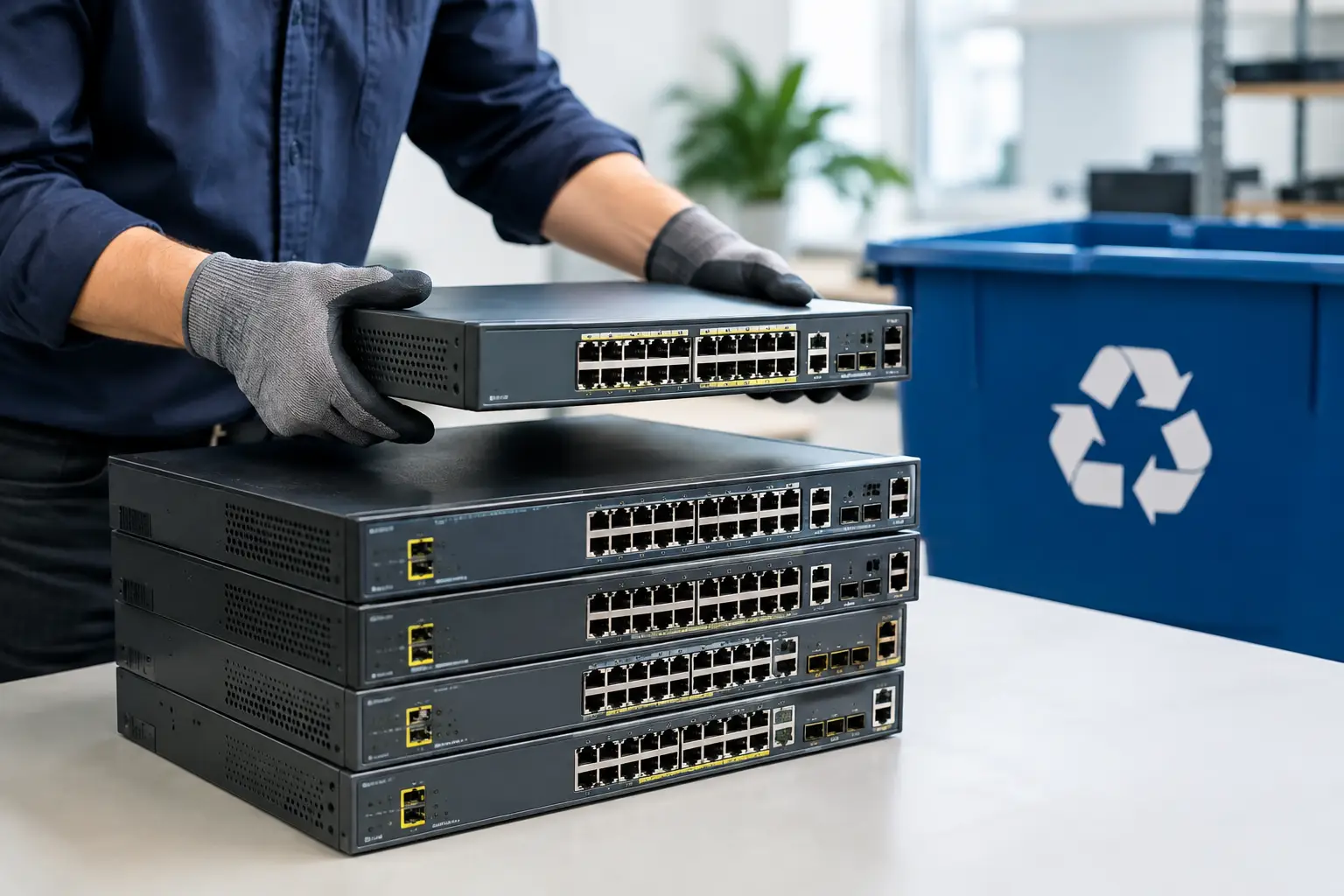
Start by identifying which devices actually contain storage. That includes desktop computers, laptops, servers, all-in-one PCs, external drives, and some network equipment. Do not assume a device is harmless just because it is old or no longer powers up.
Next, decide whether the drive is intended for reuse, resale, recycling, or destruction. If the device still has value and the drive works, secure wiping may be appropriate. If the drive is faulty, the device is leaving the organization permanently, or the data is highly sensitive, physical destruction may be the better option.
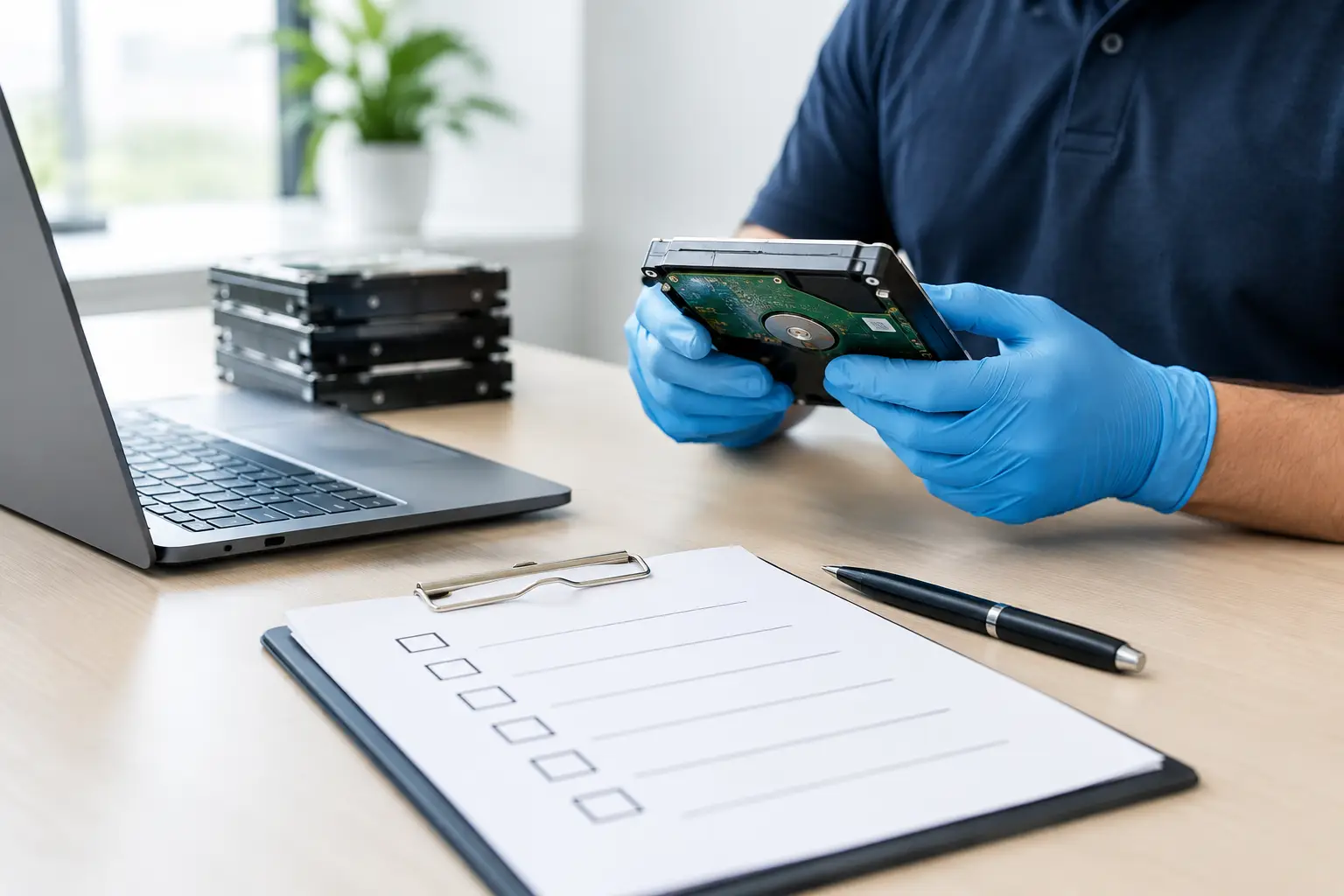
Then make sure there is some record of what is being removed. For a household, that may simply mean listing the items before pickup. For a business, it should be more structured, especially if multiple computers or storage devices are involved. Knowing what left your office matters just as much as knowing how it was handled.
Finally, use a disposal partner that understands the difference between general e-waste collection and data-bearing equipment handling. That matters because transporting electronics is only one part of the job. The more sensitive the devices, the more important secure handling becomes from pickup onward.
When wiping is enough and when destruction makes more sense
There is no single answer for every drive. Sometimes secure wiping is the right choice. Sometimes destruction is the better decision.
Wiping makes sense when a working device is being prepared for reuse, redeployment, resale, or recycling through a controlled process. It is especially useful when you want to preserve the hardware while removing the data properly.
Destruction makes more sense when the drive is damaged, the data is especially sensitive, or you do not want the storage media to exist in usable form anymore. Many businesses choose destruction for old server drives, finance-related systems, or mixed batches of retired equipment where testing each drive individually would be inefficient.
The trade-off is simple. Wiping preserves the asset. Destruction removes the media entirely. The best choice depends on the drive condition, the data risk, and your internal requirements.
Why pickup and handling matter too
A lot of advice focuses only on the wiping method, but the chain of handling matters as well. A securely wiped drive is one part of the picture. The movement of the device before and after that step also matters.
If old equipment sits untracked in an office hallway for two weeks, that is not a secure disposal process. If home users leave a pile of devices outside for informal collection, that is not much better. Secure disposal should include controlled pickup, clear item handling, and responsible downstream processing.
That is one reason many customers prefer a service model instead of dropping equipment into an unknown recycling stream. For homes, it removes the hassle of transport. For businesses, it adds accountability. A provider such as MYPC2U can support both the convenience side and the data protection side, which is often what customers actually need.
Before you dispose of anything, ask these questions
Does the device contain a hard drive or SSD? Is the storage still working? Is the data personal, confidential, or business-sensitive? Do you want the hardware reused, or do you want the drive destroyed? And do you have a record of what is being collected?
Those questions usually lead you to the right disposal method faster than searching for a one-size-fits-all answer. Old electronics are easy to ignore until pickup day arrives. Data on those devices is much harder to undo once it leaves your possession.
If you are clearing out a home office, retiring company computers, or disposing of old servers, take the extra step to handle storage properly. The right wipe or destruction method turns device disposal from a risk into a controlled process, and that peace of mind is usually worth far more than the hardware itself.




Leave a Reply