
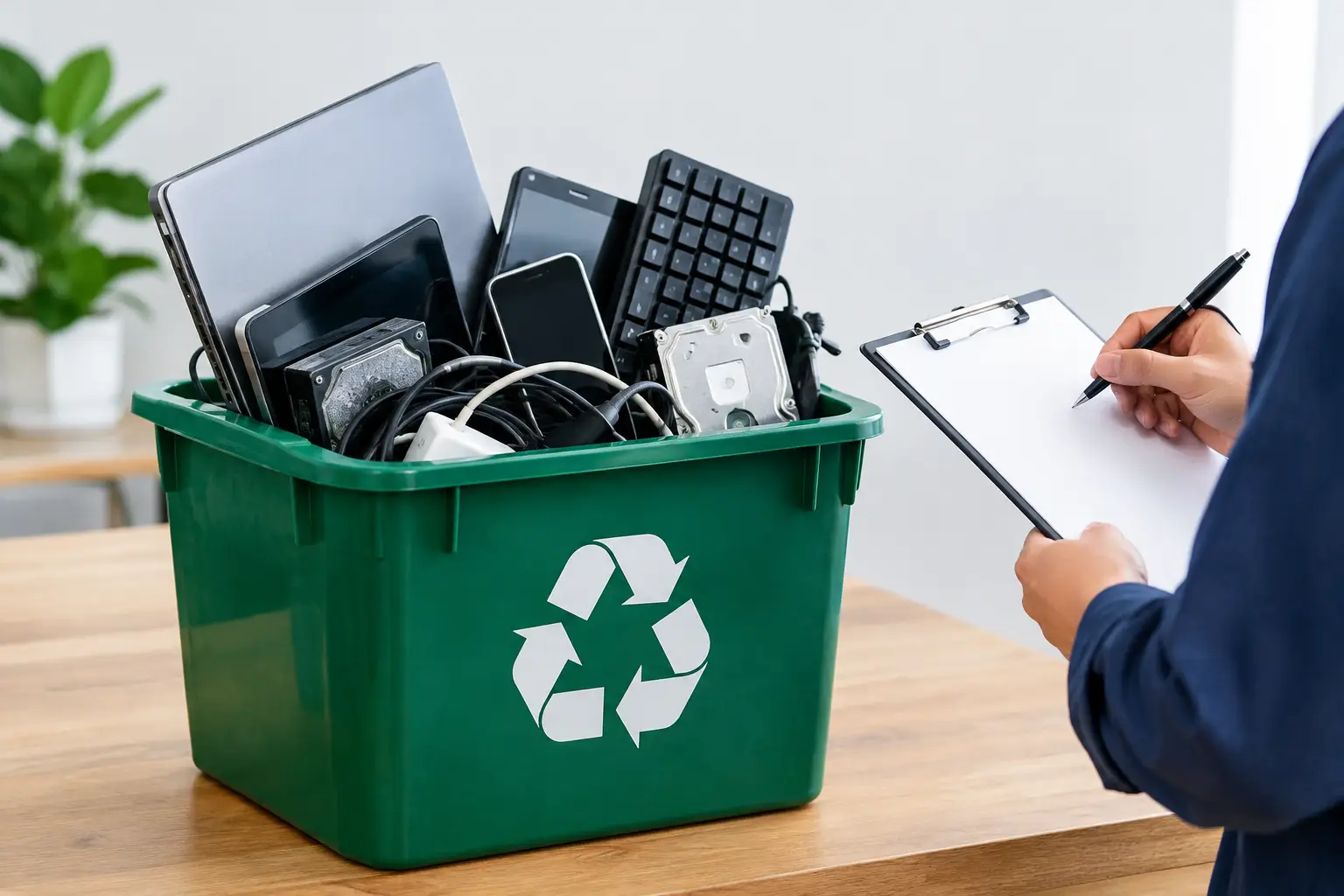
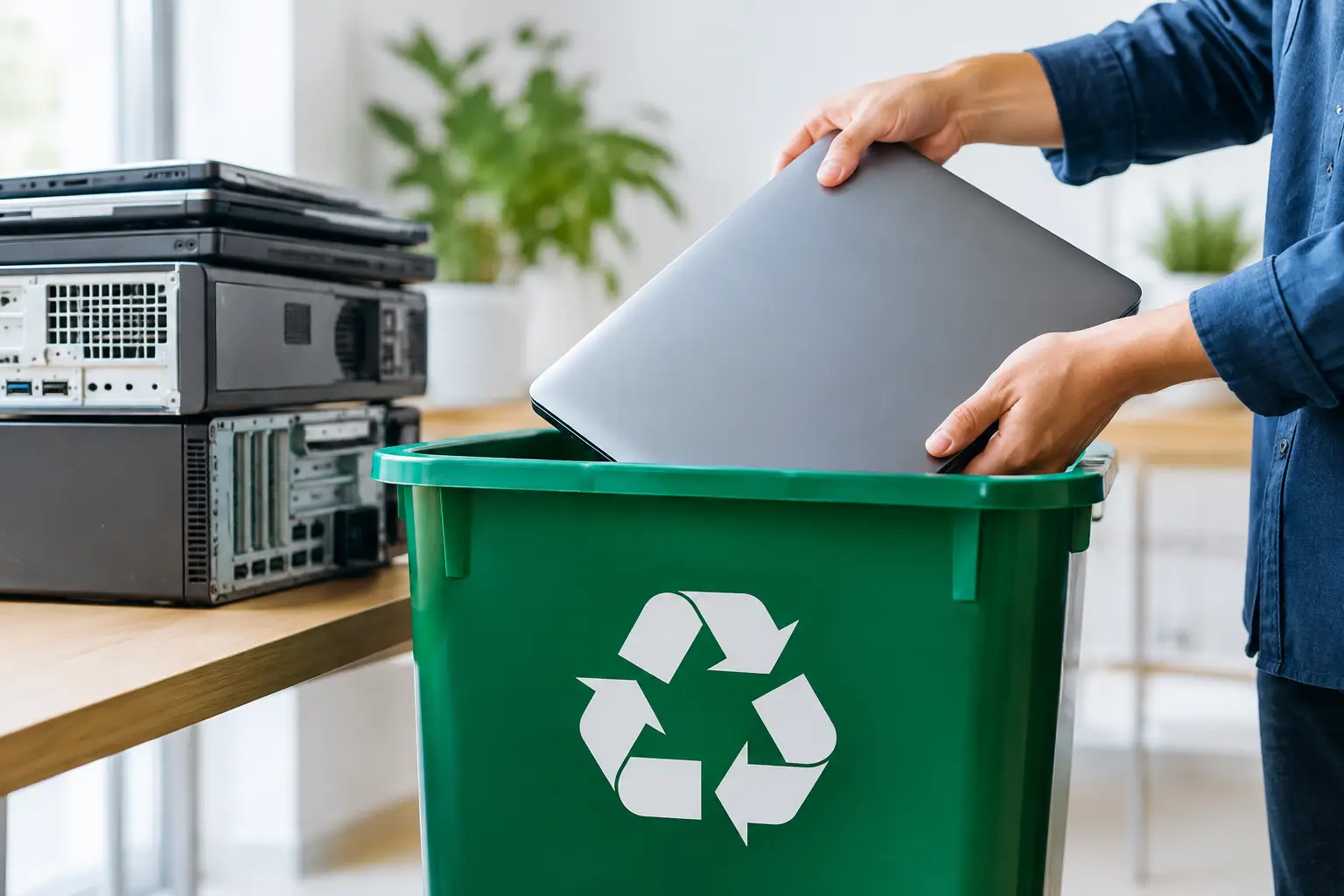
A truck has collected your old laptops, office printers, and retired servers. The space is clear, but one question remains: is pickup proof needed for e-waste? For many households, a simple collection record is sensible peace of mind. For businesses handling devices with company, employee, or customer data, it can be an essential part of a responsible disposal process.
Pickup proof does not need to be complicated. It is simply documentation showing what was collected, when it was collected, and who took possession of it. That record creates a clear handover point between your home or business and the recycling provider.
Is Pickup Proof Needed for E-Waste?
The short answer is: it depends on the equipment and the risk involved. There is no single rule that makes the same document necessary for every broken phone cable or old keyboard. Still, proof of collection is strongly recommended whenever devices contain data, have business value, or need to be accounted for internally.
For a household clearing out a drawer of chargers and small electronics, a pickup record may mainly provide reassurance that the items entered a responsible recycling process. For an office replacing computers or network equipment, the record serves a more practical purpose. It helps show that equipment did not disappear during collection, get mixed into general waste, or leave the organization without an accountable handover.
A documented pickup is especially useful for laptops, desktop computers, hard drives, mobile phones, servers, tablets, network switches, and multifunction printers. Even devices that no longer turn on may still contain recoverable information or storage components.
Why a Collection Record Matters
E-waste is different from ordinary office clutter. A discarded workstation may hold saved passwords, tax documents, client files, browser data, email archives, or network credentials. A server can contain far more sensitive material, even after it has been removed from day-to-day use.
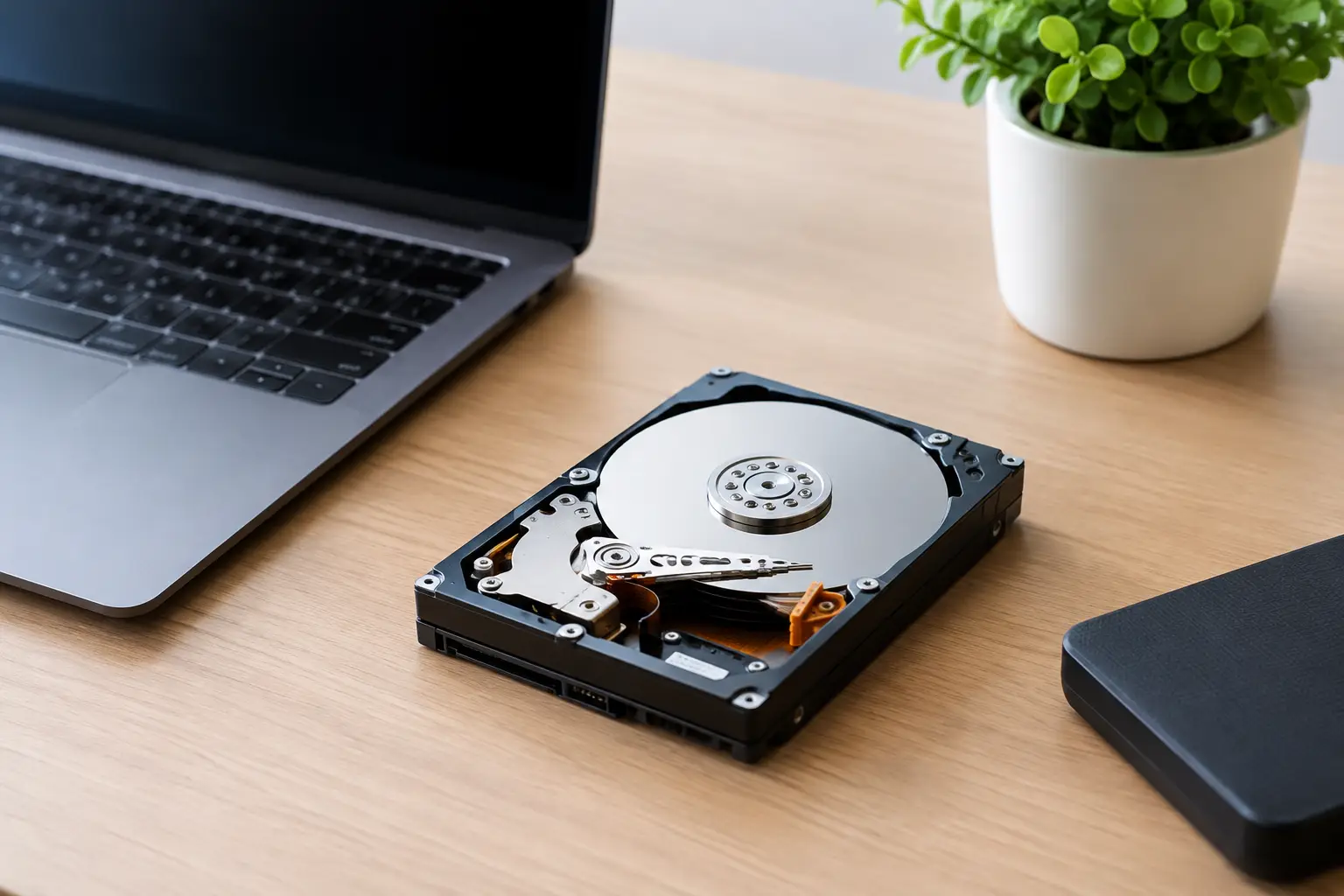
Proof of pickup does not erase that data by itself. What it does is establish accountability: the equipment was transferred to a named provider on a known date. When data wiping or drive destruction support is also requested, the pickup record becomes the first link in a clear chain of handling.
For businesses, this can make internal conversations much easier. An office manager can confirm that retired equipment was collected. An IT team can compare the collection record against its asset list. Management has a practical document to retain alongside disposal and data-handling records.
There is also an environmental reason to ask for documentation. Responsible recycling involves more than removing equipment from your premises. The equipment should be handled carefully and directed to appropriate downstream recycling channels rather than being abandoned, dumped, or treated as ordinary trash. A professional collection record shows that the process started with a traceable handover.
What Good Pickup Proof Should Include
The right level of detail depends on the size of the collection. A home pickup may only need a date, customer details, collector details, and a basic description of the items. A business collection may require a more detailed asset list, particularly where each device has an asset tag, serial number, or assigned department.
A useful pickup record should clearly identify these details:
- The pickup date and collection address
- The name of the customer or organization handing over the equipment
- The recycling provider or collection representative receiving it
- A description and quantity of the items collected
- Serial numbers or asset tags for higher-value or data-bearing devices, where needed
- Any requested data wiping, hard drive handling, or verification service
Not every item needs an individual serial number. Recording every mouse, cable, or damaged keyboard can add unnecessary work without improving accountability. For a larger IT refresh, however, serial-level tracking for laptops, desktops, servers, storage devices, and phones is often worthwhile.
The practical goal is not paperwork for its own sake. It is a record that is detailed enough to answer reasonable questions later: What left the premises? When did it leave? Who received it? What handling was requested?
Pickup Proof and Data Security Are Different Things
This distinction is worth making clearly. A signed collection record is proof that devices were handed over. It is not proof that their data has been wiped.
If a device contains sensitive information, ask what happens after collection. Will the data-bearing drive be identified and handled separately? Is secure data wiping available? Will the provider verify the device before processing? Can you retain documentation of the requested data service?
For example, MYPC2U supports documented pickup records and secure data wiping using a DoD 5220.22-M 3-pass process for suitable drives. This gives customers a more accountable option than passing old equipment to an informal scrap collector with no clear record of what was collected or how data-bearing devices were handled.
There are trade-offs. Data wiping can be appropriate when a drive is functional and the device can be processed through a controlled workflow. A damaged drive, a failed device, or an organization with stricter internal requirements may need different handling. The best approach depends on the device condition, the sensitivity of the data, and your organization’s policies.
When Businesses Should Request More Detailed Records
Small and mid-sized businesses often underestimate how much retired equipment they have accumulated. One office move or technology upgrade can produce dozens of laptops, monitors, phones, printers, routers, and backup drives. Without a collection record, it becomes difficult to reconcile what was removed with the company’s asset register.
Detailed pickup proof is particularly valuable when equipment belongs to multiple departments, was purchased through a company budget, contains regulated or confidential information, or is being retired as part of an IT upgrade. It can also help when a finance, operations, or IT team needs to confirm that obsolete assets have been removed from active use.
Before scheduling collection, assign one person to approve the item list. They do not need to be an IT specialist. They simply need to know which devices are approved for disposal and which must remain in service. For larger collections, it is wise to separate equipment that needs data handling from items such as monitors, cables, and peripherals.
This small amount of preparation reduces confusion at pickup and makes the final record more useful. It also prevents a common problem: an employee placing a working laptop or a device awaiting repair in the disposal pile by mistake.
What Households Should Keep on File
Households generally do not need the same asset-level documentation as a business. But keeping a copy of a basic pickup confirmation is still a good habit, especially for computers, phones, tablets, external drives, and smart home devices.
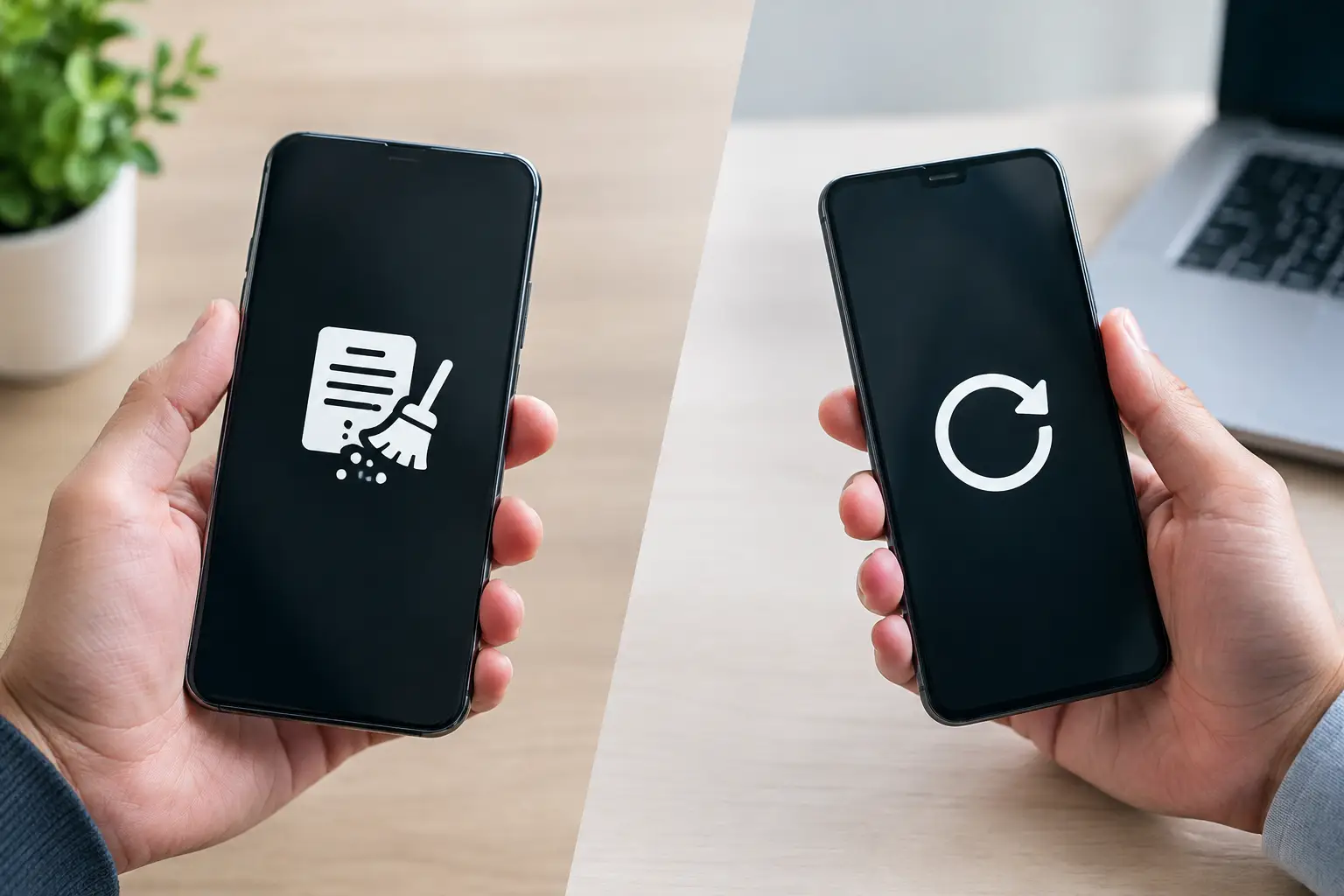
Before collection, sign out of accounts where possible and remove personal information from the device. If you are unsure how to reset a device safely, ask the collection provider about available data-wiping support. Do not assume that deleting files or emptying a recycle bin removes the information permanently.
For personal records, a pickup confirmation, item description, and date are usually enough. Take a photo of the equipment before collection if it helps you remember what was handed over. This is not a replacement for provider documentation, but it can be useful for your own reference.
How to Make Your E-Waste Pickup More Accountable
A reliable e-waste pickup starts before the collector arrives. Gather the devices in one accessible area, identify anything that contains data, and remove items that are not intended for disposal. If you are disposing of equipment on behalf of a business, have your asset list or internal approval ready.
Then ask direct questions. Will you receive proof of collection? Can the record identify the types and quantities of equipment? What data handling options are available? Where is the equipment sent after pickup? A trustworthy provider should be comfortable explaining the process in plain language.
For residents and businesses in Kuala Lumpur and Selangor, pickup-based recycling can remove the burden of transporting bulky equipment while preserving a proper record of the handover. The convenience matters, but the accountability matters more when old technology holds information you would not leave in an unlocked box outside.
Before your next e-waste collection, decide what you need to be able to prove afterward. A simple, documented handover can turn device disposal from an uncertain last step into a process you can confidently close.
Leave a Reply