
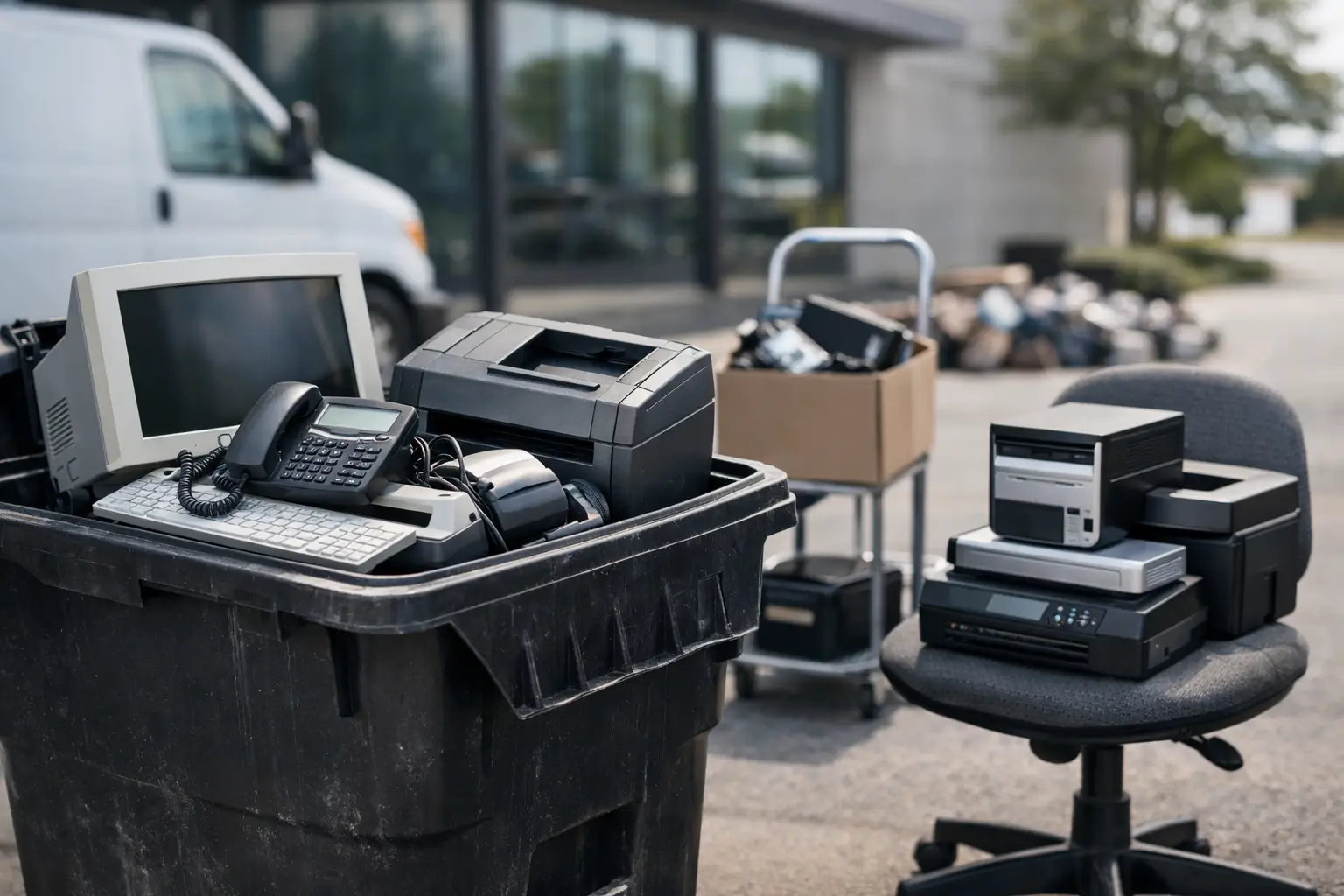
That old printer in the corner is not just taking up space. It may contain stored documents, toner residue, metals, plastics, and parts that should not end up in the trash. If you are wondering how to dispose of old office equipment, the right answer usually starts with two priorities: protect any sensitive data and make sure the equipment goes through a proper recycling process.
For businesses, this is more than a cleanup task. Old desktops, laptops, servers, copiers, phones, and network devices often hold company information long after they stop being useful. For households, the risk is smaller in scale but still real. A used computer, all-in-one printer, or office phone can still contain personal files, account details, or stored contacts. That is why office equipment disposal should be handled as an IT and security process, not just a waste removal job.
How to dispose of old office equipment without creating risk
The biggest mistake people make is treating all office equipment the same. A broken chair can go one route. A retired desktop or copier needs a different process. Electronics may contain storage components, batteries, circuit boards, and materials that need controlled handling.
Before anything leaves your office or home, identify what you are actually disposing of. Computers, laptops, external drives, servers, photocopiers, printers, scanners, routers, switches, and office phones all fall into the category of equipment that may require secure handling. Some items are bulky but harmless from a data standpoint, while others look small and simple but store important information.
This matters because disposal decisions change depending on the device. A monitor may only need safe collection and recycling. A hard drive, NAS unit, or multifunction printer may need data wiping or physical drive destruction support first. If you skip that step, you can create a security problem even when your recycling intentions are good.
Start with a simple equipment check
You do not need a complex audit to begin. A practical first step is to sort old office equipment into three groups: devices that store data, devices that connect to your network, and devices that are mainly peripherals.
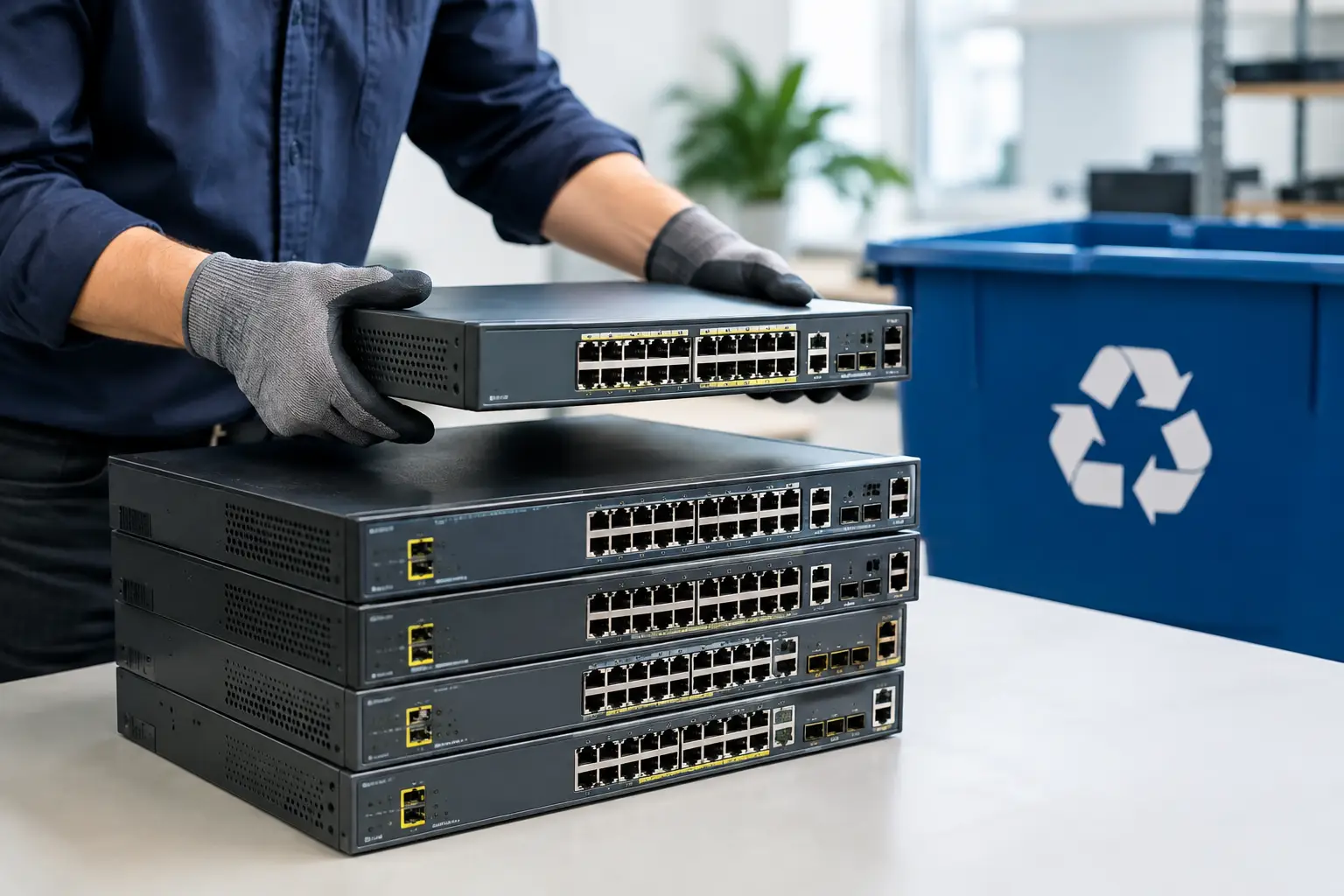
Data-storing devices include desktops, laptops, servers, hard drives, solid-state drives, some copiers, and some printers. Network-connected devices include routers, switches, firewalls, Wi-Fi access points, and smart office systems. Peripherals include monitors, keyboards, mice, cables, docking stations, and many basic accessories.
This quick separation helps you decide what needs extra care. It also makes collection easier, especially if you are clearing out an office in phases instead of all at once.
Pay attention to hidden storage
One detail gets overlooked often: not all storage is obvious. A large copier or multifunction printer may keep scan histories or document images. Security systems, label printers, POS equipment, and conference room devices can also store user information. If you are not sure whether an item contains memory or a drive, it is safer to assume it might and have it checked by a provider that understands IT asset disposal.
Do not throw office electronics in regular trash
It may feel easier to move everything to the dumpster and be done with it, but office electronics are not standard garbage. Many items contain materials that need to be separated and processed by licensed downstream recyclers. Batteries, boards, cables, and display components should be handled properly to reduce environmental harm and support material recovery.
There is also a practical business issue here. Informal disposal can leave you with no record of what was collected, where it went, or whether data-bearing devices were handled correctly. For a business owner or office manager, that lack of visibility is a problem. If you ever need to confirm what happened to retired assets, an undocumented handoff leaves too many questions.
Data security should come before recycling
If your office equipment has storage, recycling is only part of the job. The first job is to make sure data is no longer recoverable.
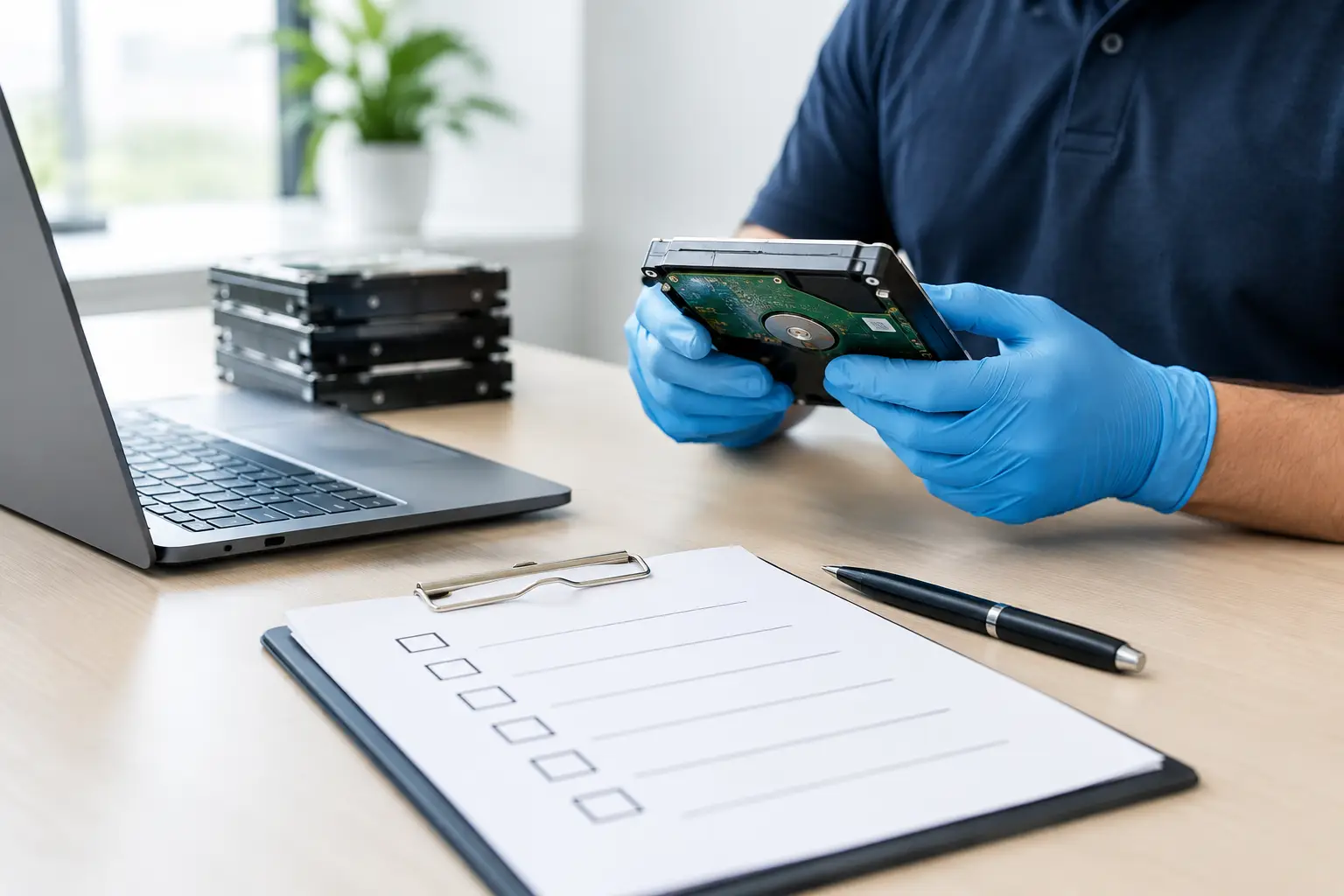
For some companies, that means approved data wiping on reusable devices. For others, especially when drives are damaged, obsolete, or highly sensitive, it may mean physical destruction support for HDDs. The right choice depends on what the device holds, whether the equipment will be remarketed or recycled, and what internal policies apply.
A small business clearing out five laptops has different needs than a medical clinic retiring old desktops and network storage. The principle is the same, though. Never assume deleting files or doing a basic factory reset is enough. Proper wiping methods are designed to reduce the risk of data recovery. If you need accountability, ask for documentation that the pickup took place and that data-handling steps were part of the process.
What businesses should document
If you are disposing of office equipment for a company, keep a simple record of device type, quantity, and whether the item contained storage. You do not need a perfect spreadsheet to be responsible, but you should know what left your site. Proof of collection, asset verification, and notes on data-bearing equipment all help create a cleaner disposal trail.
This is especially useful during office moves, refresh cycles, branch closures, or storage room cleanouts. Those projects get messy quickly, and undocumented equipment tends to be where risk slips in.
Pickup is often the safest option
Transport is one of the most underestimated parts of office equipment disposal. Heavy printers, stacked monitors, old CPUs, and boxed network gear are awkward to move. Once staff members start carrying devices to cars, leaving them in loading bays, or storing them temporarily in unsecured areas, the chance of damage or loss goes up.
That is why pickup-based disposal works well for many homes and businesses. It reduces handling, shortens the chain of custody, and keeps the process more organized. For offices, it also means your team does not have to spend half a day figuring out how to load bulky equipment. For households, it removes the hassle of transporting old electronics that are difficult to pack safely.
A service with IT disposal experience can also separate the process properly – collect the equipment, identify what needs secure data treatment, and coordinate responsible recycling through the right channels.
What to look for in an office equipment disposal service
Not every collector handles electronics with the same level of care. If your devices contain data or if you need a professional record of disposal, choose a provider that treats the job as more than scrap pickup.
Look for a service that can explain how data-bearing devices are handled, whether secure wiping is available, and how collection is documented. If they work with licensed recyclers for downstream processing, that is another good sign. Clear communication matters too. You should know what can be collected, what preparation is needed, and what happens after pickup.
For businesses, especially small and midsize companies without an internal IT disposal process, this kind of support makes a real difference. It turns a messy clearance task into a controlled handover.
How to prepare equipment before collection
Preparation does not need to be complicated. If possible, separate items that contain storage from basic peripherals. Remove any equipment you still plan to keep, and check drawers, paper trays, and attached accessories so nothing important gets mixed in by mistake.
If your business uses asset tags, leave them in place unless your internal process says otherwise. Those tags can help with verification. If devices are password-protected, note that for the disposal provider. Do not spend hours trying to make everything look neat. The goal is not presentation. The goal is secure, accurate removal.
For households, just gather the items in one accessible area if you can. For offices, it helps to assign one contact person on pickup day so the handover is straightforward.
How to dispose of old office equipment the responsible way
The most responsible approach is usually a combination of secure data handling, documented collection, and proper recycling. That sounds simple, but it solves the issues that matter most: information security, convenience, and environmental responsibility.
If the equipment is still functional, some items may be suitable for reuse after proper data wiping. If not, they should still be dismantled and processed through the right recycling stream rather than dumped or passed to an informal collector with no accountability. It depends on the age of the equipment, its condition, and whether there is any remaining value in reuse.
For local businesses and households that want a more controlled process, MYPC2U fits this need well by combining on-site pickup, secure handling, documented collection, and support for proper downstream recycling. That is often the difference between simply getting rid of devices and disposing of them with confidence.
Old office equipment has a way of sitting around because nobody wants to deal with the uncertainty. Once you treat it as a security and logistics job instead of a junk problem, the next step becomes much clearer.




Leave a Reply