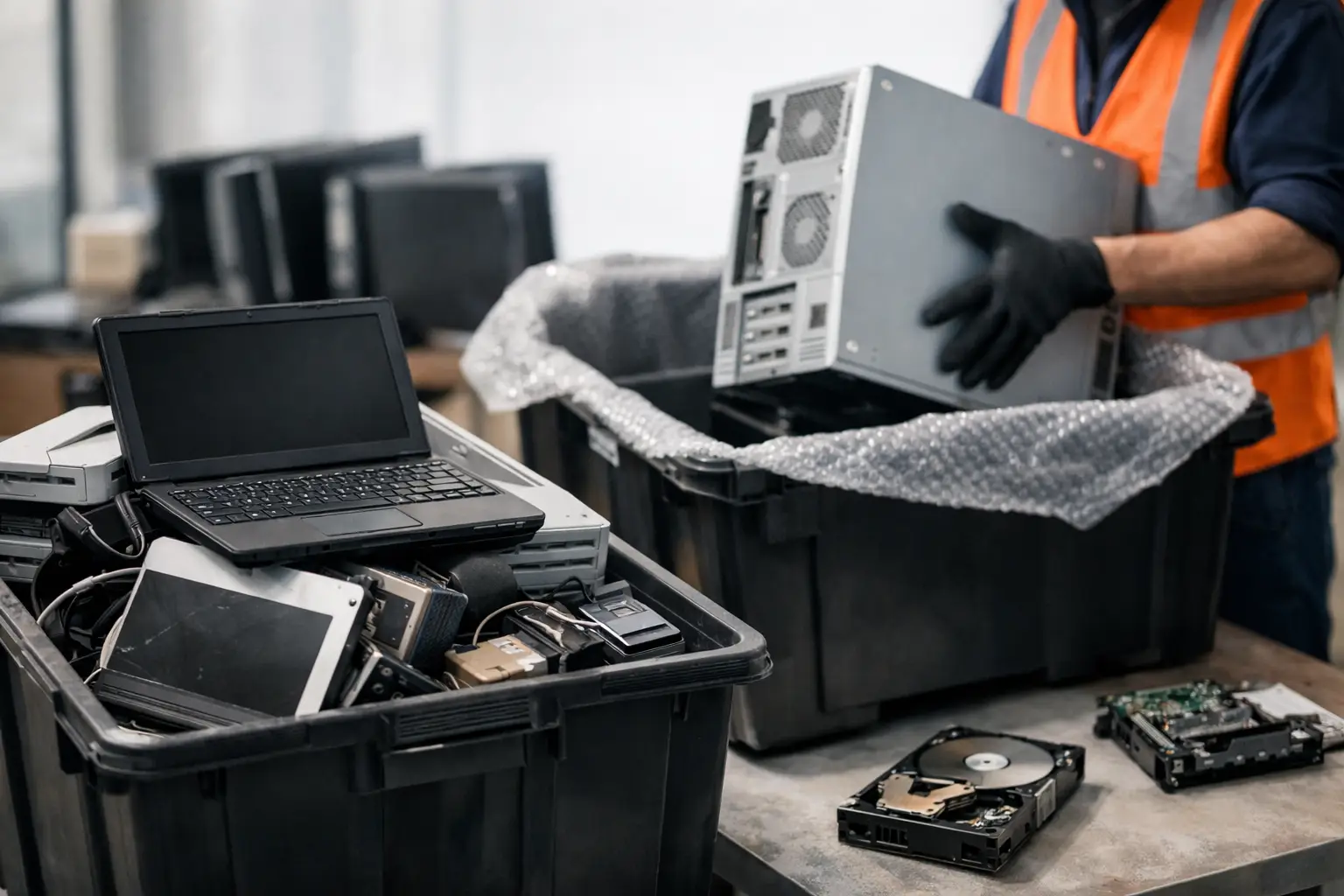
An old laptop in a storeroom does not look like a risk. A retired server in the office corner does not look urgent either. But the moment a device still holds business files, customer records, login details, or personal photos, disposal stops being a simple cleanup job. That is the real answer to what is IT asset disposal – it is the controlled process of removing unwanted IT equipment in a way that protects data, documents the handover, and sends the equipment to proper recycling or downstream processing.
For many businesses and households, the confusion starts because disposal sounds like throwing something away. In practice, IT asset disposal is much more careful than that. It covers secure collection, asset tracking, data wiping or destruction, and responsible handling of devices that should not end up with informal scrap buyers or unmanaged waste streams.
What is IT asset disposal, really?
IT asset disposal, often shortened to ITAD, is the process of retiring electronic devices safely and responsibly at the end of their useful life. That can include computers, laptops, monitors, hard drives, servers, network hardware, printers, phones, and other office electronics.
The key word is not disposal alone. It is controlled disposal. A proper IT asset disposal process looks at two issues at the same time. First, how to prevent data from leaking. Second, how to make sure the equipment is handled responsibly instead of being dumped, stripped carelessly, or passed around with no record of where it went.
That is why businesses usually treat IT asset disposal as part of risk management, not just office housekeeping. A hard drive with old payroll records or a company phone with stored email access can create problems long after the device is no longer in use.
For households, the stakes are different but still real. Old family computers, phones, and tablets often hold banking apps, identity documents, saved passwords, and private photos. Convenience matters, but secure handling matters just as much.
Why normal disposal is not enough
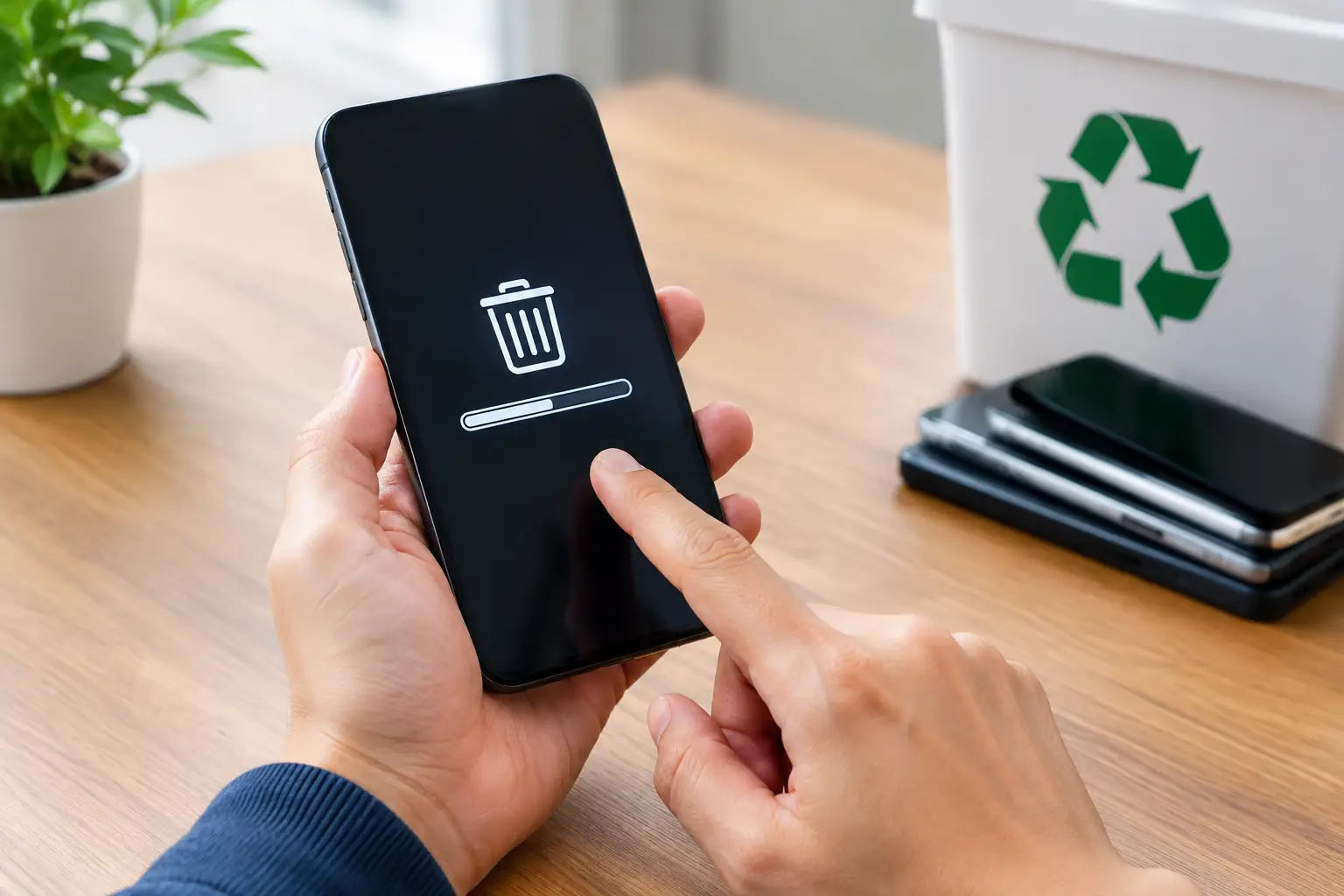
A lot of people assume deleting files or doing a quick factory reset solves the problem. Sometimes it helps, but often it is not enough.
Deleted files can still be recoverable if the storage device has not been properly wiped. Some devices keep residual data. Others may have removable drives that were forgotten entirely. Even equipment that no longer powers on can still contain storage media with readable information. That is why proper IT asset disposal includes secure data wiping methods or physical drive destruction support when wiping is not practical.
There is also the handling issue. If equipment changes hands without verification, pickup records, or clear chain of custody, it becomes harder to prove what happened to it. For a business, that can create internal accountability problems. For a household, it can simply create uncertainty and stress.
Then there is the environmental side. Electronic waste contains components that should be processed through proper recycling channels. Informal disposal may be quick, but it does not offer much confidence about where the equipment ends up.
What happens during the IT asset disposal process
The exact process varies depending on the type and quantity of equipment, but a professional service usually follows a clear sequence.
It starts with collection. Instead of asking customers to move heavy servers, old CPUs, printers, or multiple monitors themselves, the equipment is picked up from the site. That matters more than people expect. It reduces handling mistakes and makes the process easier for offices and households that simply want the devices removed properly.
Next comes verification and sorting. Some items contain data, some do not. A keyboard and a monitor are not the same as a laptop or storage drive. Devices need to be identified correctly so the right data protection method is used.
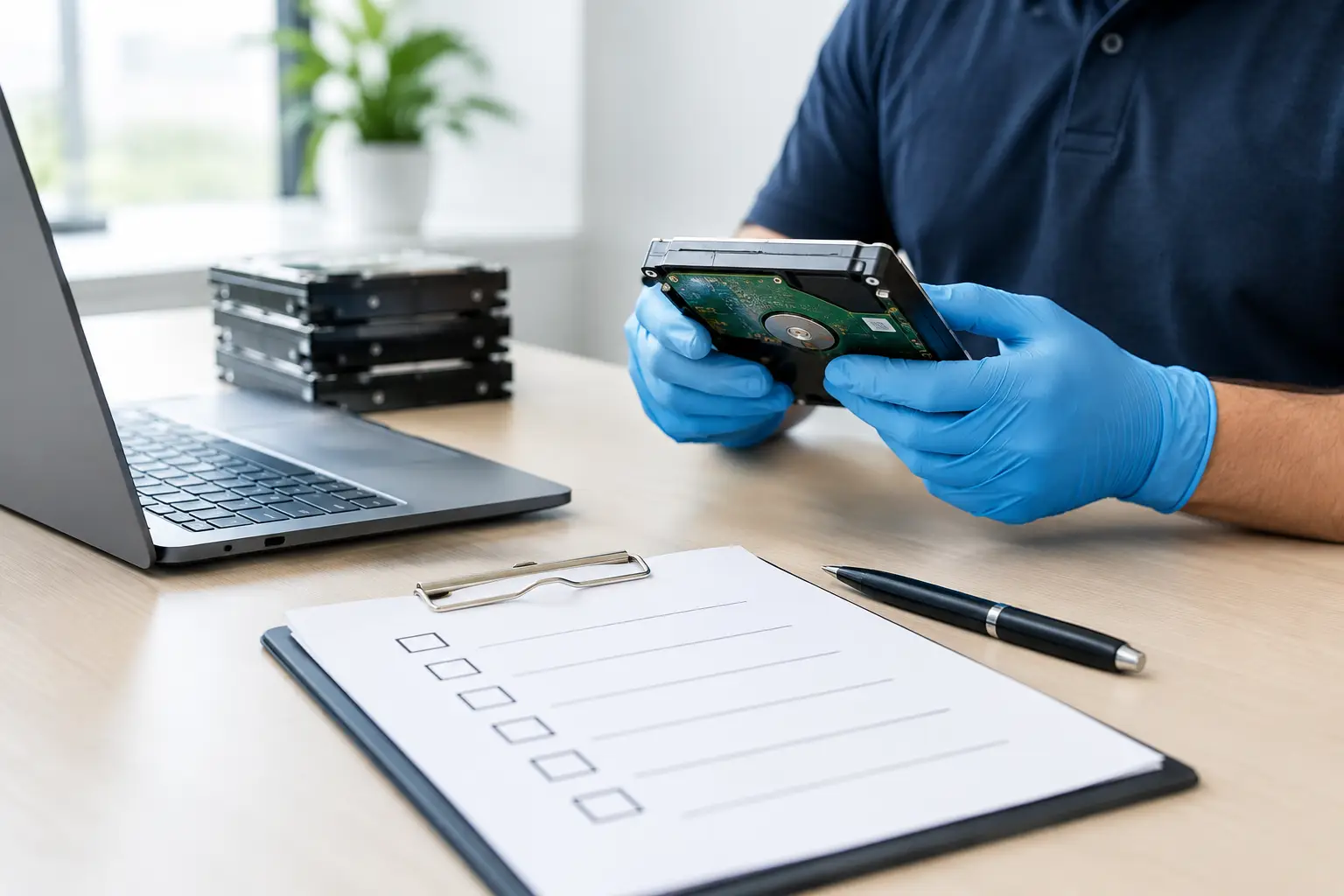
After that, data-bearing equipment is either wiped or prepared for destruction support. Secure wiping methods are designed to overwrite existing data so it cannot be easily recovered. In cases where drives are damaged, inaccessible, or unsuitable for wiping, physical destruction may be the better option. It depends on the condition of the asset and the level of risk the owner wants to eliminate.
The final stage is downstream recycling or disposal through appropriate channels. That means the material is sent for responsible processing rather than being treated like ordinary trash.
Documentation can also be part of the process, especially for businesses. Pickup records and asset handling confirmation help create a clear trail showing what was collected and when.
The difference between IT asset disposal and e-waste pickup
This is where people often mix two services together.
E-waste pickup is about removing unwanted electronics for recycling. IT asset disposal includes that, but adds a security and accountability layer. It is especially relevant for devices that store data or belong to organizations that need more control over the disposal process.
For example, if a household wants to clear out broken cables, old routers, and a dead printer, standard e-waste recycling may be enough. But if the same household also has old laptops and phones with personal information, secure data handling becomes part of the job.
For a business, the difference is even clearer. Disposing of ten office chairs is one thing. Disposing of ten desktops with employee records, saved credentials, and business documents is another. The second situation needs a more professional process.
Which devices usually need IT asset disposal?
Most people think first of computers, and they are right to do so. Desktops, laptops, and servers are common IT assets. But they are not the only ones.
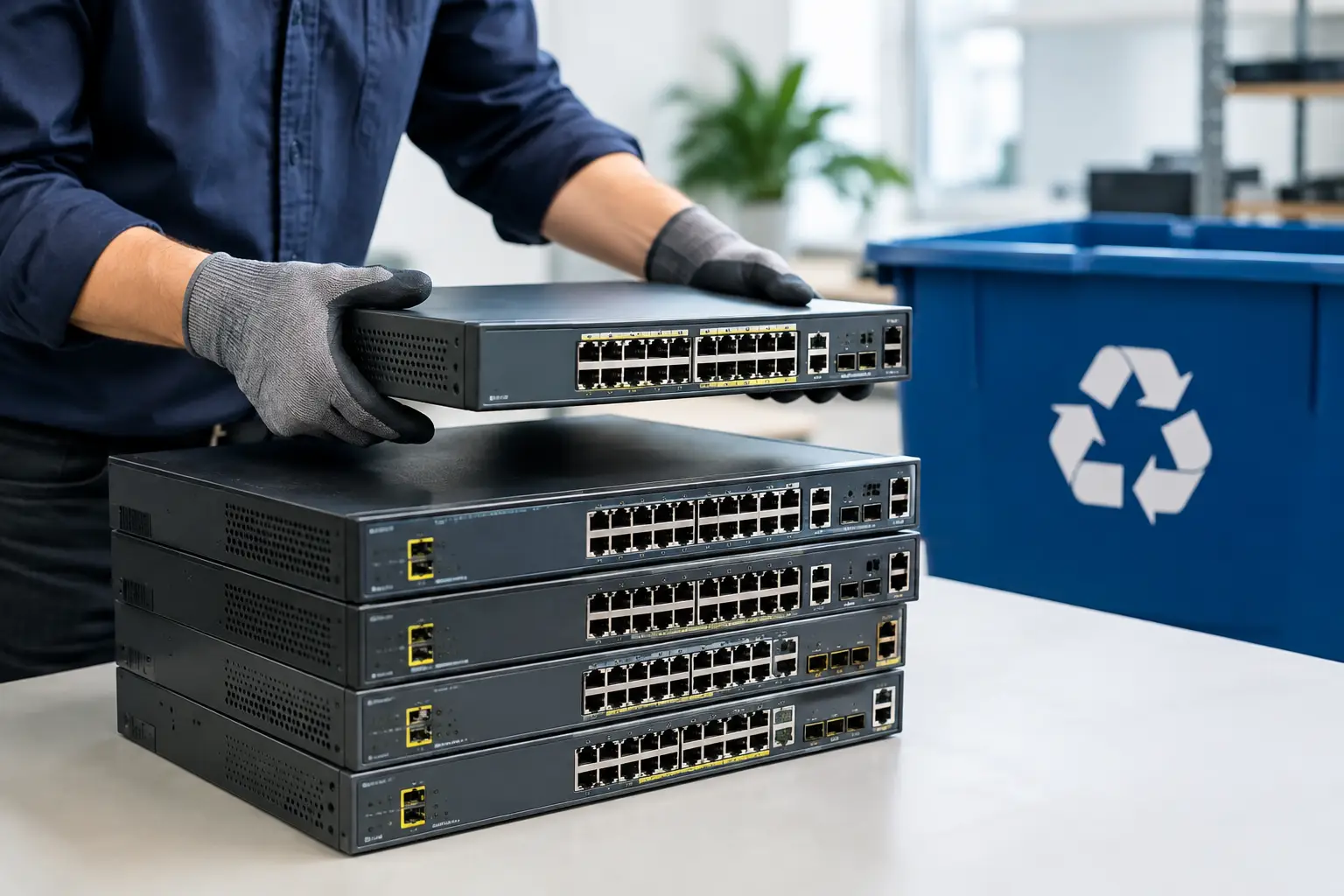
Phones, tablets, external hard drives, network switches, routers, NAS units, multifunction printers, copiers, and even some smart office devices may all hold data or network information. In an office, it is easy for smaller devices to be overlooked because they are less visible than a server rack or stack of old monitors.
At home, the forgotten items are often old phones in drawers, backup drives, and retired family laptops. If a device ever stored files, accounts, emails, or system access, it deserves a more careful disposal decision.
Why businesses should take it seriously
Small and mid-sized businesses sometimes assume IT asset disposal is only for large companies with compliance teams. In reality, smaller organizations often face more disposal risk because they have fewer internal controls.
An office manager may be told to clear a storeroom. A staff member may arrange ad hoc removal. Old PCs may sit for months because nobody wants to decide what to do with them. That is exactly how devices get misplaced, handed off casually, or left with data still inside.
A proper disposal process helps reduce those weak points. It creates a clear handover, supports secure data treatment, and gives the business confidence that retired equipment is not still carrying avoidable risk.
There is also a practical benefit. Pickup-based service saves time. Teams do not need to organize transport, make multiple trips, or figure out which recycler will accept which device category.
Why households benefit too
Households usually care about two things first: convenience and trust. They want the old equipment gone, but they do not want to worry about where it ends up or what happens to the data inside.
That is why home users increasingly look for a service that can collect devices directly and handle them properly. The technical side matters, but the feeling of certainty matters too. A professional process is reassuring because it treats an old laptop as something more than scrap.
For many people, the biggest relief is simply not having to guess. If you are unsure whether an old hard drive should be wiped, whether a dead phone still contains recoverable data, or whether mixed electronics can be collected together, a specialist service makes the decision easier.
What to look for in an IT asset disposal provider
Not every collector handles electronics with the same level of care. If the equipment contains sensitive information, look for a provider that can explain its process clearly. That includes how pickups are handled, how data-bearing devices are identified, whether secure wiping is available, and what documentation is provided.
It also helps to choose a service with real IT handling knowledge rather than a general scrap collection approach. There is a difference between moving metal and managing retired devices that may still contain usable data.
For customers in Kuala Lumpur and Selangor, MYPC2U fits this need by combining on-site pickup convenience with secure data wiping support, documented collection, and responsible downstream coordination.
If you have been asking what is IT asset disposal, the simplest way to think about it is this: it is the safe offboarding process for your old tech. When done properly, it protects your information, clears your space, and gives you one less thing to worry about.