
That old server in the storage room is not just taking up space. It may still hold company data, licensed software, employee records, saved passwords, or customer information. A proper business electronics recycling guide starts there – not with scrap value, but with risk, accountability, and a clear plan for what leaves your office.
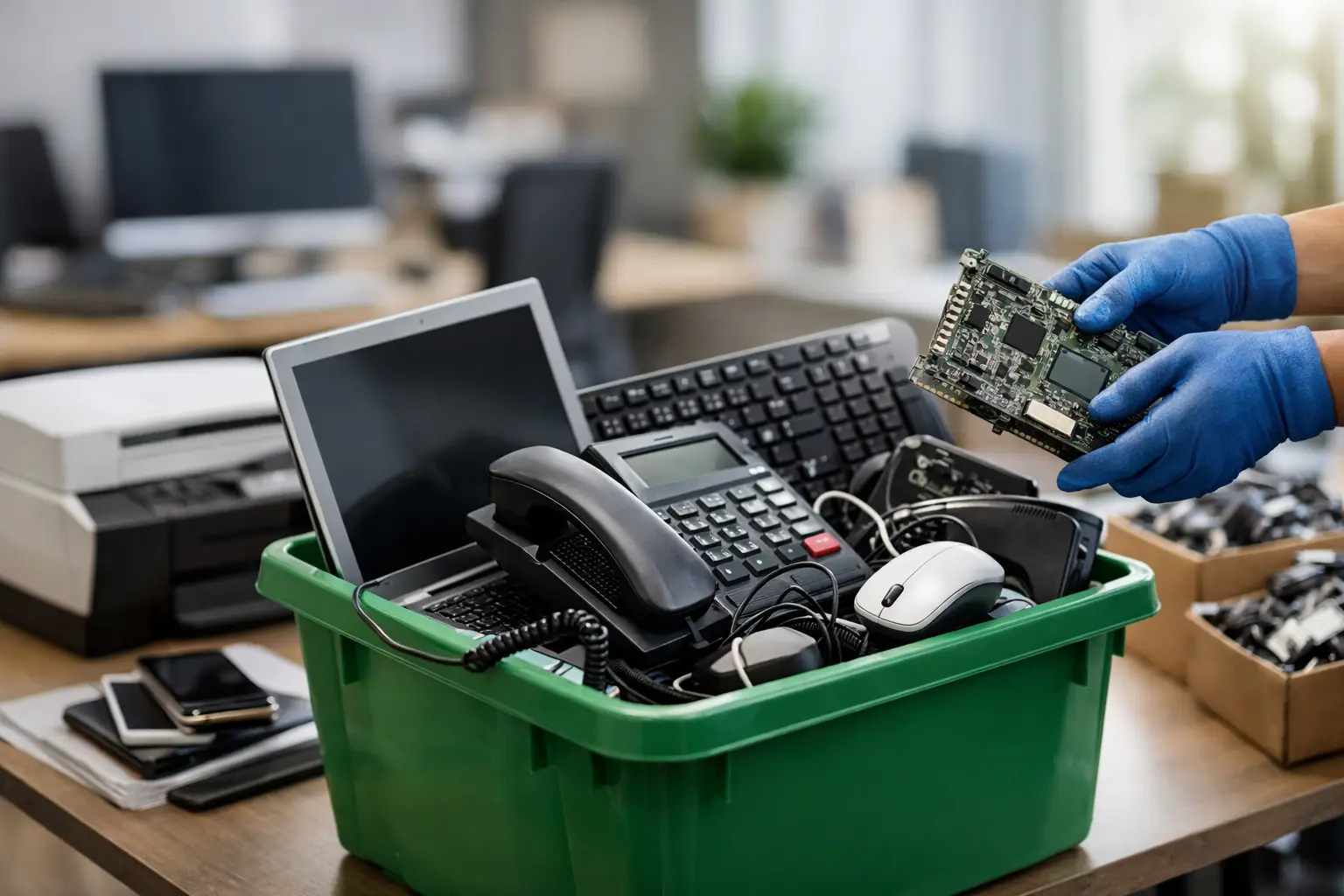
For small and mid-sized businesses, electronics disposal is rarely a one-item job. It is usually a mix of aging desktops, broken laptops, unused monitors, retired phones, network gear, printers, and loose hard drives that have been sitting around for months. The challenge is not only getting rid of them. It is making sure the process is secure, documented, and practical for a busy team.
What a business electronics recycling guide should actually cover
Many businesses assume recycling means handing equipment to the first collector who says yes. That is where problems begin. Electronics disposal for a business needs to cover data security, pickup logistics, item tracking, and downstream recycling responsibility.
If your office handles customer records, finance files, internal documents, or staff information, every device should be treated as a data-bearing asset until proven otherwise. That includes obvious items like laptops and servers, but also all-in-one PCs, desktop towers, external drives, NAS units, and some office machines with internal storage.
A reliable process should answer a few basic questions. What equipment is being removed? Does any of it contain data? Who collected it? Was data wiped or was the drive physically destroyed? Is there proof the items were picked up for proper recycling? If those answers are unclear, the disposal process is incomplete.
Start with an internal equipment check
Before scheduling a pickup, take stock of what you have. This does not need to be a full IT audit, but it should be organized enough that your team knows what is leaving the premises.
In most offices, electronics fall into three simple groups. The first is working but retired equipment that may still have reuse or remarketing value. The second is non-working equipment that still needs secure handling. The third is accessories and low-value items such as cables, keyboards, small peripherals, and adapters. Grouping items this way makes pickup and processing easier.
It also helps to identify which devices contain storage. A monitor usually does not create the same concern as a desktop with an SSD inside. A keyboard is different from a multifunction copier with saved scan history. If you are unsure, it is safer to flag the item for secure handling than to assume it is harmless.
Data security comes before recycling
This is the part businesses should never rush. Recycling a device without addressing the data inside it is not responsible disposal. It is a security gap.
For many businesses, software-based data wiping is the right option when drives are still functional and you want a documented erasure process. A recognized method such as DoD 5220.22-M 3-pass wiping is commonly used to overwrite data so it cannot be easily recovered. This is especially useful for desktop PCs, laptops, and some servers where the storage media is intact.
Physical destruction may be the better choice when drives are damaged, when equipment is too old to process efficiently, or when your company policy requires direct destruction. There is a trade-off here. Wiping can preserve the equipment for reuse in some cases, while destruction is more final and may be preferred for higher-risk data environments.
The right choice depends on your devices, your internal policy, and how sensitive the stored information is. What matters most is that the decision is intentional, not improvised.
A business electronics recycling guide for common office equipment
Most office managers are not asking whether one laptop can be recycled. They are asking what to do with a mixed load of IT equipment after a refresh, relocation, closure, or cleanup.
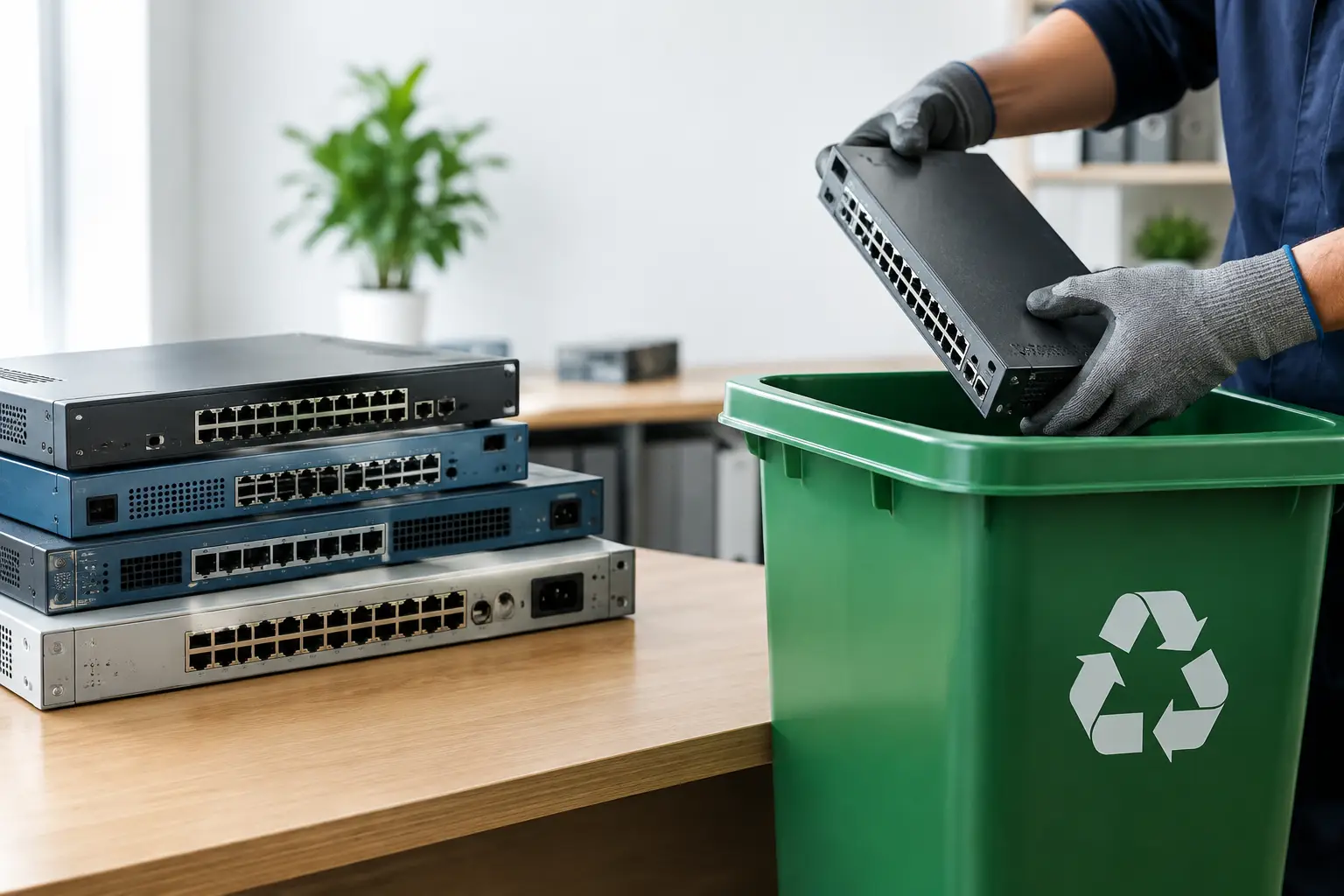
Computers and laptops are usually straightforward, but they should be checked for storage drives, company stickers, and asset labels before removal. Phones and tablets may contain email access, app logins, and saved authentication details, so they deserve the same level of care. Servers, firewalls, switches, and network hardware often sit overlooked in racks long after they are retired, even though they may still contain configuration data or attached storage.
Printers, copiers, and office machines are often underestimated. Some models store job history, address books, and scanned documents internally. If your office has used multifunction machines, ask whether there is any internal memory or storage before disposal.
Loose hard drives deserve separate handling. They are small, easy to forget, and often the highest-risk items in the room. A box of old drives in a cabinet can represent years of retained business data. Those should never be treated like generic scrap.
Why pickup matters more than many businesses expect
One of the biggest gaps in office electronics disposal is transport. Even when a business knows what to recycle, someone still has to move desktops, monitors, UPS units, and printers out of the office and into a vehicle. That sounds manageable until it interrupts a workday, requires extra staff time, or creates chain-of-custody questions.
Pickup-based service solves a practical problem and a security one. It reduces the number of hands involved, keeps removal more controlled, and gives the business a clearer record of what left the site and when. For offices without an internal facilities team, this can make the difference between a proper disposal process and equipment sitting around for another six months.
This is one reason many businesses prefer a service partner over an informal buyer or generic junk collector. The equipment may look like scrap from the outside, but business electronics should be handled like retired assets, not random clutter.
Documentation is not paperwork for its own sake
If you are disposing of business devices, records matter. You do not need complicated reporting for every mouse and cable, but you should have proof of collection and a clear service trail for the items that matter.
Documentation helps with internal controls, especially when finance, admin, or IT teams need confirmation that old assets were removed. It also gives management a more defensible record if questions come up later about missing devices or disposal timing.
For some businesses, documented pickup is enough. Others may need item verification, data wiping records, or confirmation that hard drives were handled separately. The right level depends on your business size and the type of data your equipment held. A small design office and a company handling sensitive client records may not need the exact same process.
Choosing the right recycling partner
A good recycling partner should make the process easier, not more uncertain. Businesses should look for a provider that understands IT equipment, offers secure handling, and explains its process clearly. If the conversation is only about weight or scrap price, that is usually a sign the service is not designed around business risk.
Ask practical questions. Do they collect from your location? Can they handle bulky office equipment? What do they do about data-bearing devices? Do they provide proof of collection? Do they work with licensed downstream recyclers? Clear answers matter more than sales language.
This is where an IT-aware disposal provider stands out. A company like MYPC2U is not approaching your retired equipment as general waste. It is approaching it as business hardware that may contain sensitive data and needs accountable handling from pickup to processing.
How to make office recycling easier going forward
The easiest electronics disposal job is the one you planned before the storage room filled up. Businesses that refresh devices regularly should keep a simple retirement process in place. Tag old equipment, separate data-bearing devices, and avoid mixing retired IT assets with general office junk.
It also helps to schedule disposal before equipment starts piling up. Quarterly or twice-yearly cleanouts are often easier than waiting for a renovation, move, or emergency office clearance. Smaller batches are simpler to verify, easier to remove, and less likely to create last-minute confusion.
If multiple departments are involved, give one person ownership of the process. That can be an office manager, admin lead, operations contact, or internal IT support. One point of coordination usually means fewer missed devices and a smoother pickup day.
The real goal of responsible electronics recycling
The point is not just to clear old equipment out of the office. It is to do it in a way that protects your data, respects your time, and keeps your business from taking unnecessary risks.
When electronics recycling is handled properly, it feels straightforward. The devices are identified, picked up, processed securely, and documented clearly. No guessing, no awkward transport arrangements, and no wondering where your old hard drives ended up.
If your office has a growing pile of retired tech, the best time to organize it is before it becomes a liability. A careful process now is a lot easier than dealing with uncertainty later.





Leave a Reply