
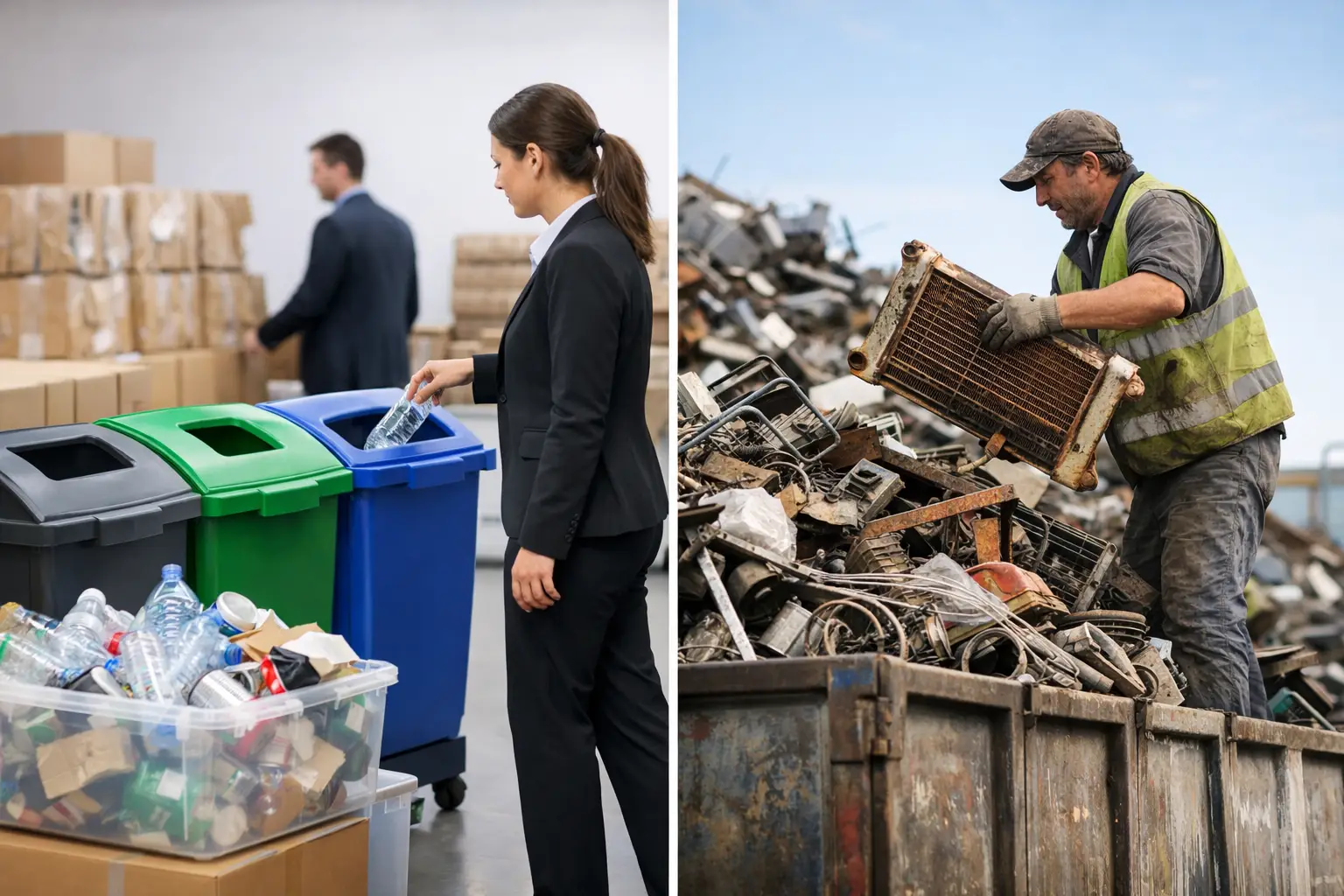
An old laptop can look like ordinary scrap, but for a business it may still hold employee records, customer details, saved passwords, financial files, and access to company systems. That is why business recycling versus scrap collectors is not simply a question of who will take the equipment away. It is a decision about data protection, accountability, convenience, and what happens after your devices leave the office.
Business Recycling Versus Scrap Collectors: The Key Difference
A scrap collector generally focuses on the recoverable material in an item. Metal, cables, circuit boards, and components may have resale value, so the goal is often to collect, sort, and sell those materials. This can be a practical option for certain non-sensitive items, especially when speed and low cost are the only priorities.
Business recycling is designed around the fact that electronics are more than material. Computers, servers, hard drives, phones, printers, network switches, and office devices can contain confidential information or business assets that need to be recorded before disposal. A professional IT disposal service treats collection as a managed handover, not just a removal job.
The difference matters most when equipment has ever connected to your company network, stored files, processed payments, or been assigned to an employee. Even a device that no longer powers on may contain a working storage drive.
Why Old IT Equipment Needs More Care Than General Scrap
When a business replaces computers or clears out a storeroom, it is easy to focus on the visible task: getting bulky equipment out of the way. The less visible task is confirming that the equipment is safe to release.
Deleting files does not necessarily remove them from a hard drive or solid-state drive. Reformatting a device may also be insufficient for sensitive business data, depending on how it was performed and what information was stored. A collection service that understands IT equipment can identify storage-bearing devices and arrange appropriate data wiping or destruction support before downstream recycling.
This is particularly relevant for servers, desktop computers, laptops, external drives, old mobile phones, NAS devices, and network equipment. They may contain data directly, retain configuration details, or include removable drives that are easy to overlook during an office clear-out.
A generic collector may be honest and well-intentioned, but unless secure data handling is clearly part of the service, the responsibility for checking and sanitizing devices still rests with your business. That uncertainty is what many office managers and SME owners want to avoid.
What a Professional Business Recycling Service Should Provide
The right recycling partner should make disposal easier without asking your team to compromise on control. Before arranging a pickup, ask how the provider handles data, records the collection, and manages devices after removal.
Secure data wiping or destruction support
For reusable storage devices, professional data wiping can provide a practical route to secure disposal while allowing the hardware to continue through appropriate reuse or recycling channels. MYPC2U supports DoD 5220.22-M 3-pass data wiping for applicable devices, helping businesses address data concerns before equipment moves on for processing.
For drives that cannot be wiped, are damaged, or require a higher level of assurance, HDD destruction support may be more appropriate. The best option depends on the device, the condition of the drive, your internal policy, and the sensitivity of the data involved.
Documented pickup records
A documented pickup record creates a clear point of handover. It helps your organization confirm what was collected and when it left your premises. This is useful for office administration, internal asset tracking, and responsible disposal records.
Documentation is especially valuable when several departments are involved. The IT team may identify devices, facilities may arrange access, and finance or management may need to close out old assets. A simple collection record helps prevent confusion after the equipment is gone.
IT-aware device handling
Electronic equipment should be handled differently from mixed household waste. A business recycler should recognize the differences between a monitor, a server, a desktop PC, a printer, and a network cabinet. Some devices have removable storage, some need careful handling because of size or weight, and some require asset verification before pickup.
This does not mean every collection needs a complex project plan. For a small batch of laptops and monitors, the process can be straightforward. For a larger office move, server retirement, or storage-room clearance, experienced coordination can reduce disruption and make sure nothing important is accidentally discarded.
Responsible downstream processing
Collection is only the first stage. Once equipment has been picked up, it should move through responsible recycling channels. A service provider that coordinates with licensed recyclers gives customers greater confidence that electronic materials are handled through an appropriate downstream process rather than being abandoned, mixed with general waste, or managed without visibility.
When a Scrap Collector May Be Enough
Scrap collectors are not automatically the wrong choice. If you have items with no data storage, no asset-tracking requirement, and no need for collection documentation, a local scrap option may meet your needs.
For example, metal office furniture, empty cable trays, non-electronic fixtures, or clearly non-sensitive materials may be better suited to a general collector. The same can apply to electronics only after your business has removed and securely handled all storage media itself.
The trade-off is control. A lower-cost collection can be appealing, but it may not include device checks, data wiping, proof of collection, or coordination around business access hours. If an incident occurs later, it can be difficult to show what was removed or whether the data-bearing components were handled correctly.
Questions to Ask Before You Schedule a Pickup
Before choosing between a recycling service and a scrap collector, get clear answers to a few practical questions:
- Does the provider collect business electronics from your location?
- Can it identify and handle hard drives, servers, laptops, and other data-bearing equipment?
- Is secure data wiping available, and what method is used?
- Is HDD destruction support available when wiping is not suitable?
- Will you receive proof or records of the pickup?
- How are the devices handled after collection?
- Does the provider work with licensed recyclers for downstream processing?
These questions do not need to turn a routine collection into a lengthy procurement exercise. They simply help you compare services based on the risks your business actually carries.
A Practical Process for Clearing Out Old Devices
Start by separating electronics from general office waste. Gather laptops, desktops, monitors, phones, servers, printers, routers, switches, cables, and small devices in one area if possible. Avoid allowing staff to take items home or place them in regular trash until your business has decided how each item will be managed.
Next, identify equipment that may contain storage. This includes obvious devices such as computers and external drives, but also older phones, multifunction printers, servers, and some network hardware. If you maintain an asset list, compare it with the equipment being removed so missing devices can be checked before collection.
Then arrange a pickup with a provider that can meet your data-handling and documentation needs. Share useful details in advance, including the approximate number of items, whether there are servers or heavy equipment, building access requirements, and whether your team needs asset verification. A little preparation helps the pickup run smoothly.
Finally, keep the collection documentation with your IT or administrative records. It is a small step that provides useful evidence of a responsible handover.
The Better Choice Depends on What Is at Stake
For a broken fan, metal shelving, or ordinary construction material, scrap collection may be perfectly reasonable. For retired business technology, the calculation changes. The value is not only in the recoverable metal. It is also in the information that could remain on the device and the confidence that your organization handled its assets responsibly.
Choosing a professional recycling pickup service does not have to be difficult or time-consuming. It is simply a way to remove unwanted electronics with clearer safeguards, better visibility, and less burden on your staff. When the next batch of old devices is taking up space in your office, treat the handover with the same care you would give any other business asset.


Leave a Reply