
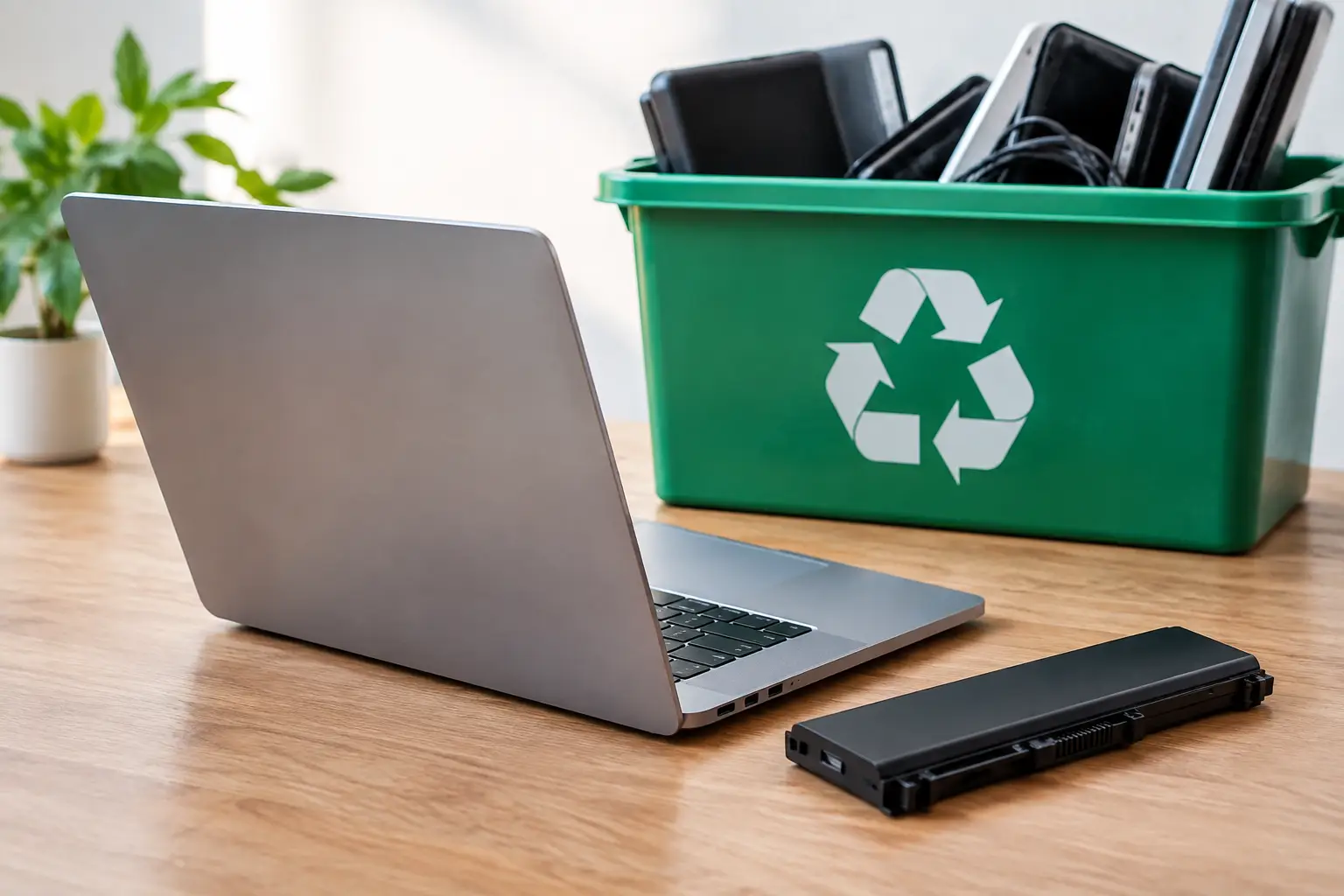
A laptop that no longer turns on can still hold personal files, business records, saved passwords, and a lithium-ion battery that needs careful handling. So, can laptops be recycled with batteries? Usually, yes – but whether the battery stays inside the laptop depends on its condition, the laptop design, and the recycling provider’s process.
For most households and offices, the safest choice is not to dismantle the device yourself. A professional electronics recycling service can assess the laptop, protect any remaining data, and coordinate responsible downstream recycling. That approach is especially useful when you have several old laptops, damaged devices, or equipment that belonged to employees.
Can Laptops Be Recycled With Batteries Attached?
Many laptops are collected for recycling with their batteries still installed. Modern laptops commonly have built-in batteries that are not intended for casual removal. Trying to open one with the wrong tools can damage the battery, puncture its protective casing, or create a fire risk.
A recycler may remove the battery later as part of the processing process. Laptop batteries contain recoverable materials, but they also require separate handling from the circuit boards, plastic housing, display, and metal parts. The exact workflow varies by recycler and by the battery’s condition.
The answer changes if the battery is swollen, leaking, overheated, crushed, or visibly damaged. A damaged lithium-ion battery should never be placed in regular trash, a curbside recycling bin, or a box with loose electronics. It needs to be declared before pickup so it can be isolated and handled appropriately.
For a laptop with a removable battery, you may be asked to remove it before collection. However, do that only if the battery releases normally and the laptop manufacturer designed it for simple removal. Do not force open an older laptop or use sharp tools around the battery compartment.
Why Laptop Batteries Need Special Handling
Lithium-ion batteries are compact and powerful, which is useful when they are inside a working laptop. Once discarded, they can become a risk if terminals are exposed, the battery is damaged, or it is crushed during transport or sorting.
Battery fires are difficult to manage because they can reignite and spread quickly. That is why responsible e-waste providers separate battery-containing equipment from general waste and communicate with licensed downstream recyclers. Proper handling protects collection staff, transport teams, recycling facilities, and the environment.
A battery that looks normal is not automatically unsafe. Still, it should be kept away from heat, direct sunlight, and heavy objects while you wait for collection. Do not leave old laptops in a car trunk for long periods, especially in hot weather.
Signs You Should Report Before Pickup
Tell your recycling provider if you notice a bulging laptop case, a lifted keyboard or trackpad, a battery that drains unusually fast, an acrid or chemical smell, discoloration, or damage from a drop or water exposure. These details help the collection team prepare for the device rather than treating it like standard equipment.
If a battery appears swollen, stop using and charging the laptop. Place the device on a nonflammable surface away from combustible materials until you receive handling instructions. Do not press the case back into shape or attempt to remove the battery yourself.
Recycling the Laptop Is Only Half the Job
For most people, the bigger concern is not the battery – it is the data. Even a dead laptop may contain files on its internal hard drive or solid-state drive. Deleted documents, browser information, client records, financial data, and saved logins can remain recoverable if the storage device is not properly wiped or destroyed.
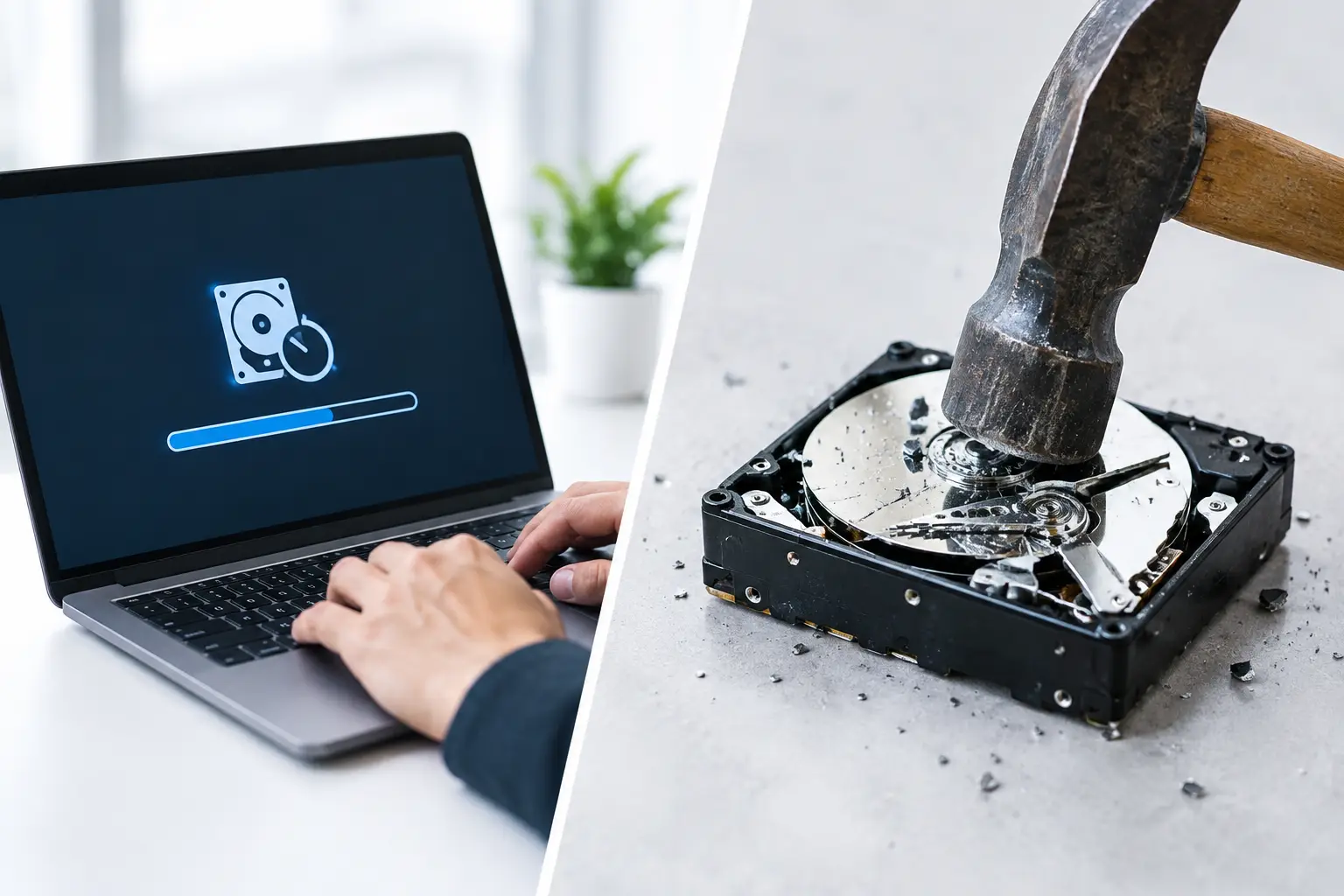
Before recycling a personal laptop, sign out of accounts where possible, remove any SD cards or USB receivers, and back up files you want to keep. If the computer still works, resetting it is helpful, but it is not always enough for sensitive information.
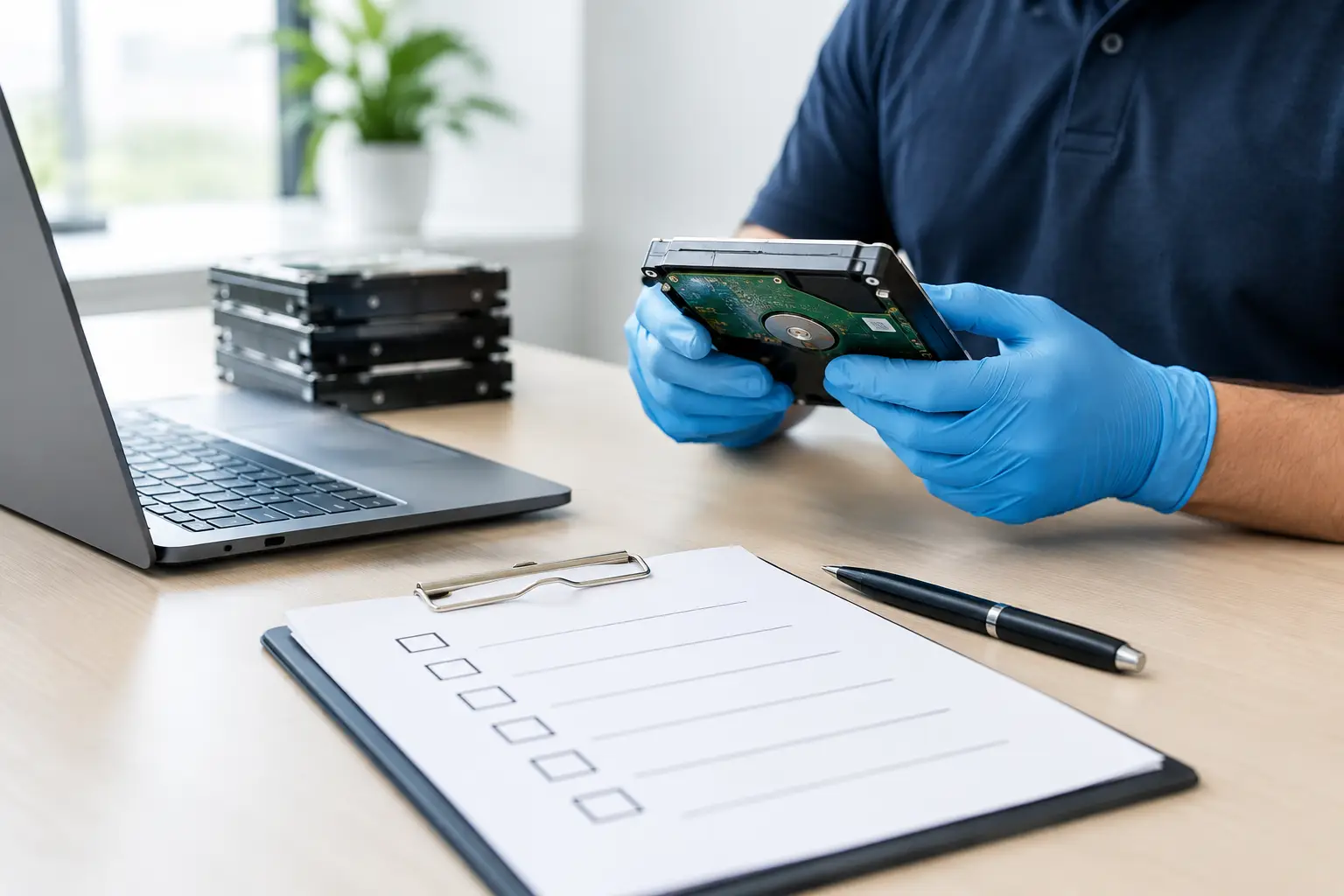
Businesses should use a more controlled process. Old employee laptops may hold customer information, internal documents, accounting records, supplier details, or access credentials. A proper IT asset disposal service can record the items collected, verify the assets, and provide secure data wiping or hard drive destruction support based on your requirements.
MYPC2U uses an IT-aware approach to collection, including documented pickup records and DoD 5220.22-M 3-pass data wiping support for eligible devices. That gives households and businesses a clearer chain of handling than handing devices to an informal scrap collector.
What Happens After a Laptop Is Collected?
A responsible recycling process is more than loading old electronics into a truck. First, the laptop is identified and assessed. Devices that are still usable may be considered for refurbishment or parts recovery, depending on their age, condition, and data-handling requirements.
Equipment that cannot be reused is separated into material streams. Storage media may be wiped or destroyed, batteries are handled through appropriate battery channels, and the remaining components are processed for recovery. Metals, plastics, glass, circuit boards, and cables each need different treatment.
Not every laptop has the same end-of-life path. A newer business laptop with a healthy battery and working screen may have reuse value after secure data removal. A water-damaged device with a swollen battery is more likely to require controlled dismantling. The right outcome depends on condition, safety, and whether the equipment can be responsibly prepared for a second life.
How to Prepare Laptops for Recycling Pickup
You do not need to make old laptops look presentable before recycling, but a few simple steps make collection safer and more organized. Keep each laptop with its matching charger if you have it, particularly when the device may be assessed for reuse. Chargers and power adapters are also electronic waste and should not go in household garbage.
For office collections, group equipment by type where practical: laptops in one area, monitors in another, and loose cables or accessories in labeled boxes. If you have an asset list, share it with the collection team. This helps with verification and makes it easier for your organization to maintain disposal records.
Avoid taping over laptop vents or sealing a damaged device in an airtight container. If a battery is suspected of being faulty, describe the issue when scheduling rather than trying to package it as ordinary e-waste. Clear information upfront leads to a safer pickup.
When You Should Remove the Battery First
In most cases, leave a built-in battery where it is. There are only a few situations where removal may be appropriate: the battery is externally removable, it slides out without tools, and your recycling provider specifically requests that it be separated.
Even then, store the removed battery so it cannot contact metal objects such as keys, coins, screws, or loose cables. Keep it in a dry, cool location and arrange recycling promptly. Never put a laptop battery in a household recycling bin, because municipal recycling systems are not designed to manage lithium-ion batteries.
If you are unsure whether your laptop battery is removable, leave it in place and ask. The cost of guessing wrong can be a damaged device, a safety incident, or both.
A Safer Way to Clear Out Old Technology
Old laptops often accumulate because disposal feels uncertain. They are too valuable to throw away, too inconvenient to transport, and too sensitive to hand over without knowing what happens next. Batteries add another layer of concern, but they do not prevent responsible recycling.
The practical approach is to disclose the laptop’s condition, protect the data it contains, and use a collection provider that understands both IT equipment and e-waste handling. With scheduled pickup and documented handling, clearing out an old laptop drawer or a full office storeroom can be a straightforward task rather than a lingering security risk.



Leave a Reply