
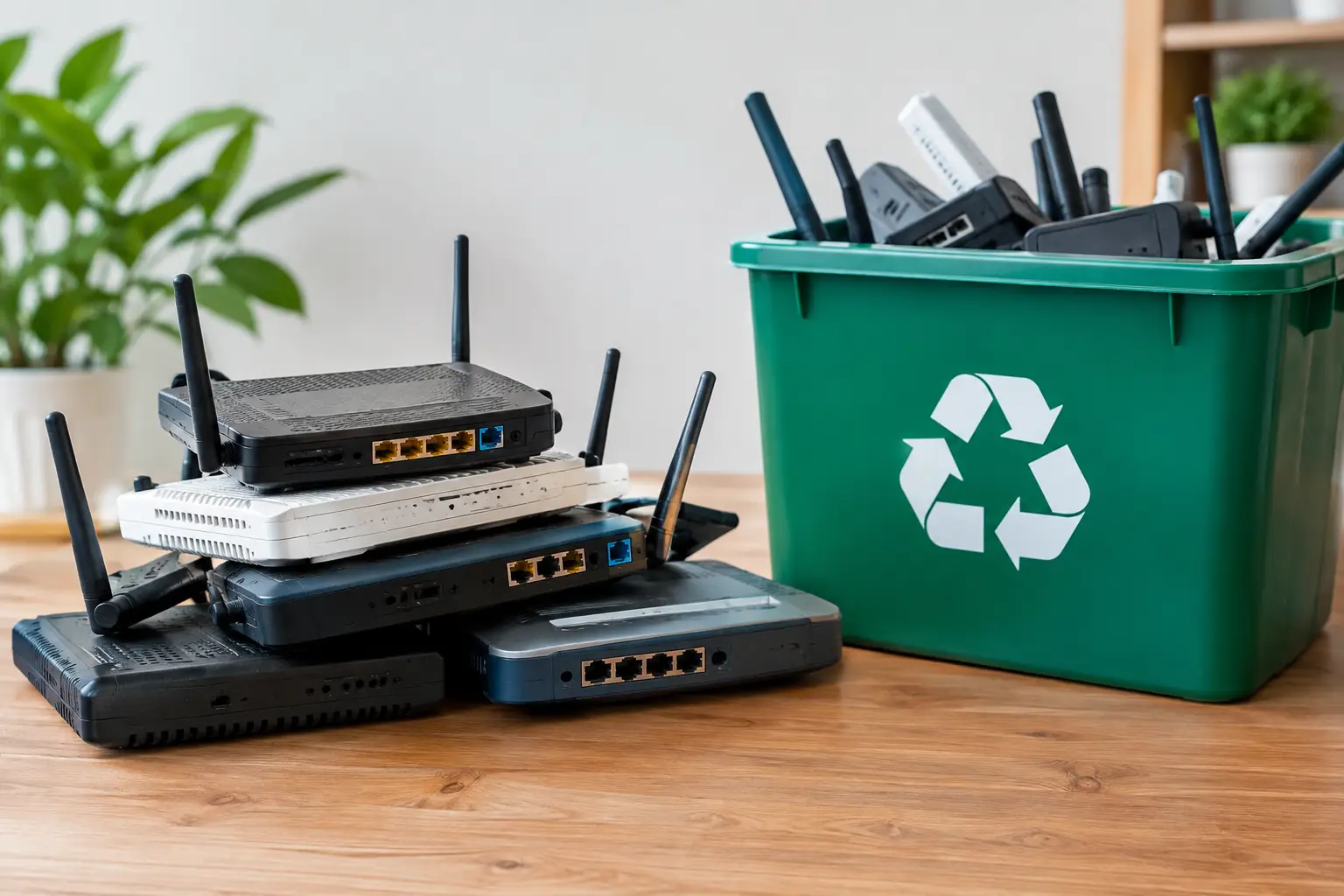
An old router can look harmless sitting in a drawer, especially after a new internet plan or Wi-Fi upgrade. But it may still hold your network name, Wi-Fi password, administrator login, VPN settings, or business configuration details. So, can old routers be recycled? Yes – but the right first step is protecting the information stored on them.
For households, that may mean resetting one device before arranging an e-waste pickup. For a business retiring multiple routers, switches, firewalls, and access points, it means treating network hardware as an IT asset, not ordinary trash. Responsible recycling should cover both sides of the job: secure handling of the device and proper recovery of its materials.
Can Old Routers Be Recycled Safely?
Most old routers can be recycled through an electronics recycling provider. They contain circuit boards, copper, small amounts of recoverable metals, plastics, cables, and electronic components that should not go into a regular trash bin. When sent through the proper recycling process, usable materials can be separated for recovery while remaining components are handled through appropriate downstream channels.
The condition of the router does not usually decide whether it can be recycled. A device that no longer powers on, has outdated Wi-Fi standards, or is missing its power adapter can still be accepted as electronic waste. Larger network equipment, including rack-mounted routers, firewalls, switches, and wireless access points, can also be part of an IT equipment disposal collection.
What changes from one device to another is the data risk. A basic home router may retain a small amount of configuration information. A business-class router or firewall may contain much more: user accounts, network maps, remote-access settings, certificates, and connection logs. That is why recycling should never start with simply dropping the equipment into a general waste pile.
Check Whether the Router Is Yours to Recycle
Before resetting or disposing of any router, confirm who owns it. Internet service providers often supply modems, gateways, and routers on loan. If the equipment belongs to your provider, it may need to be returned rather than recycled. Check the label, your service agreement, or the provider’s return instructions.
A company should also confirm that the device is not still assigned to a branch office, employee, managed service provider, or active network contract. It is surprisingly easy for a retired-looking device to remain listed in an asset register or to have a useful support contract attached to it.
If the router is company-owned and genuinely at end of life, record the model, serial number, and asset tag before it leaves the premises. This creates a clear internal trail, especially where the device supported accounting systems, customer data, remote workers, or business operations.
Protect Data Before Recycling a Router
A factory reset is a useful starting point, but it should be done carefully. The reset option removes locally stored settings on many consumer routers, including the Wi-Fi network name, password, administrator credentials, and port forwarding rules. Follow the manufacturer’s instructions for your model, since reset buttons and recovery procedures vary.
Before resetting, save only the information you truly need for the replacement device. Avoid keeping old password lists or configuration files in an unprotected folder. If the router is still functional, sign out of any linked management account and remove it from a mobile app or cloud dashboard where possible.
Then check for removable storage. Some routers and network appliances have USB ports with external drives attached for file sharing, backups, or media storage. Remove those drives and handle them separately, because they may contain far more personal or business data than the router itself.
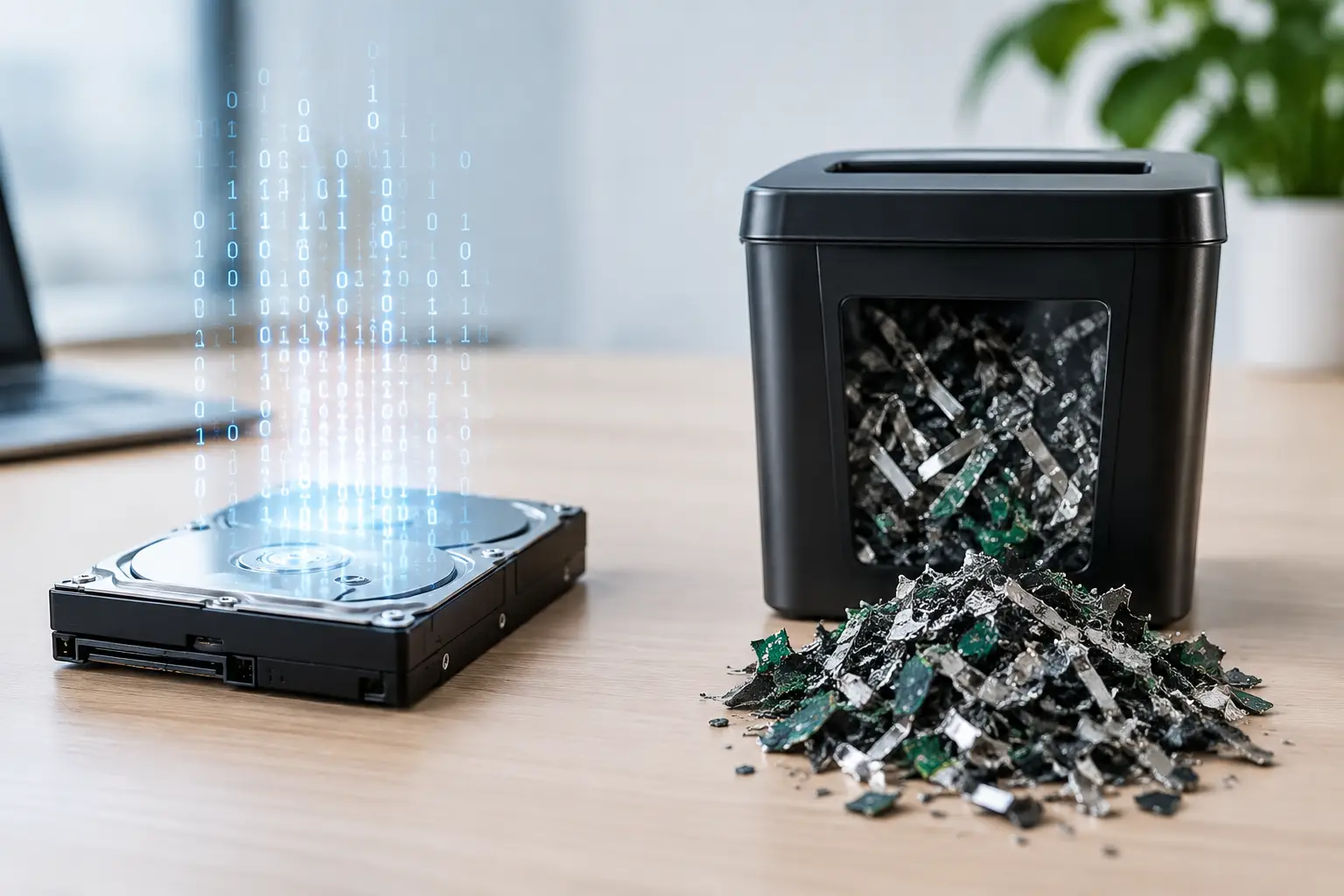
For business hardware, a factory reset may not be sufficient on its own. The device could have internal flash storage, configuration backups, encrypted keys, or logs that require a more controlled disposal process. An IT-aware recycling provider can help identify the equipment, document the collection, and arrange appropriate data wiping or hard drive destruction support when storage media is present.
Do Not Rely on Physical Damage Alone
Breaking an old router, cutting cables, or removing its antenna does not reliably remove stored information. It can also make safe handling and materials recovery more difficult. Likewise, deleting settings through a browser page without completing the correct reset procedure may leave information behind.
If you cannot access the router because the password is unknown or the device has failed, let the recycler know. This is particularly relevant for commercial equipment. A professional provider can assess the device as part of the collection process rather than treating it as anonymous scrap.
Reuse, Return, or Recycle?
Recycling is the right destination for many obsolete routers, but it is not always the first choice. If a router still works, receives security updates, and meets the needs of another user, reuse can extend its useful life. A tested, reset device may be suitable for a family member, a small home setup, or a non-sensitive secondary network.
That said, old networking gear can become a security liability. Devices that no longer receive firmware updates may have known vulnerabilities, poor encryption support, or limited performance. Reusing a router only makes sense when it can be updated, securely configured, and used for an appropriate purpose.
Donation is another option, but only after ownership and data have been addressed. Organizations receiving equipment should not have to deal with locked devices, missing power supplies, old company labels, or unknown configurations. If the router is too outdated to be useful, recycling is generally the more responsible route.
What Happens After Collection?
A responsible e-waste process begins with collection and sorting. Network hardware is separated from general office equipment and directed to the appropriate downstream recycling channel. Components may be assessed for reuse, parts harvesting, or material recovery depending on their condition and market value.
Circuit boards can be processed to recover metals, while cables, housings, and other materials are separated where practical. Not every component becomes a new router or computer part. The goal is to recover value where possible and reduce the amount of electronic waste handled as disposal.
For businesses, the chain of handling matters as much as the final destination. A documented pickup record helps show that retired equipment was collected through an accountable process. Asset verification can provide further clarity when multiple devices are being removed from an office, server room, retail site, or storage area.
Make Router Disposal Easier for Your Home or Office
You do not need to collect electronics one item at a time. An old router can be prepared alongside laptops, desktop computers, monitors, phones, printers, servers, switches, and other unwanted equipment. Grouping items for one scheduled collection is often more practical than finding separate disposal options for each device.
For a home, place the router, power adapter, and related cables together if you want them removed as a set. Remove any personal labels and take out external USB storage first. For an office, keep network equipment in a designated area, note which units require data handling, and avoid allowing staff to remove devices informally before the asset list is checked.
MYPC2U provides pickup-based e-waste recycling and IT asset disposal for households and businesses in Kuala Lumpur and Selangor, with secure handling, documented collection, and coordination with licensed recyclers. For devices containing data, the service can support secure data wiping based on the DoD 5220.22-M 3-pass method and appropriate handling of storage devices.
An old router may be small, but it once sat at the center of your home or office network. Reset it properly, confirm it is yours to dispose of, and send it through a responsible collection process. That turns a forgotten piece of hardware into one less security concern and one less item headed for the wrong bin.


Leave a Reply