
A retired laptop can still hold years of emails, saved passwords, tax files, customer records, and business documents. That is why data erasure versus disk shredding is not simply a recycling decision. It is a decision about how you protect information before equipment leaves your home or office.
Both methods can be appropriate, but they do different jobs. Data erasure removes information while keeping a usable storage drive intact. Disk shredding physically destroys the drive so it cannot be reused. The right choice depends on the type of device, the sensitivity of the data, whether the equipment has resale value, and the level of proof your organization requires.
What Is Data Erasure?
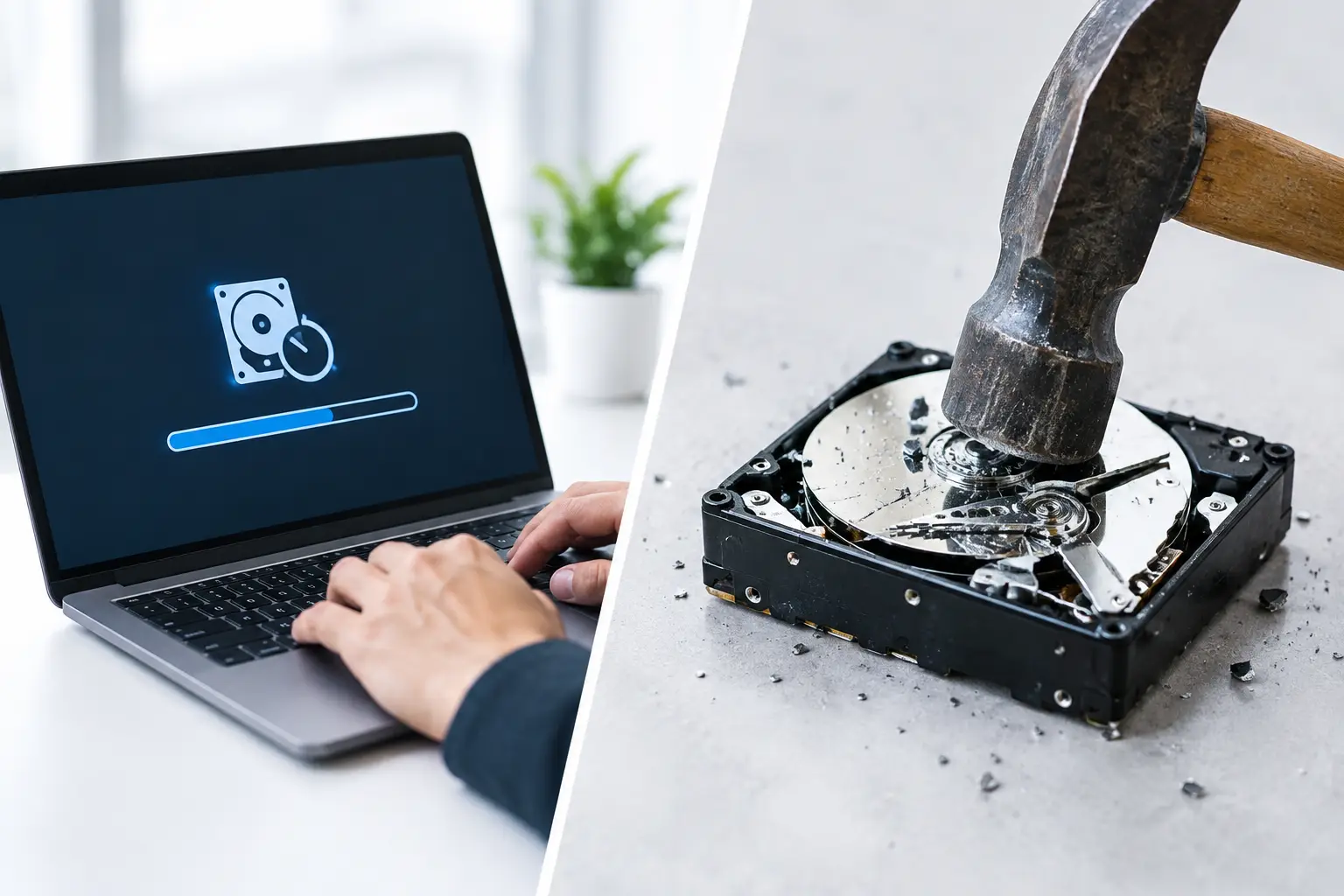
Data erasure is a controlled process that overwrites or sanitizes the information stored on a hard drive or other storage media. A proper erasure process is designed to make previously stored data unrecoverable through normal recovery tools or forensic software.
This is very different from deleting files, emptying the Recycle Bin, or performing a basic factory reset. Those actions often remove the visible path to the data without removing the underlying information. A determined person may still be able to recover files from a drive that was only deleted or reformatted.
For traditional hard disk drives, secure wiping commonly involves writing new data across the disk in one or more passes. MYPC2U supports DoD 5220.22-M 3-pass data wiping for applicable devices, providing a more accountable option than simply clearing a machine before disposal.
When data erasure is completed successfully, the drive may remain functional. This gives businesses the option to reuse, redeploy, resell, or recycle the device while reducing the risk that old data travels with it.
When Data Erasure Makes Sense
Secure wiping is often a practical choice for working laptops, desktop computers, servers, and external hard drives that still have usable value. A small business replacing office computers, for example, may want to remove staff and company information while keeping the devices available for resale, donation, or parts recovery.
It can also be useful when a household is recycling a computer that is still in good condition but is no longer needed. The device can move into the responsible recycling stream without leaving personal files exposed.
The key word is verification. A professional process should record whether the wipe was completed successfully. If a drive cannot be erased because it is damaged, encrypted without available credentials, or no longer responsive, physical destruction may be the safer next step.
What Is Disk Shredding?
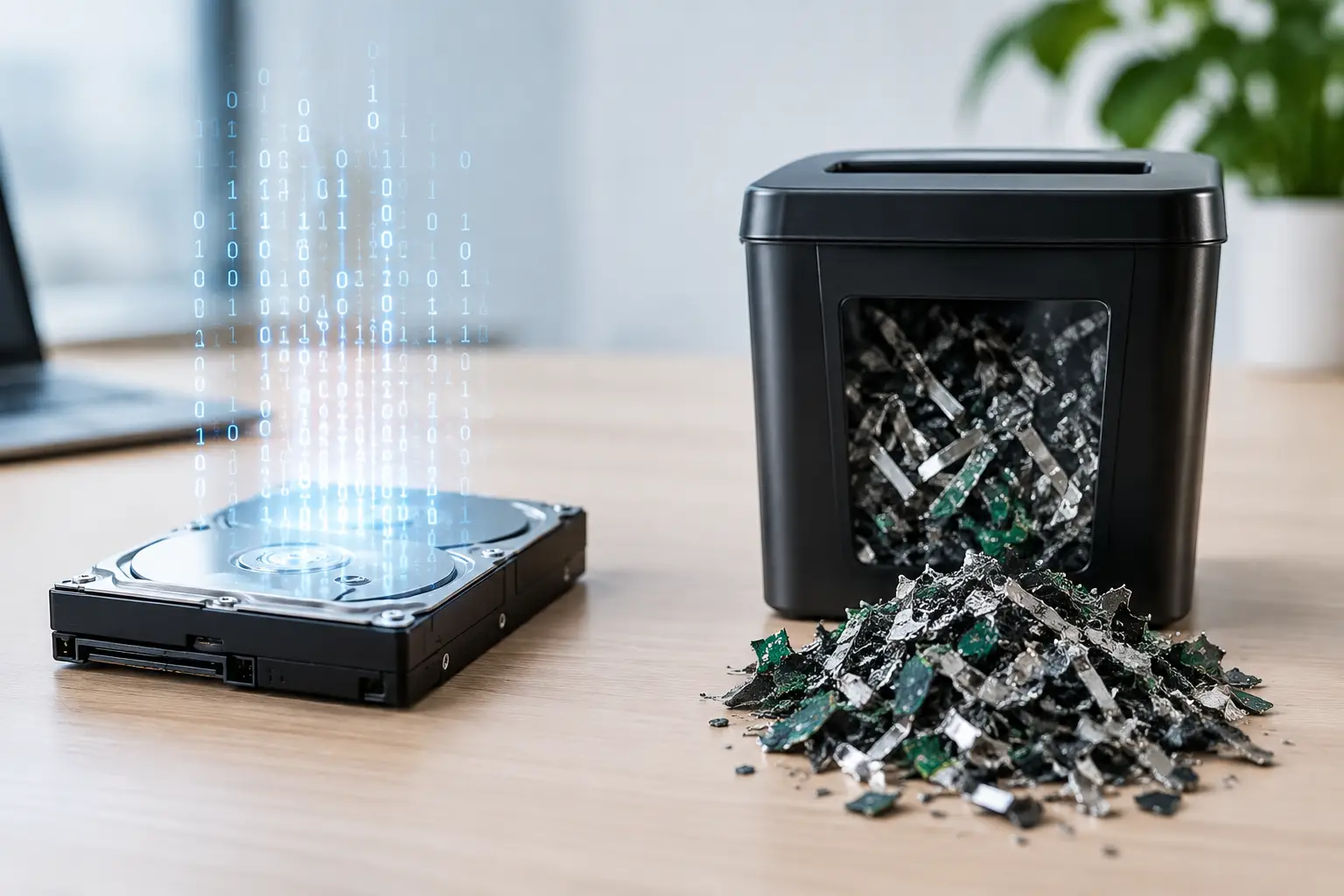
Disk shredding is the physical destruction of a hard drive or storage device. The drive is processed through equipment that breaks it into small pieces, making the platters, chips, and internal components unusable.
Because the media itself is destroyed, shredding is often selected for highly sensitive information, failed drives, or equipment that has no reuse value. It provides a clear final outcome: the storage device cannot be put back into service, and retrieving data from it becomes impractical.
Hard drive shredding is not just for large corporations. Medical offices, accounting firms, law practices, schools, property managers, and small businesses may all handle confidential records that should not leave the organization on intact drives. Households may also choose destruction for a failed computer that contains financial, identity, or family information.
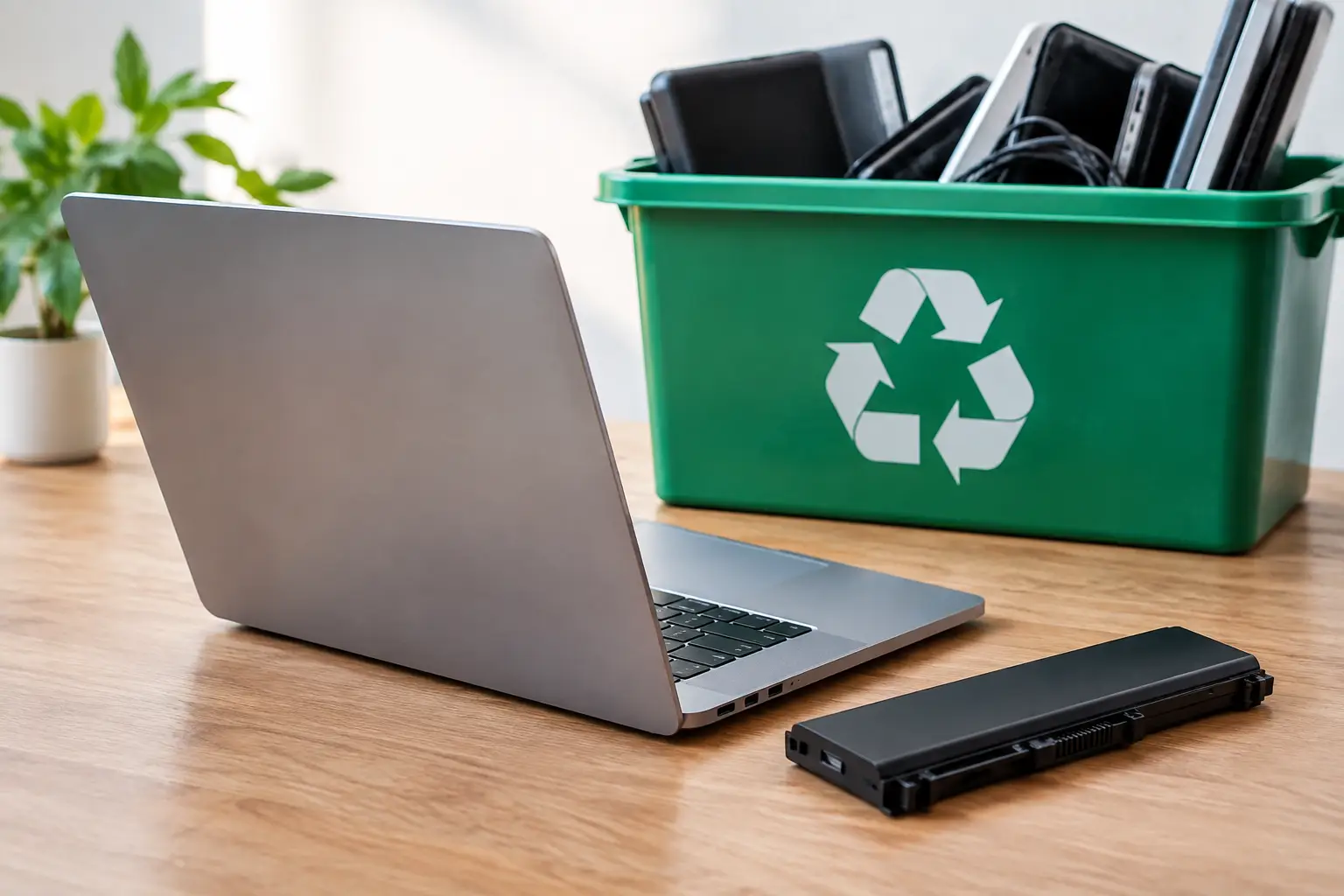
After shredding, the material should still be handled through responsible electronics recycling. A storage drive contains metals and other components that should be processed through the proper downstream recycling channels rather than sent to regular trash.
When Disk Shredding Is the Better Choice
Choose physical destruction when the drive is broken, inaccessible, or unsuitable for a verified wipe. It is also often the preferred option when your internal policy, client contract, or compliance requirements call for irreversible destruction.
Shredding can provide additional peace of mind for devices that held especially sensitive data, such as employee records, customer databases, financial information, legal files, or protected business information. The trade-off is that the drive has no remaining resale or reuse value. Once it is shredded, it is recycling material only.
Data Erasure Versus Disk Shredding: The Main Differences
The biggest difference is what happens to the hardware. Data erasure protects the information while preserving the device or drive for possible reuse. Disk shredding protects the information by destroying the media itself.
Erasure is usually the better fit when devices are functional and an organization wants to recover value from old IT assets. This may include resale, donation, refurbishment, or redeployment within another part of the business. It also reduces unnecessary waste by extending the useful life of working equipment.
Shredding is usually the more appropriate choice when preserving the hardware is not useful or when destruction is the required standard. A dead hard drive cannot be reliably wiped through normal software methods, so attempting a basic reset is not enough. Physical destruction removes that uncertainty.
There is also a documentation difference. For business disposals, a secure process should include a clear record of collection and the service performed. Proof of pickup helps establish when equipment left your custody. Where data wiping or destruction is requested, service records support a more organized asset disposal process.
Do SSDs Need a Different Approach?
Yes. Solid-state drives, USB flash drives, memory cards, and modern devices with embedded storage do not store information in the same way as traditional hard disk drives. Their data can be spread across memory cells, and standard overwrite methods may not always reach every area in the same predictable way.
For SSDs, secure sanitization methods may include built-in secure erase commands or cryptographic erasure when the drive was properly encrypted. If the SSD is damaged, cannot be verified, or contains highly sensitive information, physical destruction may be the more dependable route.
This is one reason device assessment matters. A recycling provider should not treat every storage device as if it were the same. A desktop hard drive, an encrypted laptop SSD, a server drive, and a phone with embedded storage each require an approach that fits the media and the risk.
Avoid These Common Disposal Mistakes
Many data exposure problems begin with assumptions. People assume a deleted folder is gone, a factory reset is complete, or a broken computer cannot be accessed. None of these assumptions offers the assurance that secure wiping or physical destruction can provide.
Avoid placing computers, drives, phones, or office equipment containing storage media at the curb or handing them to an informal collector without knowing how the equipment will be handled. Convenience should not mean giving up control of sensitive assets.
For businesses, it is also wise to maintain a simple inventory of devices being removed. Record asset tags, serial numbers when available, device types, and the date of collection. This makes it easier to confirm what was sent out and helps avoid confusion when several old computers, monitors, servers, and drives are collected at once.
Choosing the Right Option for Your Equipment
Start with two questions: Can the device be reused, and how sensitive is the information it holds? If the drive works and its data can be securely erased and verified, wiping may offer both protection and value recovery. If the drive is damaged, highly sensitive, or governed by a destruction requirement, shredding is likely the safer choice.
For mixed collections, the answer may be both. An office may securely wipe working laptops for responsible recycling while arranging destruction for failed drives from old servers. That approach balances data protection, practical asset handling, and responsible disposal.
When old technology is ready to leave your home or workplace, do not let uncertainty decide what happens next. A documented pickup, IT-aware handling, and the right method for each storage device can turn a difficult cleanup into a controlled and responsible handoff.



Leave a Reply