
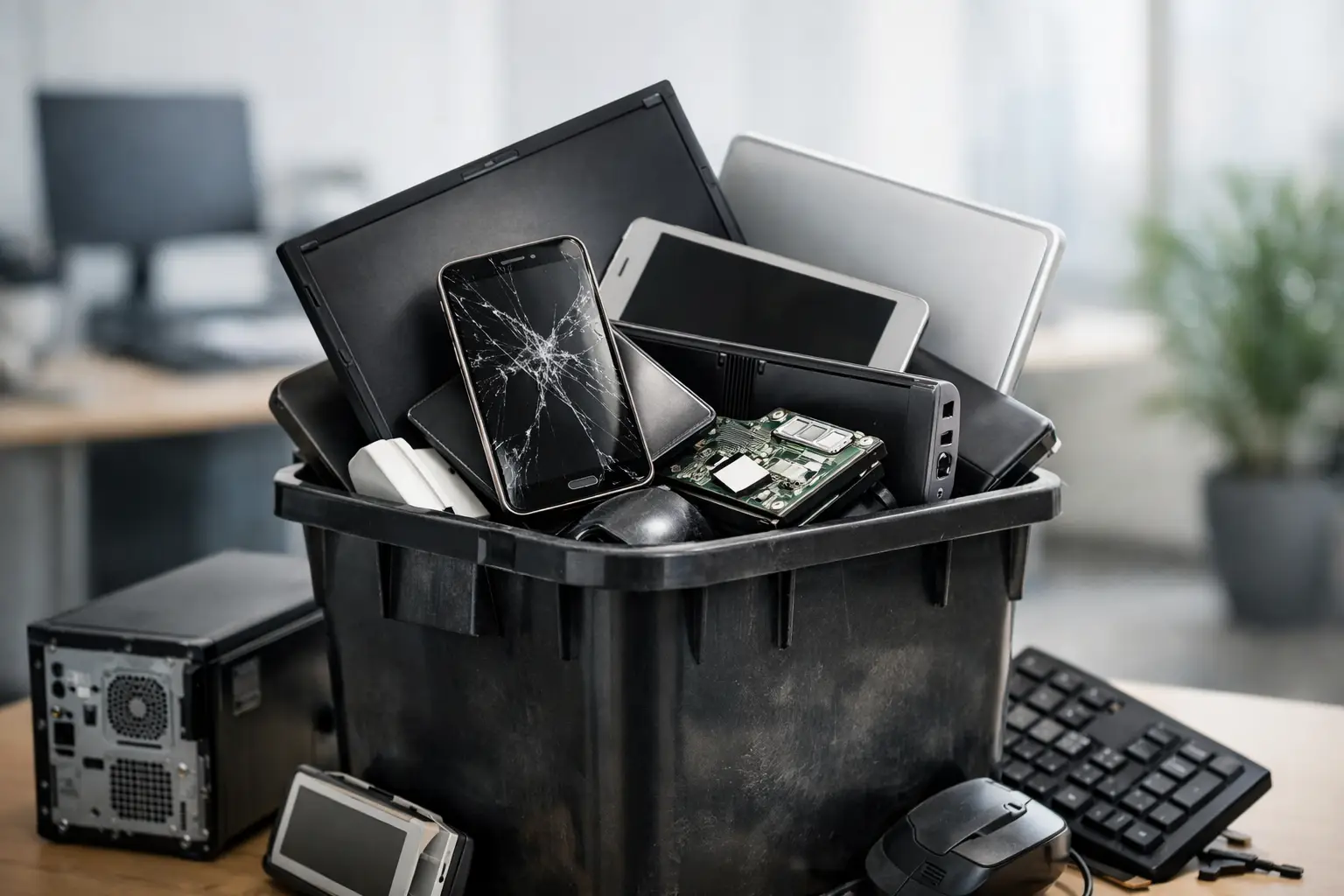
That retired laptop in a storage room may look harmless, but it can still hold saved passwords, client files, email archives, financial records, and personal photos. The top mistakes in device disposal usually happen before a device ever reaches a recycler: someone assumes it is too old to matter, too broken to contain data, or too small to require a proper process.
For households, the risk may be identity theft or lost personal information. For businesses, it can involve customer data, internal documents, employee records, and unmanaged company assets. A responsible disposal plan does not need to be complicated, but it should account for data security, collection records, and proper downstream recycling.
Top Mistakes in Device Disposal
1. Throwing electronics in the regular trash
Computers, phones, printers, routers, batteries, and other electronics are not ordinary household waste. Many contain materials that need specialized handling, while batteries can create safety risks if crushed, damaged, or exposed to heat.
Putting devices in a trash bin also removes any control over where they go next. A discarded hard drive could be separated from its computer. A damaged battery could be handled improperly. Even equipment that appears beyond repair may contain recyclable components that should be recovered through the right channel.
The better approach is to separate unwanted electronics from general waste and arrange collection through a professional e-waste service. This is especially useful for bulky equipment such as desktop computers, servers, monitors, printers, and office machines that are difficult to transport yourself.
2. Assuming deleting files removes the data
Dragging files to the recycle bin or performing a quick factory reset is not the same as secure data removal. In many cases, deleted files remain recoverable until the storage space is properly overwritten. This applies to desktops and laptops, but also to external hard drives, USB drives, phones, tablets, network storage, and some printers.
A broken device can still present the same problem. If the screen will not turn on, the hard drive or solid-state drive may still be intact. Likewise, a computer that cannot boot may still contain years of saved information.
For devices with sensitive data, use a verified data-wiping process or arrange physical drive destruction where appropriate. A documented multi-pass wiping method, such as DoD 5220.22-M 3-pass data wiping, can provide a much stronger level of assurance than a basic file deletion. The right choice depends on the device, the type of storage it contains, and how sensitive the data is.
3. Forgetting about hidden storage locations
Data does not only live on the main hard drive. This is one of the most overlooked device disposal mistakes, particularly during office clear-outs or staff equipment refreshes.
Before collection, check laptops and desktops for secondary drives, removable USB devices, SD cards, optical discs, and external backup drives. Review printers and multifunction copiers too. Some models store scanned documents, print jobs, address books, or user credentials in internal memory.
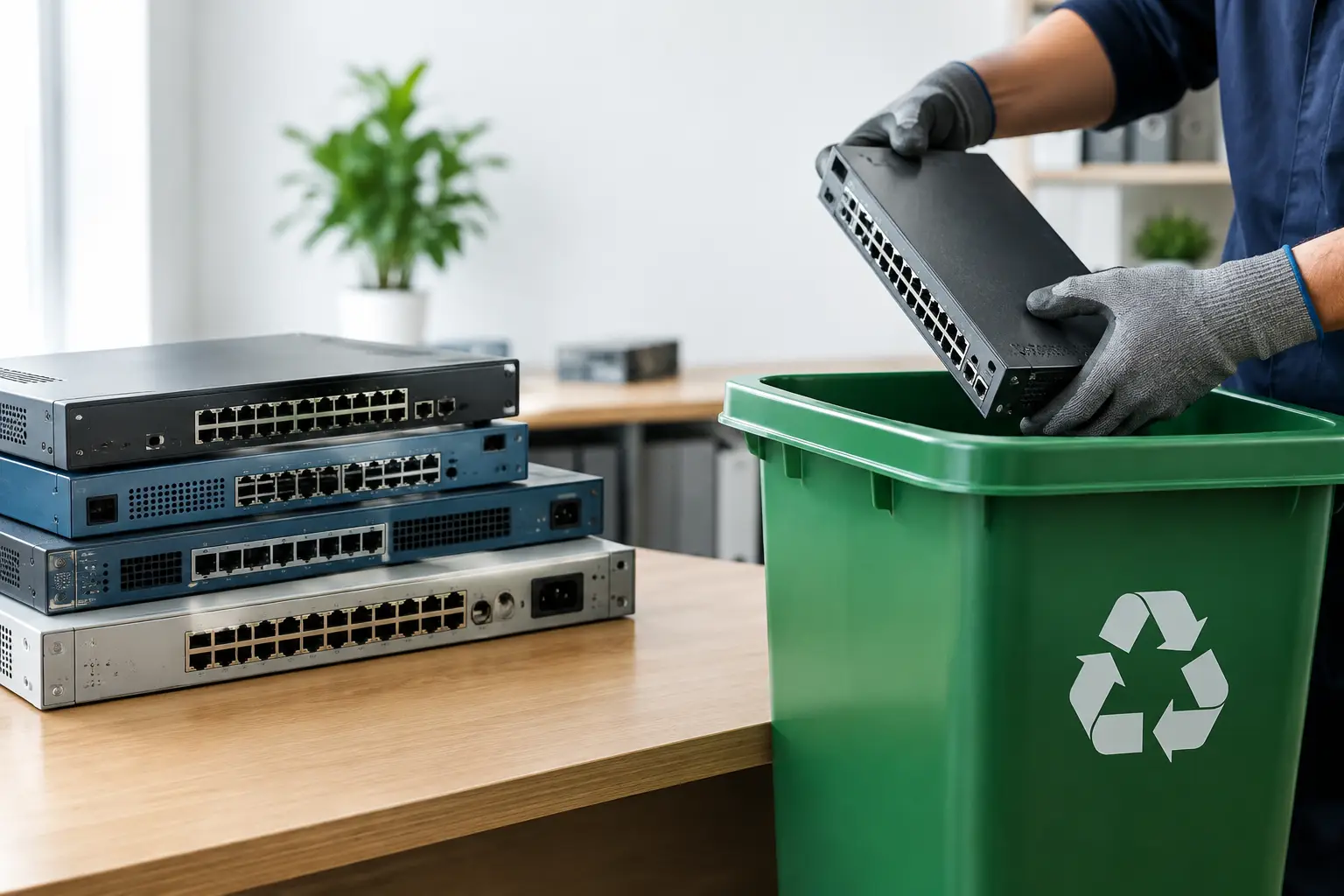
Businesses should also remember network-attached storage, servers, firewall appliances, and older smartphones kept in drawers. These items are often missed because they are not part of the visible workstation setup. A simple asset check before pickup helps ensure that no device containing company information is left behind or disposed of without approval.
4. Giving devices to an unverified collector
A collector offering to remove electronics at no cost may sound convenient, but convenience alone is not proof of secure handling. If there is no clear process for collection, data wiping, asset verification, or downstream recycling, you may not know what happens to your equipment after it leaves your premises.
This does not mean every low-cost or free pickup is unsafe. It does mean you should ask practical questions. Will you receive proof of collection? Can the provider identify the equipment collected? Is secure data wiping available? Are storage devices handled separately when needed? Is the material passed to licensed recycling partners for processing?
For an office manager, these questions support accountability. For a household, they provide peace of mind that an old phone or laptop is not simply being resold with personal data still present. A professional provider should be comfortable explaining the process in plain language.
5. Skipping records and chain-of-custody details
When a business disposes of ten, fifty, or several hundred devices, an informal handoff creates a gap in its asset records. Equipment may disappear from the office, but there is no confirmation of what was collected, when it left, or whether the items included storage devices.
Documented pickup records are particularly useful for organizations replacing computers, closing an office, relocating, or clearing a storeroom. They help administrative teams reconcile equipment, confirm collection dates, and show that obsolete assets were handled through an organized process.
The level of documentation should match the situation. A resident disposing of one old laptop may only need a collection confirmation. A business retiring servers, employee laptops, or network equipment may need an itemized inventory and a clearer record of data-handling services. It depends on internal policies, the value of the assets, and the sensitivity of the information involved.
6. Letting old equipment pile up indefinitely
Storage rooms have a way of turning retired IT equipment into a permanent problem. Old monitors get stacked behind cabinets, obsolete routers sit in boxes, and former employee laptops remain in locked drawers because no one is sure what to do with them.
Delaying disposal increases the chance of lost assets and forgotten data. It also makes eventual cleanup harder, since devices are no longer grouped by department, user, or condition. When a large disposal project finally happens, staff may have to spend extra time identifying what is still usable, what contains storage, and what needs secure handling.
Set a basic retirement process instead. When equipment is replaced, label it as pending disposal, record the asset details if needed, and keep it in a secure area until collection. For households, choose one safe place for unwanted electronics rather than leaving them in cars, outdoor areas, or easily accessible common spaces.
7. Treating every device the same way
Not every device requires the same disposal method. A keyboard does not create the same data concerns as a company laptop. A server with multiple drives needs more careful planning than a damaged phone. A working monitor may have a different reuse or recycling path than a printer with internal memory.
This is where an IT-aware disposal service makes a practical difference. Devices can be assessed by category, data risk, and physical condition instead of being handled as anonymous scrap. Equipment that needs wiping can be identified before it leaves. Drives requiring destruction support can be separated. Other electronics can move into responsible recycling channels.
MYPC2U helps households and businesses arrange pickup-based e-waste recycling with secure handling options, asset verification support, and documented collection. That combination is useful when you need more certainty than a casual drop-off or generic scrap collection can provide.
A Safer Way to Prepare Devices for Collection
Start by making a short list of the equipment you want removed. Include obvious items such as computers, laptops, phones, monitors, and printers, along with less visible equipment such as external drives, routers, switches, servers, and office electronics.
Next, decide which devices may contain sensitive information. Do not rely on whether a device still powers on. If it has ever stored personal, financial, employee, customer, or company data, flag it for secure wiping or storage-device handling.
Finally, arrange a pickup with a provider that can explain what will be collected and provide confirmation afterward. Keep devices in a secure location until collection day, especially laptops, phones, hard drives, and servers. A few minutes of preparation can prevent an old device from becoming an avoidable data-security issue.
When equipment has reached the end of its useful life, the goal is not just to make it disappear. Choose a disposal process that leaves you confident about where it went, how its data was handled, and what was collected from your home or workplace.





Leave a Reply