
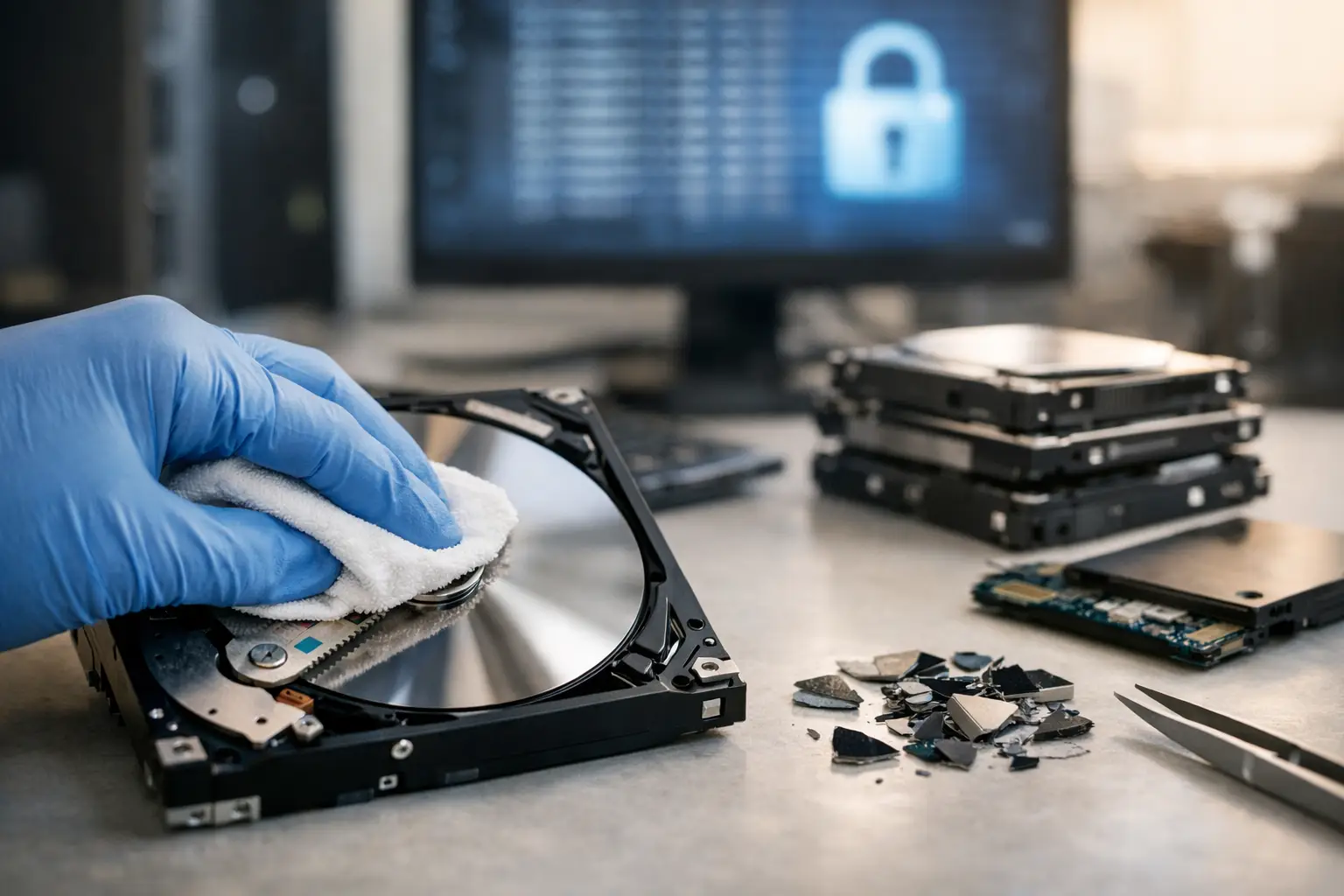
When someone asks for a dod 5220.22 m wiping review, they are usually not looking for military history. They want to know one thing: is this still a reliable way to erase data before a computer, hard drive, or office device leaves their home or business?
That is the right question to ask. Old equipment often leaves with more than metal and plastic. It can carry payroll files, customer records, saved passwords, emails, scans of IDs, and years of business documents. If you are clearing out desktops, laptops, or retired hard drives, the wiping method matters just as much as the pickup and recycling process.
What DoD 5220.22-M wiping actually means
DoD 5220.22-M refers to a data sanitization method commonly associated with overwriting a storage drive multiple times. In everyday use, people usually mean the 3-pass overwrite process, where software writes patterns across the entire drive to make the original data much harder to recover.
The reason it became well known is simple. For years, it was treated as a serious, disciplined standard for wiping magnetic hard drives. That gave businesses and households a familiar benchmark. If a service provider said a drive was wiped using DoD 5220.22-M, it sounded more credible than a vague promise to simply delete files.
That said, there is an important distinction. Deleting files is not the same as wiping a drive. A normal delete command often removes file references, not the underlying data itself. A proper overwrite process targets the storage space directly.
DoD 5220.22-M wiping review: what it does well
For traditional hard disk drives, the appeal of this method is still easy to understand. It is structured, repeatable, and much better than formatting a disk or dragging files to the recycle bin. When performed correctly on a functioning HDD, it can provide a high level of confidence that the data has been overwritten.
That matters for offices replacing old PCs, residents disposing of family laptops, and teams decommissioning backup drives. In those cases, the goal is not theoretical perfection. The goal is reducing the real-world risk of data exposure before equipment is reused, resold, or recycled.
Another strength is that the process is understandable. Non-technical customers may not know every detail of data sanitization, but they understand the value of multiple passes and a documented process. From a service perspective, that clarity builds trust.
For many organizations, it also fits operationally. A 3-pass wipe can be carried out in a controlled workflow, paired with asset tracking, and recorded as part of a disposal job. That is one reason it stayed popular for so long.
Where DoD 5220.22-M starts to show its age
A fair dod 5220.22 m wiping review also has to address what has changed. The biggest issue is that storage technology moved on.
This method was mainly associated with older magnetic hard drives. Today, many devices use solid-state drives, flash storage, embedded storage chips, or hybrid configurations. Those technologies do not always behave the same way under overwrite-based wiping tools. Wear leveling, hidden storage areas, and controller-level behavior can make software overwrites less straightforward on SSDs than on HDDs.
There is also a practical concern. Multi-pass wiping takes time. If a business is retiring a large batch of drives, a 3-pass process can slow down turnaround compared with newer sanitization methods or physical destruction for failed media. That does not make it bad. It just means the right solution depends on the device type, condition, and risk level.
Another point worth clearing up is the idea that more passes always mean better security. In many real disposal environments, that is too simplistic. On modern drives, one verified pass may already be sufficient in certain use cases, while in other situations physical destruction is the safer choice. The better question is not how many passes sound impressive. It is whether the method matches the media and the sensitivity of the data.
Is DoD 5220.22-M still relevant today?
Yes, but with limits.
If you are dealing with a conventional hard drive that is still working, DoD 5220.22-M style wiping can still be a credible sanitization option. It remains far more responsible than casual disposal, informal resale, or handing equipment to a generic scrap collector with no data handling process.
Where people get into trouble is treating it like a universal answer for every storage device. It is not. For SSDs, phones, tablets, damaged drives, or hardware that cannot complete a verified software wipe, other measures may be more appropriate. Sometimes that means secure erase tools built for the device. Sometimes it means destruction.
That is why a professional IT disposal provider should never talk about wiping as a one-size-fits-all checkbox. The method should follow the actual asset.
When a 3-pass wipe is a good choice
A 3-pass wipe still makes sense in a number of everyday scenarios. Office desktops with standard hard drives are a good example. So are older laptops headed for recycling, storage drives from small business systems, and loose HDDs collected during an IT refresh.
In these cases, the benefits are practical. The device can be sanitized without opening the drive, the process can be documented, and the equipment can move into the next stage of recycling or remarketing with reduced data risk.
This is especially helpful for small and mid-sized businesses that do not have an internal IT asset disposal workflow. They need a process that is clear, defensible, and easy to verify. A documented 3-pass wipe can meet that need when the media type is suitable.
When wiping is not enough
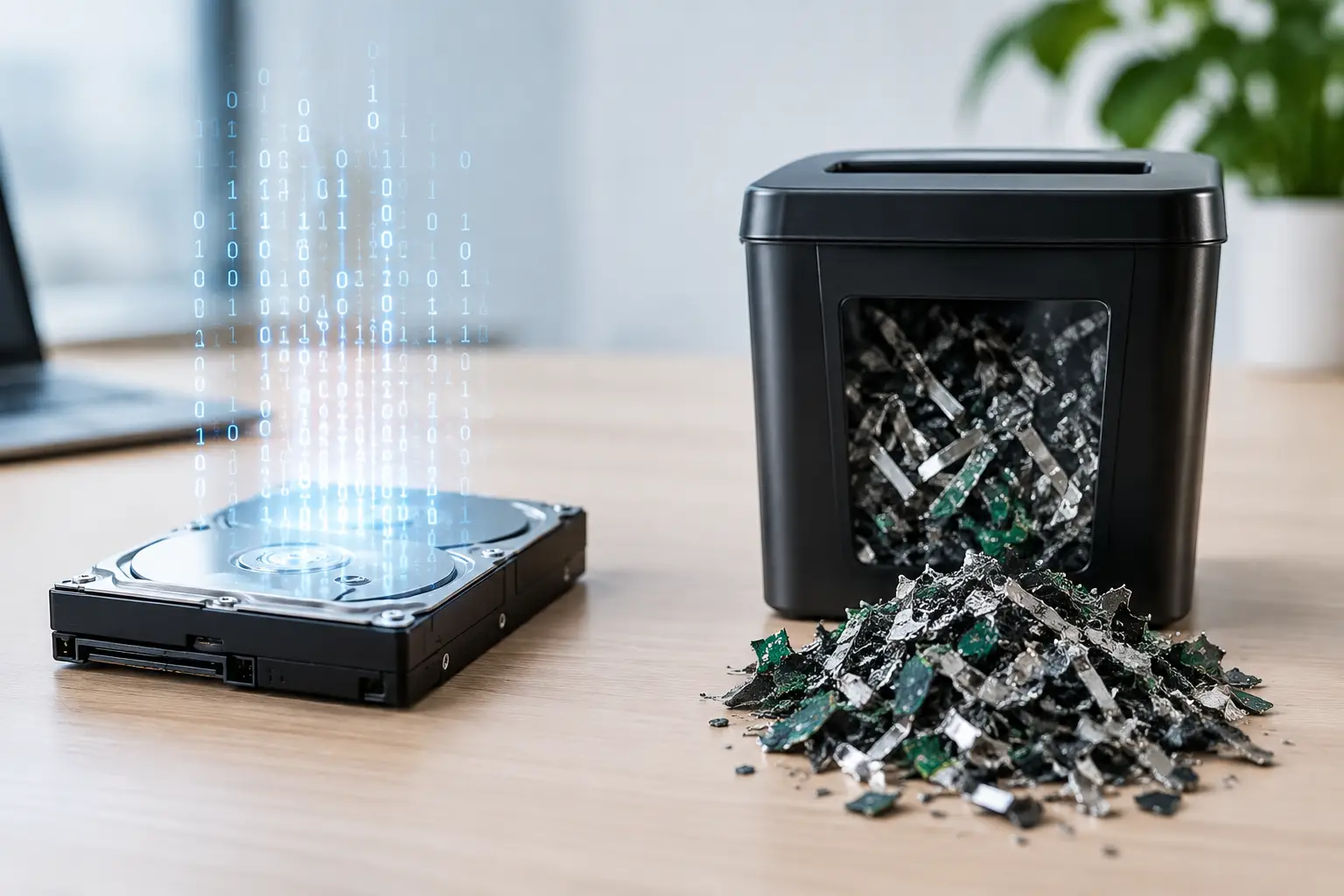
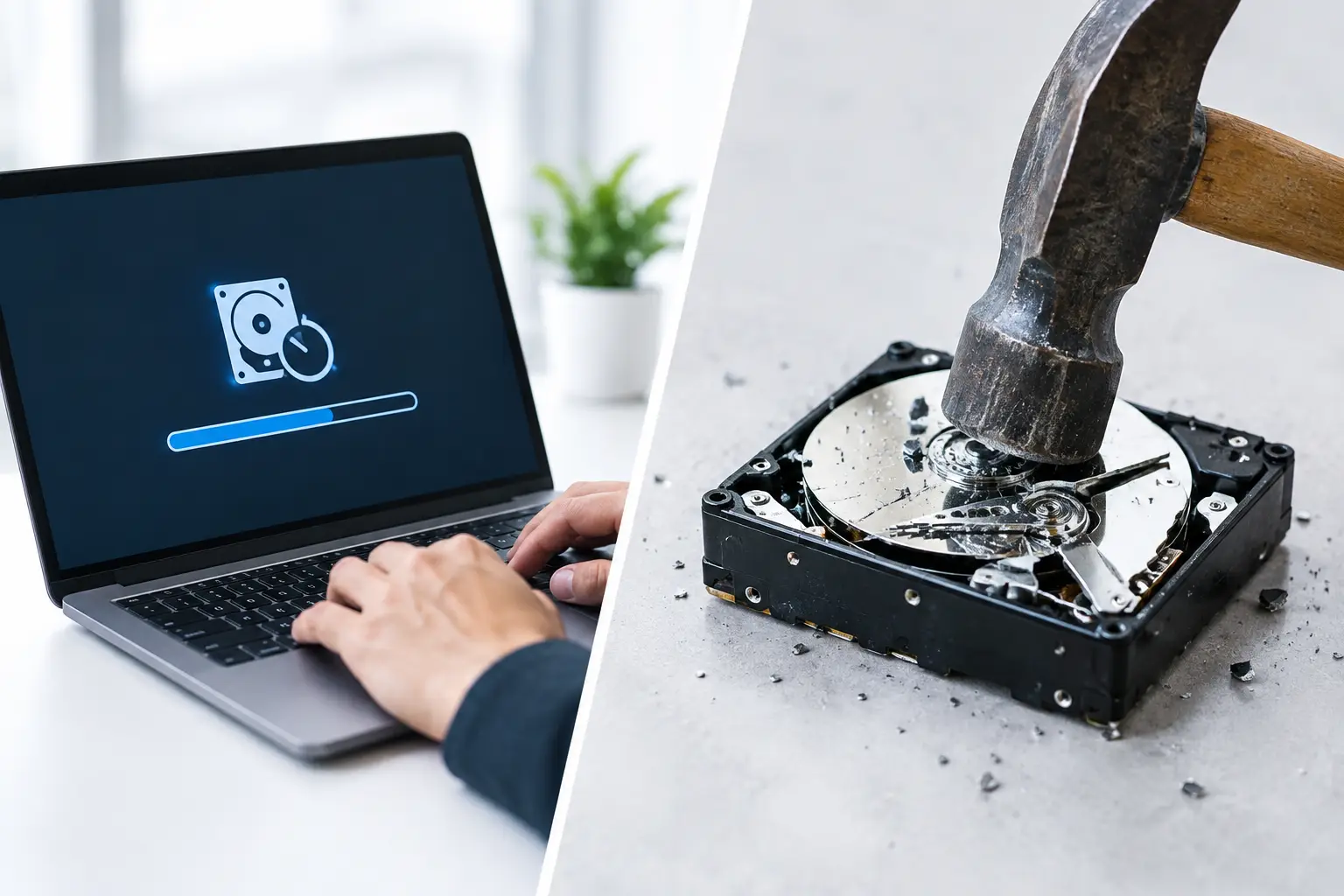
Some drives should not be wiped and trusted back into circulation. Failed hard drives are the obvious example. If a drive cannot be accessed properly, software wiping cannot complete in a meaningful way. The same applies when media is corrupted, unstable, or physically damaged.
High-sensitivity environments may also prefer destruction even when a wipe is technically possible. If a drive held finance records, legal documents, employee files, customer databases, or confidential business information, some organizations simply want the certainty of physical destruction.
For households, the same principle applies on a smaller scale. If an old family computer contains years of tax returns, medical records, identity documents, and personal photos, peace of mind may matter more than preserving the drive.
What matters more than the method name
Customers often focus on the phrase because it is familiar. That is understandable. But the method name alone does not guarantee a secure outcome.
What matters just as much is whether the device was correctly identified, whether the wipe actually completed, whether the asset was tracked through pickup and handling, and whether there is documentation to show what happened. A good disposal process is part technical and part operational.
This is where service quality becomes important. Secure data handling starts before the wipe begins. It includes careful collection, controlled transport, asset verification where needed, and a clear record of what was removed. Without those basics, even a good wiping standard can be undermined by poor handling.
That is why many customers prefer working with a pickup-based IT disposal partner instead of an informal recycler. The convenience matters, but so does accountability. A provider with an IT background is more likely to understand the difference between an old office PC, a server drive, a dead laptop, and a device that needs destruction rather than overwriting.
Our practical take on this DoD 5220.22-M wiping review
The honest answer is that DoD 5220.22-M still has a place, especially for working magnetic hard drives. It is credible, recognizable, and far safer than basic deletion or undocumented disposal. For many standard business and household HDDs, it remains a sensible part of a secure recycling process.
But it should not be treated like a magic phrase. It is not the best answer for every device, and it does not replace good chain-of-custody practices, proper verification, or responsible downstream recycling. If a service provider relies on the label alone and cannot explain when wiping is suitable and when destruction is better, that is a red flag.
At MYPC2U, that is why secure handling is approached as a full process, not just a software step. A 3-pass wipe can be the right option for the right drive, but the real value comes from matching the method to the asset, documenting the job clearly, and making disposal easy enough that old devices do not end up sitting around the office or home for another year.
If you are preparing to let go of old equipment, the best next step is not chasing the most impressive technical term. It is choosing a process you can trust from pickup to final disposal.

Leave a Reply