
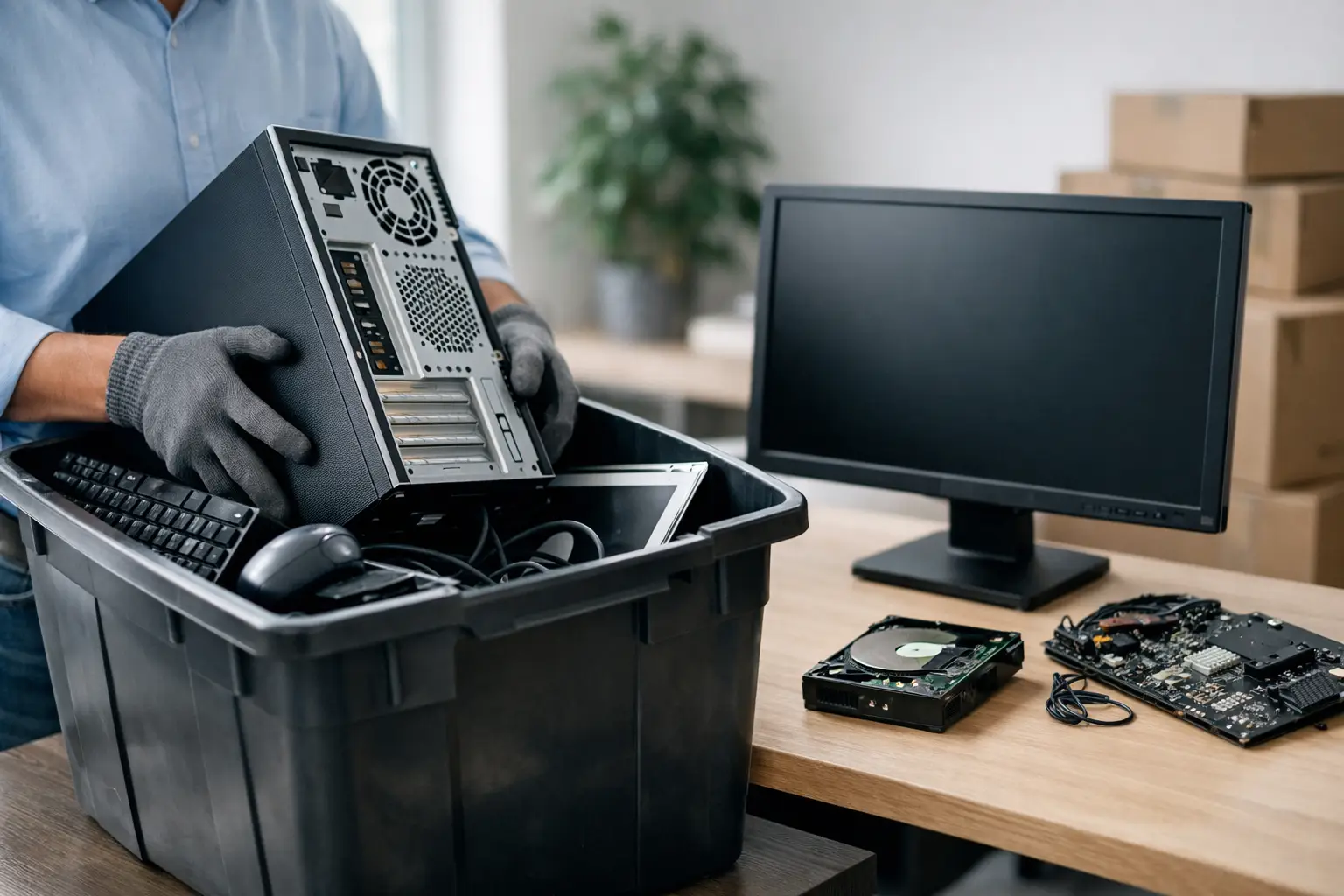
That old office desktop in the storage room is not just clutter. It may still hold employee records, client files, saved passwords, accounting data, or email archives. If you are figuring out how to dispose business computers safely, the real job is not getting rid of the hardware. It is making sure the devices leave your business without creating a data risk, a compliance problem, or a messy handoff.
For small and mid-sized businesses, this tends to get overlooked until there is a pile of retired laptops, dead monitors, aging servers, and loose hard drives taking up space. Then someone suggests calling a scrap buyer or sending everything to a general recycler. That can work for low-risk items, but computers are different. They store data, they often need tracking, and they should be handled by people who understand what business equipment actually contains.
Why business computer disposal needs a different process
A business computer is not the same as a broken toaster or an old office chair. Even when a machine no longer turns on, the storage drive inside may still be fully readable. A formatted computer may still contain recoverable data if it was not wiped properly. And if devices leave your premises with no record of serial numbers, no proof of pickup, and no clear downstream handling, you are relying on trust alone.
That is where many businesses get exposed. The risk is not always dramatic or immediate. Sometimes it is as simple as not being able to answer a basic question later – what equipment left, when it left, and whether the data was destroyed or wiped before recycling. For office managers and business owners, that uncertainty is the problem.
How to dispose business computers safely in practice
The safest approach is usually a controlled chain of steps, not a one-step drop-off. First, identify what is being retired. Then separate equipment that still holds data from accessories that do not. After that, make sure every data-bearing device is either wiped to an accepted standard or physically destroyed if wiping is not suitable. Only then should the equipment move into recycling or remarketing channels.
That sounds straightforward, but the details matter. A laptop, for example, may have internal storage, a removable drive, saved browser credentials, and synced business accounts. A server may contain multiple drives, backup history, and network configuration details. Even printers and multifunction office devices can store documents internally. Safe disposal starts with recognizing which items deserve more than a basic haul-away.
Start with an asset check
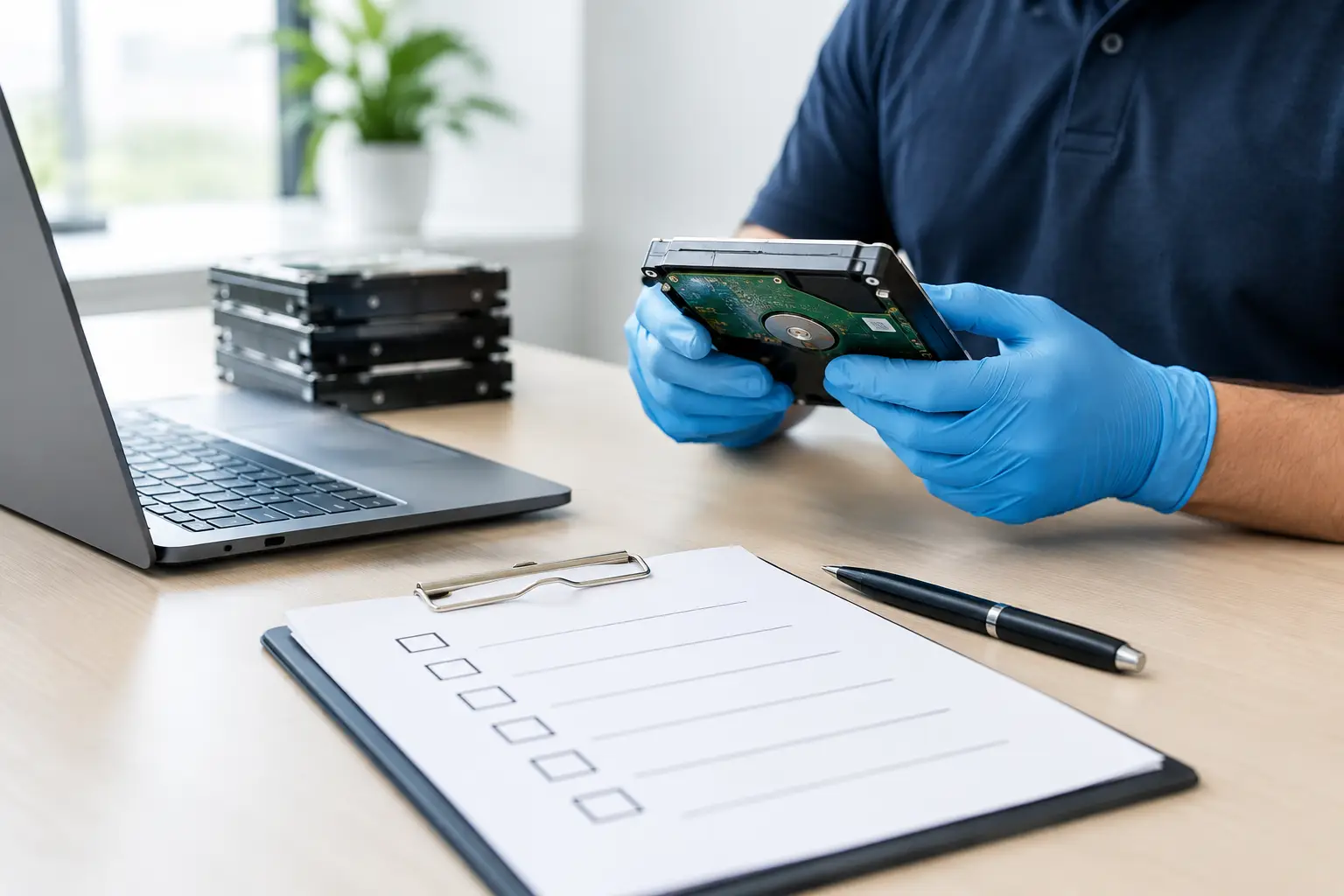
Before pickup day, it helps to know what you actually have. That does not need to become a major IT project, but there should be a simple record of desktops, laptops, servers, hard drives, and any other storage devices being removed. If possible, note the asset tag, serial number, model, and condition.
This step matters for two reasons. First, it reduces the chance that a business device leaves unnoticed or gets mixed in with non-priority items. Second, it creates a paper trail. If your finance team, management, or auditor asks what happened to retired assets, you have something concrete to refer to.
Treat data wiping as a separate job
One of the most common mistakes is assuming deletion is enough. It is not. Deleting files or doing a quick reset does not reliably remove data from a storage device. Proper data wiping uses a verified process designed to overwrite the drive so the information cannot be easily recovered.
For businesses, the right method depends on the device and the condition of the drive. If a computer still functions and the storage is healthy, secure software-based wiping is often the best option because it clears the data while preserving the hardware for recycling or reuse. MYPC2U, for example, provides DoD 5220.22-M 3-pass data wiping as part of a more accountable disposal process. That kind of service is valuable when you want both security and documentation.
If a drive is damaged, inaccessible, or too risky to trust to software wiping, physical destruction may be the better path. It depends on the asset, the sensitivity of the data, and whether the device has any value beyond scrap.
Know when destruction makes more sense than reuse
Not every old computer should be shredded, and not every old computer should be reused. This is where a practical decision matters more than a rigid rule.
If the equipment is obsolete, broken, missing parts, or storing highly sensitive business data, destruction may be the cleaner choice. If the system is still intact and the goal is responsible recycling with less waste, wiping and controlled downstream handling may be more appropriate. The key is making that choice intentionally, not leaving it to whoever happens to collect the devices.
What a safe disposal provider should actually offer
If you are hiring outside help, convenience should not be the only factor. Pickup is helpful, especially for offices without spare staff or vehicles, but safe disposal depends on what happens before, during, and after collection.
A business-focused provider should understand how to handle computers, storage media, servers, and office electronics with care. They should be able to explain their data wiping process in plain language. They should also provide some form of documented pickup or collection record so your business is not left guessing what was removed.
It is also worth asking how they manage downstream recycling. You do not need a lecture on the recycling industry, but you do want confidence that the equipment is being passed through appropriate channels rather than stripped informally or handled without oversight. A professional service provider acts more like a disposal partner than a bulk junk collector.
Documentation is not optional for many businesses
Even small businesses benefit from records. Once a device leaves your office, memories fade quickly. Was that laptop part of the June pickup or the August one? Did the old accounting desktop get wiped or just collected? Which staff member approved the removal?
Basic documentation removes that uncertainty. It helps internal teams stay organized, supports asset verification, and gives management a more defensible process if questions come up later. For companies with customer data, employee records, or regulated information, that administrative side is part of safe disposal, not extra paperwork.
Common mistakes that create unnecessary risk
The biggest mistake is storing old computers for years because no one wants to deal with them. Every extra month increases the odds of loss, mix-ups, or untracked disposal. Delaying also tends to make the eventual cleanup harder because devices accumulate without labels, power adapters disappear, and no one remembers which systems still matter.
Another mistake is handing equipment to informal buyers without confirming how drives will be handled. A quick cash pickup can feel convenient, but if the collector is only interested in scrap value, secure data treatment may not be their priority.
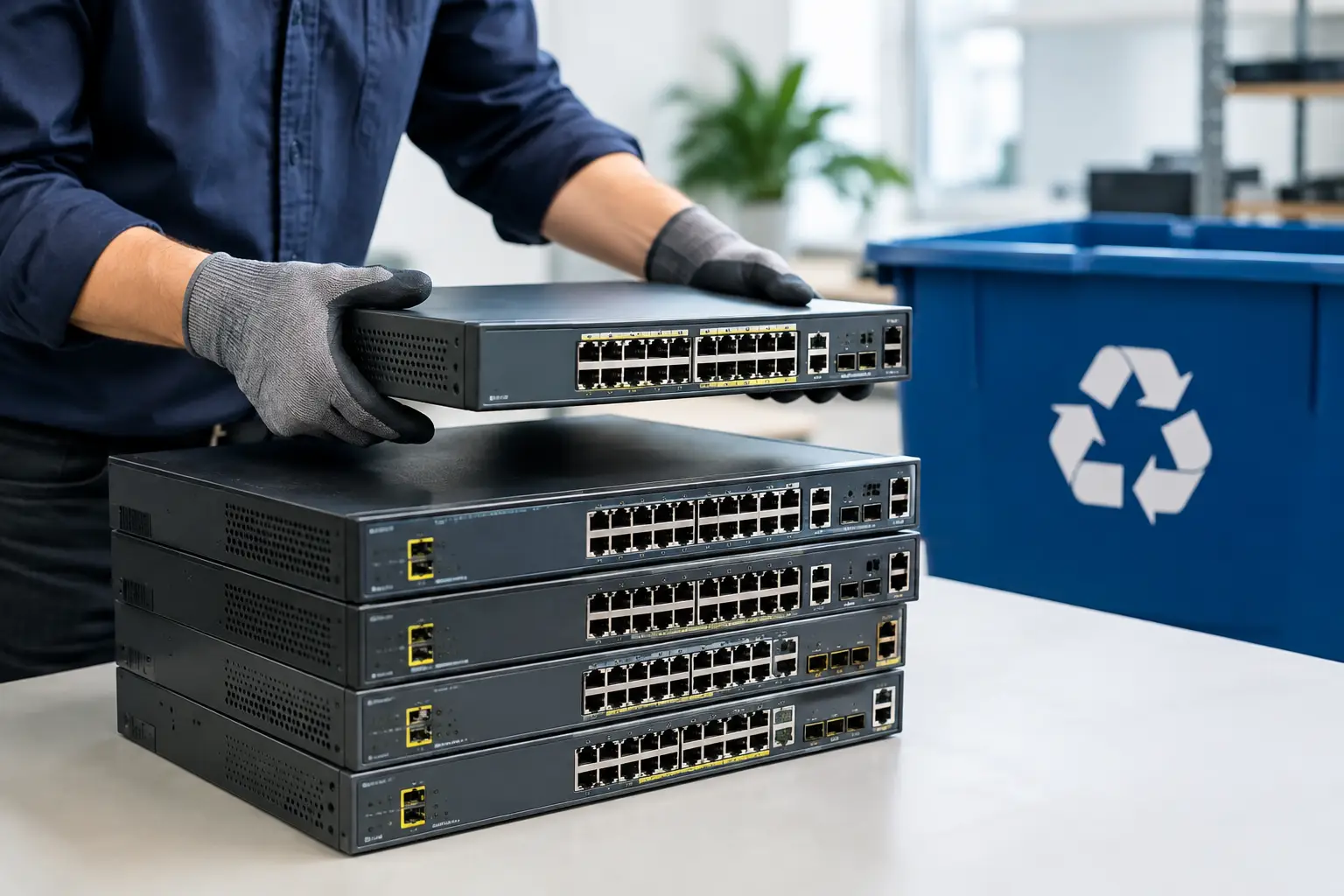
There is also the issue of partial disposal. Businesses sometimes remove the obvious items like desktop towers and monitors but forget loose hard drives, backup devices, network hardware, and office printers. If it stores data or connects to business systems, it deserves a proper exit process.
A simple internal process that works for most offices
If your business wants a repeatable way to manage retired computers, keep it simple. Set one person or team to approve device disposal. Maintain a basic list of outgoing assets. Separate data-bearing equipment from general electronics. Arrange secure wiping or destruction before recycling. Keep your collection records in one place.
That process does not need to be heavy or corporate to be effective. For many offices, a clear pickup schedule and a trusted local provider solve most of the problem. The value is consistency. When disposal becomes a standard workflow instead of an occasional cleanup, the risk drops significantly.
How to dispose business computers safely without disrupting operations
Most businesses are not looking for a complicated IT project. They want the old equipment gone, the data protected, and the handoff documented. That is why on-site pickup can make such a difference. It reduces the burden on office staff, avoids the hassle of transporting bulky equipment, and keeps the disposal chain more controlled from the start.
It also helps to work with a provider that understands mixed loads. In a real office clearance, you rarely have only computers. You may have laptops, phones, networking gear, servers, monitors, small office electronics, and storage media all at once. A service built around business pickups is usually better prepared for that reality than a general recycler expecting a few household items.
Safe disposal is really about reducing uncertainty. You want to know your computers were handled properly, your data was dealt with responsibly, and your business is not exposed because old equipment left through the wrong channel. When the process is clear, documented, and managed by people who understand IT assets, retiring old devices becomes much less of a risk and much less of a hassle.
If you have aging computers sitting in a back room, waiting rarely makes the job easier. A planned pickup and a secure disposal process can turn that pile of old equipment into one less thing your team has to worry about.




Leave a Reply