A retired laptop in a storeroom, a stack of old office PCs after an upgrade, or a phone sitting in a drawer at home might all look like junk. They are not. They are devices that may still hold personal files, customer records, login details, or company data. That is why people ask, what is IT asset disposition ITAD, and why does it matter so much when equipment reaches the end of its useful life?
IT asset disposition, usually shortened to ITAD, is the process of retiring unwanted IT equipment in a secure, documented, and responsible way. It covers more than just throwing devices away or selling them to a scrap collector. A proper ITAD process deals with data security, equipment handling, collection logistics, recordkeeping, and downstream recycling or reuse.
What is IT asset disposition ITAD in simple terms?
In simple terms, ITAD is the safe offboarding of old technology. If a business replaces desktops, decommissions servers, upgrades network equipment, or clears out old monitors and laptops, those items need to go somewhere. If a household wants to dispose of a personal computer, phone, or tablet, the same issue applies on a smaller scale.
A proper ITAD service makes sure the devices are collected, tracked, and processed in a way that reduces data risk and avoids careless disposal. Some equipment may be wiped and prepared for reuse. Some may need physical drive destruction support. Some may go to licensed recyclers because reuse is no longer practical. The right path depends on the device condition, the storage media inside it, and the level of data sensitivity involved.
That is the key difference between ITAD and ordinary junk removal. ITAD treats electronics like information-bearing assets, not just metal and plastic.
Why ITAD matters more than many people realize
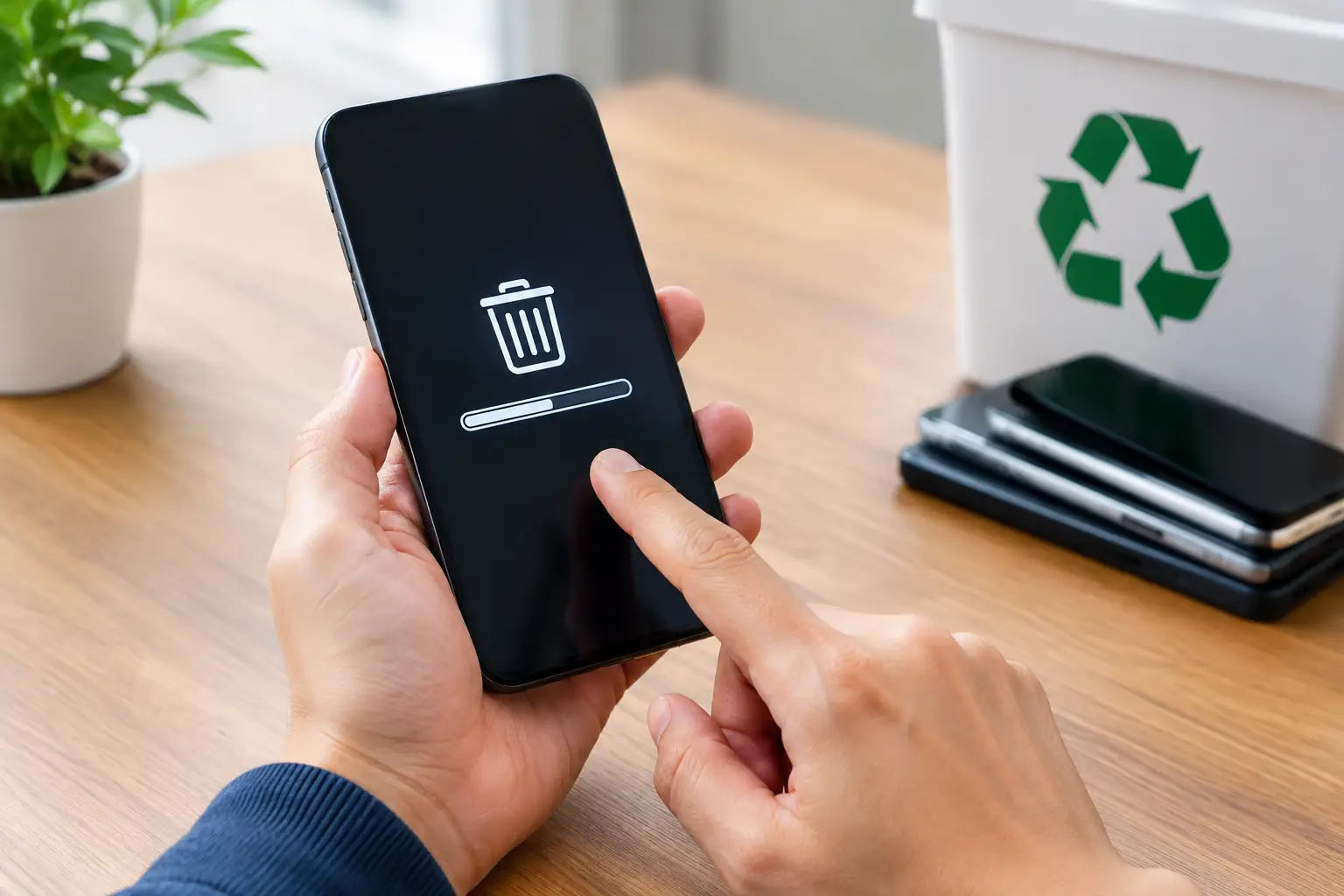
The biggest issue is data. Even an old hard drive from a broken desktop can still contain payroll files, saved passwords, scanned IDs, tax documents, or years of emails. A phone or laptop used at home may hold banking apps, personal photos, and account access. Simply deleting files or doing a quick format is often not enough.
For businesses, the risks are wider. Old devices can contain customer records, HR files, contracts, internal documents, and system credentials. If those assets leave the office without proper control, a routine cleanout can turn into a serious security problem.
There is also the practical side. Many companies do not have the staff time, transport, or internal process to sort, move, document, and dispose of outdated equipment. Households face a different version of the same problem. It is inconvenient to move bulky electronics, and most people are not sure what should be wiped, recycled, or kept separate.
Then there is environmental responsibility. Electronics should not be mixed into general waste or handed off to informal collectors without knowing where they end up. Proper ITAD helps make sure devices go through responsible channels.
What happens during a proper ITAD process?
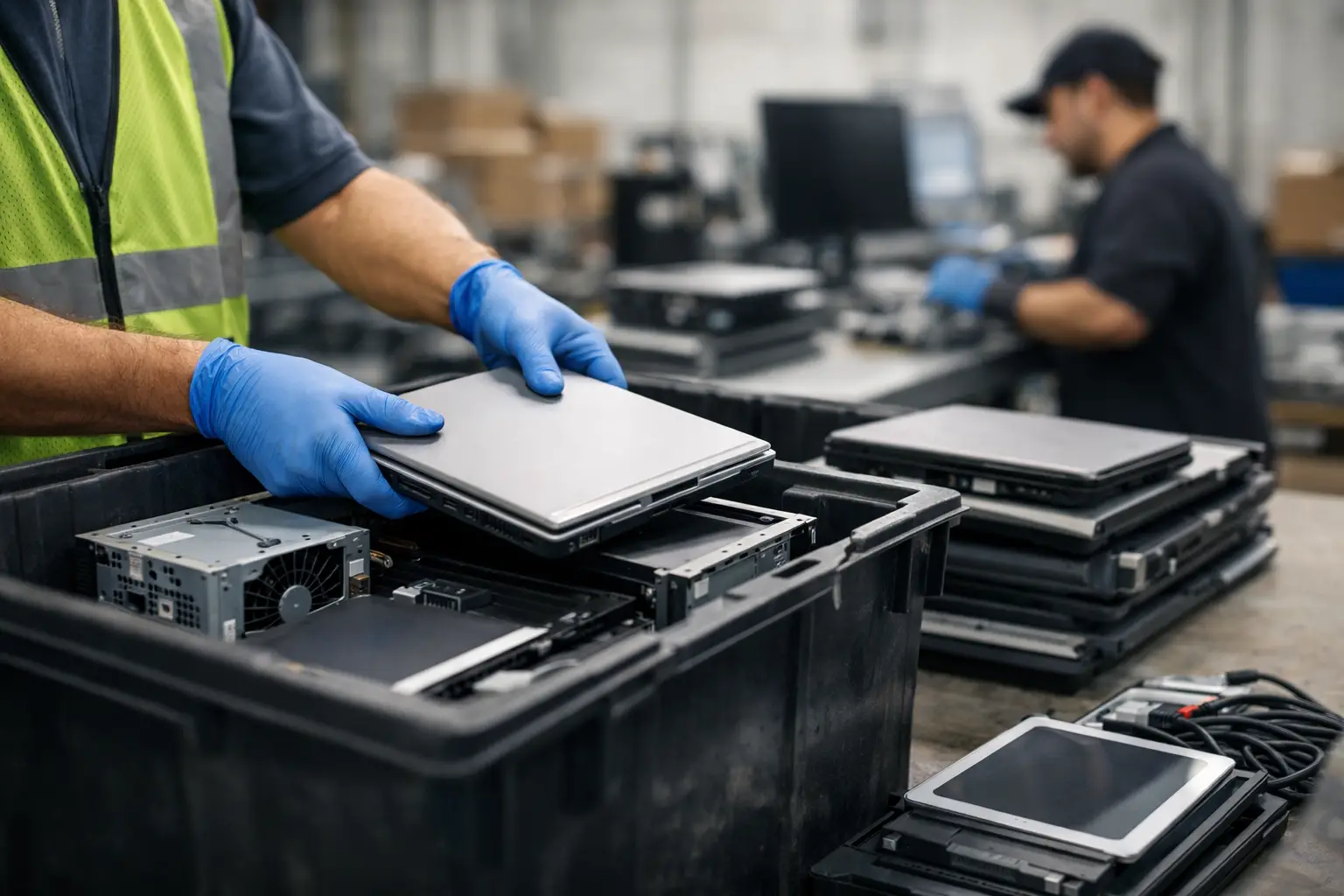
The exact steps vary by provider, but a solid ITAD process usually starts with collection. This can be especially important for businesses clearing out multiple assets or households that do not want to transport old devices themselves. Pickup-based service reduces handling gaps and keeps the process more controlled from the start.
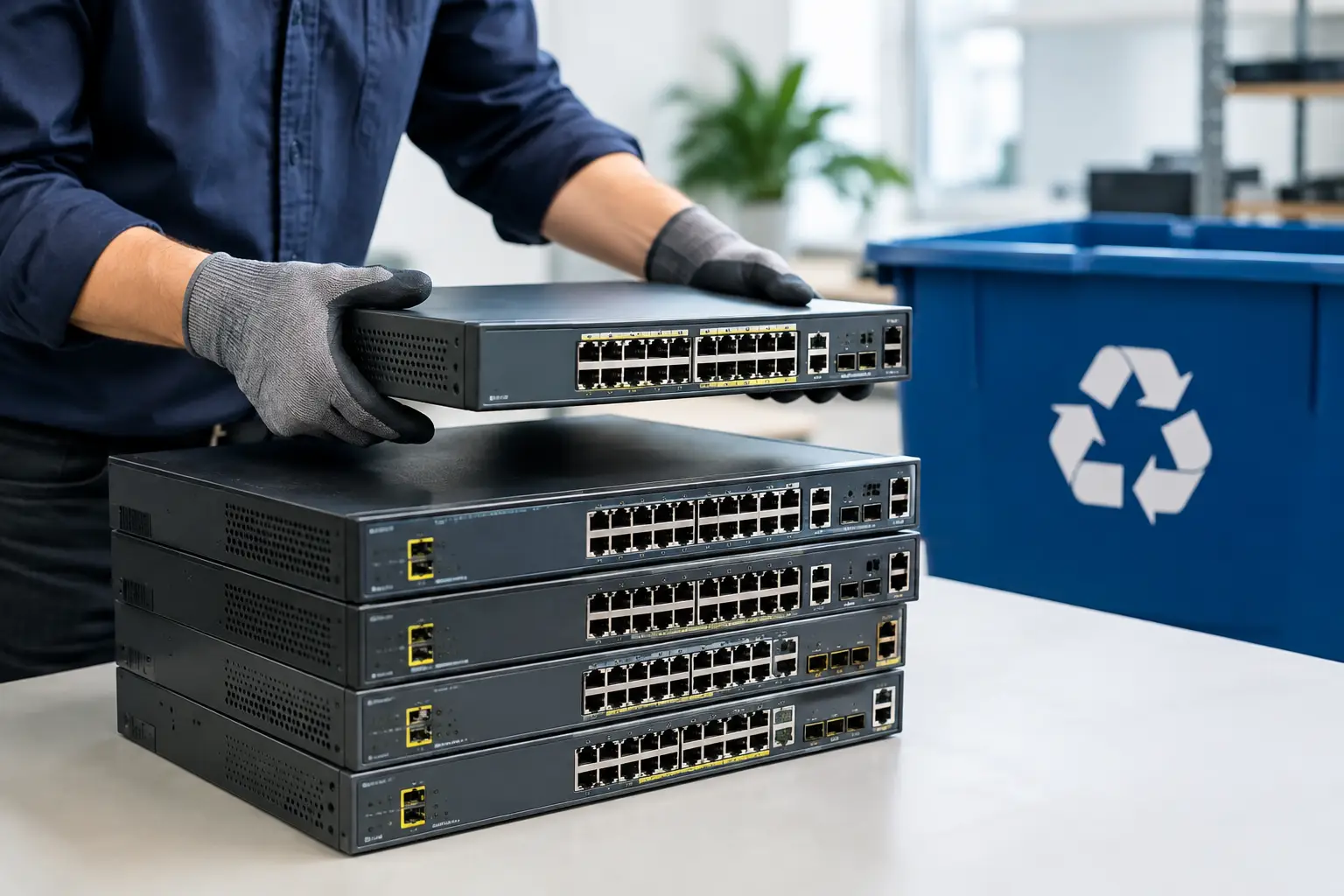
Next comes asset verification and sorting. Devices are identified, counted, and checked based on type, condition, and whether they contain data-bearing storage. This matters because a monitor does not present the same risk as a laptop with a hard drive, and a network switch is different from a server with multiple storage bays.
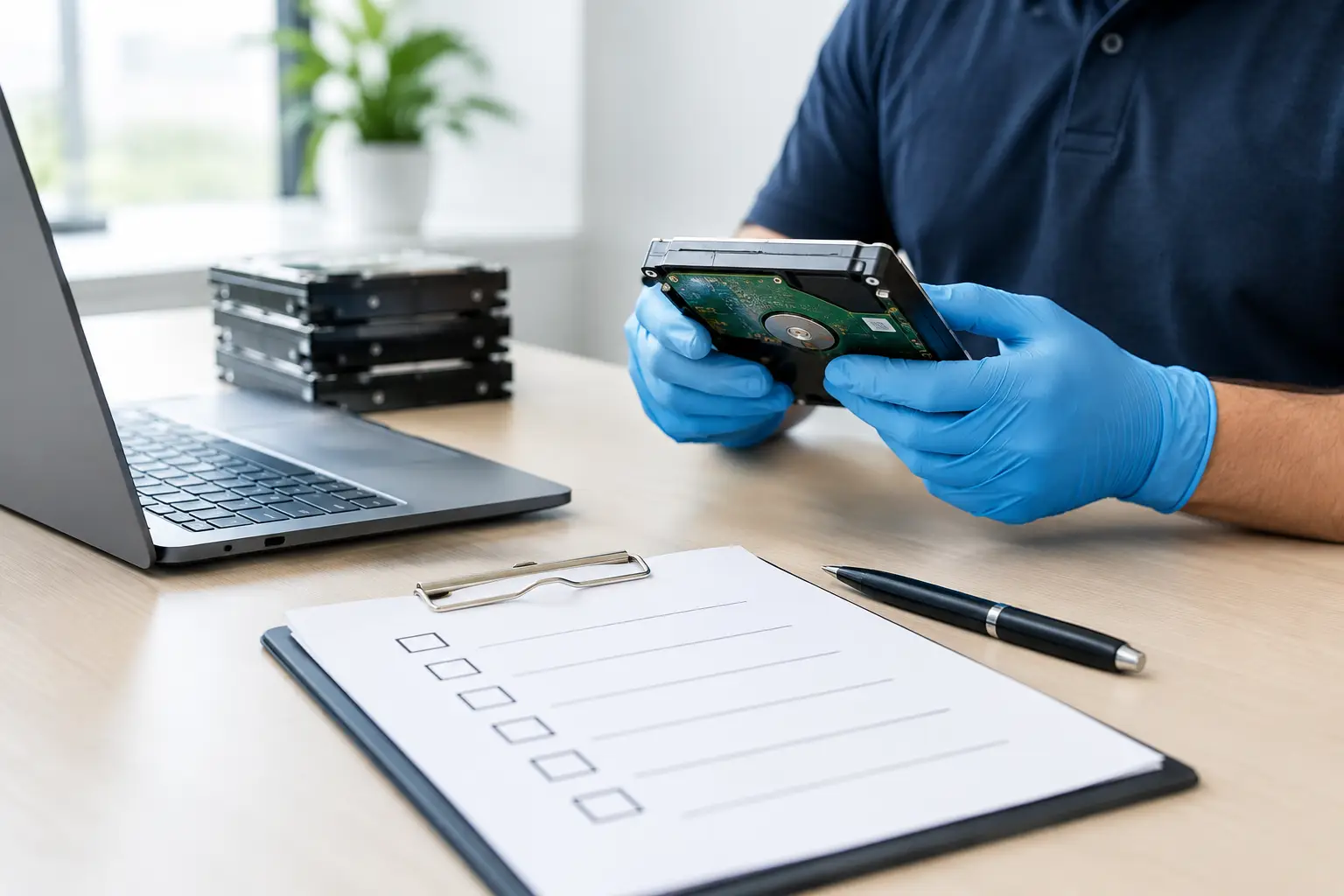
After that, data handling takes center stage. If the equipment is suitable for sanitization, certified data wiping may be performed using recognized methods such as DoD 5220.22-M 3-pass wiping. If a drive is damaged, non-functional, or not suitable for reuse, physical destruction support may be the better option. The right decision is not always the same for every asset.
Then comes documentation. Businesses often need proof of collection, basic records of what was removed, and confirmation that the items entered a proper disposal workflow. That paper trail matters for internal control and peace of mind.
Finally, the assets move into their next stage, which may include reuse, parts recovery, or recycling through licensed downstream partners. Good ITAD is not just about removing devices from your site. It is about controlling what happens after pickup too.
What types of equipment fall under ITAD?
When people hear ITAD, they often think only about office computers. In reality, the category is broader. Desktops, laptops, servers, phones, tablets, hard drives, SSDs, printers, network switches, routers, and office electronics can all fall into the IT asset disposal process.
For businesses, ITAD often comes up during office moves, hardware refresh cycles, server replacements, branch closures, or storage room cleanouts. For households, it usually happens more casually, such as replacing an old laptop, clearing broken phones, or finally getting rid of unused electronics that have been sitting around for years.
Not every item has equal sensitivity. A keyboard is not the same as a NAS device. A monitor is not the same as a laptop used by finance staff. That is why practical ITAD providers do not treat every item as identical. They separate the data risk from the general recycling task.
ITAD, recycling, and data destruction are related but not the same
This is where confusion often happens. Recycling is one part of the process, but it is not the whole process. If someone says they recycle electronics, that does not automatically mean they provide secure IT asset disposition.
A recycling-only service may focus mainly on material recovery. ITAD goes further by addressing chain of custody, data wiping, drive destruction options, asset records, and controlled handling. That extra structure is what makes it useful for sensitive devices.
Data destruction is also only one piece. Wiping or destroying a drive is critical, but businesses still need the equipment collected properly and processed responsibly afterward. In other words, ITAD sits in the middle of several priorities at once: security, convenience, documentation, and environmental handling.
How to tell if an ITAD provider is worth trusting
The first thing to look for is whether the provider understands that old devices are a security issue, not just a waste issue. If the conversation is only about scrap value or quick pickup, that is not a great sign.
You should also ask how data is handled. Is secure wiping available? Are there options for failed drives or highly sensitive storage media? Can the provider explain the difference between deleting, formatting, and proper sanitization in clear terms?
Documentation matters too. A reliable service should be able to provide proof of collection and maintain a clear process from pickup to downstream recycling. For businesses, especially small and mid-sized teams without in-house IT disposal procedures, that kind of accountability is often the difference between confidence and guesswork.
Convenience should not be ignored either. A pickup service is not just easier. It can also reduce the chance of devices being left unattended, moved informally, or handed over without records. That is one reason many customers prefer a professional service partner over generic scrap buyers.
What is IT asset disposition ITAD for small businesses and homes?
For large corporations, ITAD may involve formal policies, audit requirements, and high asset volumes. For smaller businesses and households, the need is simpler but no less real. You still need someone to remove devices safely, protect your data, and make sure the equipment is handled responsibly.
A small office may only have ten laptops, two printers, and a few old hard drives to retire. A home user may have one desktop, two old phones, and a damaged external drive. The scale is different, but the risks are still there. That is why practical, local support matters.
This is also where a service-led approach makes a difference. A provider like MYPC2U is not there just to take items away. The value is in secure handling, documented pickup, proper device awareness, and coordination with responsible recycling channels.
When ITAD is straightforward, and when it depends
Sometimes the answer is simple. If a laptop is outdated but functional, secure data wiping and responsible reuse or recycling may be appropriate. If a hard drive is dead or highly sensitive, physical destruction support may make more sense.
There are also cases where customers want the fastest possible clear-out, while others want detailed verification of every collected asset. Neither approach is wrong. It depends on what equipment is involved, how sensitive the data is, and how much documentation the customer needs.
That is why good ITAD is never only about price. The cheapest option may leave major gaps in accountability. The right option is the one that fits your risk level, the type of devices you have, and the level of confidence you want after they leave your premises.
Old electronics should not become a security blind spot just because they are no longer useful. If you are asking what IT asset disposition ITAD means, the practical answer is this: it is the controlled way to let go of outdated technology without losing control of the data, the process, or where those devices end up.



Leave a Reply