
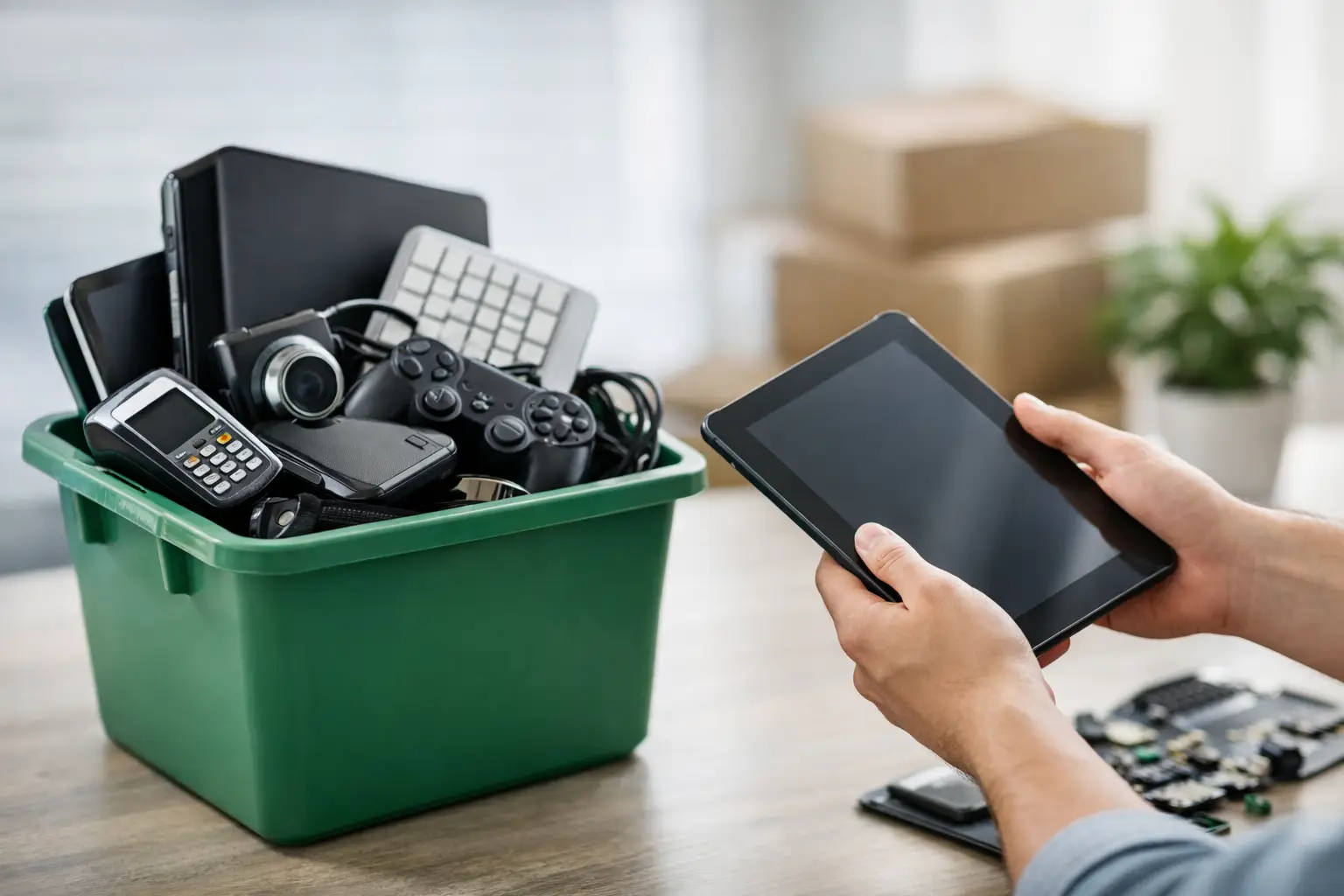
That old laptop in the closet is doing more than taking up space. It may still hold saved passwords, tax files, client documents, family photos, or company emails. When people search for the best ways to dispose electronics, they are usually trying to solve two problems at once: getting rid of clutter and avoiding the risk that comes with throwing out devices the wrong way.
For households, that risk is personal data. For businesses, it can be customer records, internal files, and retired hardware that never got tracked properly. The right disposal method depends on what the device is, whether it still works, and how sensitive the stored data may be.
Best ways to dispose electronics without creating new problems
The first thing to know is that not every device should be handled the same way. A broken toaster and a retired office server are both electronic items, but the disposal priority is very different. Devices with storage need a secure process first. Devices without storage still need responsible recycling because they may contain batteries, metals, and components that should not end up in regular trash.
If you want the best result, start by separating your electronics into three simple groups: reusable, recyclable, and sensitive. Reusable items may be good for donation or trade-in. Recyclable items should go through a proper e-waste channel. Sensitive items, especially computers, phones, hard drives, and office equipment, should be handled with data protection in mind before they leave your control.
1. Use a professional e-waste pickup service for storage devices
For many people, this is the safest option. If a device stores data and you do not want to guess whether you deleted everything correctly, a professional pickup-based recycling service is often the best fit. This is especially true for desktops, laptops, phones, servers, external drives, and office machines that may have internal memory.
The main advantage is accountability. Instead of dropping equipment somewhere and hoping for the best, you get a more controlled process. That can include scheduled pickup, documented collection, secure data wiping, and support for hard drive destruction where needed. For a business, that record matters. For a household, the peace of mind matters just as much.
This approach also solves a practical problem: moving bulky or outdated equipment is a hassle. Printers, monitors, UPS units, and old PCs are not always easy to load into a car. A pickup service removes that burden while reducing the chance that devices get left in storage for another year.
2. Donate working electronics that still have real use left
Donation makes sense when the equipment is still functional, reasonably current, and safe to use. A working monitor, laptop, keyboard set, or office PC may still help a school, nonprofit, community group, or someone who needs basic home equipment.
But donation should not mean passing along a problem. If the battery is swelling, the system is too slow to run basic applications, or repairs would cost more than the device is worth, recycling is usually the better route. Before donating anything with storage, make sure the data is properly removed. A simple file deletion is not enough for sensitive information.
Businesses should also think about asset tracking before donating. If devices were company-owned, it helps to verify what was retired, what was reassigned, and what left the premises. Even for small offices, that step prevents confusion later.
3. Trade in newer devices when value still remains
Trade-in works best for smartphones, tablets, and newer laptops that still hold resale value. If the device powers on, has limited physical damage, and is not too old, trading it in can offset the cost of a replacement.
This option is less useful for older office equipment or specialty hardware, where market value drops fast. A ten-year-old desktop, a damaged printer, or legacy networking gear may not qualify for much at all. In those cases, chasing a small payout is often less practical than arranging responsible recycling.
Before any trade-in, back up what you need, sign out of accounts, disable device locks where required, and wipe the data properly. If the device contains business data, the internal process should be stricter. Convenience is good, but not at the expense of data security.
4. Recycle broken or outdated electronics through a licensed channel
Some devices are simply at end of life. They no longer work, repairs are not economical, or they are too outdated to be useful. That does not make them trash. Proper e-waste recycling allows components such as metals, plastics, and circuit materials to be processed more responsibly instead of going to landfill.
This is one of the best ways to dispose electronics when there is no realistic second life left in the product. It is also the right path for mixed loads, such as old CPUs, damaged laptops, dead accessories, network hardware, and office electronics that have built up over time.
The important part is choosing a recycler or service partner that handles electronics as more than scrap. Informal collectors may offer fast removal, but they do not always provide clear documentation, secure handling, or visibility into downstream processing. If the item came from your home office or business, that difference matters.
5. Separate batteries and accessories before disposal
A common mistake is tossing everything into one box and assuming it will be sorted later. In reality, batteries, chargers, cables, adapters, and small accessories should be checked before disposal. Lithium-ion batteries in particular need careful handling because damaged or swollen units can create safety issues.
This step does not need to be complicated. Set aside loose batteries, label anything damaged, and avoid packing items in a way that could cause pressure or heat buildup. If you are clearing out a workplace, assign someone to quickly sort laptops, phones, drives, and battery-powered devices before pickup day.
It may feel like a small detail, but it improves safety and makes the recycling process more efficient. For businesses with larger quantities, it also helps create a cleaner record of what equipment was retired.
6. Securely wipe or destroy data before electronics leave your hands
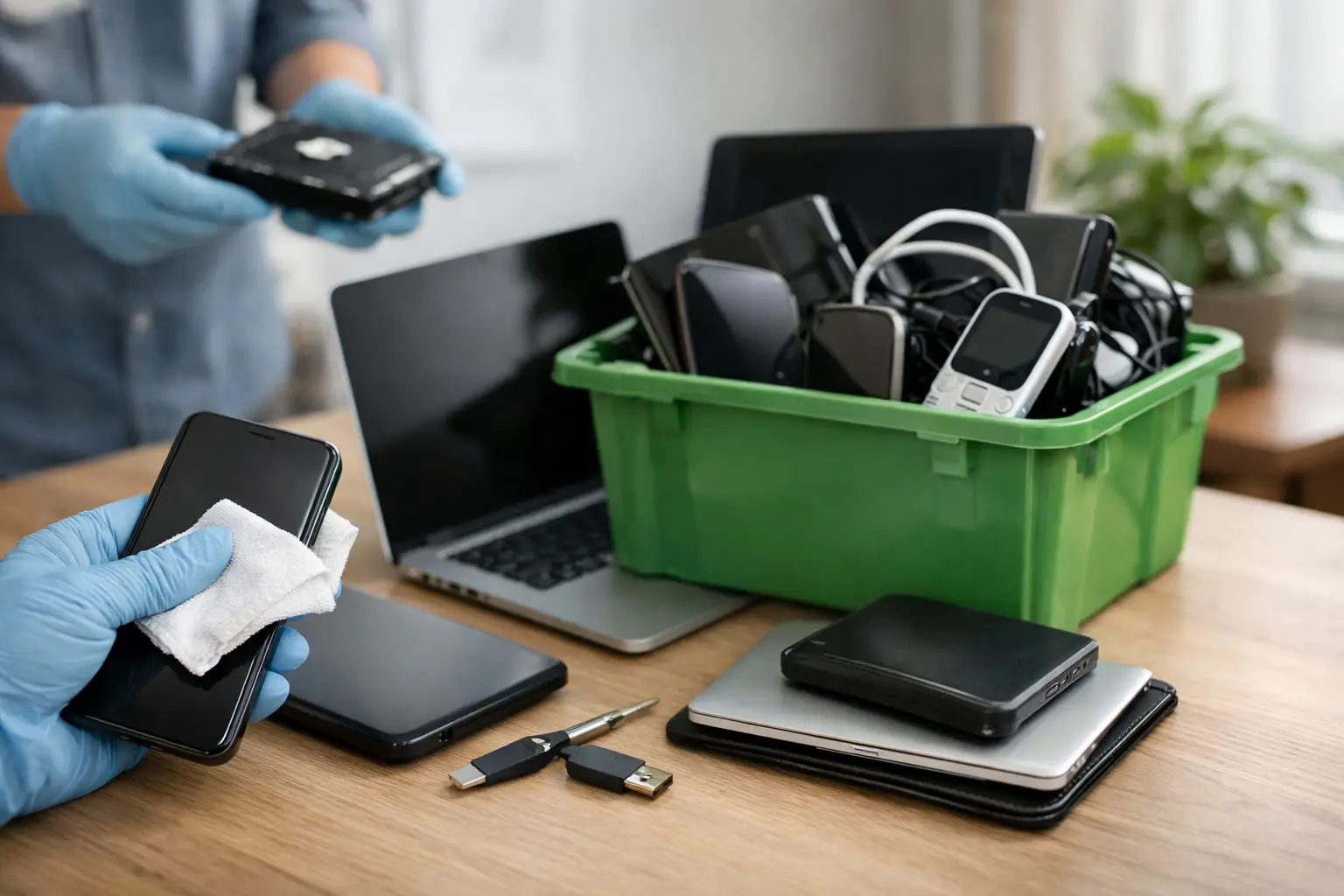
This is the part people skip most often, and it is the part that can cause the biggest problem later. Factory reset is helpful, but it is not always enough for every device or use case. If a computer, server, or drive stored private files or company information, proper data sanitization should come first.
For households, that means photos, saved logins, banking records, scanned IDs, and old emails. For businesses, it can include customer files, invoices, contracts, HR data, system credentials, and internal communications. Once a device leaves your control, recovering from a mistake is much harder.
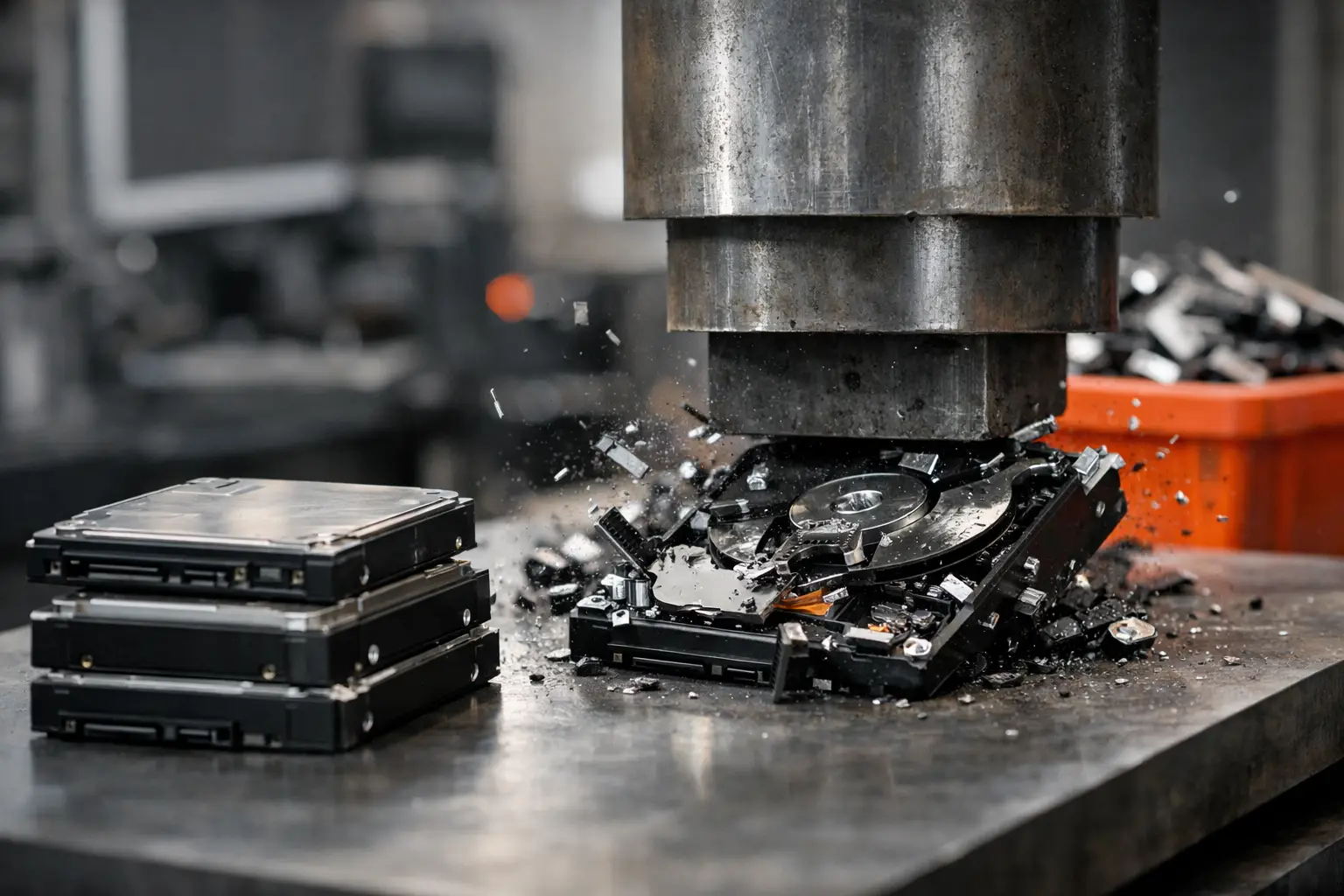
A professional process may include standards-based data wiping, such as DoD 5220.22-M 3-pass wiping, or physical destruction support for hard drives that should not be reused. Which option is best depends on the device, the condition of the storage media, and the sensitivity of the data. Reuse is often possible, but only after proper sanitization.
7. Arrange documented pickup for office clear-outs and bulk disposal
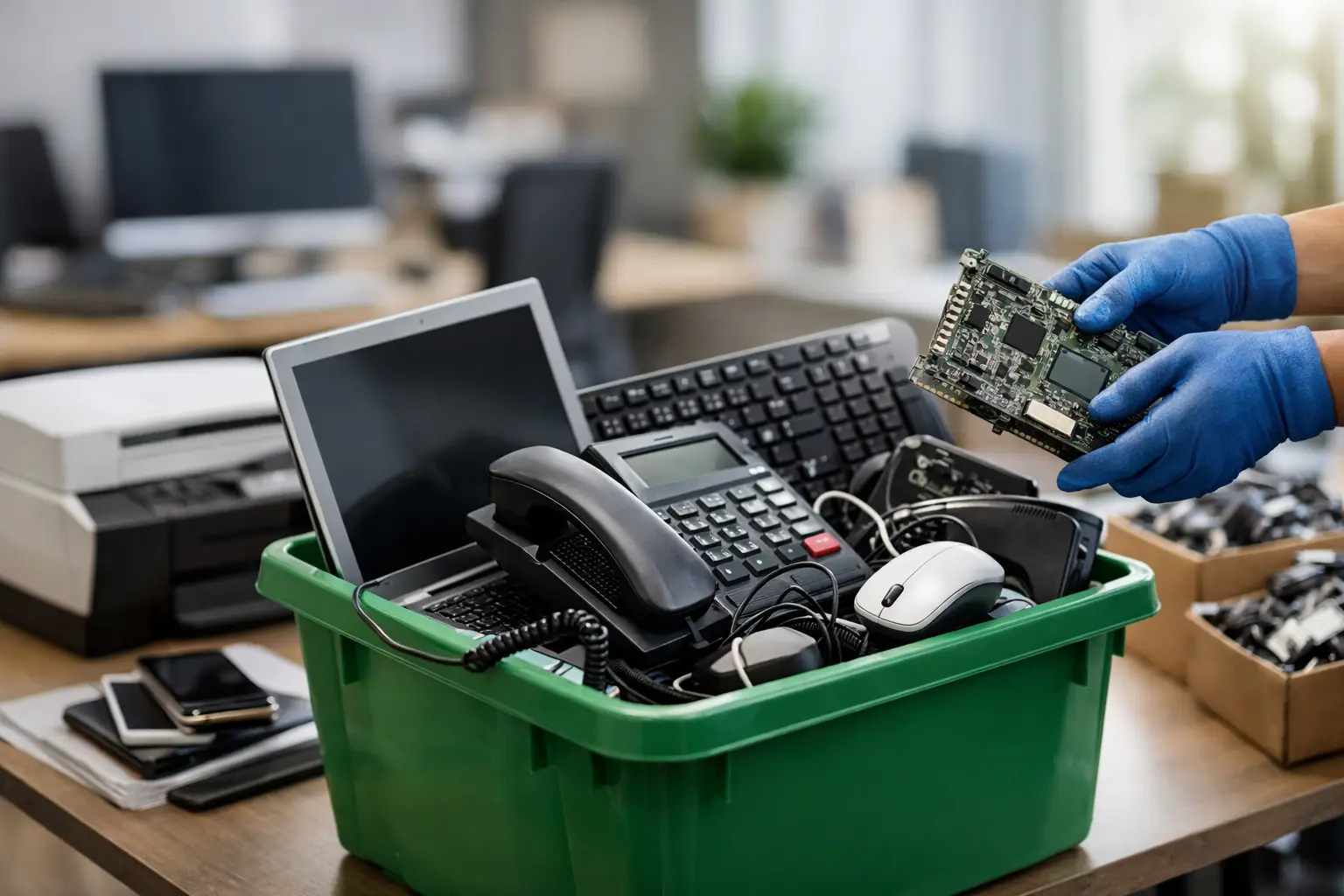
When a business has more than a few devices to retire, disposal becomes an operations issue, not just a cleanup task. Offices often need to remove desktops, monitors, phones, servers, switches, printers, and storage devices at the same time. The challenge is keeping it organized while making sure nothing is missed.
Documented pickup is one of the best ways to dispose electronics in a business setting because it adds structure. You know what was collected, when it left, and who handled it. That matters for internal reporting, compliance habits, and plain old peace of mind.
This is where a service provider with IT disposal experience is worth more than a generic hauler. MYPC2U, for example, focuses on pickup-based electronics recycling with secure handling, data wiping support, and collection records that help customers feel confident about where their equipment went.
What method makes the most sense for your situation?
If your device still works and has value, donation or trade-in may be the right move. If it is broken, obsolete, or sitting in a pile with ten other devices, recycling is usually more realistic. If it contains data, secure wiping or destruction should come before anything else.
For households, convenience often decides the issue. For businesses, documentation and data protection usually move to the top of the list. Neither approach is wrong. It just depends on what you are disposing of and how much risk comes with getting it wrong.
The easiest way to make a good decision is to stop thinking of old electronics as trash. Treat them as assets that need a proper exit process, whether that means reuse, recycling, or secure retirement. A cleared shelf feels good, but knowing your devices were handled responsibly feels even better.


Leave a Reply