

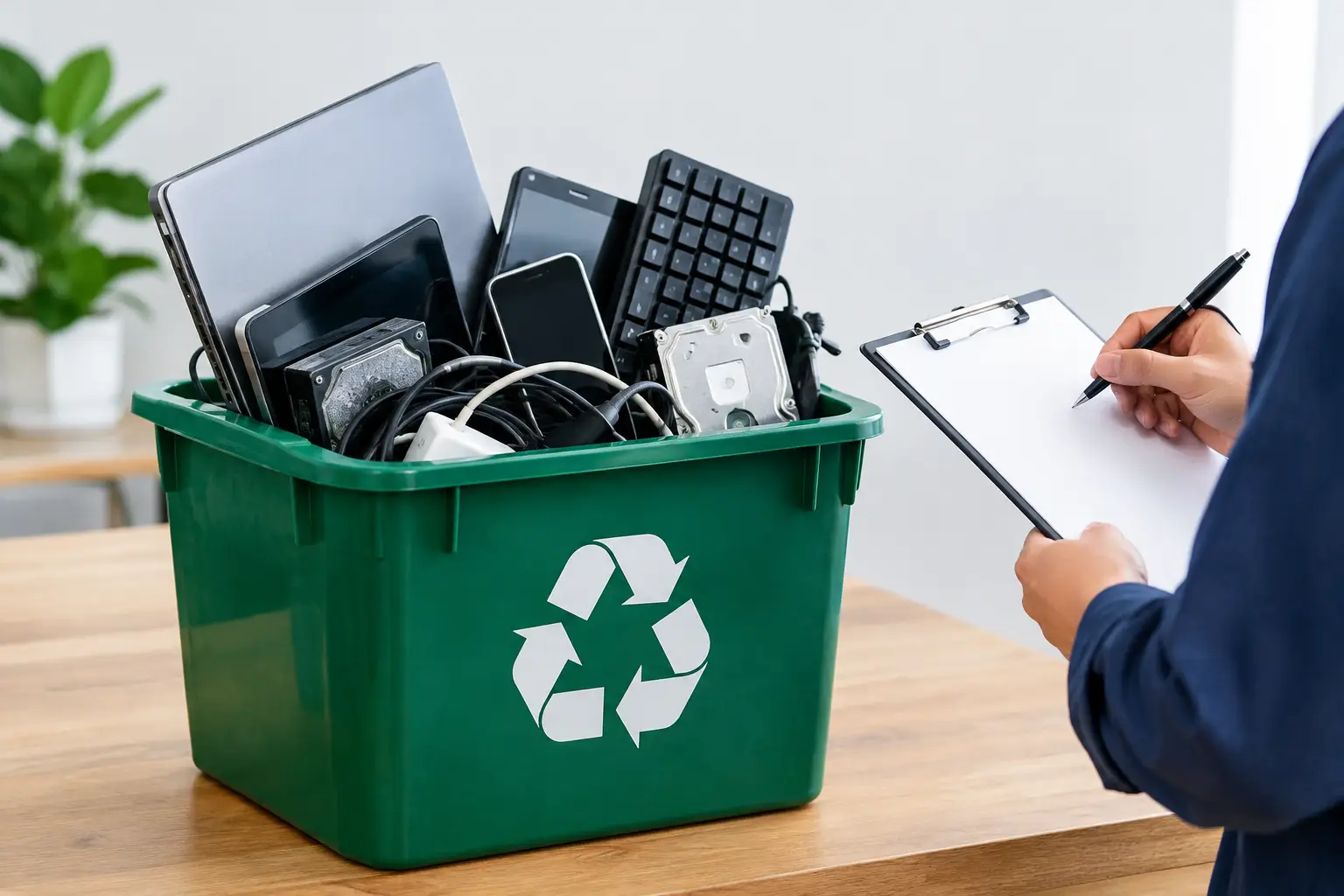
Old computers and phones rarely look risky when they are sitting unplugged in a storeroom. Yet a retired laptop can still hold customer records, saved passwords, personal photos, or company files. A licensed recycler verification review gives you a practical way to check who will handle that equipment, where it will go, and whether the process is accountable before it leaves your premises.
For households, this check can prevent personal data from being passed to an unknown buyer or informal collector. For businesses, it supports a more controlled IT asset disposal process, especially when servers, laptops, hard drives, network equipment, and office devices are involved. The goal is not to turn every customer into a compliance expert. It is to ask the right questions early and choose a provider that can answer them clearly.
What licensed recycler verification actually means
The phrase can sound simple, but it covers more than asking whether a recycler is “licensed.” Requirements vary by location, and a company collecting e-waste may not be the same company that performs final recycling. A reliable provider should be able to explain its role in the chain: collection, sorting, data handling, transport, downstream processing, or a combination of these services.
Verification means confirming that the downstream recycler is properly authorized or licensed under the applicable local requirements and that your equipment is transferred through a documented process. It also means checking whether the provider treats data-bearing devices as an IT security issue, not merely as scrap metal.
This distinction matters. A collector may offer a quick pickup and a cash quote, but have limited controls once your equipment is loaded into a vehicle. A professional IT disposal partner should be able to describe how devices are identified, handled, recorded, and passed to the appropriate recycling channel.
Why a licensed recycler verification review matters
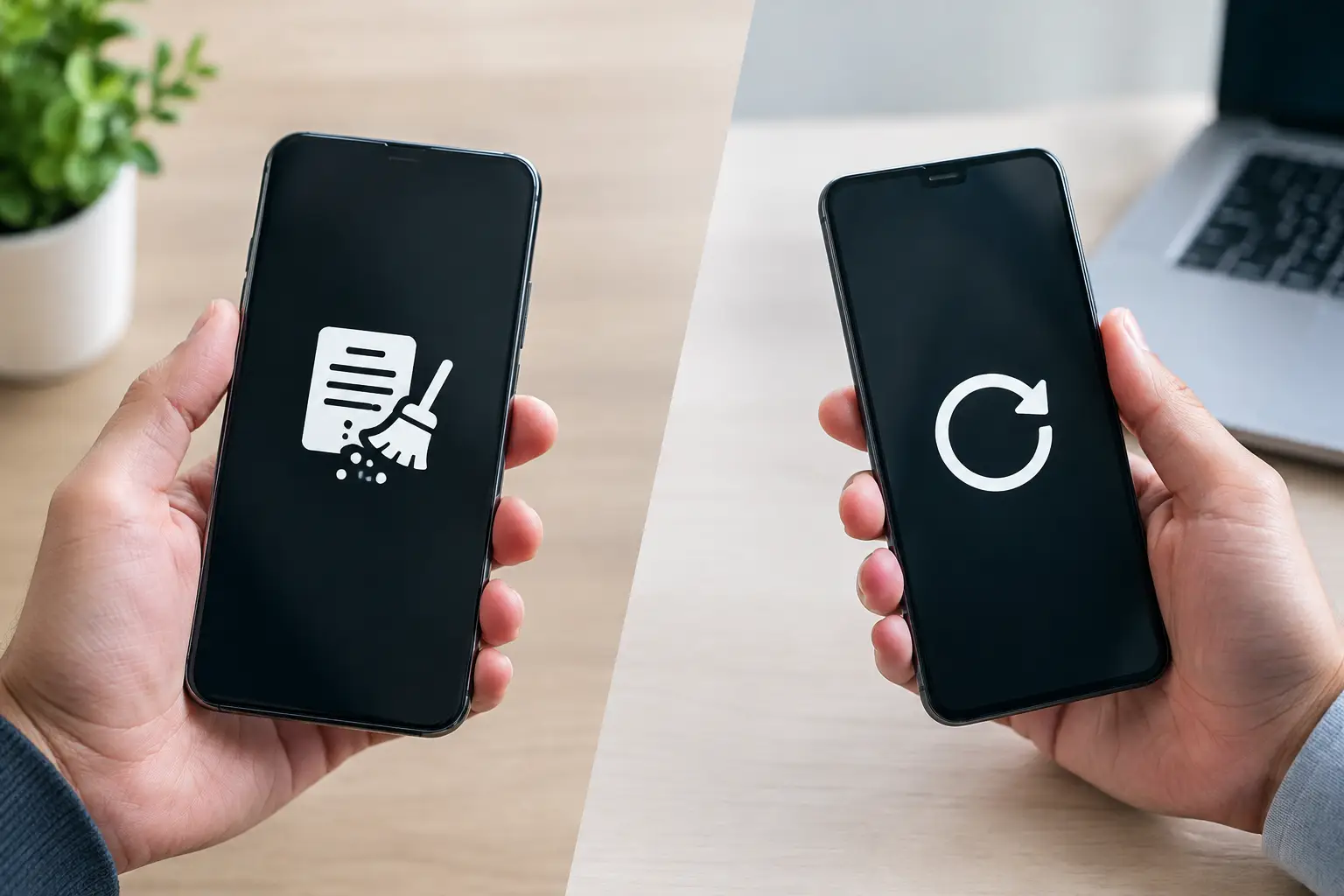
The biggest risk is often hidden data. Deleting files, emptying a recycle bin, or resetting a device does not always remove information in a way that prevents recovery. Businesses can also have obligations to protect employee, customer, financial, and operational data after equipment reaches end of life.
Environmental responsibility matters too. Electronics contain recoverable materials, but they can also contain components that need proper treatment. When equipment is processed through a responsible downstream channel, valuable materials can be recovered while unsuitable parts are managed appropriately.
There is also an accountability issue. If you need to explain what happened to retired office equipment, a verbal assurance is weak evidence. Pickup records, asset details where relevant, and data-wiping documentation create a clearer trail. For a small office, that may simply provide peace of mind. For a growing business, it can support internal asset management and reduce uncertainty during audits or handovers.
Six checks before you hand over e-waste
A good review does not require a long investigation. Focus on evidence, clarity, and whether the provider’s process matches the equipment you are disposing of.
- Ask who performs the final recycling. A collection provider may coordinate with a licensed recycler rather than operate a processing facility itself. That is not automatically a concern. What matters is whether they can identify their downstream process and explain how materials are transferred responsibly.
- Confirm the provider can explain applicable authorization. Ask what licensing, registration, permits, or approvals apply to the recycling route in your area. A credible provider will answer directly and avoid vague claims such as “everything is handled properly” without supporting detail.
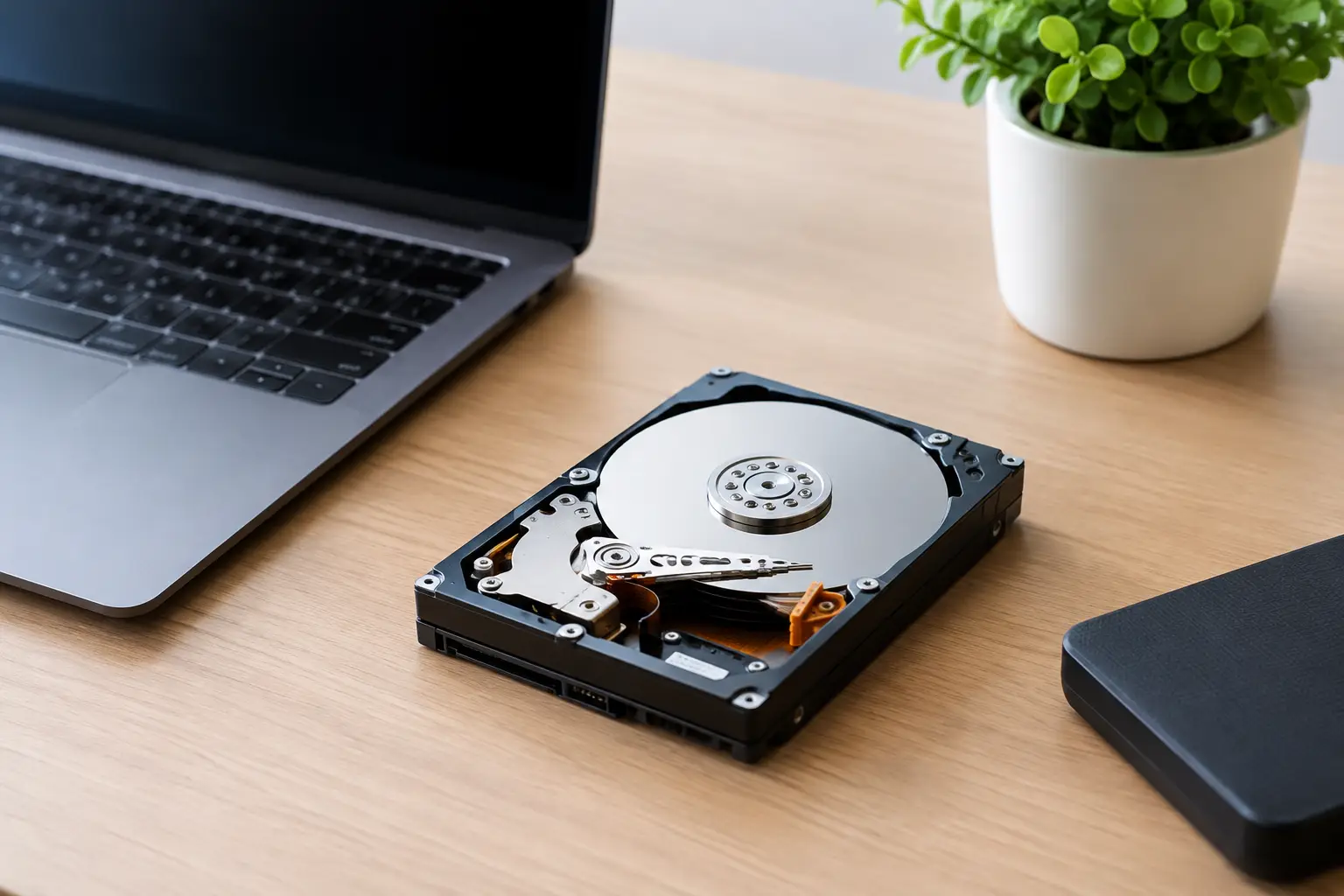
- Check how data-bearing devices are separated. Laptops, desktops, servers, phones, external drives, and network storage devices deserve more attention than ordinary peripherals. Find out whether these items are identified at collection and whether their storage media is handled under a defined data security process.
- Request a clear data-wiping or destruction option. The right choice depends on the device and your requirements. Secure software wiping can be suitable for reusable drives when it is performed and recorded properly. Physically damaged or failed drives may need a different handling method. Ask what proof is available after the work is complete.
- Look for documented pickup records. At minimum, a professional collection should provide confirmation of what was collected and when. Businesses disposing of multiple assets may also need serial-number verification, itemized records, or a report of the data-handling service performed.
- Pay attention to the pickup process itself. Secure recycling starts before final processing. Ask how equipment will be loaded, whether devices will be kept together or mixed with general scrap, and who is responsible for custody from collection onward. Clear answers are a strong trust signal.
Documents that make disposal easier to defend
Not every home pickup needs an extensive paper trail. If you are recycling a single household printer or a box of old cables, a basic collection confirmation may be enough. The level of documentation should rise with the sensitivity, quantity, and value of the equipment.
For office IT assets, useful records can include a pickup acknowledgment, an itemized asset list, device serial numbers, a data-wiping report, and confirmation that equipment has entered the designated recycling process. These records are especially helpful when several teams share responsibility for old equipment. The office manager can arrange collection, the IT team can verify devices, and management can retain proof that a controlled disposal route was used.
Documentation is not a replacement for secure handling. It is evidence of a process. If a provider cannot explain what its records show, when they are issued, or how devices are tracked, treat that as a reason to ask more questions.
Data security should come before resale value
Some retired equipment still has resale or reuse value. Reuse can be a responsible outcome when devices are suitable for it, but data must be addressed first. A device that powers on is not automatically safe to resell, donate, or recycle without proper wiping.
For many organizations, a documented multi-pass wipe provides a practical approach for functioning drives intended for reuse. MYPC2U uses DoD 5220.22-M 3-pass data wiping as part of its secure handling options, helping customers take a more controlled approach to retired devices. However, the best method still depends on the storage media, its condition, and your organization’s internal requirements.
For example, a working office laptop may be wiped, verified, and routed for appropriate reuse or recycling. A failed hard drive cannot always be wiped through software, so it needs a different documented handling path. The key is to decide the data requirement before collection, not after equipment has changed hands.
Questions worth asking during a pickup booking
A capable provider should make the booking conversation straightforward. Explain what you have, whether any devices contain business or personal data, and whether you need records for internal use. You do not need to know every technical detail in advance.
For a household pickup, ask whether computers, phones, monitors, printers, batteries, and small devices are accepted and how data-bearing equipment is handled. For a business collection, ask whether the team can support asset verification, secure data wiping, equipment segregation, and documented collection for multiple device types.
Be cautious if the discussion focuses only on weight or scrap value. Those factors can be relevant, but they do not answer the more important questions around data exposure, chain of custody, and downstream accountability. A service built for IT asset disposal will discuss the equipment itself, not just the materials it contains.
Common gaps to watch for
One common gap is assuming that a factory reset is the same as secure erasure. Another is allowing staff to take retired devices home or leave them in an unsecured area while waiting for collection. Both can create avoidable exposure.
Businesses should also avoid treating all electronics alike. Keyboards and cables may need simple recycling, while laptops, servers, phones, and storage devices require a deliberate data-handling decision. Separating these categories before pickup makes the collection faster and reduces the chance that sensitive equipment is overlooked.
Finally, do not confuse a polished advertisement with verification. Trust is built through specific answers, documented steps, and a provider willing to explain its downstream arrangements. If the process remains unclear after you ask direct questions, choose a different provider.
A responsible e-waste pickup should leave you with less clutter and fewer unanswered questions. Set aside data-bearing devices, decide what documentation you need, and arrange collection with a provider that treats every retired asset as both an environmental responsibility and a potential information security concern.


Leave a Reply