
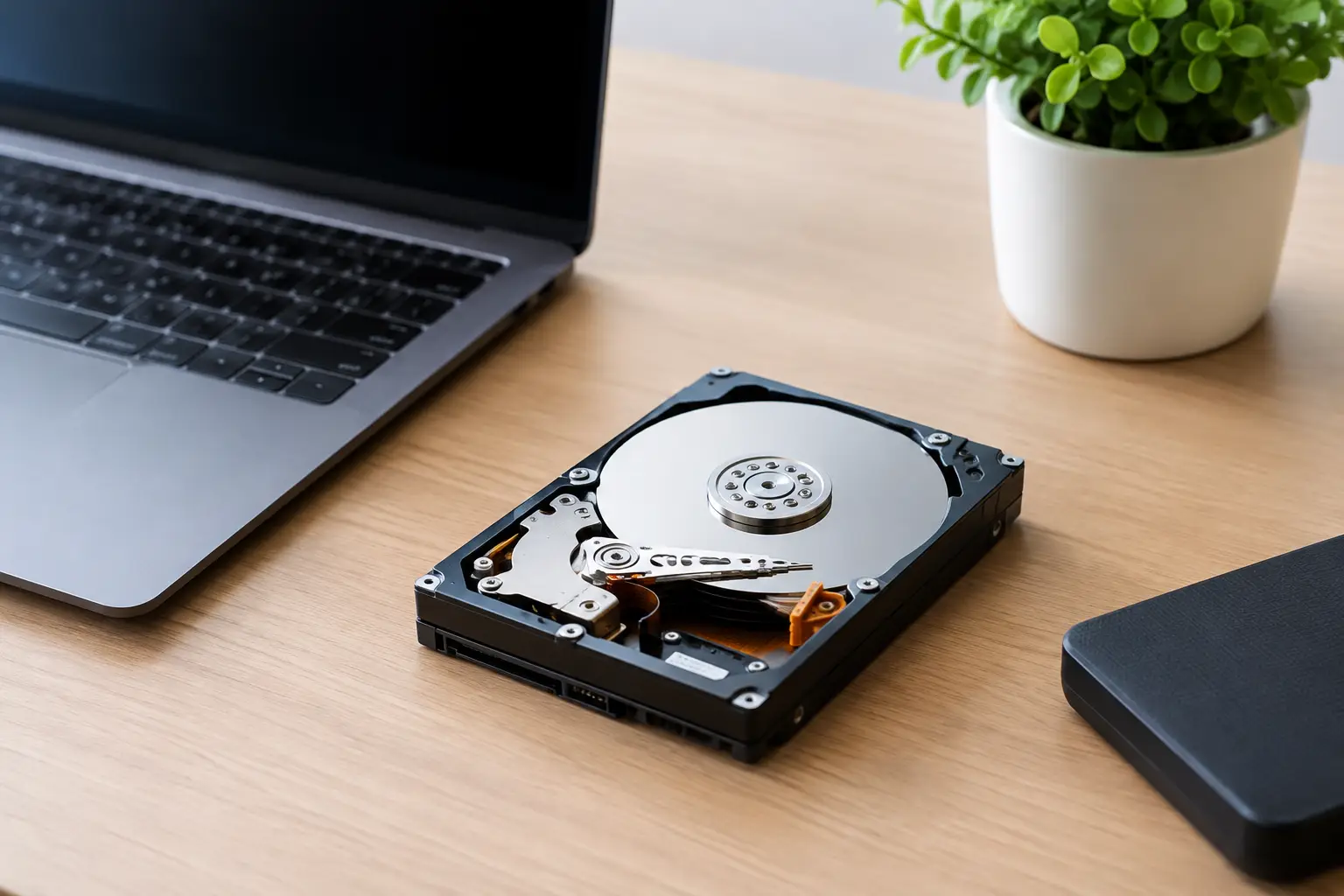
A laptop can look empty, boot normally, and still create uncertainty when it is ready to leave your home or office. Does data wiping remove everything? It can remove the recoverable data on a storage device when it is performed correctly, but the honest answer depends on the drive type, its condition, the wiping method, and whether every storage location has been identified.
For households, that may mean old photos, tax records, saved passwords, and messages. For businesses, it can include customer details, employee files, financial records, project documents, and access credentials. Before a device is recycled, sold, donated, or collected, data handling deserves the same attention as the device itself.
What secure data wiping actually does
Data wiping is a deliberate process that writes over the areas of a storage device where information is stored. Unlike moving files to the Recycle Bin or using a quick format, a proper wipe is intended to make previous information unrecoverable through normal data-recovery tools.
When you delete a file, the operating system usually removes its reference to that file. The underlying data may remain on the drive until new information overwrites it. A quick format works similarly: it prepares the drive for reuse without necessarily overwriting the existing contents. This is why an old computer that appears blank may still contain recoverable data.
A secure wipe takes a different approach. The wiping software targets the storage space itself and records the process. A multi-pass method, such as DoD 5220.22-M 3-pass data wiping, writes defined patterns across the drive multiple times. For suitable, working hard disk drives, this is a practical way to prepare devices for responsible reuse or recycling.
The key word is suitable. Secure wiping is effective only when the system can access the relevant parts of the storage media and complete the process successfully.
Does data wiping remove everything from every device?
Not always. “Everything” is a high standard, and different types of storage require different handling.
Traditional hard disk drives, or HDDs, store data magnetically on spinning platters. If the drive is functioning properly and a verified wipe completes, the data on accessible sectors can be removed to a standard that makes recovery impractical. This is often appropriate when the drive is going to be reused.
Solid-state drives, or SSDs, work differently. They use flash memory and manage data internally through processes such as wear leveling and overprovisioning. That means the drive may move data to different memory cells without showing every location to the wiping software. A conventional overwrite method may not reach all areas in the same predictable way it does on an HDD.
For SSDs, a manufacturer-supported secure erase or cryptographic erase method may be more appropriate. Cryptographic erase works when the data was encrypted and the encryption key can be securely removed, rendering the stored data unreadable. The exact method should match the device and its storage technology.
There are other exceptions too. A damaged drive may have unreadable sections. A drive may contain hidden, remapped, or protected areas. Storage can also exist outside the main internal drive, including USB devices, memory cards, secondary drives, server arrays, printers with internal memory, and network equipment with saved configurations.
So, does data wiping remove everything? A verified wipe can remove data from the accessible storage areas it is designed to address. It cannot guarantee removal from portions it cannot access, from separate devices that were not included, or from information that has already been copied elsewhere.
Data on the device is not the same as data everywhere
One common misunderstanding is treating a computer as the only location where information exists. A wiped laptop may no longer contain a document, while copies remain in cloud storage, email attachments, synced folders, backups, shared drives, or other employees’ devices.
That does not mean wiping is unnecessary. It means it is one part of a sensible disposal process. Before releasing an asset, businesses should identify what it stores, whether it is connected to company accounts, and whether any removable or secondary media is installed.
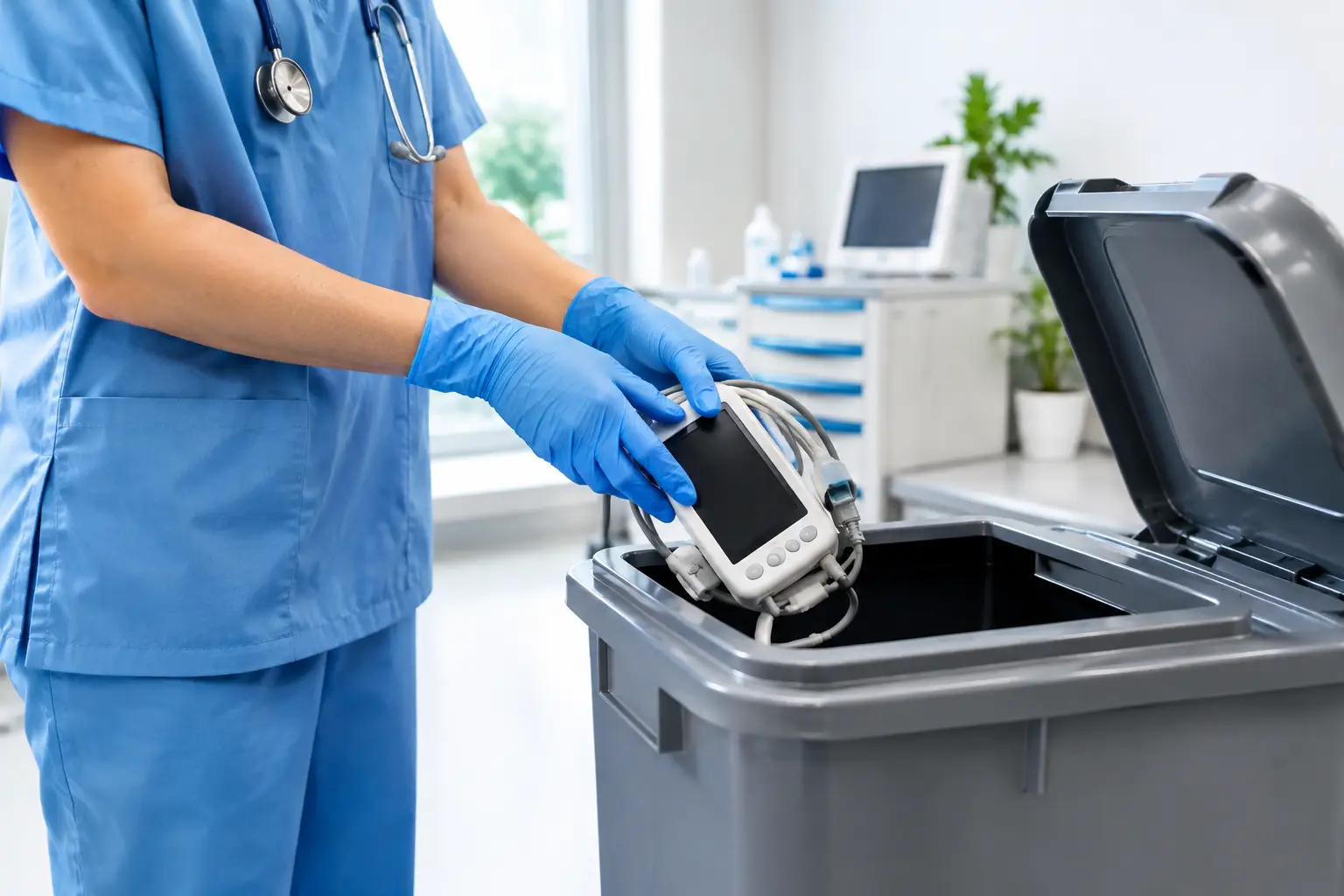
For example, an office desktop may have a main SSD and an older secondary HDD used for archives. Wiping only the primary drive leaves the archive drive untouched. A multifunction printer may retain scanned documents internally. A network firewall may hold Wi-Fi credentials, VPN settings, or configuration backups. These items need their own review before collection.
For households, remember to sign out of accounts, remove SIM cards and memory cards from phones, and deactivate device-finding features where applicable. This prevents account-lock issues for a future user and helps ensure the device can be processed correctly.
When wiping is the right choice
Data wiping is usually a strong option when a drive is working, can be identified and tested, and may be suitable for reuse. It supports a more circular approach to electronics by allowing usable equipment or components to remain in service while protecting the previous owner’s information.
It also makes operational sense for businesses replacing several laptops or desktops. A controlled process can identify each asset, wipe the storage media, and maintain a record of what was collected. This gives office managers and business owners a clearer handover process than simply passing equipment to an informal collector.
A professional service should be able to explain what method is being used, which devices are included, and what documentation is available. A pickup record and asset verification are particularly useful when several devices are being removed from an office.
When physical destruction is the safer option
Wiping is not the best answer in every situation. If a hard drive is faulty, inaccessible, severely damaged, or contains highly sensitive information, physical destruction may offer greater certainty. The same applies when an organization’s internal policy, contractual obligation, or compliance requirement calls for destruction rather than reuse.
Physical destruction prevents the storage media from being read as a functioning device. It is useful when a wipe cannot be verified or when the risk tolerance is extremely low. The trade-off is simple: once the media is destroyed, it cannot be reused. It must then move through responsible downstream recycling.
For a business, the decision often comes down to the value of reuse versus the sensitivity of the data and the condition of the drive. A working office laptop with standard files may be a good candidate for verified wiping. A failed drive from a finance server may call for a more cautious route.
A practical disposal checklist
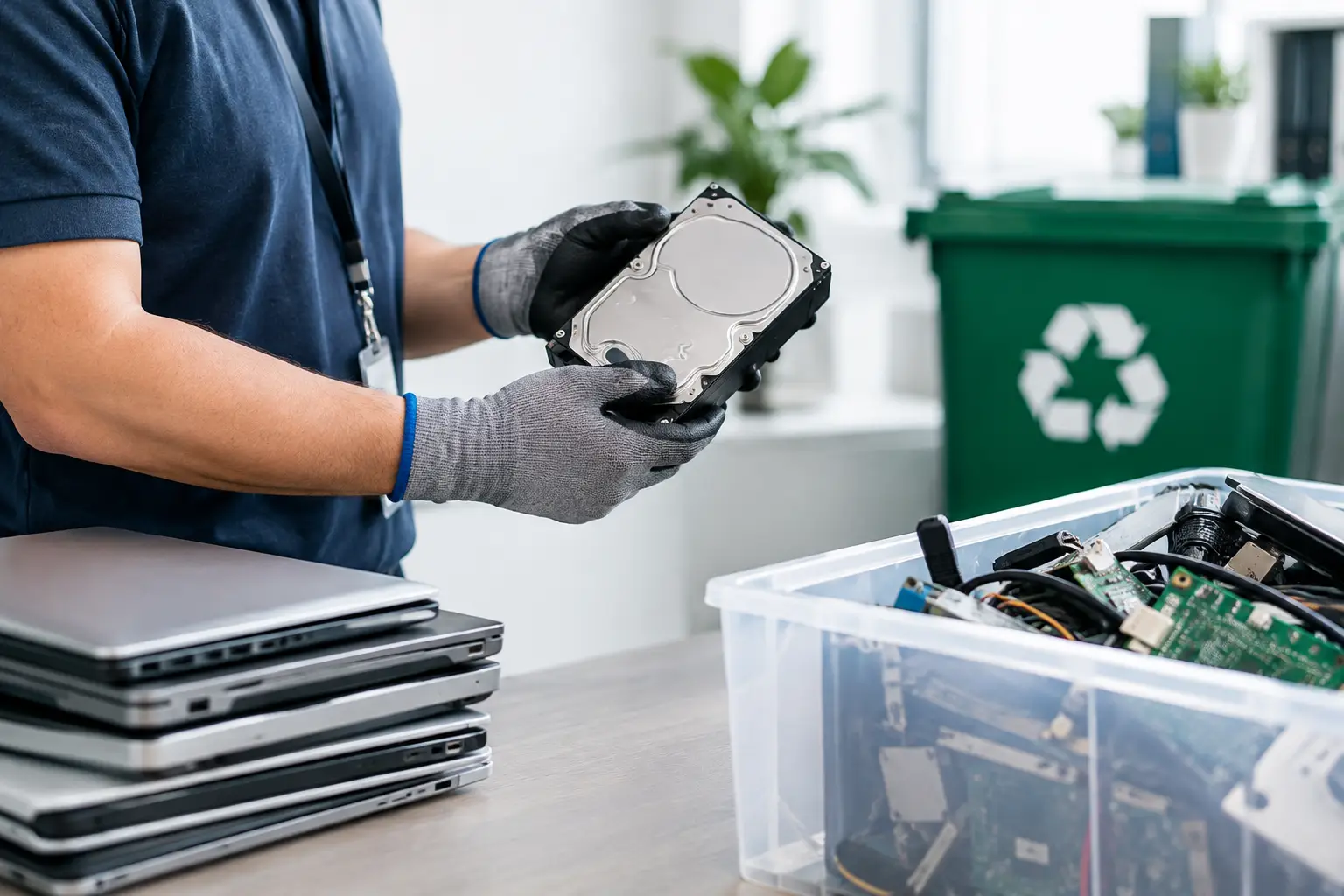
Before arranging collection, take a few moments to separate what needs to be kept from what is ready to go. Back up any files you still need, then identify every device and storage item being removed. Include external drives, USB sticks, memory cards, old laptops, desktop towers, servers, and equipment with built-in storage.
For business assets, keep a simple internal list with the device type, serial number if available, assigned user or department, and chosen data-handling method. This does not need to be complicated, but it helps prevent a forgotten drive from being left in a drawer or sent out without review.
Ask the disposal provider how they handle failed drives, SSDs, and devices that cannot complete a wipe. Also ask what proof of collection or verification is provided. Clear answers matter because secure disposal is not only about the final recycling step. It is about maintaining control from pickup through processing.
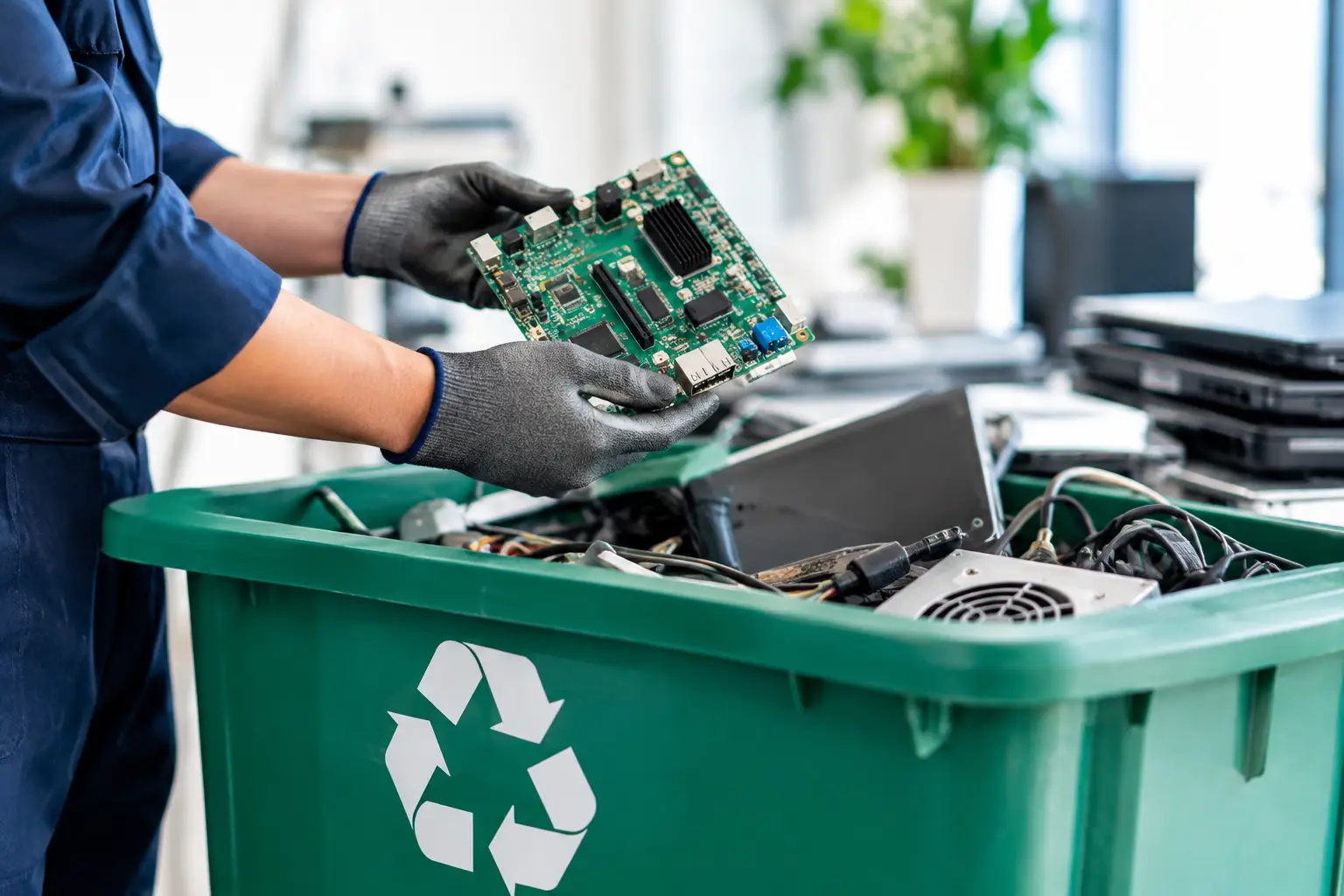
MYPC2U supports scheduled e-waste pickups for households and businesses in Kuala Lumpur and Selangor, with IT-aware handling, secure data wiping options, asset verification, and documented pickup records. That combination is especially helpful when old equipment includes more than a few household devices.
The question to ask before recycling
Rather than asking only whether a device has been erased, ask whether its data has been handled appropriately for its type, condition, and risk level. A completed and verified wipe can be the right solution for many drives. When it cannot be completed or the data is too sensitive to accept uncertainty, physical destruction may be the better decision.
The safest disposal process is the one that accounts for every storage location, records what left your possession, and gives you confidence that your old equipment is being handled responsibly.


Leave a Reply