A server can look like just another retired box in the storeroom, but it may still hold customer records, employee files, application databases, passwords, backups, and network settings. This small business server disposal example shows how an office can clear out aging equipment without treating data security as an afterthought.
A Small Business Server Disposal Example for a Growing Office
Consider a 25-person accounting firm replacing an older file server and backup server after moving selected workloads to a new system. The two retired servers have been sitting in a locked utility room for several months because the office manager is unsure what to do with them. They are bulky, the team has no vehicle suitable for transport, and the hard drives could contain years of client documents.
The office’s goal is straightforward: remove the equipment, protect confidential data, and keep a clear record of what left the premises. The process does not need to be complicated, but it does need to be deliberate.
Before arranging collection, the office manager confirms that the replacement environment is working and that required files, system configurations, and backups have been retained. Disposing of a server before verifying the migration is one of the easiest avoidable mistakes. A retired server may be old, but it can still contain a file that nobody realized was needed.
The manager then creates a simple asset list. It records the make and model of each server, serial number, asset tag if one exists, number of installed drives, and the room where the equipment is located. This is useful for internal control and makes handover more accountable. If the business has an IT provider, that provider can confirm which drives are installed and whether any removable backup media is still inside.
Start With the Data, Not the Hardware
The server chassis is rarely the sensitive part. The drives, solid-state storage, RAID cards with cached information, and attached backup devices deserve the closest attention. A server with four or eight drives can hold far more information than an ordinary office PC, especially if it was used for shared files, accounting software, email archives, or virtual machines.
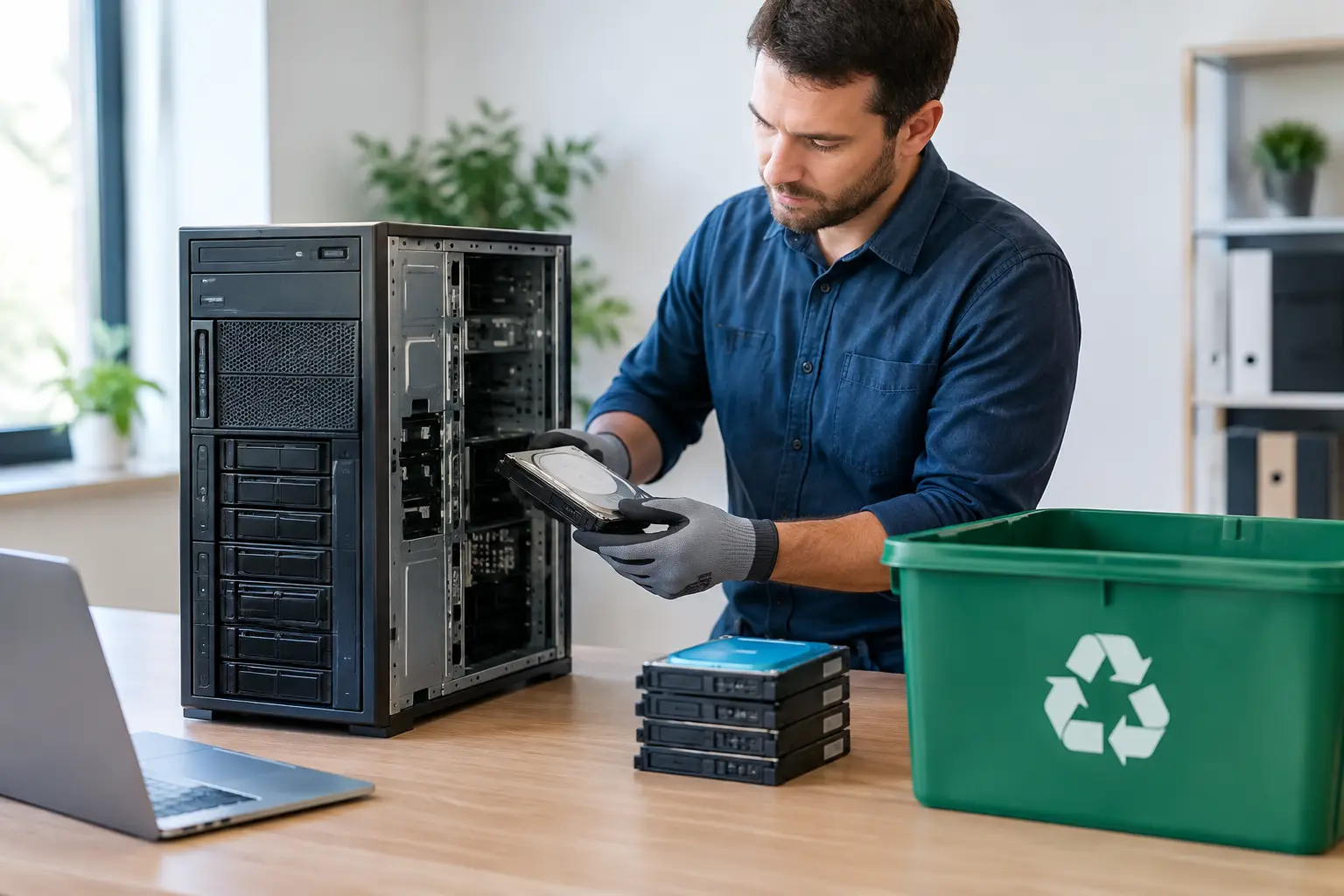
In this example, the firm identifies two servers with a total of ten hard drives. One server also has an old external backup drive attached behind the rack. Rather than assuming the servers have been wiped because they are no longer connected to the network, the team treats every storage device as live until its status is confirmed.
There are two practical routes. If the drives are still working and the company wants reusable equipment handled responsibly, secure data wiping may be appropriate. A documented multi-pass wipe, such as DoD 5220.22-M 3-pass data wiping where suitable for the device type, can provide a clear disposal path for conventional hard drives.
If a drive has failed, cannot be accessed, or contains particularly sensitive data, physical destruction support may be the better choice. The right option depends on the media, the business’s internal policy, and any customer or industry obligations it must meet. Solid-state drives need special consideration because their storage behavior differs from traditional hard drives. Simply deleting folders or formatting a disk is not a reliable data disposal method.
Prepare the Equipment for a Controlled Handover
Once the data plan is approved, the firm schedules an on-site pickup. This prevents staff from carrying servers in personal vehicles or leaving them outside for an informal collector. It also gives the office a defined chain of custody from the moment the equipment is removed.
Before the pickup team arrives, the office manager makes sure access is clear. The servers are unplugged by the IT provider, rack rails and loose cables are separated, and the equipment is kept in a secure indoor area. If the server rack is still in use, the team labels exactly which units are approved for removal. Clear labels help avoid an expensive mix-up when active and retired equipment are stored in the same place.
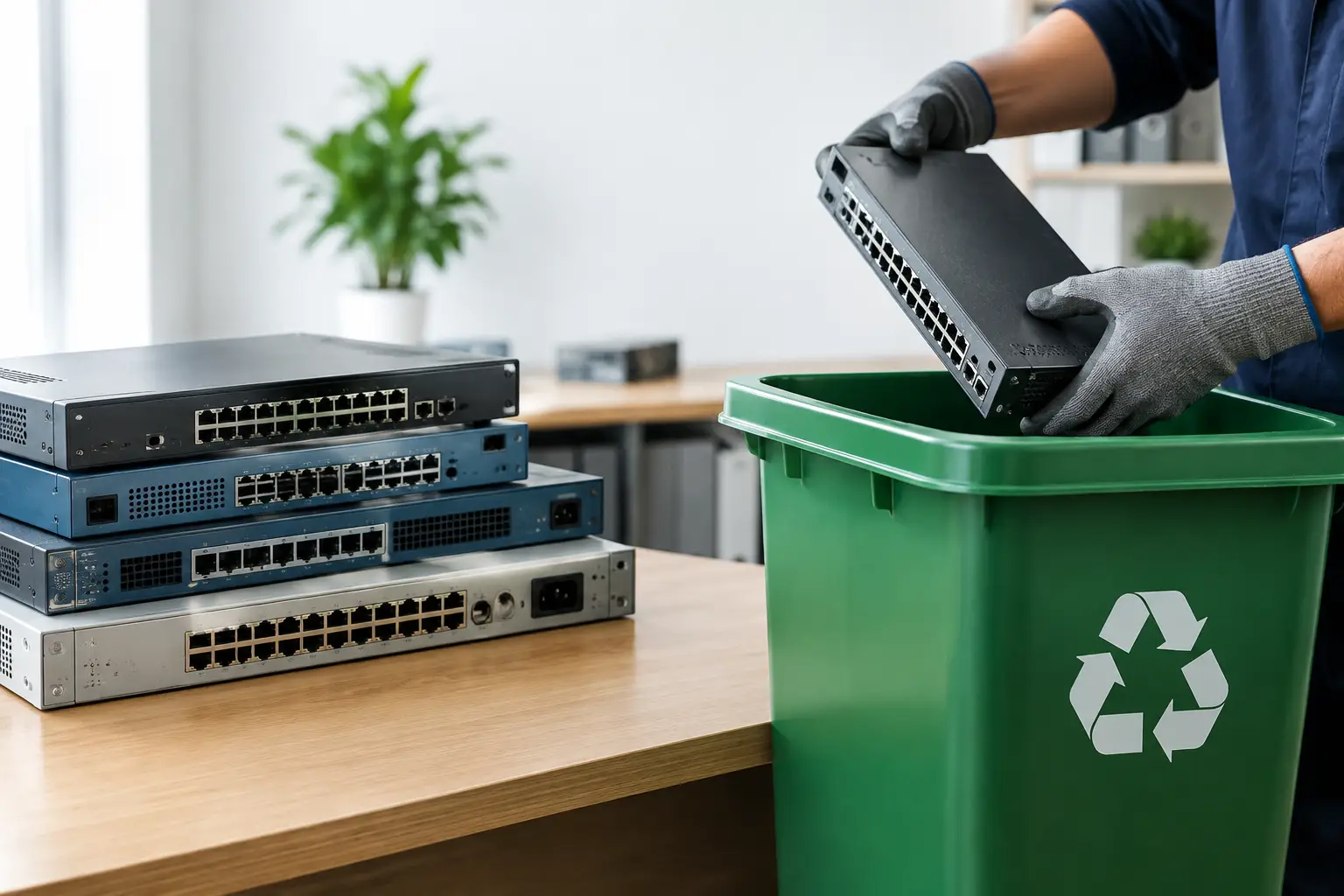
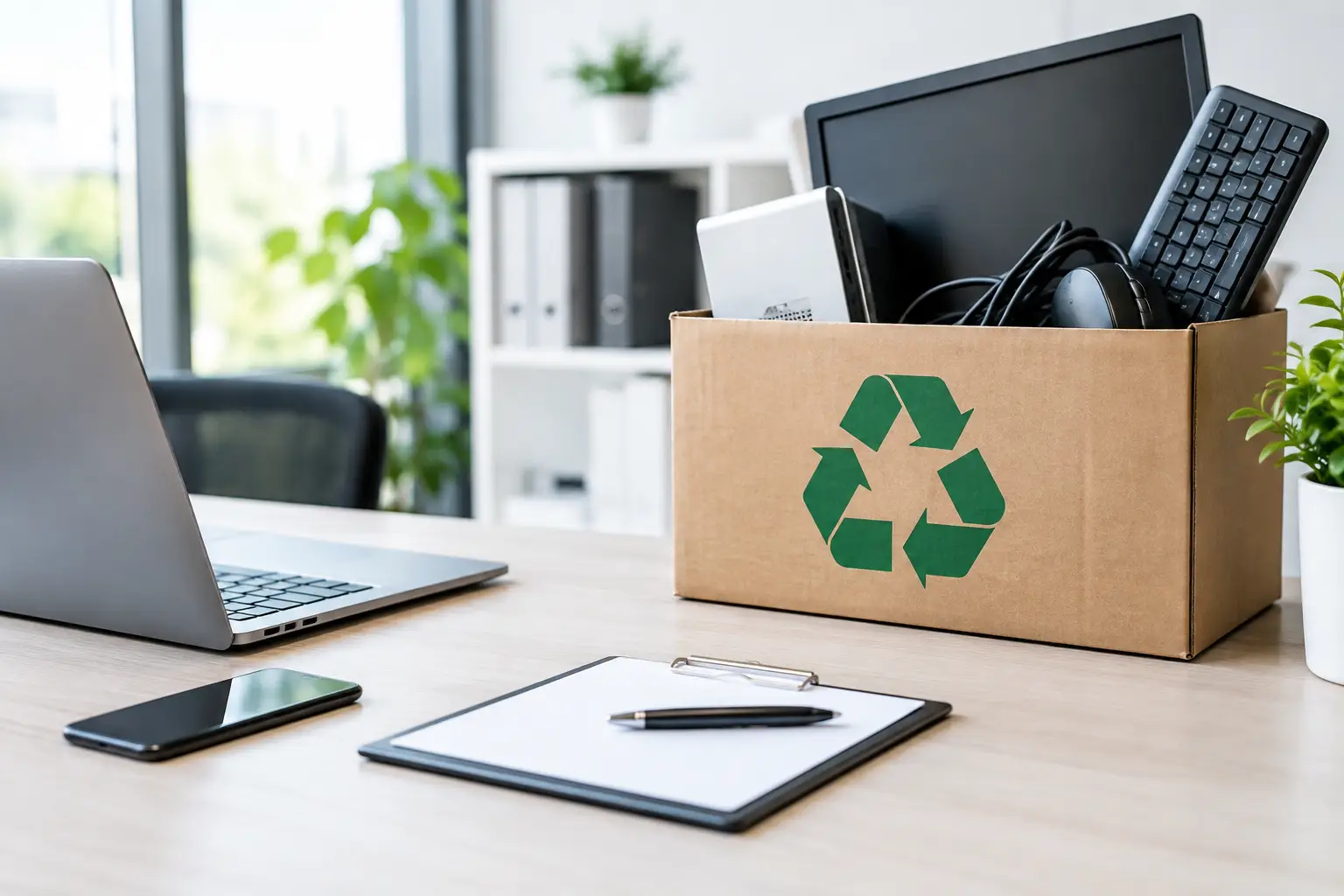
The handover should cover more than servers alone. In this case, the firm also identifies a network switch, an old firewall, unused monitors, keyboards, and a box of obsolete cables. Removing related equipment in one collection can free up valuable space, but the office still records the primary assets individually. Servers and storage devices should never disappear into a general pile of office electronics without verification.
A professional collector should be able to confirm what was collected and provide pickup documentation. That record gives the business a practical answer if management later asks where the equipment went. It also supports asset register updates, insurance records, and internal audit requirements.
What the Documentation Should Show
Documentation does not have to be overly technical to be useful. For a small business, a pickup record should clearly identify the collection date, business location, equipment categories, and the party receiving the assets. Where available, serial numbers and asset tags add another layer of traceability.
For the accounting firm, the final record notes two servers, ten hard drives, one external backup drive, one network switch, one firewall, and supporting office electronics. The manager attaches the original asset list to the pickup record and updates the firm’s internal inventory to show that the equipment has been retired.
If data wiping or drive destruction support is requested, keep the related confirmation with the pickup documents. This matters when a company needs to demonstrate that it took reasonable steps to protect client, employee, or financial information. Documentation cannot undo careless handling, but it makes a well-managed process visible and easier to verify.
Avoid the Shortcuts That Create Risk
Small businesses are often tempted by the fastest option: giving equipment to a staff member, selling it without checking the drives, or handing it to an unverified scrap collector. Those choices can seem harmless when the hardware has little resale value. The risk is that the data may be worth far more than the machine.
Leaving a server in a common hallway or loading dock creates another problem. Anyone could access it before collection, and a missing drive may not be noticed until long after the equipment is gone. Keeping retired assets in a controlled area until scheduled pickup is a simple safeguard.
There is also a difference between recycling and secure IT asset disposal. Recycling addresses the responsible downstream processing of electronic materials. IT asset disposal adds the handling discipline around data-bearing equipment, asset identification, collection records, and appropriate data sanitization. Businesses generally need both.
When the Example Changes
Not every business has two rack servers and an IT provider. A small retail office may have a single tower server under a desk. A design studio may have a network-attached storage device with several drives. A medical, legal, or financial business may need stricter internal approval before anything leaves the site.
The basic approach remains the same: verify the replacement or backup, identify every data-bearing device, decide how the data will be handled, arrange controlled collection, and retain the records. The scale changes, but the responsibility does not.
For businesses in Kuala Lumpur and Selangor, a pickup-based service such as MYPC2U can make this easier by collecting retired IT equipment on-site while supporting secure data wiping, asset verification, and documented collection. That is especially useful when a server is too heavy, too sensitive, or too inconvenient to move through ordinary disposal channels.
A retired server should leave the office with the same care it received when it was installed. When the handover is planned, documented, and handled by people who understand IT equipment, clearing space can also bring peace of mind.



Leave a Reply