

A retired laptop can still hold customer records, saved passwords, employee documents, and years of business emails. That is why a small business IT disposal checklist should begin before equipment leaves the office, not when a collector arrives at the door. A clear process protects your data, keeps your asset records accurate, and gives your team confidence that old electronics are handled responsibly.
For a small business, IT disposal is rarely just about clearing storage space. It may involve a few outdated monitors, a stack of employee laptops, an old server, or network hardware that has been replaced during an office upgrade. Each item needs the right decision: retain it, reuse it, wipe it, destroy the storage media when necessary, or send it for responsible recycling.
Why IT disposal needs a documented process
Informal disposal creates avoidable risk. Devices that appear unusable can still contain accessible information, while equipment sent out without an inventory can become difficult to account for later. This matters when a manager needs to confirm what happened to a former employee’s laptop or prove that retired office equipment was collected.
A documented process does not need to be complicated. It simply assigns responsibility, records what is leaving the business, and makes data protection a required step rather than an assumption. The checklist below is designed for offices that need a practical, repeatable way to retire IT equipment.
Small business IT disposal checklist: 9 practical steps
1. Identify equipment that is ready to retire
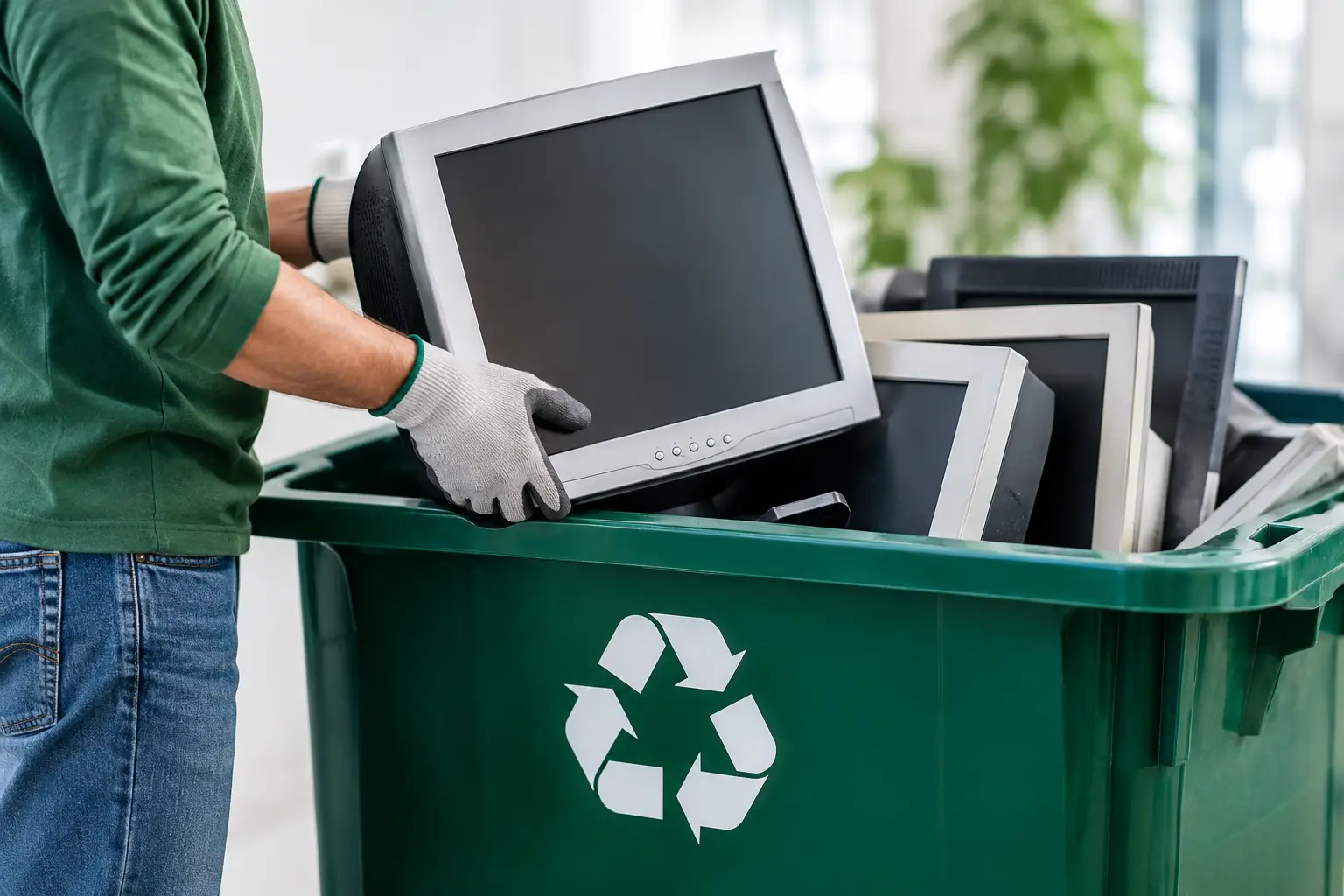
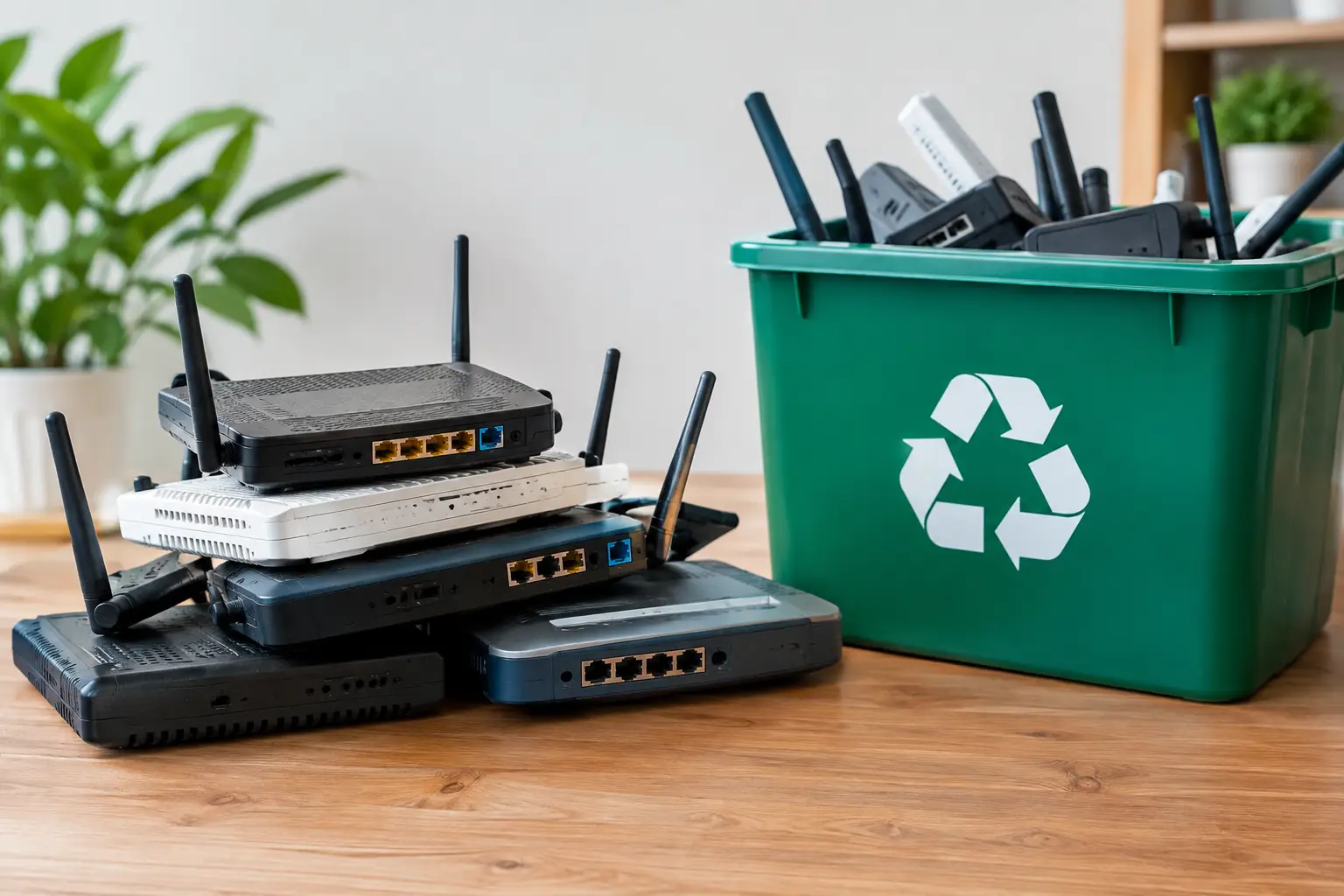
Start by separating equipment that is truly no longer needed from equipment that could be redeployed. Common items include desktops, laptops, monitors, printers, phones, tablets, servers, external drives, routers, switches, keyboards, and cables.
Age alone is not always the deciding factor. A laptop with a weak battery may still work well for a temporary role, while an older desktop may cost more to maintain than it is worth. Consider condition, repair costs, software compatibility, security updates, and whether the device still has a useful business purpose.
2. Create an asset list before anything moves
Record each device before it is packed, transferred, or collected. For computers, servers, phones, and network equipment, include the make, model, serial number, asset tag, department, and assigned user where available. Note whether the item contains internal storage.
This inventory is especially useful when multiple devices are being removed at once. It gives the business a reference point for collection records and makes it easier to update internal asset registers afterward. If serial numbers are difficult to access, photograph the labels while the equipment is still in place.
3. Check for business data beyond the main drive
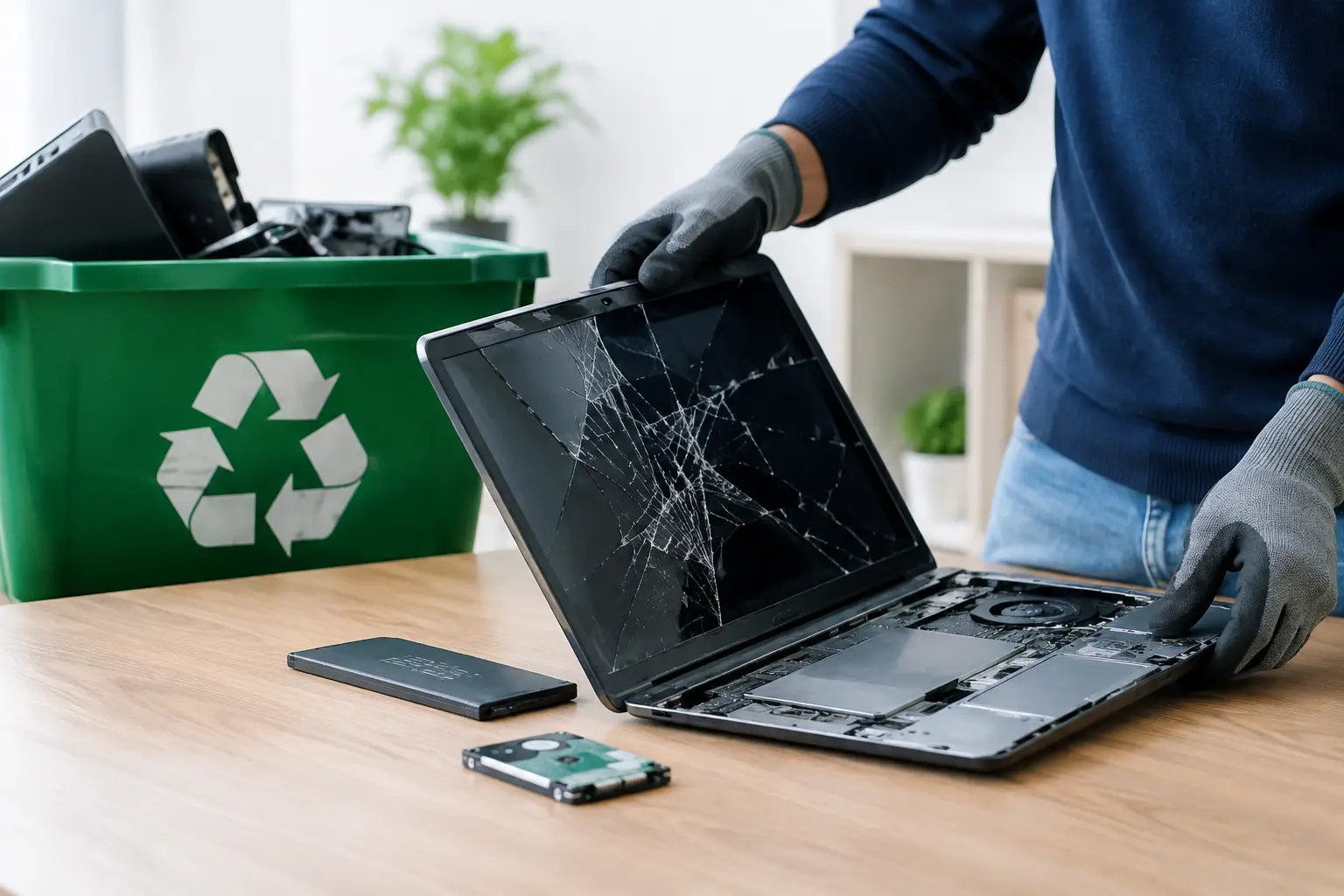
Do not assume data is only stored on a laptop’s internal drive. Information may also remain on external hard drives, USB devices, old backup disks, server drives, multifunction printers, mobile phones, and certain network devices.
Ask the employees or IT contact who used the equipment whether there are local files, saved browser passwords, authentication apps, email archives, or software licenses that need attention. This is also the right time to back up records that the business must keep. Data should be moved to an approved company location, not copied to a personal device as a quick workaround.
4. Remove accounts, licenses, and device access
Before disposal, sign out of business accounts and remove the device from management systems where appropriate. This can include email profiles, cloud storage, remote-access software, device management tools, antivirus consoles, and company Wi-Fi configurations.
Software licensing deserves a separate check. Some licenses can be reassigned to replacement equipment, while others are tied to a specific device or account. Keep a record of licenses that have been transferred, canceled, or retained. This small administrative step prevents confusion when a former device appears in a software portal months later.
5. Decide whether the device can be reused, donated, or recycled
Not every retired item belongs in the same disposal stream. Working equipment with a reasonable remaining life may be suitable for internal reuse or approved donation after proper data handling. Broken, obsolete, or incomplete equipment is generally a better candidate for responsible e-waste recycling.
The trade-off is time and risk. Reselling or donating equipment may recover some value, but it requires more condition testing, cleaning, data verification, and coordination. Recycling is often the more straightforward option for mixed, low-value, or non-working office equipment. The key is to make the decision after assessing the device, not after it has been handed over.
6. Use a verified data-wiping method
Deleting files or performing a basic factory reset may not be enough for business equipment. A proper data-wiping process is designed to overwrite data and provide verification that the wipe was completed. For storage devices that are functioning, businesses can request a documented method such as DoD 5220.22-M 3-pass data wiping.
The right approach depends on the device and its storage type. Solid-state drives, damaged drives, encrypted devices, and older server storage may require a different handling plan. If wiping cannot be completed or verified, isolate the device and discuss secure destruction options with your disposal provider. Do not send storage media out with the assumption that an inaccessible device contains no recoverable data.
7. Prepare equipment for secure pickup
Once devices are approved for removal, gather them in a controlled area that is not open to visitors or general office traffic. Keep laptops, phones, storage devices, and servers together or clearly labeled so they are not mixed with general office waste.
Remove personal belongings, paper documents, and removable media before packing. Leave asset tags and serial-number labels in place until your records have been checked. For larger items, such as servers or printers, make sure the pickup team can safely access the area and that any required building arrangements have been made in advance.
8. Get proof of collection and update your records
A professional disposal process should include a collection record that shows what was picked up and when. Compare this record with your asset list, then update your internal register to show that the device has been retired, transferred, or sent for recycling.
Documentation is more than paperwork. It creates accountability if a question arises about an old laptop, a removed server, or a device assigned to a former employee. Keep data-wiping reports, collection records, and any certificates supplied by the provider with your IT or administrative files.
9. Choose a provider that understands IT assets
A generic scrap collector may remove equipment quickly, but speed alone does not address data risk or asset accountability. For business IT disposal, look for a provider that can explain how devices are handled, what data services are available, and what documentation you will receive after pickup.
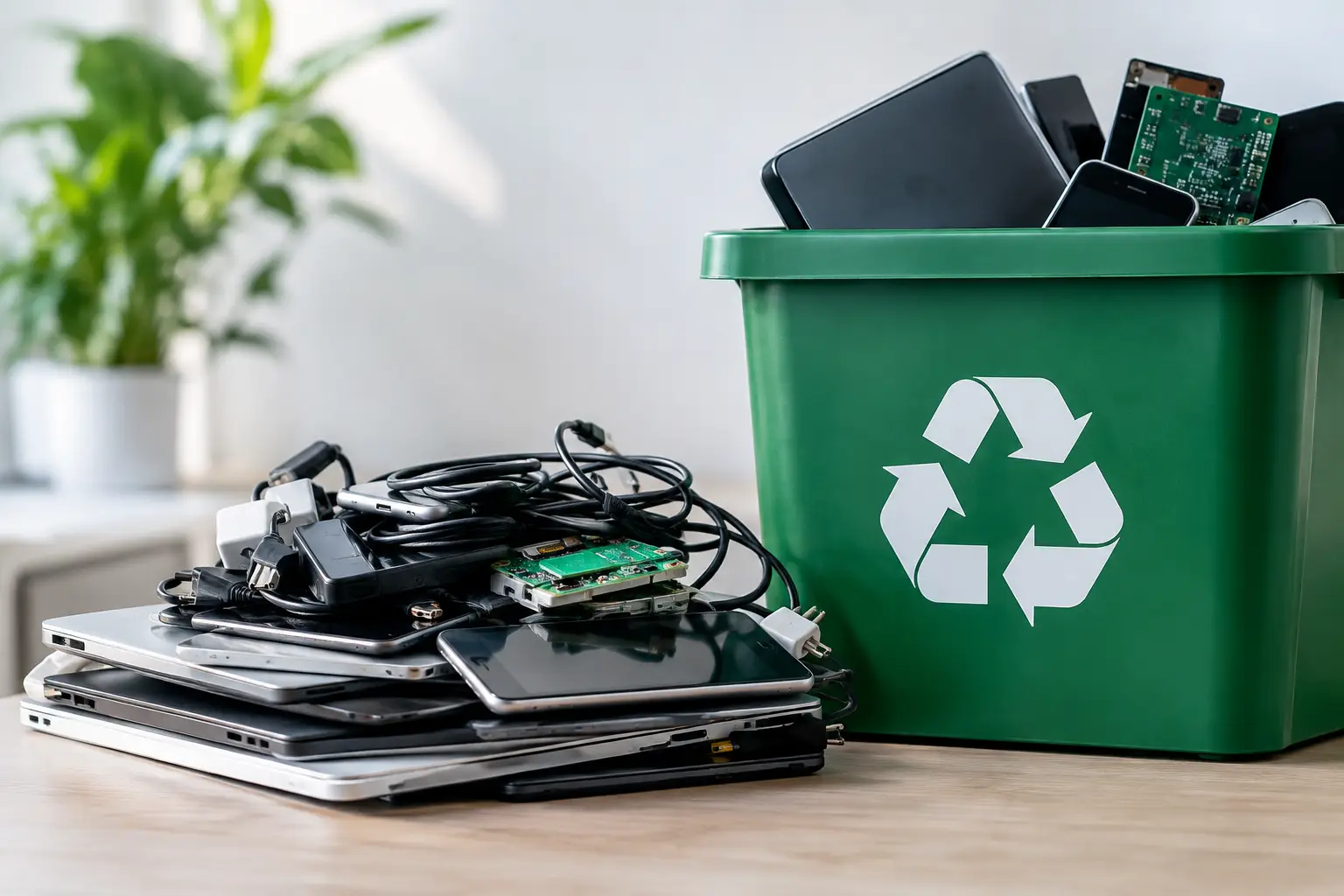
MYPC2U supports businesses with scheduled collection, IT-aware equipment handling, secure data-wiping support, and documented pickup records. This is particularly helpful when an office has a mixed load of laptops, servers, network hardware, phones, and smaller electronic devices that need to be cleared responsibly in one visit.
Make disposal part of your regular IT routine
The easiest time to manage retired equipment is before it becomes a pile in a storeroom. Add disposal checks to employee offboarding, hardware refreshes, office moves, and server replacements. A quarterly review may be enough for a small office, while businesses with frequent device turnover may need a monthly process.
Keep one owner accountable for the checklist, even if several people help with the work. That person may be an office manager, operations lead, or IT contact. Clear ownership ensures that equipment is inventoried, data is addressed, and pickup records are retained.
Old electronics should leave your business with the same care used when they entered it. A planned pickup, verified data handling, and clear records turn a routine cleanup task into a responsible decision for your company, your customers, and the environment.

Leave a Reply