
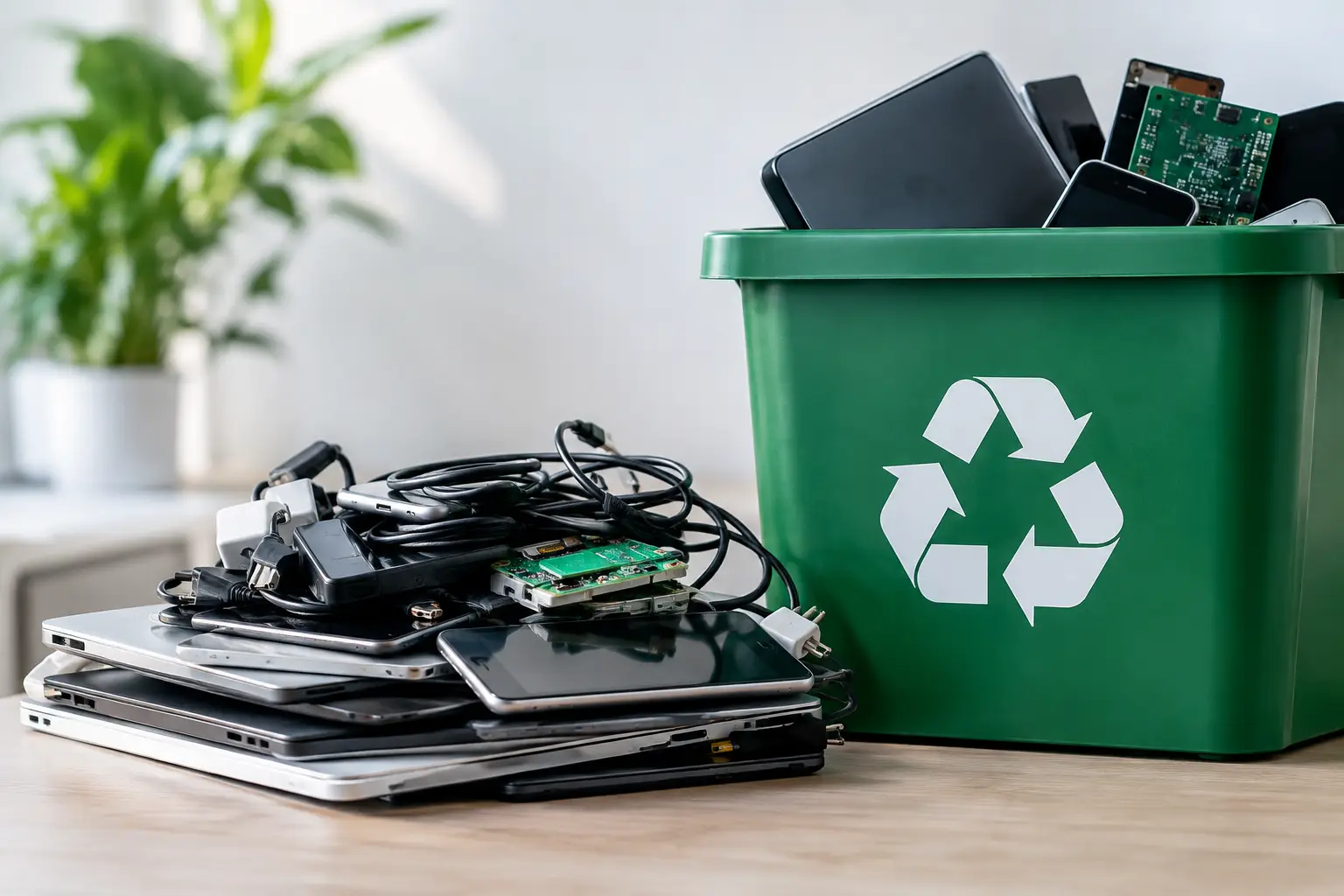
An old laptop in a closet may look harmless. For a household, it can still hold saved passwords, family photos, tax files, and banking details. For a business, a stack of retired PCs or servers can contain customer information, staff records, financial documents, and access credentials. That is why e waste recycling should begin with more than finding someone to take the equipment away. It should begin with secure handling.
For homes and small-to-mid-sized businesses, the best disposal process is convenient enough to complete and controlled enough to trust. A professional pickup service removes the hassle of loading bulky devices into a car, while proper data handling and documented collection provide a clear record of what happened to your equipment.
Why e waste recycling needs an IT-aware process
Electronic waste is different from ordinary household trash. Computers, phones, tablets, printers, network switches, hard drives, and office equipment contain a mix of reusable materials, hazardous components, and potentially sensitive data. Throwing them away or handing them to an unknown collector creates two separate risks: improper disposal and loss of information.
A device that no longer powers on can still store recoverable data. A hard drive removed from a desktop, an old company laptop, or a retired server may be unusable for work but still contain files that should never leave your control without safeguards. Simply deleting files, emptying a recycle bin, or performing a quick reset may not be sufficient for equipment that held personal or business information.
Responsible recycling also means considering where equipment goes after collection. Electronics should be sorted for reuse, component recovery, or downstream recycling through appropriate channels. The goal is not merely to clear space. It is to manage unwanted equipment in a way that respects data, materials, and accountability.
What equipment can be recycled?
Most households and offices have more recyclable electronics than they realize. Common items include desktop computers, laptops, monitors, keyboards, mice, phones, tablets, printers, scanners, cables, chargers, routers, switches, servers, storage devices, and small office electronics.
Business collections often involve mixed loads. An office may be replacing workstations while also clearing old network hardware, unused monitors, damaged laptops, and boxes of cables. These items can be collected together when the pickup is planned properly, but devices containing storage media should be identified before collection. That helps determine whether data wiping, drive removal, or hard drive destruction support is needed.
Not every item should be treated the same way. A basic keyboard has no stored information, while a laptop, smartphone, copier, server, or network-attached storage device may contain data. The value of a secure recycling service is recognizing that difference before the equipment leaves your premises.
Data security comes before recycling
For many customers, data protection is the deciding factor. This is especially true for office managers and business owners who are responsible for employee or customer information. An old device can become a security problem if it is passed on, resold, or recycled without a clear process for handling its storage media.
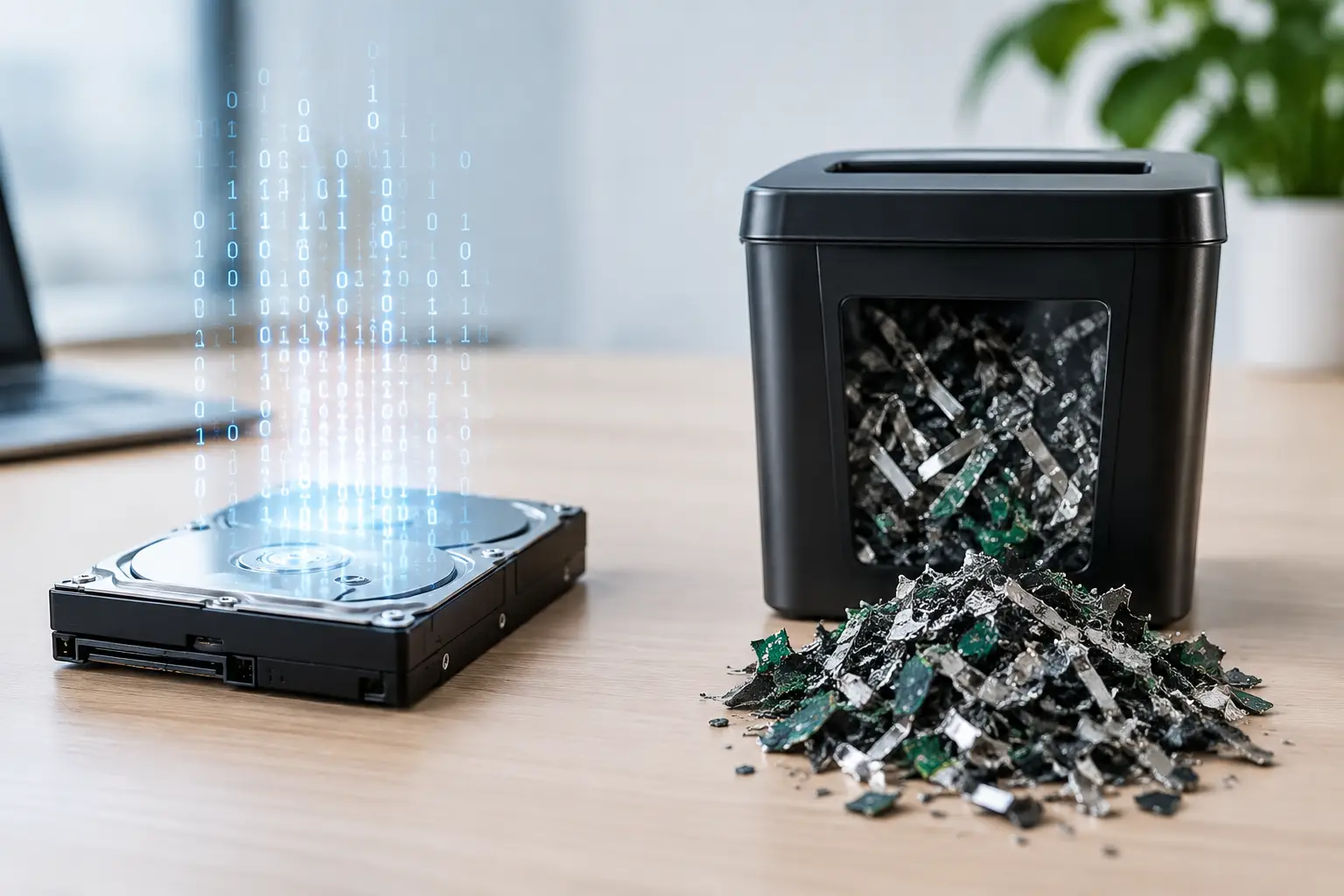
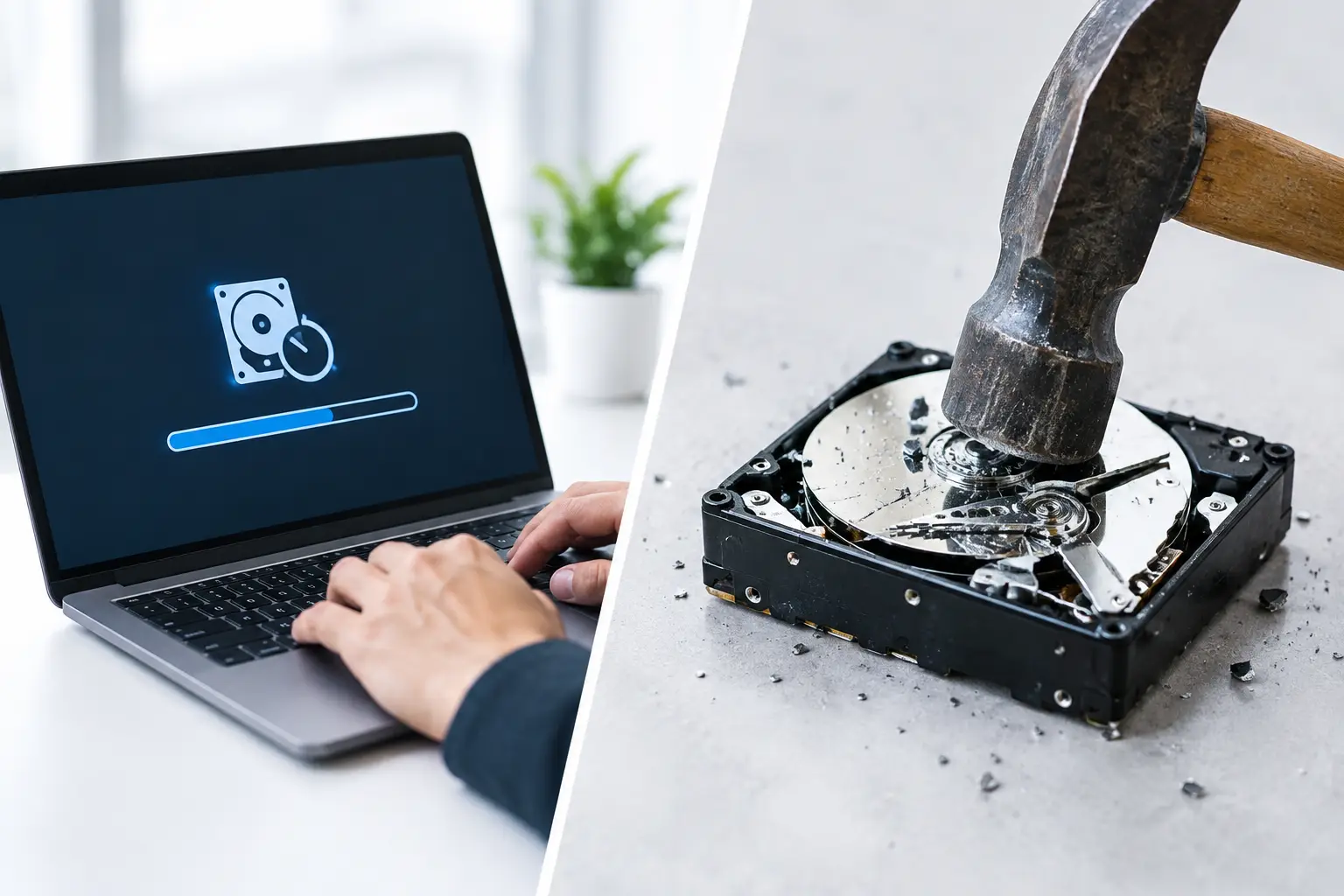
A professional IT asset disposal process starts by verifying the devices being collected. From there, storage devices can be handled according to their condition and your requirements. Secure data wiping is suitable when a drive is functioning and is intended for reuse or responsible processing. MYPC2U supports DoD 5220.22-M 3-pass data wiping, a method designed to overwrite existing data rather than relying on simple deletion.
There are situations where wiping is not the preferred option. If a hard drive has failed, is heavily damaged, or contains particularly sensitive information, physical destruction support may be more appropriate. The right choice depends on the device, the condition of the storage media, your internal policy, and the level of risk involved.
For households, this may mean protecting personal files and accounts. For businesses, it may mean maintaining a defensible process for retired IT assets. In both cases, the key point is the same: decide how data will be managed before arranging disposal, not after the equipment has been collected.
How a secure pickup should work
A reliable e waste recycling pickup should feel organized from the first conversation. You should be able to describe the equipment you have, share whether any items contain sensitive data, and arrange a collection time that works for your home or workplace.
Before pickup, separate equipment that requires special handling from general peripherals. Keep laptops, desktops, servers, phones, external drives, and loose hard drives together where possible. If you are disposing of assets for a business, prepare any internal asset list you already maintain. It does not need to be perfect, but a basic count or description helps make the collection more accurate.
At collection, the equipment should be handled carefully and recorded. Documented pickup records give households and businesses confirmation that items were transferred for recycling. For organizations, this is useful for internal asset tracking, audit preparation, and closing the loop when employees ask what happened to retired equipment.
After collection, equipment should move through responsible downstream processing. Some devices or components may be assessed for reuse, while others are directed to licensed recyclers for material recovery. Reuse can extend the life of usable equipment, but it should never override data security requirements. A device should only be reused when its storage media has been addressed appropriately.
Convenience matters, especially for bulky equipment
One reason old electronics remain in storage rooms, garages, and office corners is logistics. A server is awkward to move. Several monitors take up a lot of car space. An office clearing project may involve dozens of devices, with no staff member available to transport them safely.
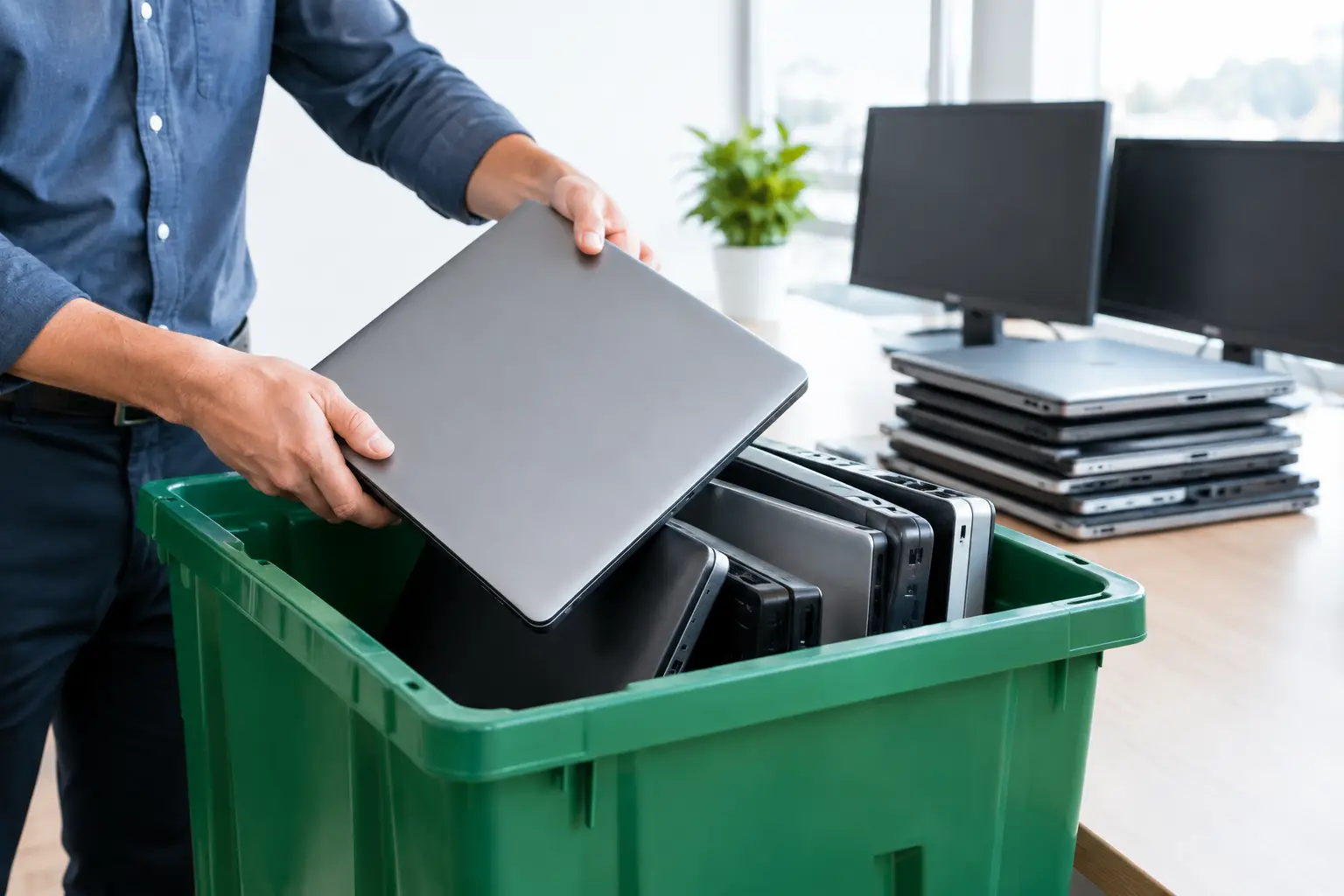
Pickup-based recycling solves a practical problem. Instead of making several trips or relying on an informal scrap collector, you can schedule collection from your location. This is useful for residents clearing outdated household electronics and for businesses replacing equipment, relocating offices, or removing unused IT stock.
Convenience should not mean a vague handoff. The strongest service combines doorstep collection with clear communication, professional handling, and records of the pickup. That gives you the ease of removal without losing visibility over where the equipment went.
When businesses need more than a one-time collection
A single office refresh can create a large volume of retired technology, but businesses also accumulate electronic waste gradually. One employee leaves and returns a laptop. A department upgrades monitors. An old network switch is replaced after a fault. Over time, these devices become an untracked pile of assets.
A scheduled disposal process helps prevent that buildup. Small and mid-sized organizations do not always need a complex enterprise program, but they do need a repeatable way to remove outdated equipment responsibly. Asset verification, documented pickup, and a clear data-handling approach can make routine IT disposal easier to manage.
This is particularly helpful for businesses without a dedicated IT asset disposal team. Administrative staff can coordinate collection, while the recycling provider handles the physical removal and secure-processing steps. The business retains the visibility it needs without turning device retirement into a major internal project.
Questions to ask before handing over electronics
Before choosing a recycler or pickup service, ask how data-bearing devices are identified and handled. Find out whether secure wiping is available, whether hard drive destruction support can be arranged, and what documentation you receive after collection. These are practical questions, not technical formalities.
You should also ask whether the provider handles the equipment directly or simply collects it for an unknown third party. Transparency matters because the final destination of electronics affects both environmental responsibility and data security. A trustworthy provider should be able to explain the collection process in plain language.
Price can be part of the decision, but it should not be the only factor. Free or informal collection may sound convenient until you consider the value of the information stored on a device. For equipment that held sensitive files, the cost of an unclear disposal trail can be far greater than the cost of handling it properly.
A retired device should not become an unresolved risk sitting in a drawer or storage room. Set aside the equipment, identify anything that holds data, and arrange a pickup process that gives you confidence from collection through responsible recycling.

Leave a Reply