

That old laptop in the closet may look harmless, but it can still hold saved passwords, personal documents, photos, and account information. A broken desktop, printer, phone, or external drive creates a different problem: it is too bulky or inconvenient to transport, yet too risky to leave with an unknown collector. The best home electronics pickup services solve both issues by collecting equipment at your door while treating every device as an item that deserves careful handling.
For households, a pickup service should make responsible disposal easier without asking you to guess where your electronics will end up. For small businesses, the standard should be higher: secure handling, clear records, and practical support for devices that may contain company or customer data.
What Makes a Home Electronics Pickup Service Worth Using?
Convenience matters, but it should not be the only deciding factor. A service that simply removes a pile of electronics may save a trip to a recycling center, but it does not automatically protect the information stored on those devices or confirm responsible downstream processing.
A dependable provider starts with clear communication. You should be able to describe what you have, arrange a pickup time, and understand whether there are minimum quantities, service charges, or special requirements for heavy equipment. The process should feel organized, not like handing sensitive equipment to an unverified buyer.
The strongest services also recognize that electronics are not all alike. A keyboard and a desktop computer may both be recyclable, but the computer may contain a hard drive, while a printer may have internal memory. Phones, tablets, network equipment, servers, and external storage devices can all retain data even after they stop working.
Best Home Electronics Pickup Services: What to Compare
When comparing the best home electronics pickup services, focus on accountability rather than the promise of free removal alone. Free pickup can be useful when it fits your situation, but security and transparency are usually more valuable than the lowest immediate cost.
Data security options
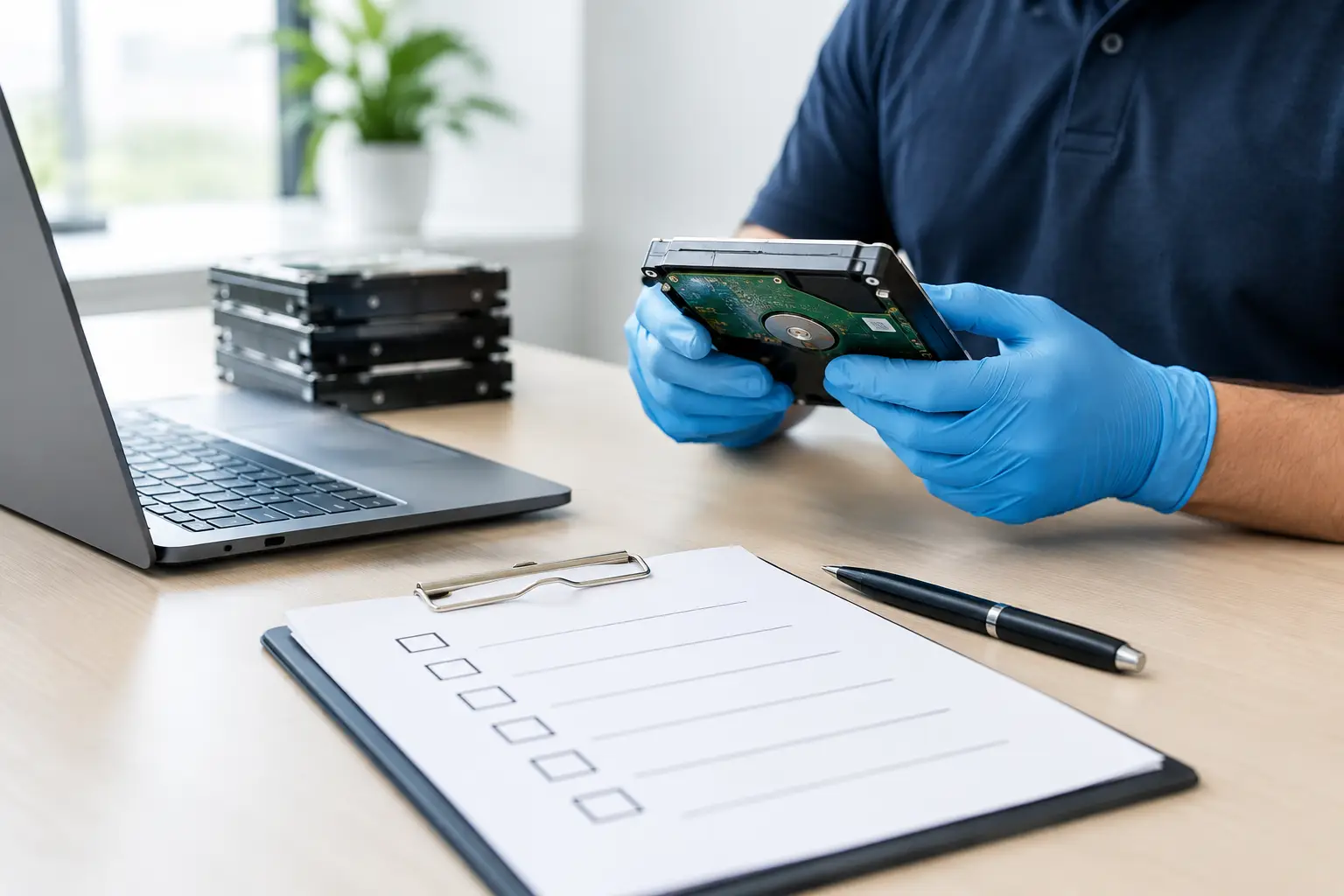
Ask what happens to data-bearing devices. A professional electronics pickup provider should be able to explain whether it offers data wiping, physical hard drive destruction support, or both. For usable hard drives, a recognized multi-pass wiping process can remove recoverable data before recycling or reuse. For damaged drives or equipment that cannot be powered on, physical destruction may be the more suitable option.
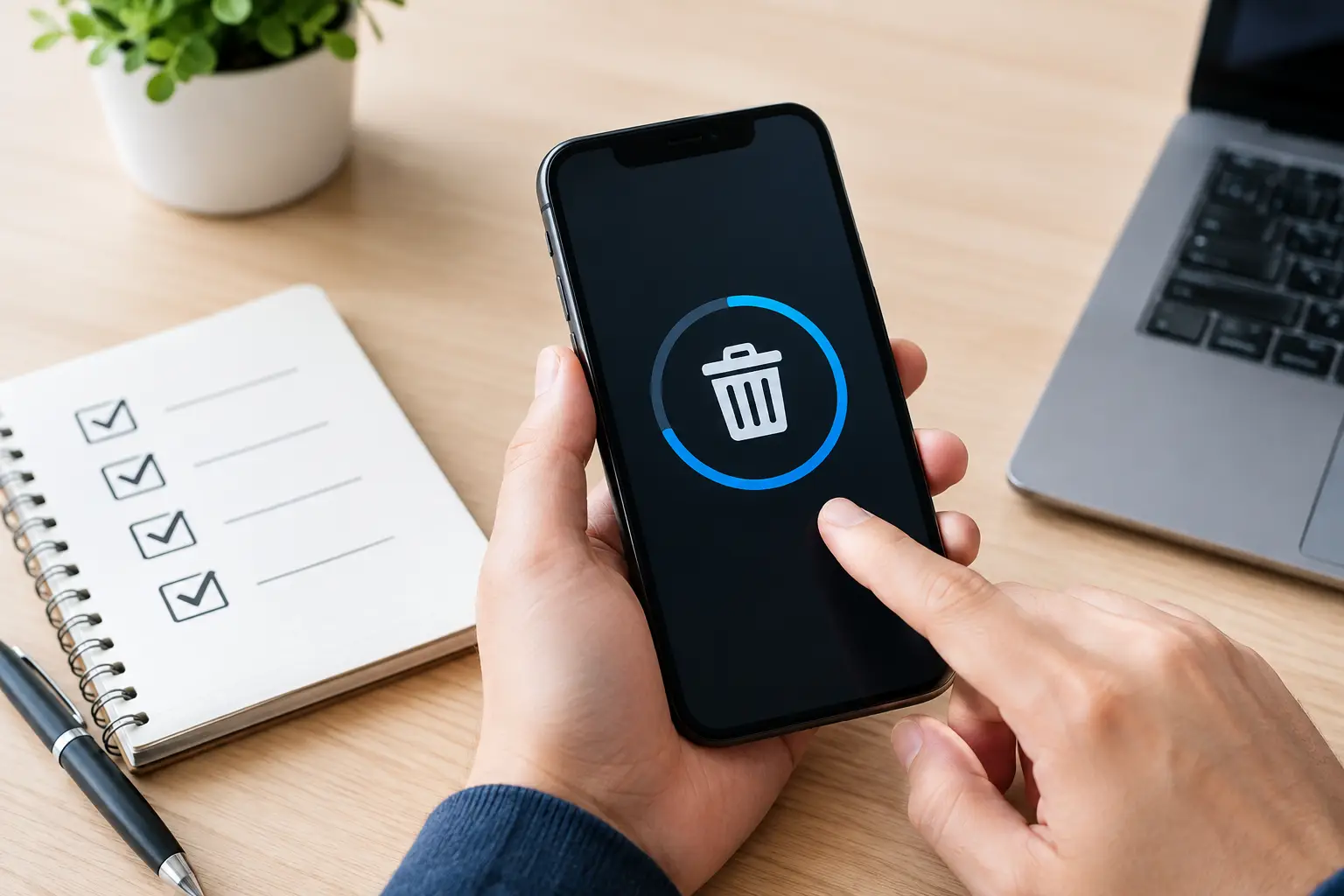
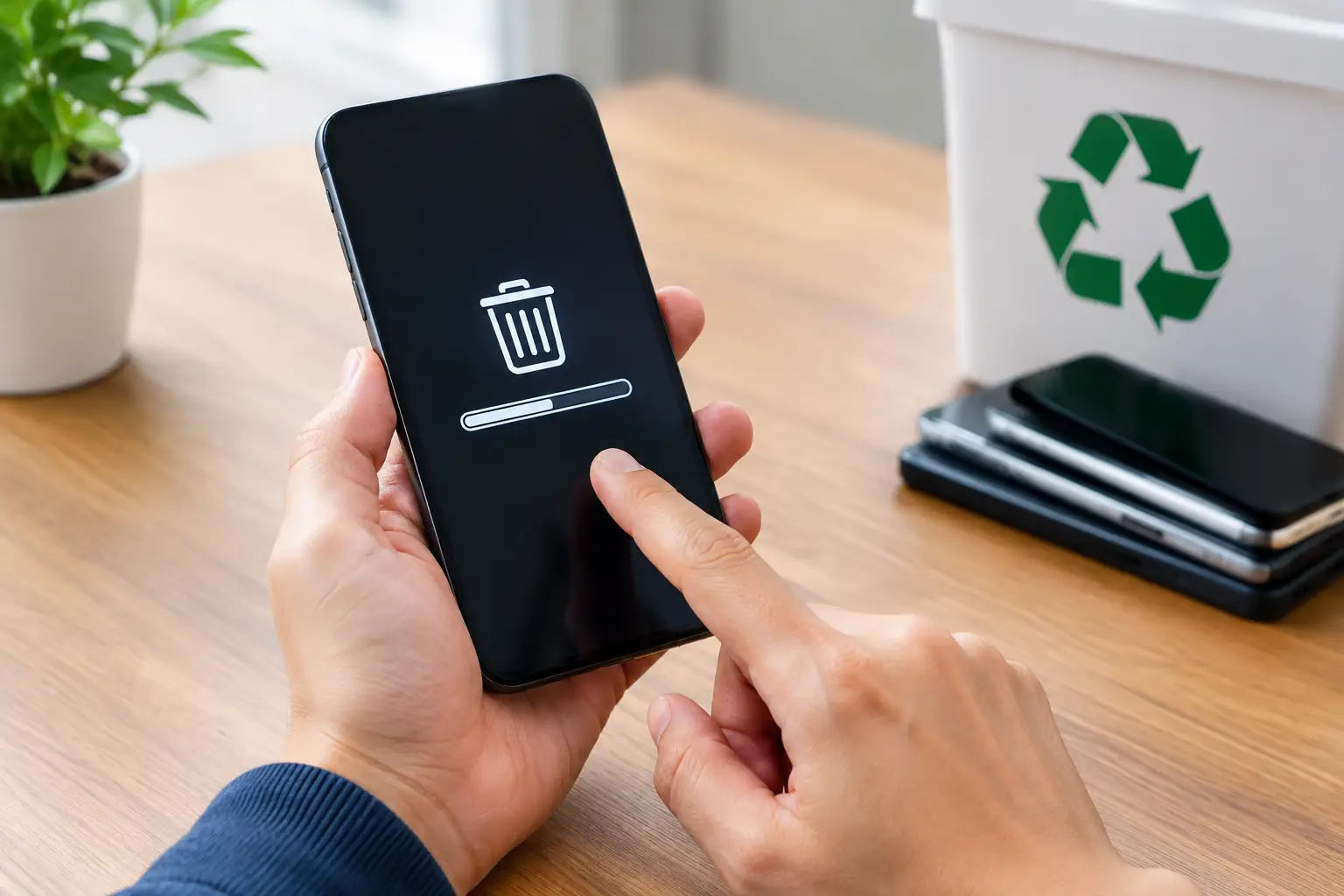
Do not assume that deleting files, emptying the recycle bin, or resetting a device is enough. Those steps may remove what you can see while leaving data recoverable with the right tools. This is especially relevant for old laptops, desktops, phones, USB drives, network storage, and office servers.
Proof that the pickup happened
A pickup record is a small detail that becomes very useful later. It gives households confidence that their equipment entered a managed disposal process. For businesses, it supports internal records and can help an office manager account for retired IT assets.
The documentation does not need to be complicated to be valuable. At a minimum, it should identify the collection date and the types or quantity of items collected. Businesses with larger inventories may also need device-level asset verification, such as serial numbers or asset tags, before equipment leaves the site.
Accepted equipment and practical limits
Before scheduling, confirm what the provider accepts. Most home electronics pickup services commonly collect computers, laptops, monitors, phones, printers, routers, keyboards, cables, small office equipment, and external drives. Some also handle servers, switches, UPS units, and other business IT hardware.
It depends on the provider when it comes to large appliances, damaged batteries, televisions, or equipment with unusual components. Ask in advance rather than placing unapproved items outside for collection. A good service will tell you what it can safely handle and what requires a separate arrangement.
How equipment is handled after collection
Responsible recycling is more than moving electronics from your home to another location. Devices should be sorted for reuse, recycling, or secure destruction according to their condition and data risk. Reusable equipment may have value, but reuse should only happen after proper data removal and assessment.
Ask whether the provider coordinates with licensed recycling partners for downstream processing. This helps distinguish a professional service from an informal collector who may only be interested in easily sold parts. Proper processing helps keep valuable materials in circulation while reducing the chance that discarded electronics are mishandled.
Pickup Service or Drop-Off: Which Fits Your Situation?
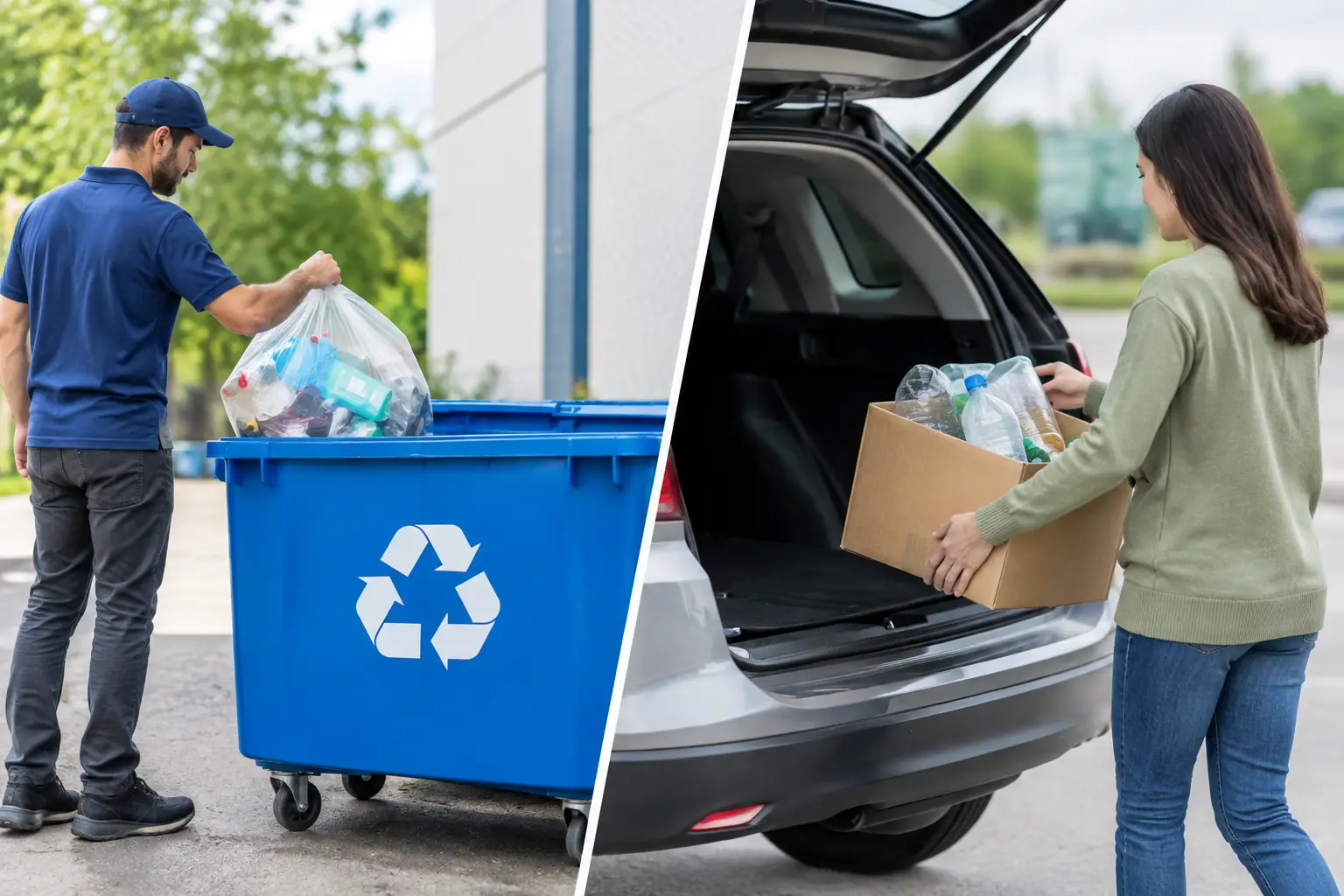
A drop-off location can work well when you have a few small items, reliable transportation, and no issue carrying equipment. It may be a practical choice for a single phone, old cables, or a compact laptop that has already been prepared for recycling.
Pickup is often the better option when you have multiple devices, heavy desktops, monitors, printers, or storage equipment. It also reduces the chance that electronics sit in a car trunk, office hallway, or home garage for months because disposal feels like a difficult errand.
For small businesses, pickup is usually the more controlled option. Staff can gather devices in one place, confirm the inventory, and hand equipment over through a scheduled process. This is particularly helpful during office moves, hardware refreshes, storage cleanouts, or when replacing several workstations at once.
Prepare Your Electronics Before Pickup
A professional provider can handle the collection and advise on data security, but a little preparation makes pickup day easier. Remove personal accessories and anything you intend to keep, such as SIM cards, memory cards, USB receivers, and device cases. If you have access to the device, sign out of accounts and remove it from services such as device tracking or activation locks.
For computers and phones, back up any files you still need before arranging disposal. Once a drive has been wiped or destroyed, recovery is not expected. If you are unsure whether a device contains important data, say so before pickup rather than making assumptions.
Businesses should identify devices that contain sensitive information or belong to specific departments. A simple internal list can prevent confusion, especially where old and current equipment are stored in the same area. If asset tags or serial numbers matter to your records, capture them before collection or request asset verification as part of the service.
You do not need to spend hours cleaning every device. Basic organization is enough: group items together, separate accessories if possible, and make sure the collection team can safely access larger equipment. Let the provider know about stairs, parking restrictions, servers, unusually heavy devices, or large quantities before the scheduled time.
Questions to Ask Before Booking
The right questions help you avoid vague promises and choose a pickup partner with a process you can trust. Ask whether your specific devices are accepted, how data-bearing equipment is handled, and whether documentation is provided after collection. Confirm any pickup fee, minimum quantity, and whether extra services apply for hard drive wiping, destruction, or detailed inventory records.
If you are disposing of business equipment, also ask how devices are kept organized during collection and whether the provider can support asset verification. An IT-aware service understands that old equipment may still be part of an organization’s security responsibilities, even when it has no remaining operational value.
MYPC2U approaches collection as a secure IT disposal service, not just a scrap removal job. That means scheduled pickup, careful handling of computers and storage devices, documented collection, and coordination for responsible recycling after the equipment leaves your premises.
Choose Confidence, Not Just Clearance
The goal is not simply to create more space in your home or office. It is to remove unwanted electronics without creating a data security problem or losing sight of where the equipment goes next. A trustworthy pickup service gives you a clear process, sensible answers, and a record of the handoff.
Before your next cleanout, set aside the devices you no longer use and treat them with the same care you would give old paperwork or expired company files. The right collection partner can turn a cluttered corner into a responsible, documented next step.

Leave a Reply