
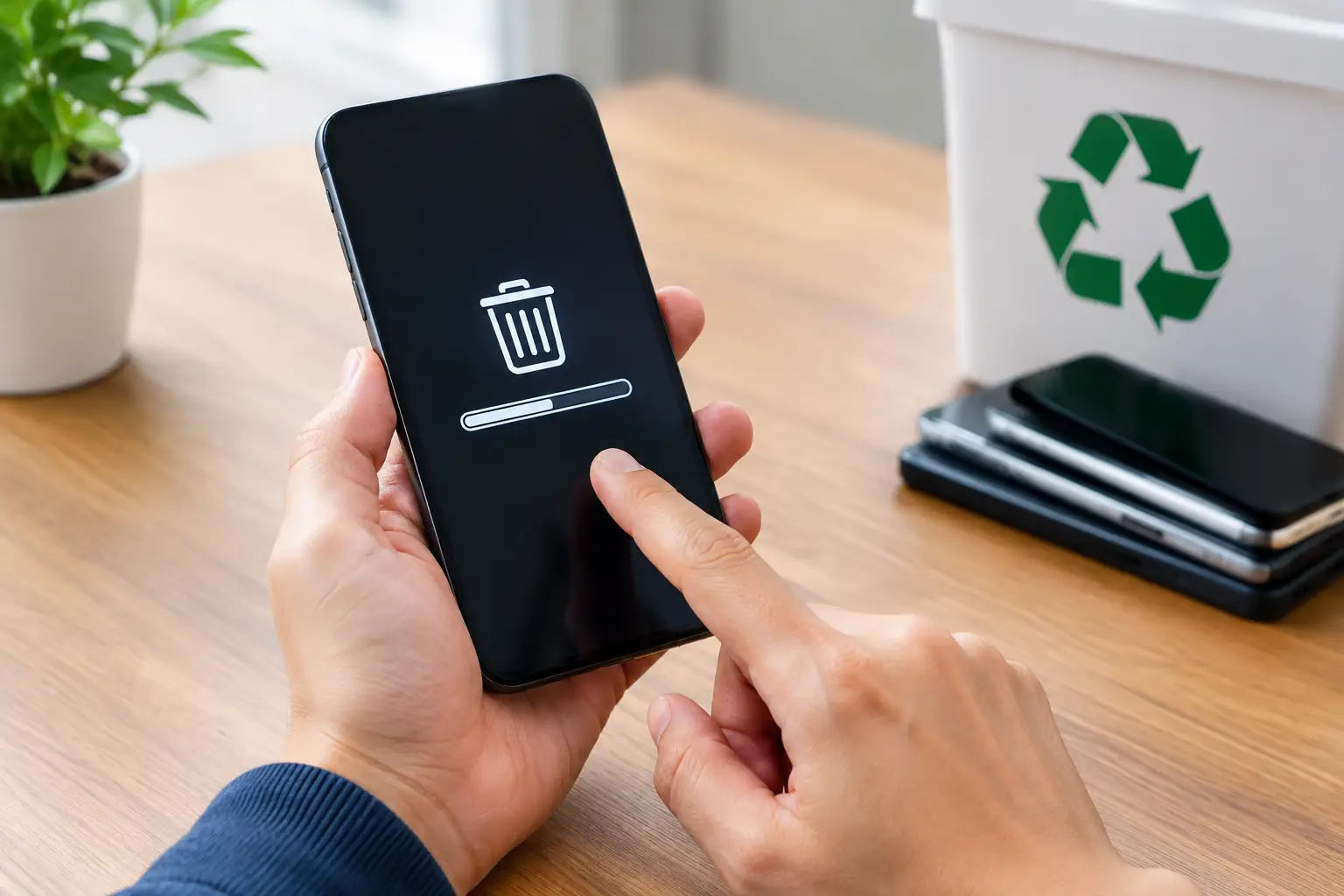
That retired phone in a desk drawer may still hold far more than old photos. Saved passwords, banking alerts, work email, customer contacts, authentication apps, and cloud access can remain available if the device is not prepared properly. Knowing how to erase phone data before recycling helps protect your privacy while ensuring the phone can move into responsible reuse or recycling channels.
A factory reset is usually part of the answer, but it is not the only step. Before handing over a phone, you should remove accounts, disconnect the device from services that can lock it for the next owner, take out removable cards, and confirm that the reset completed successfully. For business phones, the process may also need approval, asset records, and documented collection.
How to erase phone data before recycling
Start by deciding whether you need anything from the phone. Once a proper wipe is complete, recovering data should not be part of the plan. Check for photos, files, messages, notes, contacts, and app data that are not already stored elsewhere. If the phone is being replaced, verify that your backup transferred correctly to the new device before you erase the old one.
For a personal device, this may mean confirming that your photos are synced and that you can sign in to the apps you rely on. For a work phone, check with your IT administrator first. Company devices may contain managed apps, business records, client communications, or security settings that require a specific offboarding process.
Next, sign out of your main phone account. On an iPhone, sign out of your Apple Account and turn off Find My before resetting the device. This removes Activation Lock, which otherwise ties the phone to your account even after its contents have been erased. On many Android phones, remove the Google account and any manufacturer account, such as Samsung account, before the reset. This helps prevent Factory Reset Protection from locking the device after recycling.
Do not skip this step just because the phone is broken, old, or headed for recycling. Account locks are designed to protect owners from theft, but they can also make a legitimately recycled device unusable. More importantly, leaving an account signed in can create avoidable uncertainty about whether access has truly been removed.
Remove cards and disconnect services
Take out the physical SIM card and any microSD card before recycling. The SIM can contain subscriber information and contacts on older devices. A microSD card can hold photos, downloads, recordings, and app files that are not removed by a phone factory reset.
If you use an eSIM, contact your mobile carrier or use its approved process to transfer or remove the cellular plan. This is particularly relevant when trading in a current phone or passing it to a recycler shortly after getting a replacement. You do not want a device you no longer possess to remain associated with an active mobile service.
Also unpair the phone from watches, Bluetooth accessories, digital car keys, and authentication apps where applicable. If the phone is used for two-factor authentication, move those codes or recovery methods to your new device first. A reset removes the app, but it does not automatically solve every account recovery issue.
Run the factory reset from Settings
Once your backup, account sign-out, and card removal are complete, use the phone’s built-in reset feature. On most iPhones, this is found under Settings, General, Transfer or Reset iPhone, then Erase All Content and Settings. On Android phones, the wording varies by manufacturer, but it is commonly under Settings, System or General Management, Reset, then Factory Data Reset.
Follow the on-screen prompts and allow the device to finish. Keep it connected to power if the battery is low. Afterward, the phone should restart to its initial setup screen, asking for language, region, or Wi-Fi details. Do not enter your information again. Reaching that setup screen is a practical confirmation that the user data has been removed.
Modern smartphones generally encrypt data by default. A factory reset on a properly functioning, encrypted device removes the keys needed to read the stored information, making the remaining data inaccessible through normal means. That is why a standard factory reset is usually appropriate for a modern iPhone or Android device after accounts are removed.
The situation can be different with very old phones, devices with modified software, or phones that are damaged and cannot be reset. In those cases, professional data wiping or physical storage destruction may be the safer choice.
When a factory reset is not enough
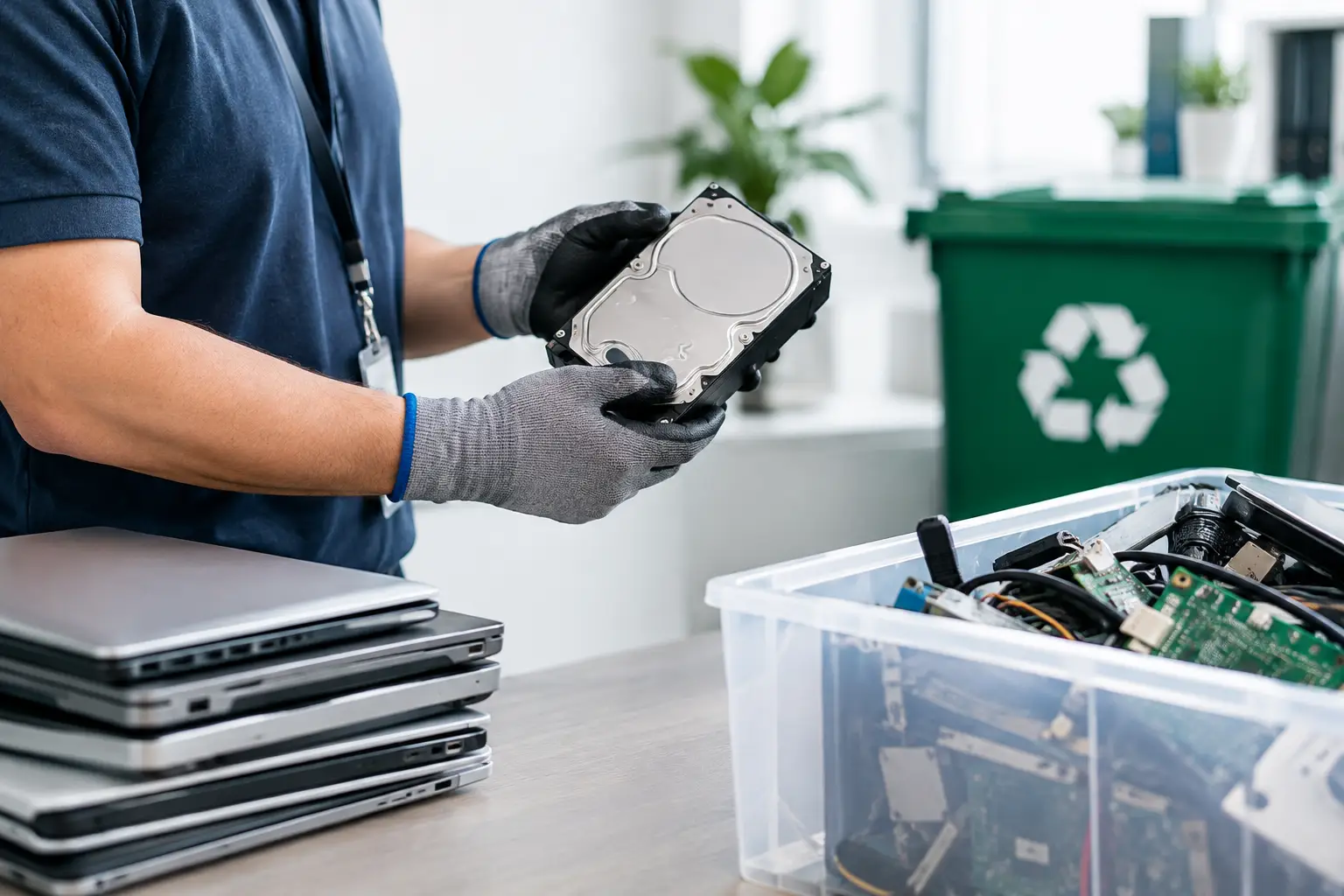
A phone that will not power on, has a broken screen, freezes during reset, or cannot be unlocked needs extra care. Do not assume it is safe simply because you cannot access it yourself. The internal storage may still contain your data.
For households, tell the recycling provider that the device is nonfunctional and may still contain data. A professional recycler should be able to explain the available handling options rather than treating every item as ordinary scrap. Depending on the device condition and service scope, secure data wiping may be possible, or the storage media may need to be physically destroyed.
For businesses, this is where a documented IT asset disposal process matters most. Keep a record of the device model, serial number or asset tag, assigned user, and its final disposition. If sensitive records, employee information, customer details, or regulated data may be present, confirm whether the device requires a wipe certificate, destruction support, or another form of evidence for your records.
MYPC2U supports secure collection and data-conscious handling for phones and other IT equipment, including documented pickup records for organizations that need greater disposal accountability. The right service depends on the device type, its condition, and the level of data risk involved.
A practical checklist before phone recycling
Before your scheduled pickup or drop-off, make sure you have completed the basics:
- Back up any files, photos, contacts, and authentication details you still need.
- Sign out of Apple, Google, manufacturer, email, and work-management accounts.
- Turn off Find My, Activation Lock, Factory Reset Protection, and similar anti-theft services.
- Remove physical SIM cards, microSD cards, cases, and personal accessories.
- Erase the device through its built-in factory reset settings.
- Confirm that it restarts at the welcome or setup screen.
- Record the serial number, IMEI, or company asset tag if you need proof of disposal.
For an office clearing multiple phones, organize devices by department or asset owner before collection. A simple inventory avoids confusion later and makes it easier to identify phones that were not returned, are still account-locked, or need special data handling. It also gives your recycling partner a clearer handover record.
Do not forget the accessories and other devices
Phone disposal often happens alongside tablets, laptops, smartwatches, routers, old chargers, and desktop equipment. These items should not go in household trash. Batteries and electronic components require appropriate downstream handling, and several of these devices may hold personal or business data of their own.
Chargers and cables usually do not store personal information, but they can be collected with electronic recycling when accepted. Watches and tablets, however, should be treated much like phones: back them up, remove accounts, remove cellular plans where relevant, and reset them before collection.
A little preparation turns recycling from a risky handoff into a controlled process. Erase the phone, remove the accounts that bind it to you, and use a recycler that can handle electronics with the care they deserve.




Leave a Reply