
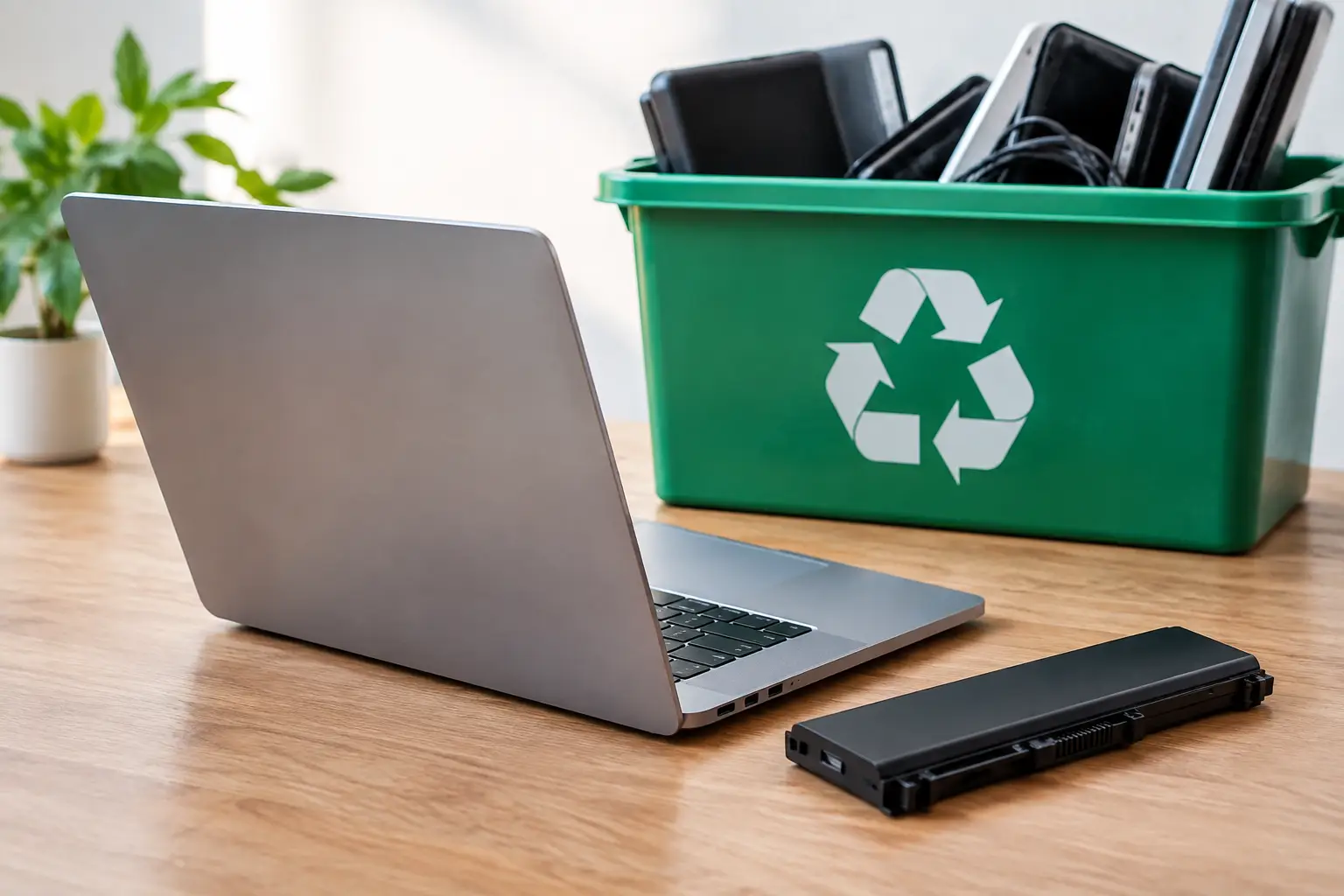
A retired laptop in a closet is easy to ignore. A stack of old desktops, monitors, and network equipment taking up an office storeroom is harder to overlook – especially when those devices may still hold customer details, staff records, passwords, or business files. The choice between electronic recycling pickup vs dropoff is not only about how equipment leaves your home or workplace. It can also affect data security, time, documentation, and confidence in what happens next.
For some small items, a dropoff point is perfectly practical. For equipment that is bulky, numerous, or data-bearing, a scheduled pickup can provide a more controlled process. The right option depends on what you are disposing of and how much accountability you need.
Electronic Recycling Pickup vs Dropoff: The Main Difference
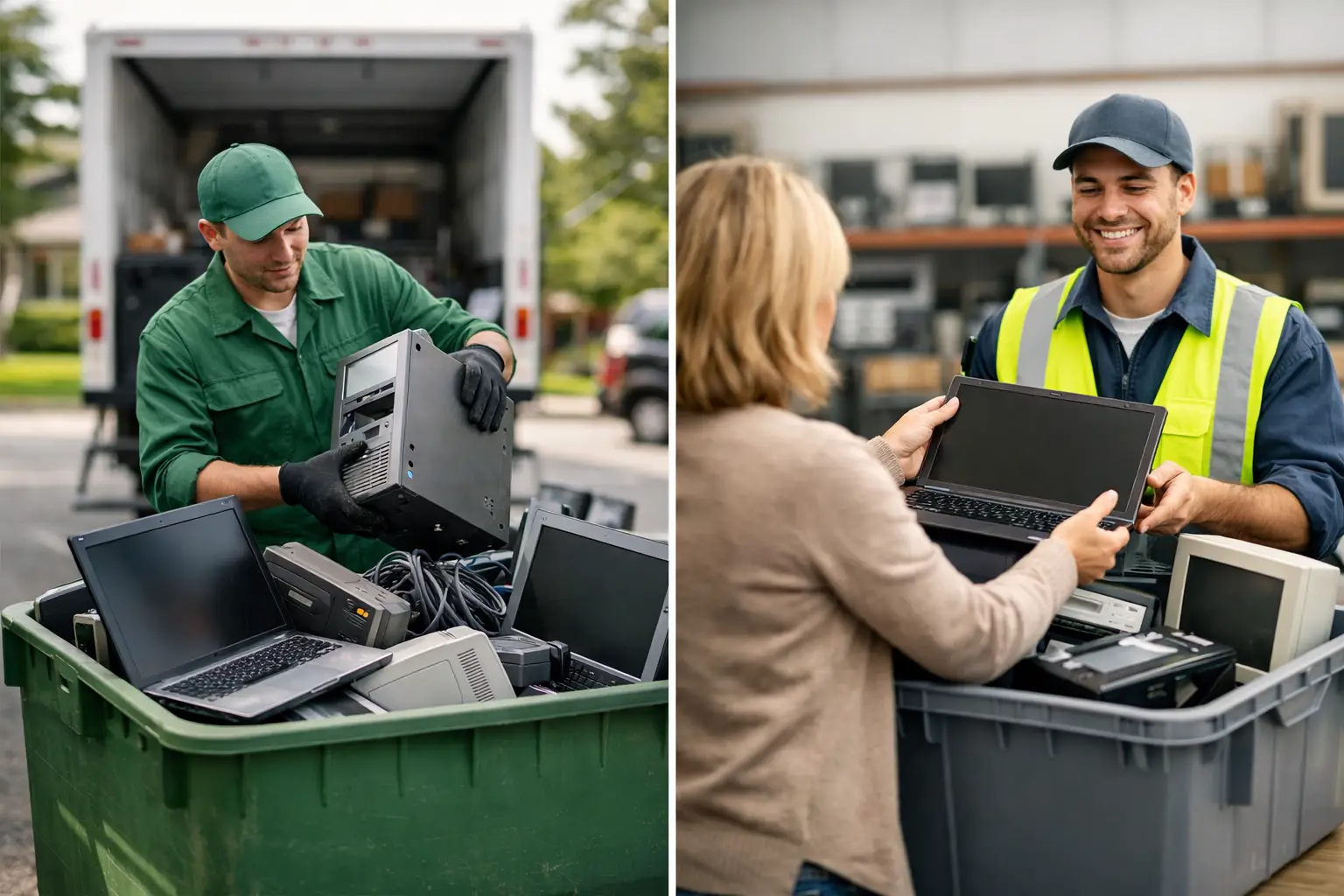
Dropoff recycling means you transport unwanted electronics to a collection point, recycling center, retailer, or community event. You remain responsible for packing the items, loading them safely, delivering them during operating hours, and confirming what the location accepts.
Pickup recycling brings the collection process to your doorstep or office. A service provider schedules a time, collects the agreed equipment, and may provide a pickup record. Depending on the provider and service selected, pickup can also include data wiping, hard drive destruction support, asset verification, and coordination with licensed downstream recyclers.
Neither choice is automatically better in every situation. The practical question is whether the convenience and safeguards of pickup are worth it for the type and volume of equipment you have.
When Dropoff Is a Sensible Choice
Dropoff can work well when you have a few low-risk items, reliable transportation, and enough time to handle the trip. For example, a household replacing one basic keyboard, a damaged mouse, or a small set of cables may find a local dropoff location convenient.
It can also be a reasonable option for a personal device that has already been fully reset and checked. Before taking a phone, tablet, or computer to any recycling point, make sure you have backed up what you need, signed out of accounts, removed SIM and memory cards, and erased the device properly. A factory reset is useful, but it does not always provide the same assurance as professional data sanitization for storage devices.
The trade-off is that dropoff programs vary widely. Some accept only certain categories of electronics. Others may have size limits, fees, limited hours, or special rules for batteries, monitors, printers, and televisions. You may also receive little documentation showing that your equipment was handed over or how it will be handled afterward.
For businesses, that lack of records can become a problem. An office manager may be able to fit several old laptops into a car, but the question is not just whether the trip is possible. It is whether the organization can account for the devices, confirm data protection steps, and show that the equipment left the premises through an appropriate channel.
Why Pickup Often Fits Homes With Larger Electronics
Bulky electronics create a straightforward logistics issue. Desktop computers, printers, monitors, UPS units, and office machines can be awkward to carry, easy to damage in transit, and difficult to fit into a personal vehicle. Multiple trips add time and increase the chance that equipment will sit around longer than intended.
A scheduled pickup removes that transport burden. You can gather the devices in one accessible area, confirm the collection list, and have the equipment removed in a coordinated visit. This is especially helpful after a home office cleanup, a move, or a technology upgrade that leaves several devices behind at once.
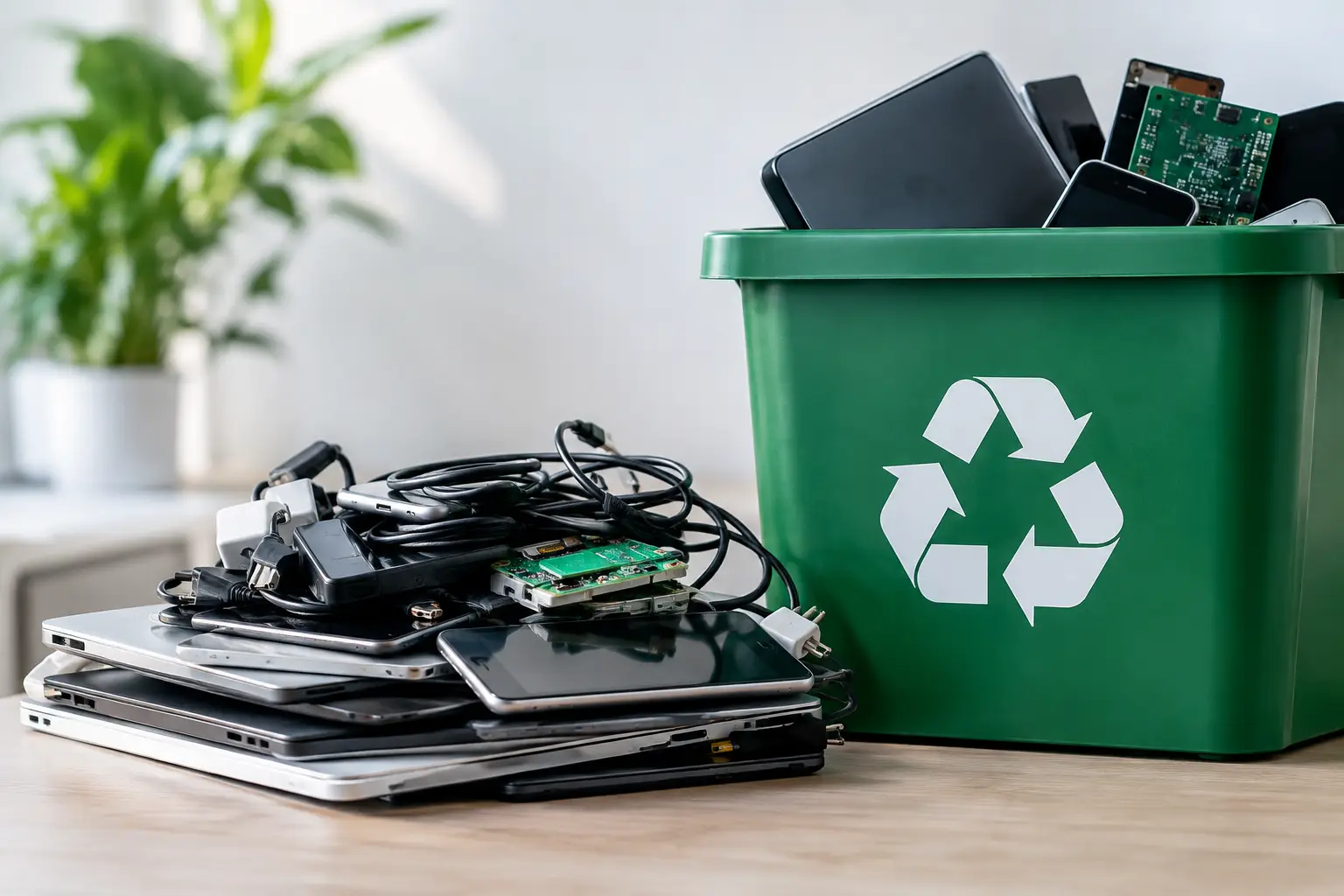
Pickup also gives households a clearer handoff. Instead of leaving electronics at an unattended bin or counter, you can use a service built around collection and responsible processing. That matters when the equipment includes old laptops, phones, external drives, or desktop computers that may still contain personal photos, tax documents, saved passwords, and account information.
Why Businesses Often Need More Than a Dropoff Receipt
For a business, outdated IT equipment is not simply clutter. Each laptop, server, hard drive, router, and office computer may be an asset with a history. It may also contain confidential data, software credentials, client information, financial records, or internal communications.
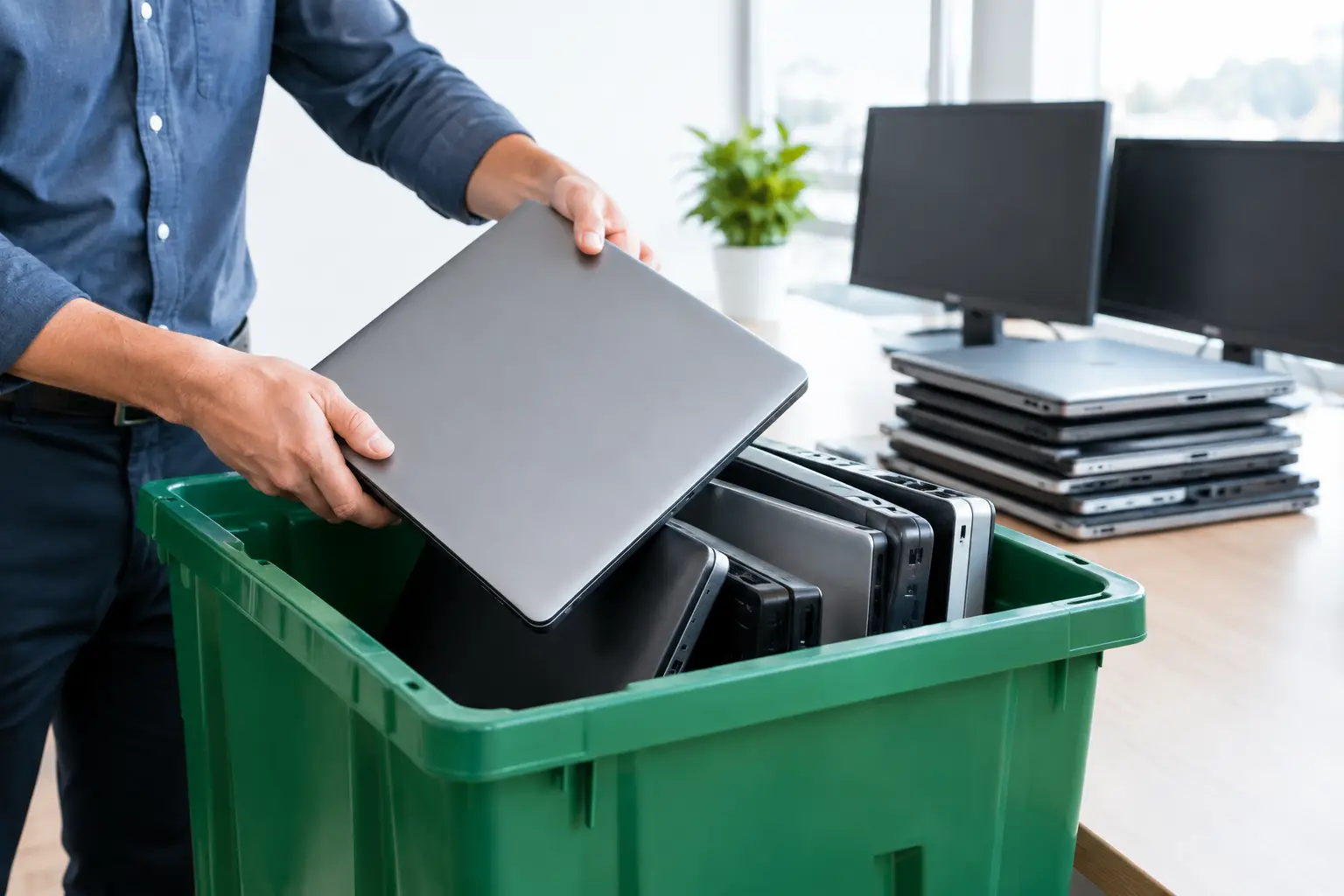
This is where pickup-based IT asset disposal can offer a stronger fit. Collection can be planned around office operations, minimizing disruption to staff. Equipment can be counted or verified before removal, and the business can retain documented pickup records for internal tracking.
Documentation does not have to be complicated to be useful. A clear record of what was collected, when it was collected, and who took custody provides an operational trail. For an SME, this supports better asset management. For administrative teams, it reduces the uncertainty of sending employees to dispose of company devices on their own.
The volume of equipment matters too. A business replacing ten laptops has different needs from a household dropping off one old phone. Once servers, storage drives, switches, monitors, and multiple workstations are involved, professional collection is often safer and more efficient than trying to organize transportation internally.
Data Security Is the Deciding Factor for Many Devices
Convenience is valuable, but data risk is usually the reason people look beyond generic recycling options. Deleting files or emptying the recycle bin does not remove data from a hard drive in a dependable way. Even a reset may not meet an organization’s internal requirements for retiring devices.
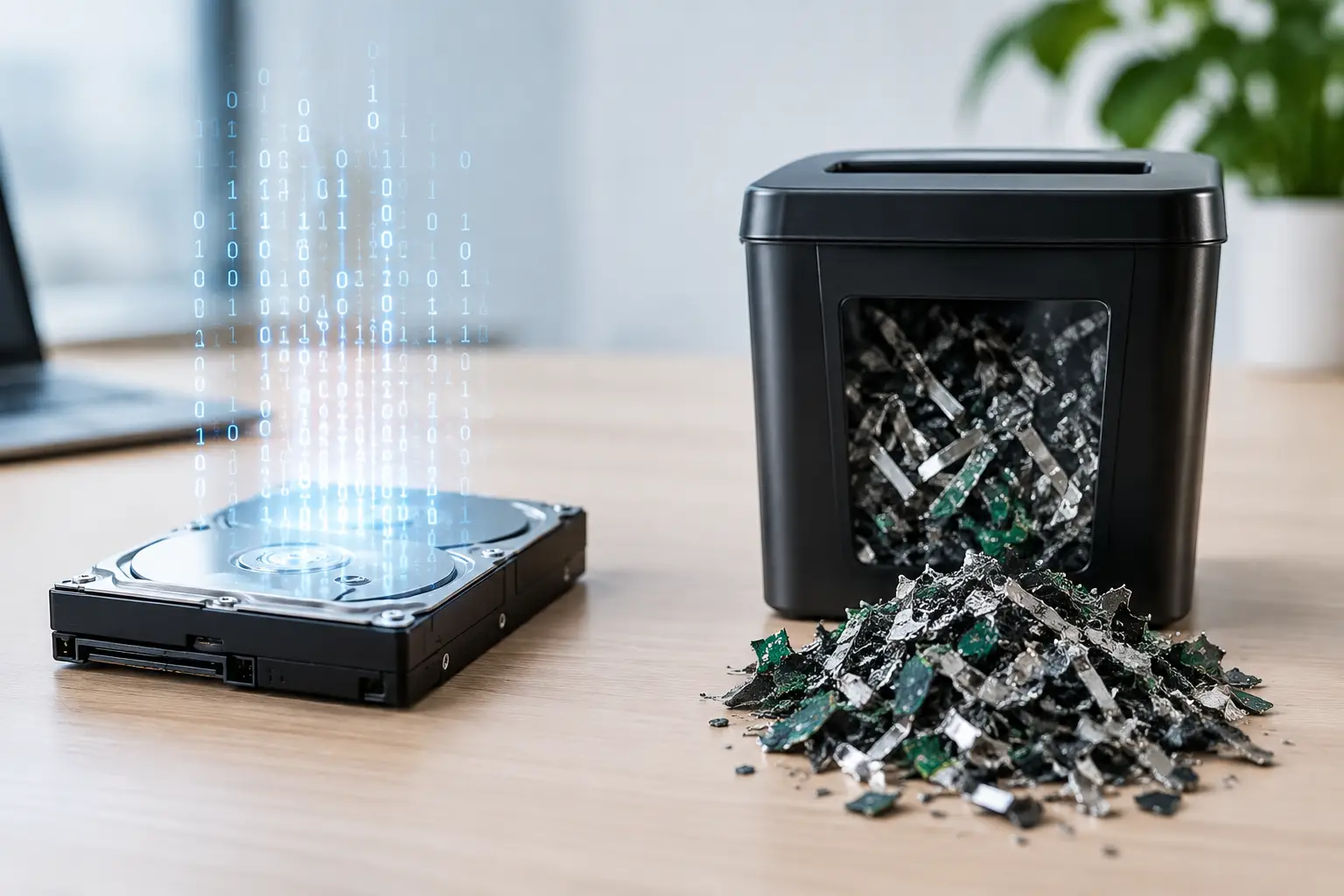
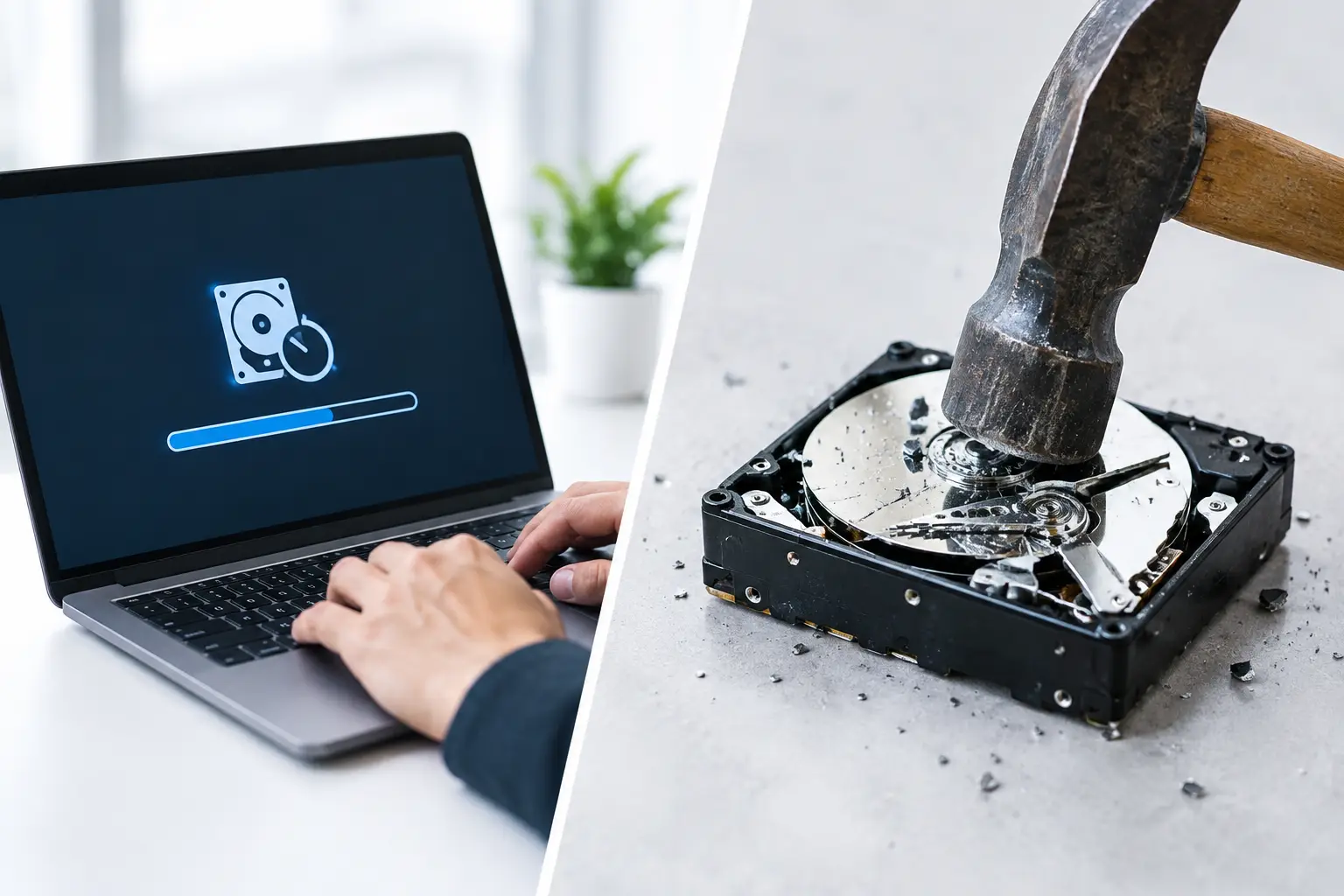
Ask what happens to data-bearing equipment before you hand it over. A professional provider should be able to explain whether it offers secure data wiping, physical drive destruction support, or both. It should also be clear about which service applies to which device.
For reusable drives, a recognized wiping process can remove data while allowing the hardware to continue through an appropriate reuse or recycling stream. MYPC2U supports DoD 5220.22-M 3-pass data wiping for applicable storage devices, helping customers take a more deliberate approach to retired IT assets. When a drive is damaged, nonfunctional, or requires a different level of assurance, physical destruction support may be the more appropriate option.
The best choice depends on the device, the sensitivity of the information, and your own policy requirements. A household may prioritize protection for personal files. A business may need a repeatable process that can be applied across many devices and documented for management or audit purposes.
Questions to Ask Before You Choose a Recycling Method
Whether you choose pickup or dropoff, a few practical checks can prevent mistakes. Confirm that the provider accepts your specific equipment, including items such as monitors, printers, batteries, servers, and networking hardware. Ask how devices are stored and transported after collection, particularly if they contain data.
You should also ask whether there is proof of collection, whether data wiping or destruction is available, and how the recycler handles equipment downstream. Responsible disposal is more than removing electronics from a property. It means making sure they enter an appropriate recycling process rather than being handled as untraceable scrap.
For businesses, prepare an internal list before collection. It does not need to be overly detailed, but noting device types, quantities, and any known storage media makes the handoff easier. Remove equipment from desks, disconnect cables where practical, and separate personal items from company devices. If a device is still in use, confirm that important files have been transferred before it is collected.
For households, place smaller accessories together and keep loose batteries separate when required. Do not force swollen or damaged batteries into boxes with other electronics. Let the recycling provider know in advance if any items are damaged or unusually large so collection can be planned safely.
Choosing the Option That Matches Your Situation
Dropoff is often enough for a small number of low-risk electronics when you can transport them easily and have confirmed the facility’s rules. It is a simple option when the equipment is already prepared and documentation is not a major concern.
Pickup is generally the stronger choice when devices are heavy, numerous, difficult to transport, or likely to contain sensitive data. It is also valuable when your business needs collection records, asset verification, coordinated scheduling, or secure data handling as part of the disposal process.
Old electronics should not become a permanent storage problem because disposal feels inconvenient or uncertain. Choose the method that gives you a clear handoff, the right level of data protection, and confidence that your devices are being handled responsibly.

Leave a Reply