
An old laptop can look harmless sitting in a storeroom, but its drive may still hold years of email, passwords, customer files, tax records, photos, or company documents. Data destruction is the step that makes disposal safer by ensuring that sensitive information cannot be recovered before equipment is recycled, reused, or passed on.
For households, that may mean protecting banking details and private photos. For businesses, it can mean preventing the exposure of employee information, client records, financial documents, system credentials, and confidential projects. The device may be outdated, broken, or no longer useful, but the data on it can still create a real risk.
Data destruction is more than deleting files
Deleting a folder, emptying the recycle bin, or performing a factory reset does not always remove data permanently. Those actions often tell the operating system that storage space can be reused. Until new data replaces it, parts of the original information may still be recoverable with the right tools.
This is why a responsible disposal process begins with identifying where data may be stored. In addition to desktop computers and laptops, information can remain on external hard drives, USB drives, servers, network-attached storage, mobile phones, tablets, printers, copiers, and certain network devices. A multifunction office printer, for example, may retain scanned documents or print-job history on internal storage.
The right approach depends on the device, the type of storage inside it, its condition, and the sensitivity of the information. There is no single method that is best for every item.
Secure wiping vs. physical destruction
Secure data wiping and physical drive destruction are both useful, but they serve different purposes.
A secure wipe uses specialized software to overwrite data on a working storage device. MYPC2U supports DoD 5220.22-M 3-pass data wiping for suitable drives, a process designed to overwrite existing information multiple times. When a drive is functional and intended for reuse or resale, wiping can be a practical choice. It helps protect data while allowing the device or component to remain usable.
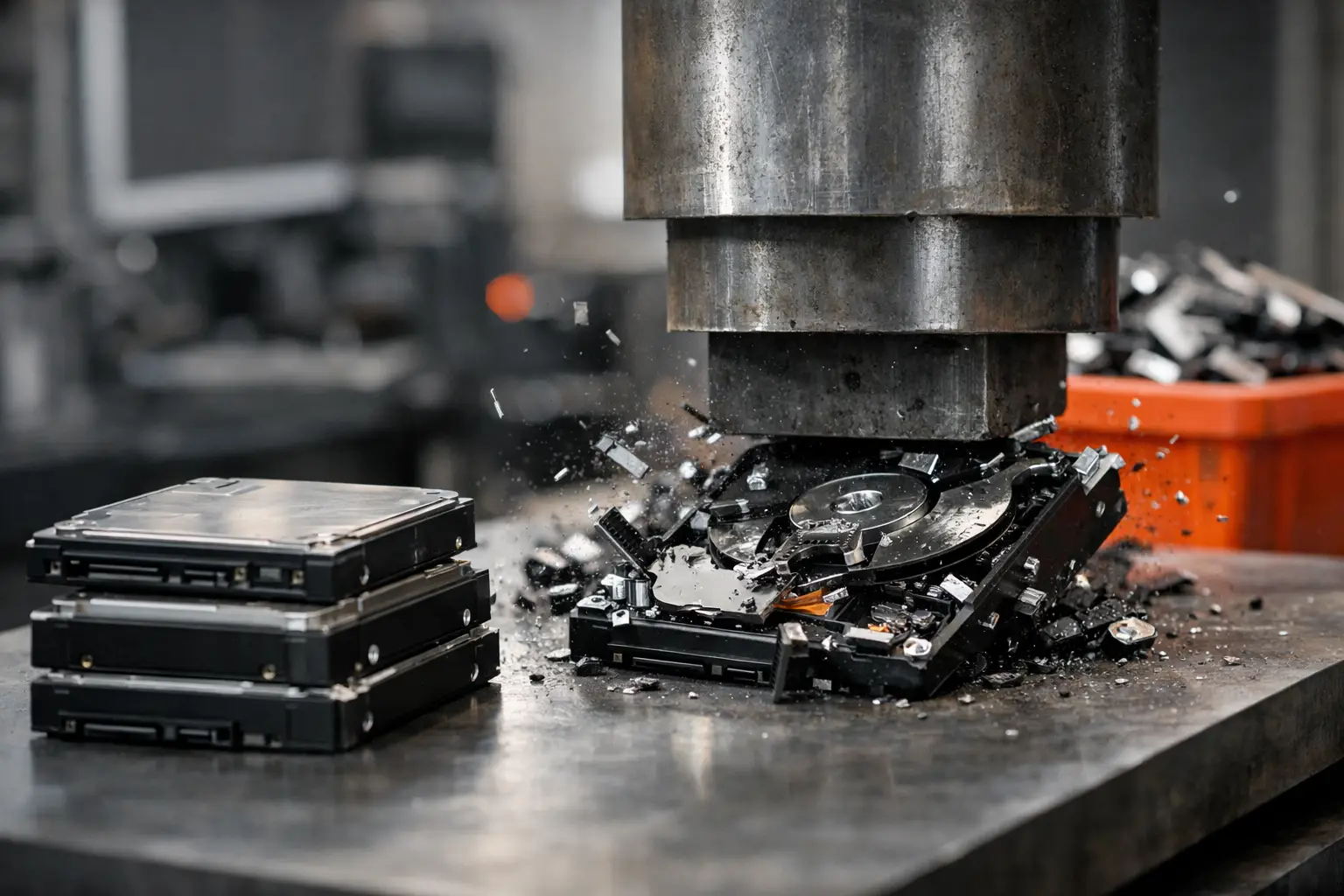
Physical destruction renders the storage media unusable. This may involve destroying a hard disk drive so the platters that store information cannot be read. It is often the preferred option for failed drives, highly sensitive business data, damaged equipment, or situations where an organization needs the highest level of assurance that the drive will not re-enter use.
There is a trade-off. Wiping supports reuse and can extend the useful life of equipment, which is generally better than discarding a functional device unnecessarily. Physical destruction provides stronger finality, but the destroyed component cannot be reused. For many businesses, the decision comes down to their internal policies, client commitments, and the consequences of a data breach.
Solid-state drives require particular care. Unlike traditional hard drives, SSDs store data across flash memory chips and use internal processes that can make conventional overwriting less predictable. A provider should assess the storage type rather than assume every drive can be handled in exactly the same way.
When should you choose physical data destruction?
Physical destruction is a sensible option when a drive cannot be powered on, cannot be wiped reliably, or contains highly confidential data. A failed server drive is a common example. Even though the server no longer starts, the storage disks may still contain customer databases, accounting records, backups, or access credentials.
It is also worth considering for drives removed from former employee laptops, decommissioned office computers, and equipment used in finance, health care, legal services, or other privacy-sensitive work. The more damaging an exposure would be, the stronger the case for a documented destruction process.
For a household, physical destruction may be appropriate for an old drive with personal information that no longer works. If the device is functional and you want it reused, secure wiping may be the more practical route. What matters is avoiding the assumption that broken equipment has no recoverable data.
A safer process for disposing of IT equipment
Good data protection does not begin at the recycling facility. It begins when devices leave your home or office. Informal collection arrangements can create uncertainty about who handled the equipment, whether storage devices were removed, and where the items eventually went.
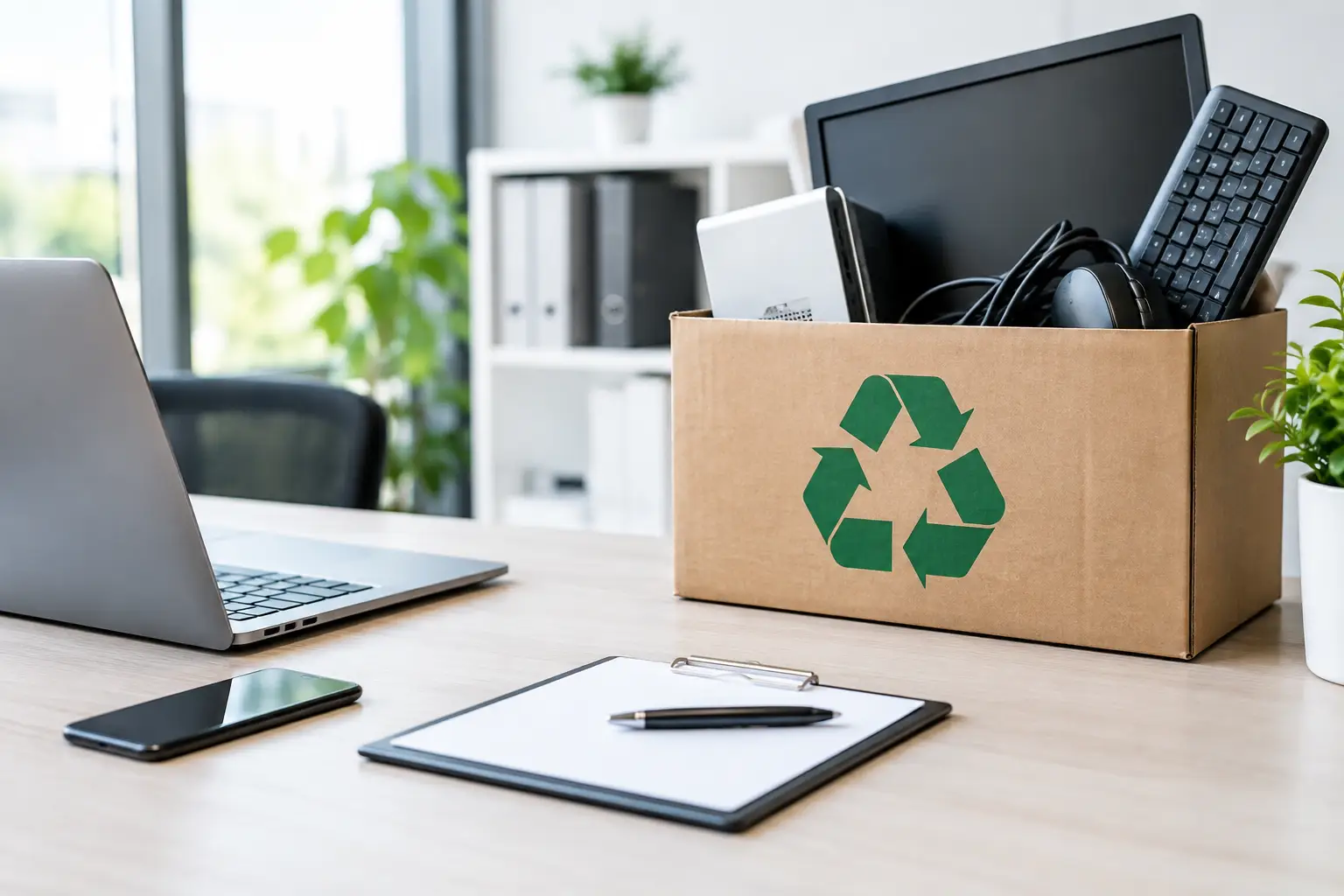
A professional pickup process creates more control. Before collection, identify the equipment you want removed and separate devices that may contain data from general electronic accessories. Businesses should also check whether any laptops, phones, or servers are still assigned to staff or connected to active accounts. Removing a device from use is not the same as clearing its data, but it prevents accidental disruption during disposal.
At pickup, an itemized record helps confirm what was collected. This is particularly useful for offices replacing several computers, monitors, servers, or network devices at once. A documented pickup record gives administrative teams a clear reference for their asset files and helps show that retired equipment was transferred for responsible handling.
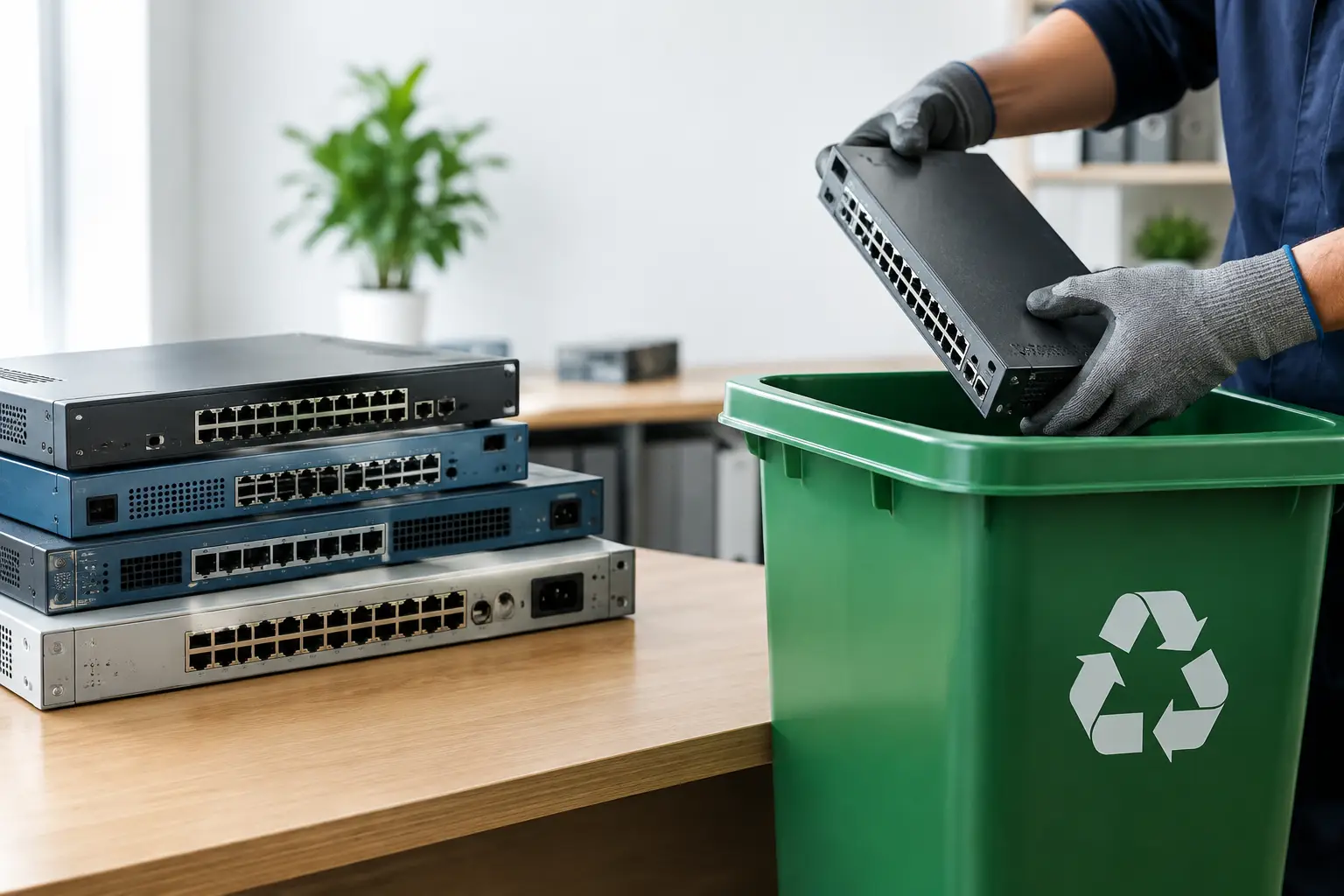
After collection, working devices can be assessed for secure wiping or appropriate downstream processing. Devices and components that cannot be reused should be directed through responsible recycling channels rather than mixed into general waste. This keeps electronic materials out of inappropriate disposal streams and reduces the chance that data-bearing equipment is mishandled.
Common mistakes that leave data exposed
The most common mistake is storing old devices indefinitely because no one is certain what to do with them. A locked cabinet is better than leaving equipment in public view, but it is not a long-term disposal plan. Over time, devices get moved, forgotten, donated, or handed to informal collectors without a clear record.
Another mistake is treating a factory reset as a guaranteed solution. It may be adequate for certain situations, but it should not replace a proper assessment of the device and storage type. The same applies to removing a drive and keeping it in a drawer. The data is still there, and the drive can easily be misplaced.
Businesses can also overlook less obvious assets. Old backup drives, office printers, network storage, and retired phones may contain data just as sensitive as a laptop. A complete disposal review should account for every device that stores, processes, or transmits information.
What households and businesses should prepare before pickup
For households, preparation is usually straightforward: gather unwanted electronics in one place, remove personal accessories such as SIM cards where applicable, and make a note of any devices that contain important data. If there are files you still need, back them up before arranging disposal. Once secure wiping or physical destruction has taken place, recovery should not be expected.
For businesses, a little more planning can prevent confusion. Create a simple inventory with the device type, asset tag if available, serial number when needed, and whether the item contains a drive. This does not need to become a complicated audit for a small office. Even a basic list makes it easier to verify that the right equipment was collected and that no active device was removed by mistake.
It also helps to decide in advance which assets may be wiped for reuse and which require destruction. That decision should reflect your company policy and the data involved, not just the age or resale value of the equipment.
Responsible disposal should feel clear, not complicated
Secure IT asset disposal is not only about making old electronics disappear. It is about knowing that sensitive data was considered, equipment was handled professionally, and the collection process left a clear record. MYPC2U provides pickup-based e-waste recycling and IT asset disposal with secure handling support for homes and businesses that need a more accountable alternative to informal collection.
If a device once held information you would not want a stranger to see, treat it accordingly. A planned pickup, the right data destruction method, and responsible recycling can turn a cluttered storeroom or unused drawer into one less security concern.




Leave a Reply