
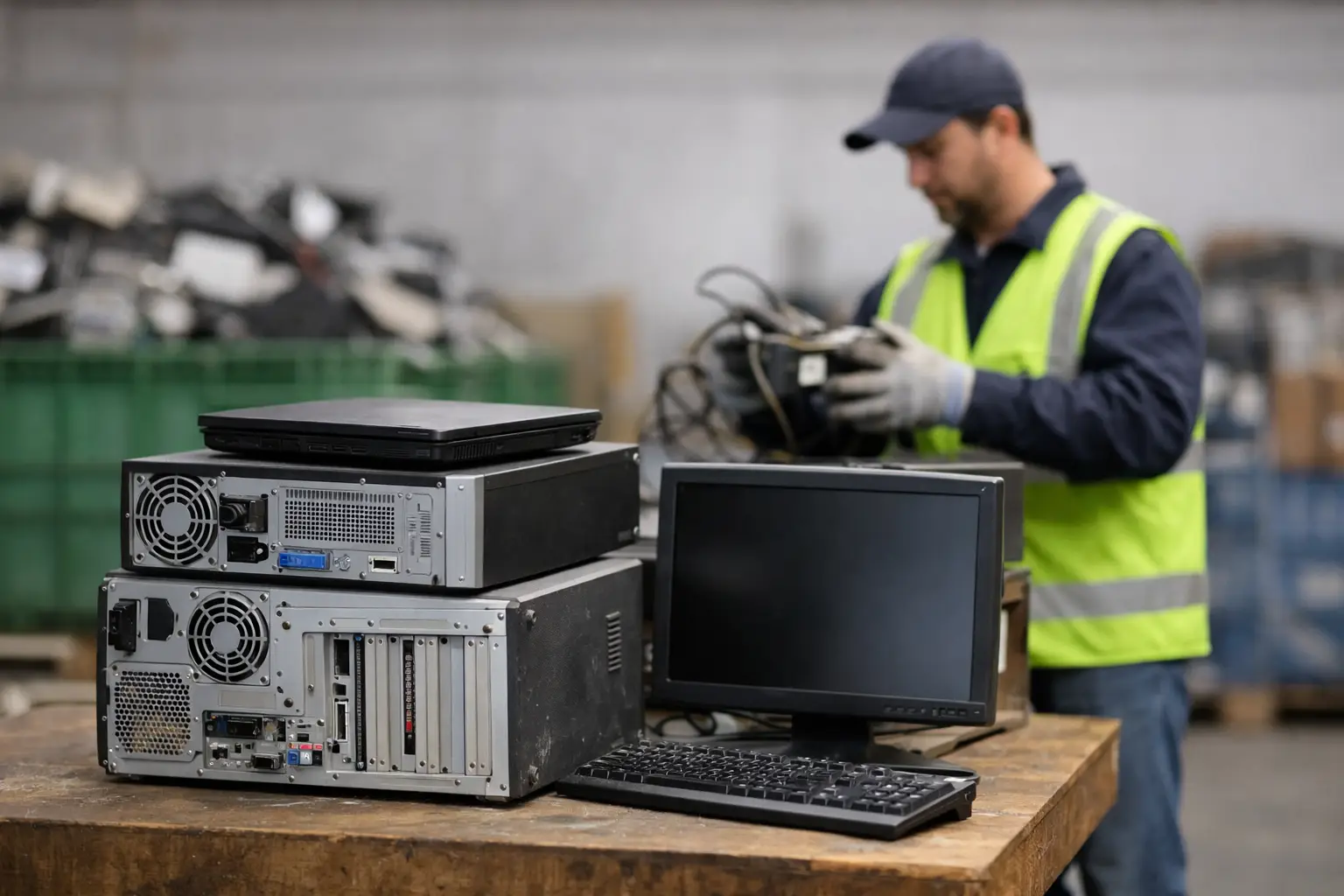
A desktop with old client files in the hard drive, a storeroom full of retired monitors, a few broken laptops at home – most people know these items need to go, but far fewer know how to get rid of them safely. That is where a computer recycling service earns its value. The real job is not just removing unwanted equipment. It is protecting data, handling devices properly, and giving you a clear process from pickup to downstream recycling.
For households, the concern is often personal information. Old family photos, saved passwords, banking records, and school files can still sit on a device long after you stop using it. For businesses, the stakes are higher. A single retired workstation or server may hold customer records, internal documents, employee data, or licensed software that should never end up in the wrong hands.
That is why computer disposal should not be treated like general junk removal. Electronics need a more careful chain of handling, especially when storage devices are involved.
What a computer recycling service actually covers
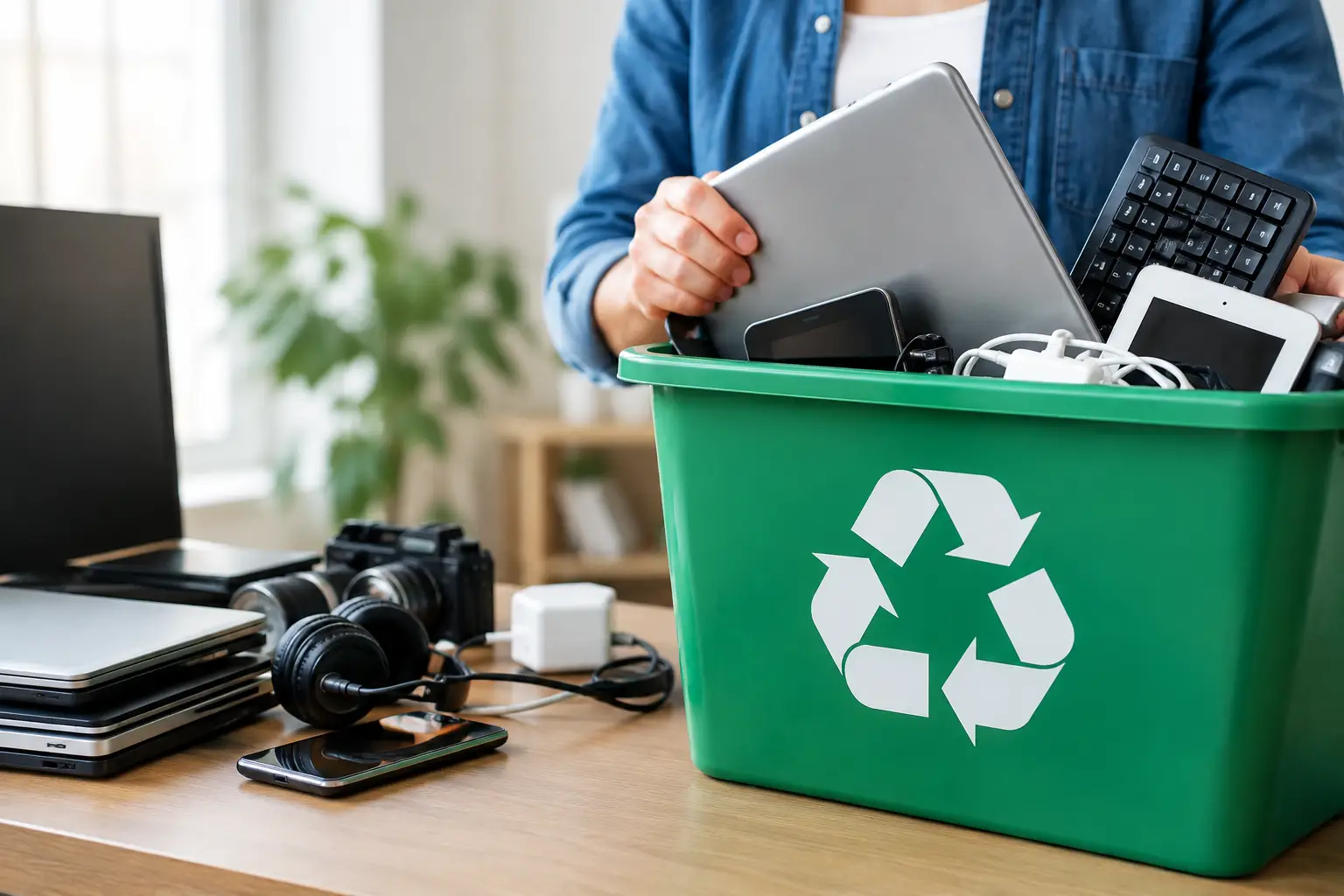
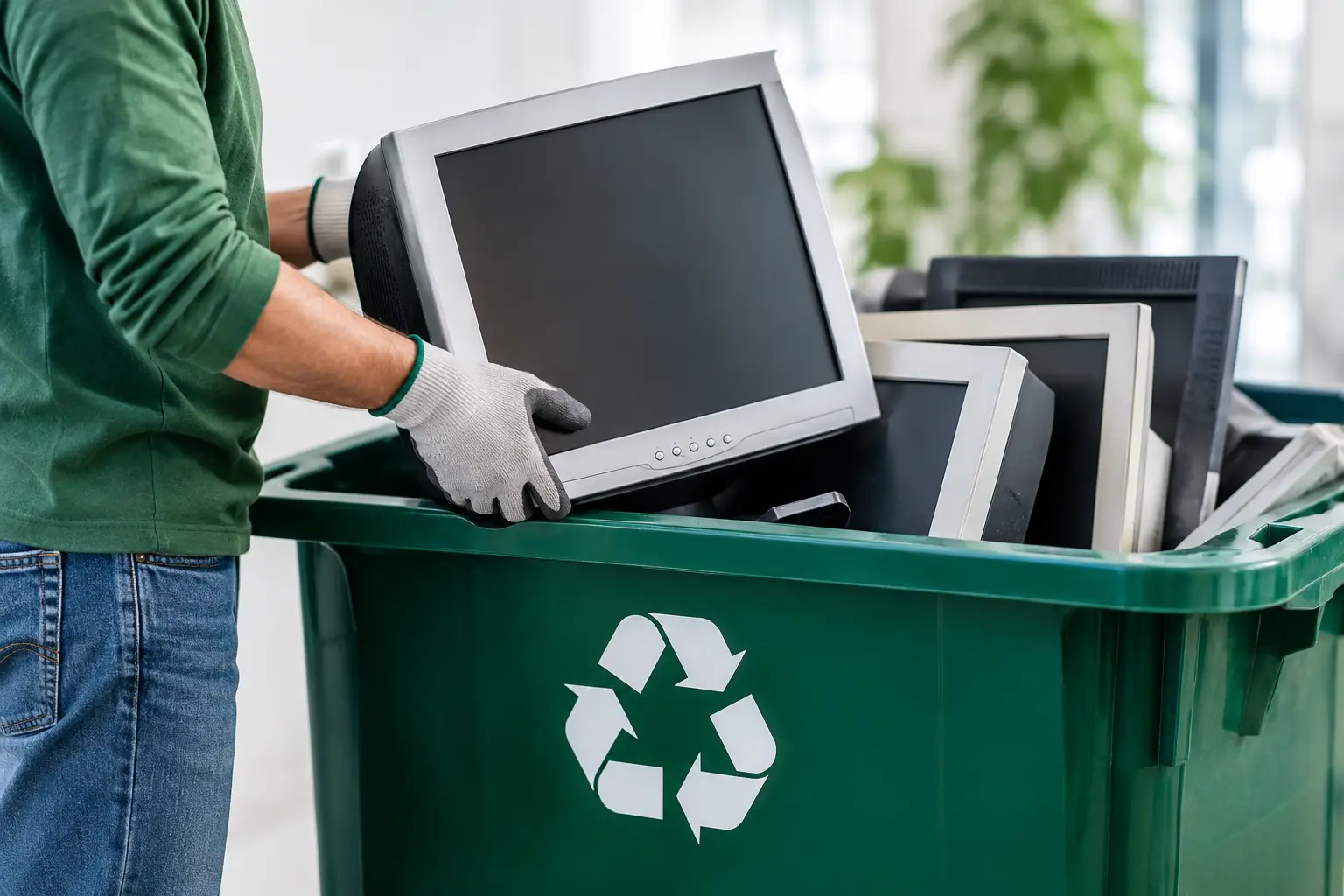
A reliable computer recycling service usually handles more than just desktop PCs. In practice, customers often need help with laptops, servers, phones, network equipment, printers, monitors, small office electronics, and loose storage devices. In a business setting, disposal often happens in batches rather than one item at a time. Offices may be clearing out a meeting room, replacing staff laptops, decommissioning a server rack, or making space after an IT refresh.
For households, it is often a mix of old and damaged devices that have built up over time. A good service should make that easy to sort out. You should be able to ask what is accepted, schedule a pickup, and know what happens next without chasing vague answers.
The strongest providers also understand that not every device has the same risk level. A broken keyboard is not the same as a hard drive. A monitor does not require the same controls as a company laptop. Good handling starts with knowing the difference.
Why data security matters in computer recycling service
Data security is the biggest separator between a professional provider and a generic scrap collector. If a company only focuses on material value, your device may be treated as metal and plastic first, and an information asset second. That is the wrong order.
Any computer recycling service worth considering should be able to explain how data-bearing devices are handled. That includes desktops, laptops, external drives, SSDs, HDDs, and servers. In many cases, software-based wiping is appropriate when the device is still functional and the goal is secure reuse or verified erasure. In other cases, physical destruction support for hard drives makes more sense, especially when devices are damaged, highly sensitive, or being retired under stricter internal policies.
This is where customers should ask practical questions. Is data wiping documented? Is there a defined method, such as DoD 5220.22-M 3-pass wiping? Is there a record of what was collected? If something cannot be wiped because the drive has failed, what happens then?
Those details matter because disposal is not only about getting rid of clutter. It is also about reducing risk. A convenient pickup means very little if the chain of custody is unclear.
Pickup convenience matters more than people expect
Many customers delay recycling because logistics become a project of their own. Old computers are bulky, monitors are awkward to move, and businesses rarely want staff spending half a day arranging transport. That is one reason pickup-based service is so useful.
With on-site collection, items can be removed directly from a home, office, or storeroom. For business customers, this is especially helpful when there are multiple floors, access rules, loading restrictions, or equipment that needs to be verified before leaving the site. For residential customers, it removes the hassle of packing heavy electronics into a car and guessing whether a drop-off point will even accept them.
Convenience alone is not enough, though. The pickup should still be organized and documented. Professional collection is about more than showing up. It means confirming what is being removed, handling it carefully, and giving the customer confidence that the equipment entered a proper disposal process.
What businesses should look for before booking
Business disposal usually comes with more operational requirements than residential recycling. A small company may need help identifying what is going out, separating active from retired devices, and keeping a record for internal control. That is why the best service partners do not act like haulers. They act like an extension of your IT and admin process.
If your office is replacing computers or clearing legacy hardware, look for a provider that can support asset verification and documented pickup records. Those details help office managers and business owners keep track of what left the premises. They also reduce confusion later if someone asks whether a particular laptop, drive, or server was included in the disposal batch.
There is also a timing question. Some companies need a one-time clear-out. Others need recurring pickups as part of routine IT refresh cycles. A flexible provider should be able to work with both. What matters is that the process stays consistent.
What households should pay attention to
Home users sometimes assume their old laptop has little value and little risk. The value part may be true. The risk part often is not. Even a machine that no longer powers on may still contain recoverable data.
That is why households should avoid handing old computers to informal collectors without asking how storage devices are handled. A trustworthy service should explain the options in plain language. If the device can be wiped, they should say so. If a damaged drive needs destruction support, they should explain that too.
It also helps when the process is simple. Most residents are not looking for technical jargon. They want to know whether someone can pick up the item, whether the data will be addressed properly, and whether the equipment will go through responsible recycling instead of disappearing into an informal channel.
Responsible recycling is more than collection
Collection is only the first step. The back end matters just as much. A professional computer recycling service should not leave customers wondering where equipment goes after pickup.
Responsible providers coordinate with licensed recyclers for downstream processing. That means devices and components are passed into a more accountable recycling stream rather than handled casually or dumped. This matters for environmental reasons, but it also matters for trust. Customers should know that disposal did not stop at the vehicle door.
There can be trade-offs here. Some items may be suitable for refurbishment or parts recovery if data has been securely addressed and the equipment is still viable. Others are clearly end-of-life and should be dismantled for material recycling. A knowledgeable provider will judge based on condition, data sensitivity, and practical recovery options, not just convenience.
A simple standard for choosing the right service
If you are comparing providers, use a straightforward test. A good service should be able to tell you what they collect, how pickup works, how data-bearing devices are secured, whether records are provided, and how downstream recycling is handled. If those answers are vague, that is useful information.
You do not need a complicated disposal plan to make a good decision. You need a service that treats old electronics like assets with risk attached, not just scrap to be cleared away. That is the standard businesses and households should expect.
MYPC2U is built around that practical standard – pickup convenience, secure handling, documented collection, and responsible processing. And that is really the point: when old devices leave your home or office, you should feel relief, not uncertainty.

Leave a Reply