
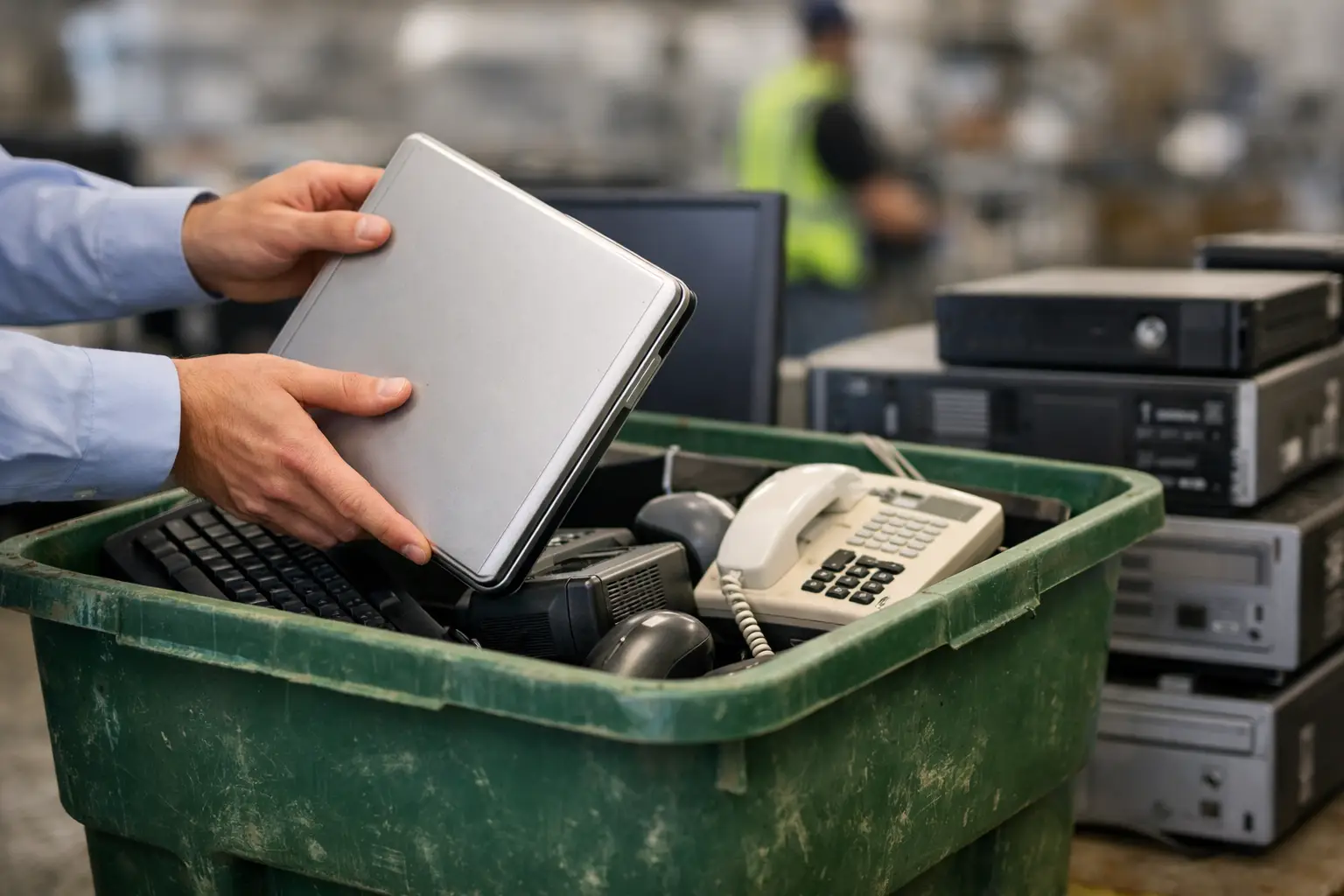
That back room with old monitors, retired laptops, tangled cables, and a printer nobody wants to touch is not just a storage problem. It is a data risk, a safety issue, and often a sign that office equipment is being kept far longer than necessary because nobody is sure how to dispose of it properly. If you are figuring out how to recycle office electronics responsibly, the real goal is not just clearing space. It is making sure devices are handled securely, documented properly, and sent into the right recycling stream.
For small and mid-sized businesses, this matters more than people expect. Office electronics often hold company records, saved passwords, employee details, customer files, network settings, and licensed software information. Even devices that seem harmless, such as printers, copiers, routers, and old backup drives, can store sensitive data. A responsible recycling process should protect that information while also making disposal easier for your team.
What responsible office electronics recycling actually means
Responsible recycling starts before anything leaves your office. It means identifying what equipment you have, separating data-bearing devices from simple peripherals, and choosing a provider that understands both electronics handling and information security. A generic scrap collector may remove the items, but removal alone is not the same as proper IT asset disposal.
A better standard includes secure pickup, clear item verification, documented collection, and downstream processing through appropriate recycling channels. For businesses, accountability matters just as much as convenience. If you cannot show what was collected and how it was handled, disposal can become a blind spot in your operations.
This is where many offices get stuck. They assume recycling is mostly about materials such as metal and plastic. In practice, the first issue is usually data. The second is logistics. The third is making sure the equipment does not simply disappear into an informal chain with no visibility.
How to recycle office electronics responsibly without exposing data
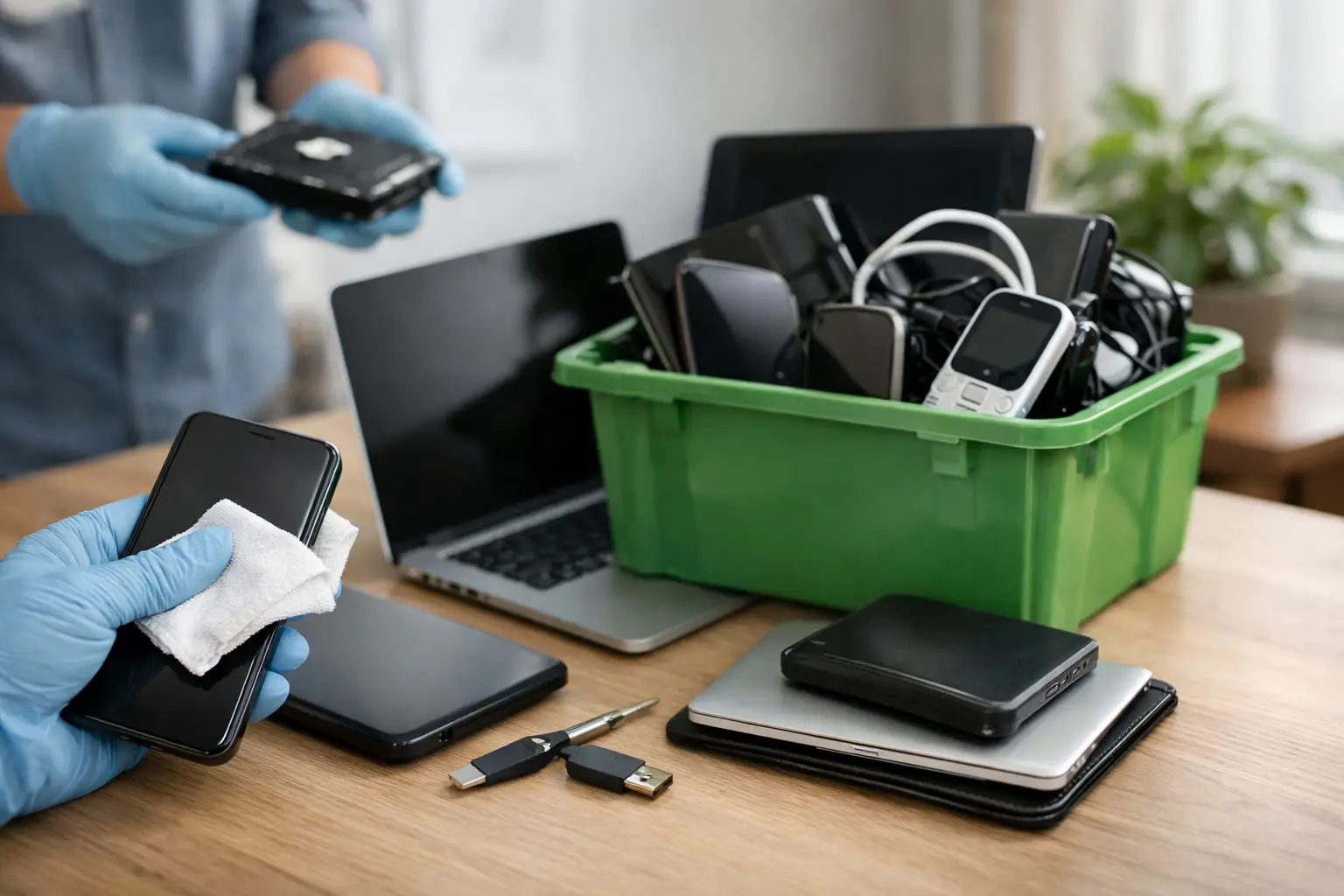
Before scheduling any pickup, separate your electronics into two groups: data-bearing and non-data-bearing. Data-bearing items include desktops, laptops, servers, hard drives, SSDs, phones, tablets, network-attached storage, and many multifunction printers. Non-data-bearing items can include keyboards, mice, cables, speakers, power supplies, and some basic accessories.
That distinction matters because the handling process should be different. A keyboard can usually be packed and removed with minimal concern. A laptop used by finance or HR should never be treated the same way. It needs proper data wiping, storage removal, or destruction support depending on your internal policy and the condition of the device.
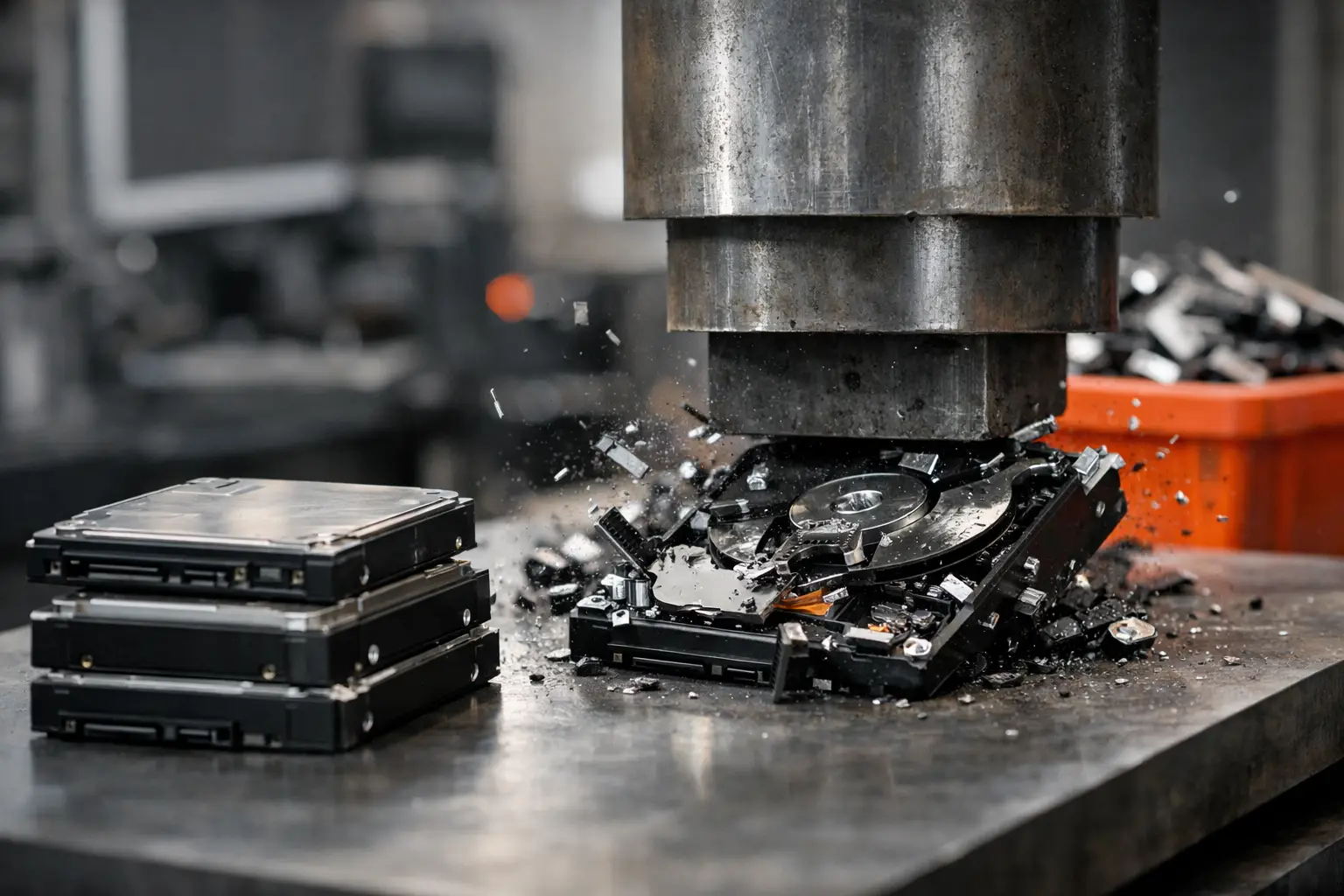
For some businesses, software-based wiping is enough if the device will be reused, resold, or processed with records kept. Standards such as DoD 5220.22-M 3-pass wiping are commonly used when secure overwriting is required. For damaged drives, failed systems, or highly sensitive environments, physical destruction of storage media may be the safer option. There is no single rule for every office. It depends on the type of data stored, your compliance requirements, and whether the device still powers on.
A responsible recycling partner should be able to explain these options in plain language. If the process sounds vague, rushed, or undocumented, that is a warning sign.
Which office electronics can be recycled
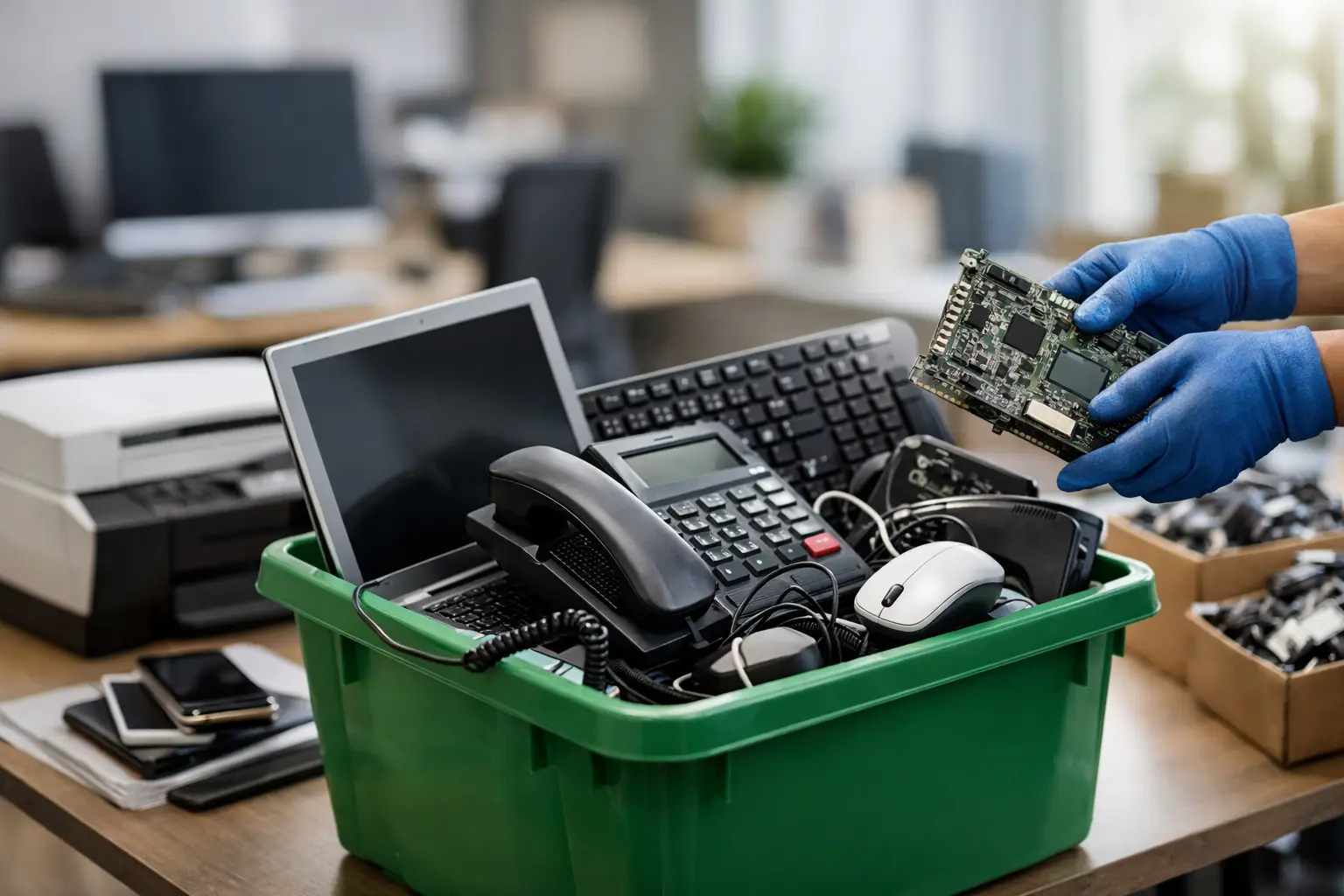
Most offices are dealing with more recyclable equipment than they realize. Beyond computers and monitors, recycling often includes laptops, servers, switches, routers, phones, tablets, printers, scanners, UPS units, cables, external drives, docking stations, projectors, POS hardware, and other small electronic devices.
What usually creates confusion is mixed equipment. Some items are clearly IT assets. Others sit in the gray area between office furniture, electrical equipment, and e-waste. If your team is unsure whether something qualifies, it helps to work with a pickup provider that can review the inventory in advance. That avoids the common situation where staff carry everything into one pile and hope for the best on collection day.
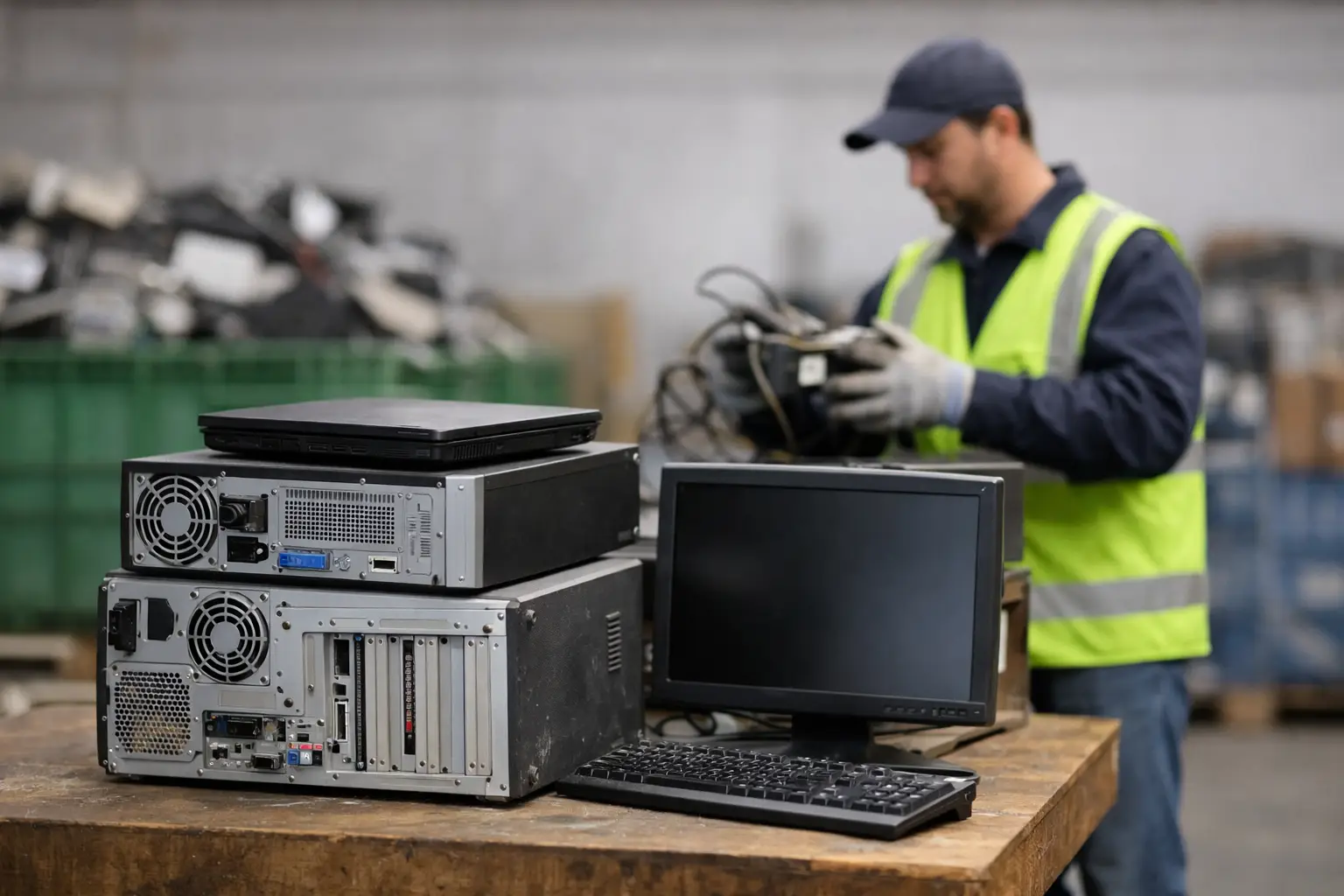
Condition also affects the process. Working equipment may be suitable for data wiping and responsible downstream handling. Broken or obsolete units may need direct dismantling and material recovery. Either way, the office should not have to guess. A professional pickup-based service should tell you what can be collected, how it will be managed, and what records you will receive.
Build a simple internal process before pickup day
The easiest way to make office e-waste disposal stressful is to leave it informal. Devices get moved from desk to desk, storage drives are forgotten inside old PCs, and nobody knows which items still belong to active staff. A short internal process saves time and reduces mistakes.
Start with a basic inventory. You do not need a perfect asset register to recycle responsibly, but you should know what is leaving the premises. Record the device type, quantity, and whether each item may contain data. If your business already uses asset tags, include them. If not, even a spreadsheet with descriptions is helpful.
Next, assign one person to coordinate the disposal. That could be an office manager, admin lead, or IT contact. Too many handoffs create confusion, especially if pickup timing, access arrangements, or documentation need to be confirmed. One coordinator keeps the process organized.
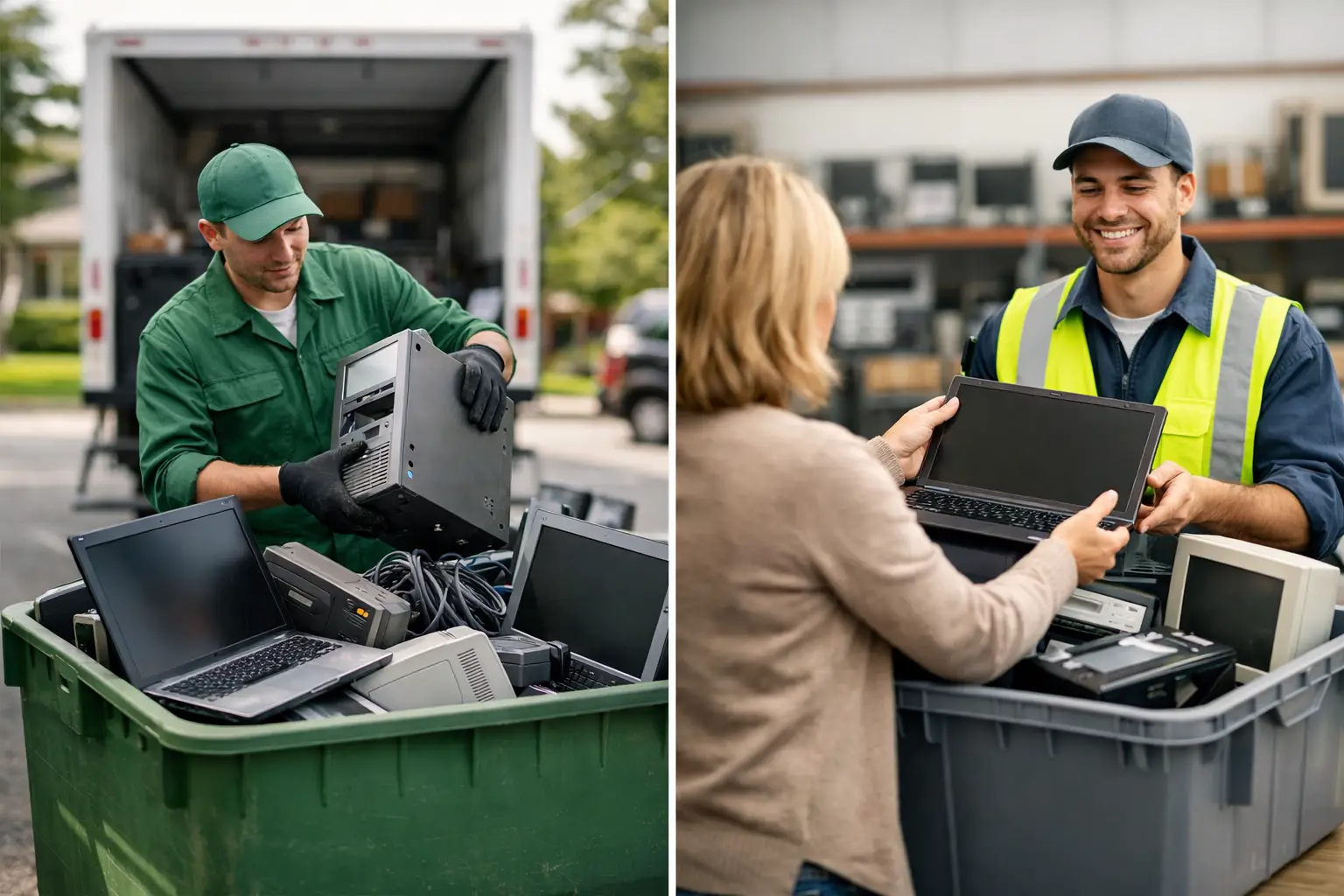
Then prepare the items for collection. Keep loose accessories together, label priority devices if certain items need special handling, and make sure equipment is accessible. For businesses in offices without loading bays or internal transport support, on-site pickup is a practical advantage. It reduces the risk of staff moving heavy or awkward equipment themselves.
Why documented collection matters
A surprising number of businesses focus on removing old electronics quickly and only later realize they have no record of what was taken. That can become a problem during internal audits, office moves, or compliance checks. It can also create uncertainty if a missing device later turns out to contain sensitive information.
Documented pickup helps close that gap. At minimum, you want confirmation of collection and a clear record of the assets handed over. For businesses retiring larger volumes of IT equipment, item verification can be especially useful. It creates a clearer chain of custody and gives management confidence that disposal was handled professionally.
This is one of the main differences between a service-driven electronics recycler and a casual collector. The better process may not feel dramatic on the day, but it reduces risk afterward. Good disposal should be boring in the best possible way – orderly, verified, and easy to account for.
How to choose a responsible recycling provider
If you are comparing disposal options, ask practical questions rather than broad environmental ones. Can they collect from your office directly? Do they handle data-bearing devices with secure wiping or destruction support? Can they provide proof of collection? Do they work with licensed downstream recyclers? Can they explain what happens to the equipment after pickup?
You are not just hiring someone to haul away old hardware. You are trusting them with devices that may still hold business information. That is why an IT-aware recycling provider is often a better fit than a general scrap service. The job is not only transport. It is secure handling from the moment the equipment leaves your control.
For offices with limited time, pickup-based recycling is also a practical advantage. It removes the need to sort out vehicles, staff labor, and multiple drop-off trips. A local service partner that understands business environments can make disposal routine instead of disruptive.
Common mistakes when recycling office electronics
The biggest mistake is assuming deleted files are gone. They often are not. A factory reset, quick format, or simple deletion may not meet your security needs, especially for business devices.
The second mistake is letting equipment pile up indefinitely. Old electronics stored in closets and server rooms still represent risk. Batteries can degrade, screens can break, and drives can be forgotten until somebody notices them during a move.
The third is choosing disposal based only on speed or scrap value. Fast collection means very little if there is no clear handling process behind it. Responsible recycling should balance convenience with control.
A practical standard for offices
If you want a workable answer to how to recycle office electronics responsibly, use this standard: know what you have, identify data-bearing devices, use secure wiping or destruction where needed, arrange pickup through a trusted provider, and keep documentation of what was collected. That approach is realistic for a small office, a growing business, or even a home office clearing years of retired equipment.
For businesses in Kuala Lumpur and Selangor, MYPC2U is built around exactly that kind of process – on-site pickup, secure handling, data-aware disposal support, and documented collection that gives you more confidence than an informal removal service.
Old electronics should not sit around waiting for the perfect time to deal with them. Once a device is no longer useful, the safest move is usually the simplest one: handle it properly, document it clearly, and get it out through a recycling process you can trust.

Leave a Reply