
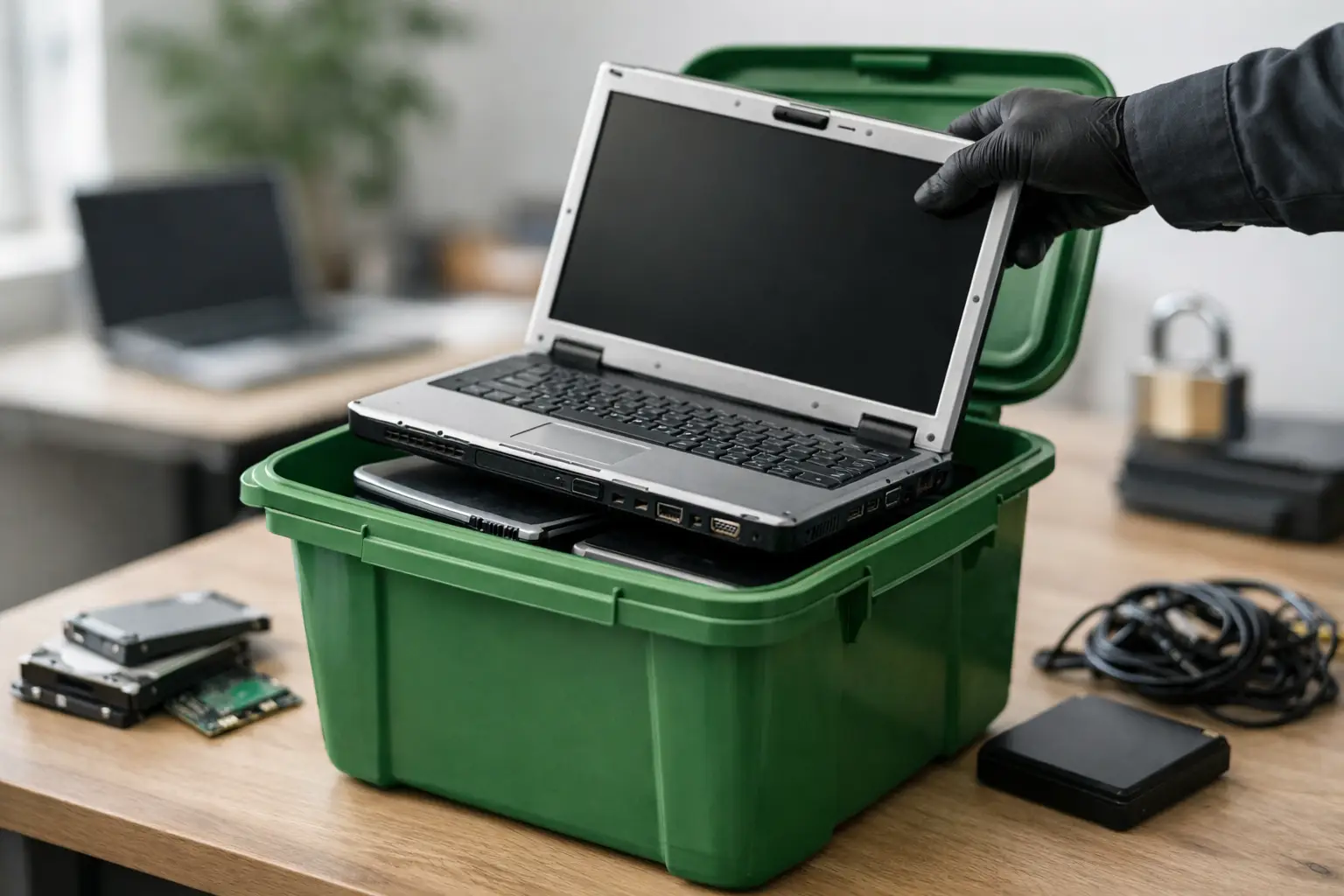
That old laptop in the closet is not just clutter. It may still hold saved passwords, tax files, client documents, browser history, and years of personal or business data. If you are figuring out how to recycle old laptops securely, the real job is not simply getting rid of the device. It is making sure the data is handled properly before the laptop leaves your hands.
For households, that could mean old family photos, banking details, and login credentials. For businesses, it could mean employee records, invoices, customer files, or internal documents. A laptop can look dead, slow, or outdated and still contain a surprising amount of recoverable information. That is why secure recycling starts well before pickup day.
Why secure laptop recycling matters
Many people assume deleting files or doing a quick factory reset is enough. Sometimes it helps, but it does not always remove data in a way that prevents recovery. If the storage drive is still readable, sensitive information may still be accessible with the right tools.
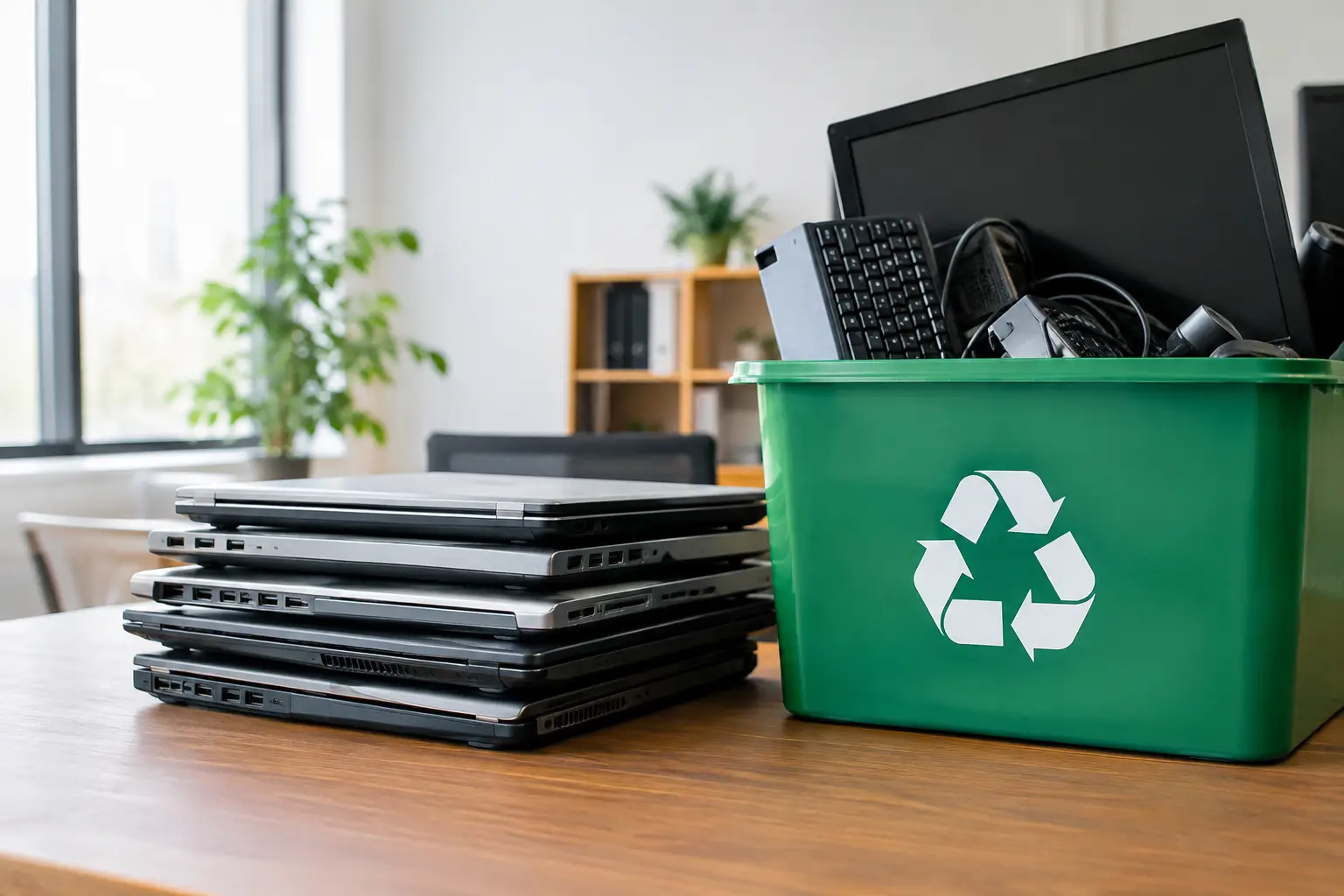
There is also the environmental side. Laptops contain metals, plastics, circuit boards, and batteries that should not end up in general trash. Responsible recycling means two things happening together – protecting data and making sure the equipment moves into proper downstream processing.
If either part is missing, the disposal process is incomplete. A recycler that is convenient but careless with data is a risk. A data-focused provider without proper recycling channels is not much better.
How to recycle old laptops securely from the start
The safest approach is to treat every laptop as if it still contains important information, even if it has not powered on for years. Start by checking what is on the device and whether you still need anything from it.
Back up what you want to keep
Before wiping or handing over the laptop, save any files you may need later. That might include documents, photos, email archives, project folders, software license records, and browser bookmarks. For business users, it may also include accounting files, HR records, and shared working documents that were stored locally.
Do not rush this step. Once proper wiping or physical destruction happens, recovery is usually not practical.
Sign out and disconnect accounts
Old laptops are often still tied to cloud services and device-based security systems. Sign out of email, cloud storage, remote access tools, password managers, and any software linked to your account. If the laptop uses device tracking or activation locks, disable those properly before disposal.
This matters because a recycler may not be able to process or reuse parts cleanly if the device is still locked to your profile. It also reduces the chance of account access issues later.
Decide whether the drive should be wiped or destroyed
This is where the answer depends on your situation. If the laptop is from a home user with ordinary personal data and the drive is working, secure wiping may be enough. If the laptop came from a business environment, held regulated information, or contains highly sensitive files, physical drive destruction may be the better choice.
A reputable IT disposal provider should be able to explain the difference clearly. Data wiping is useful when the goal is secure erasure while preserving the drive. Physical destruction is more final, but it also means the storage media cannot be reused.
What actually counts as secure data removal?
There is a big difference between deleting files, reformatting a drive, and using a verified data wiping process. Deleted files can often be recovered. A basic format may remove file references without fully overwriting the data. Proper wiping is designed to overwrite the storage media so the original information is much harder to retrieve.
For many organizations, documented wiping is the preferred route because it creates a traceable process. Services that use standards such as DoD 5220.22-M 3-pass wiping are generally seen as more credible than informal claims that the drive was simply “cleared.”
If the drive is damaged, inaccessible, or too risky to keep intact, destruction is the more practical option. Some businesses choose destruction by default for peace of mind, especially when retiring multiple laptops at once.
Solid-state drives need extra care
Not all laptops use the same kind of storage. Older models may have traditional hard disk drives, while newer ones often use solid-state drives. The secure handling method can differ between them. Some wipe processes that work well for one storage type may be less effective or less straightforward for another.
That is one reason professional handling helps. A provider with an IT background is more likely to identify the storage type correctly and recommend the right method instead of using a one-size-fits-all approach.
How to choose a recycler you can trust
If you are serious about how to recycle old laptops securely, the handoff matters as much as the wipe itself. Once the laptop leaves your office or home, you should still know who collected it, what happened to the device, and how the data risk was managed.
Look for a recycler or IT asset disposal provider that offers clear process controls. Pickup-based service is helpful, especially if you have several items or do not want to transport equipment yourself. But convenience should come with accountability.
A good provider should be able to explain:
- how devices are handled during collection
- whether secure data wiping or drive destruction is available
- what documentation is provided
- how equipment is tracked or verified
- whether downstream recycling is coordinated responsibly
This is especially important for small and mid-sized businesses. If an office manager is clearing out old staff laptops, they need more than a vague promise that the devices will be “taken care of.” They need a record of collection and confidence that the disposal process matches the sensitivity of the equipment.
Household laptops and business laptops are not always the same case
For a household, secure recycling is often about privacy and convenience. You may have one or two old laptops, maybe a broken charger, and no idea whether the machine still works. In that case, practical help with pickup and secure handling removes a lot of uncertainty.
For a business, the stakes are usually higher. Devices may be tied to staff turnover, office relocation, hardware refresh cycles, or compliance concerns. There may also be multiple assets involved, including docking stations, monitors, phones, and small network equipment. In those situations, a more structured collection process is worth having.
That is where a service like MYPC2U fits naturally – not as a generic scrap collector, but as a local pickup partner that understands device handling, secure data wiping, and documented collection.
Common mistakes people make before recycling laptops
One common mistake is assuming a laptop that will not turn on no longer poses a data risk. In many cases, the drive can still be removed and read. Another is handing the laptop to an informal buyer or general recycler without asking what happens to the storage media.
People also forget accessories and related assets. Chargers, external mice, docking stations, spare batteries, and old company-issued devices often sit in separate drawers and cabinets. If you are arranging disposal anyway, it usually makes sense to gather everything at once.
For businesses, another mistake is skipping internal checks. Make sure the device is no longer needed for audits, legacy software access, or user records before authorizing disposal. Secure recycling works best when operations, admin, and IT are aligned.
A simple process that works
In practice, secure laptop recycling does not need to be complicated. First, confirm what should be kept and what can go. Next, back up needed files and remove account access. Then choose the right data protection method based on the device and the sensitivity of the information. After that, hand the laptop to a professional recycler that can provide pickup, proper handling, and documentation.
That last part is often what gives people the most peace of mind. Knowing who collected the item, when it was collected, and how it was processed makes the disposal feel controlled rather than uncertain.
What to do if you have multiple old laptops
If you are dealing with several devices, it helps to sort them before pickup. Separate working laptops from damaged ones, label business assets if needed, and note whether any units require destruction rather than wiping. This saves time and reduces confusion during collection.
For offices, even a basic asset list can help. You do not need a complex spreadsheet for every situation, but having a count of what is being removed makes the process cleaner and easier to verify afterward.
An old laptop should not become a lingering security risk just because it is inconvenient to deal with. With the right steps and the right recycling partner, you can clear space, protect your data, and move the device out responsibly without second-guessing what happens next.




Leave a Reply