
That old office laptop in the storage room is not harmless. Neither is the retired server under a desk, the stack of backup drives in a cabinet, or the phone handed down between staff three years in a row. Business data destruction matters because most data problems do not start with a dramatic cyberattack. They start with equipment that was never properly cleared, tracked, or destroyed before leaving the business.
For small and mid-sized companies, the risk is easy to underestimate. A device can look obsolete and still contain customer records, payroll files, saved passwords, emails, contracts, or access credentials. If it leaves your office through an informal recycler, a general junk pickup, or a rushed office cleanout, you may be giving away far more than old hardware.
What business data destruction actually means
Business data destruction is the process of making data permanently inaccessible before a device is reused, recycled, or disposed of. In practice, that usually involves secure software wiping for working storage devices and physical destruction for drives that cannot be safely reused or reliably erased.
This is where many businesses get tripped up. Deleting files is not data destruction. Reformatting a drive is not the same thing either. Even restoring a device to factory settings may leave recoverable data behind, depending on the device type and how the reset was performed.
A proper process looks at the actual storage media, the condition of the device, and the level of sensitivity involved. A healthy office desktop might be suitable for verified wiping. A failed hard drive from an old server may need physical destruction support instead. The right choice depends on the device and the risk.
Why businesses get this wrong
Most companies are not careless. They are busy. Equipment replacement often happens during office moves, staff exits, IT upgrades, or end-of-year cleanups. In those moments, old devices become a logistics problem first and a data problem second.
That is when shortcuts show up. Someone stores everything in a back room for later. Someone else assumes the vendor collecting scrap metal will handle it. A few devices get reset, others do not, and nobody keeps a reliable record of what left the office.
The problem is not just whether data was removed. It is whether you can prove what happened to each asset. For a business, that documentation matters. If a drive goes missing or a device turns up elsewhere, vague internal notes are not much help.
The real risks behind old IT equipment
A retired device can create exposure long after your team has stopped using it. Desktop computers, laptops, servers, phones, network devices, and external drives often store more than people expect. Browser data, synced folders, saved remote access tools, employee records, and customer files can remain on the hardware.
There is also a business continuity angle. If old devices are mixed together without verification, it becomes harder to know what was disposed of, what was kept, and what may still be needed for internal records or audits. Poor disposal practices create confusion as well as risk.
Then there is reputation. Customers and partners may never hear about the devices your company replaced, but they will care if sensitive information surfaces because disposal was handled casually. For smaller businesses especially, trust is hard won and easy to lose.
Data wiping vs. physical destruction
This is one of the most common questions, and the honest answer is that it depends.
If a storage device is functional and suitable for processing, secure wiping can be a strong option. It allows data to be overwritten in a controlled way while preserving the device for recycling or reuse pathways where appropriate. A method such as DoD 5220.22-M 3-pass wiping is often used when businesses want a recognized, methodical approach.
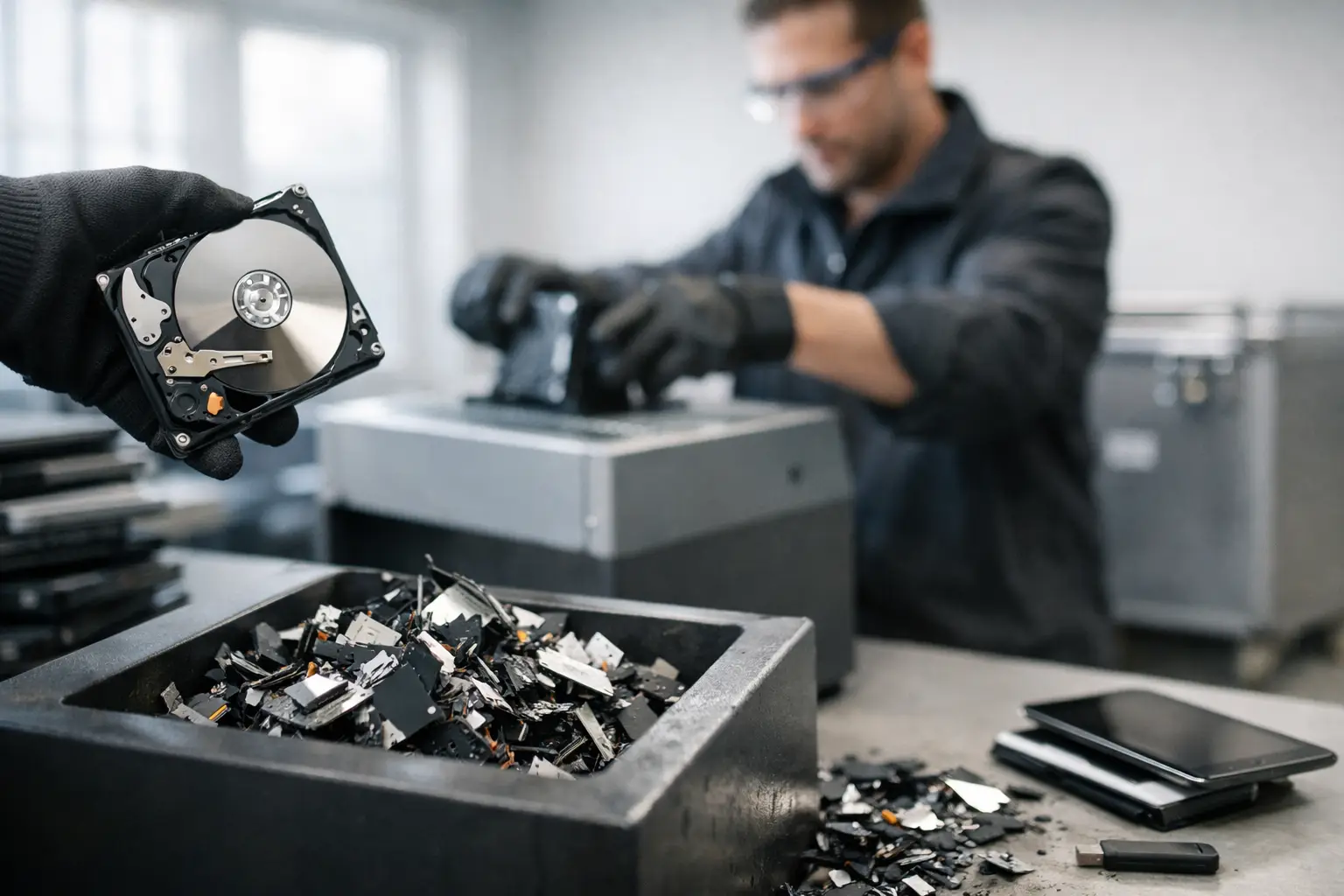
Physical destruction makes more sense when a drive is damaged, inaccessible, unreliable, or too sensitive to place into a wiping workflow. If a hard disk cannot be read consistently, software wiping may not be possible. In that case, destruction is the more realistic route.
Neither method is automatically better in every situation. Wiping supports reuse and can be the practical choice for many business devices. Physical destruction can provide added assurance for failed drives and higher-risk storage media. A professional provider should help separate those cases instead of forcing one method onto every asset.
What a secure business data destruction process should include
The strongest disposal programs are not complicated, but they are consistent. First, devices should be identified and collected in a controlled way. That sounds basic, yet it matters. If assets are picked up casually, without clear handover records, the chain of custody becomes harder to trust.
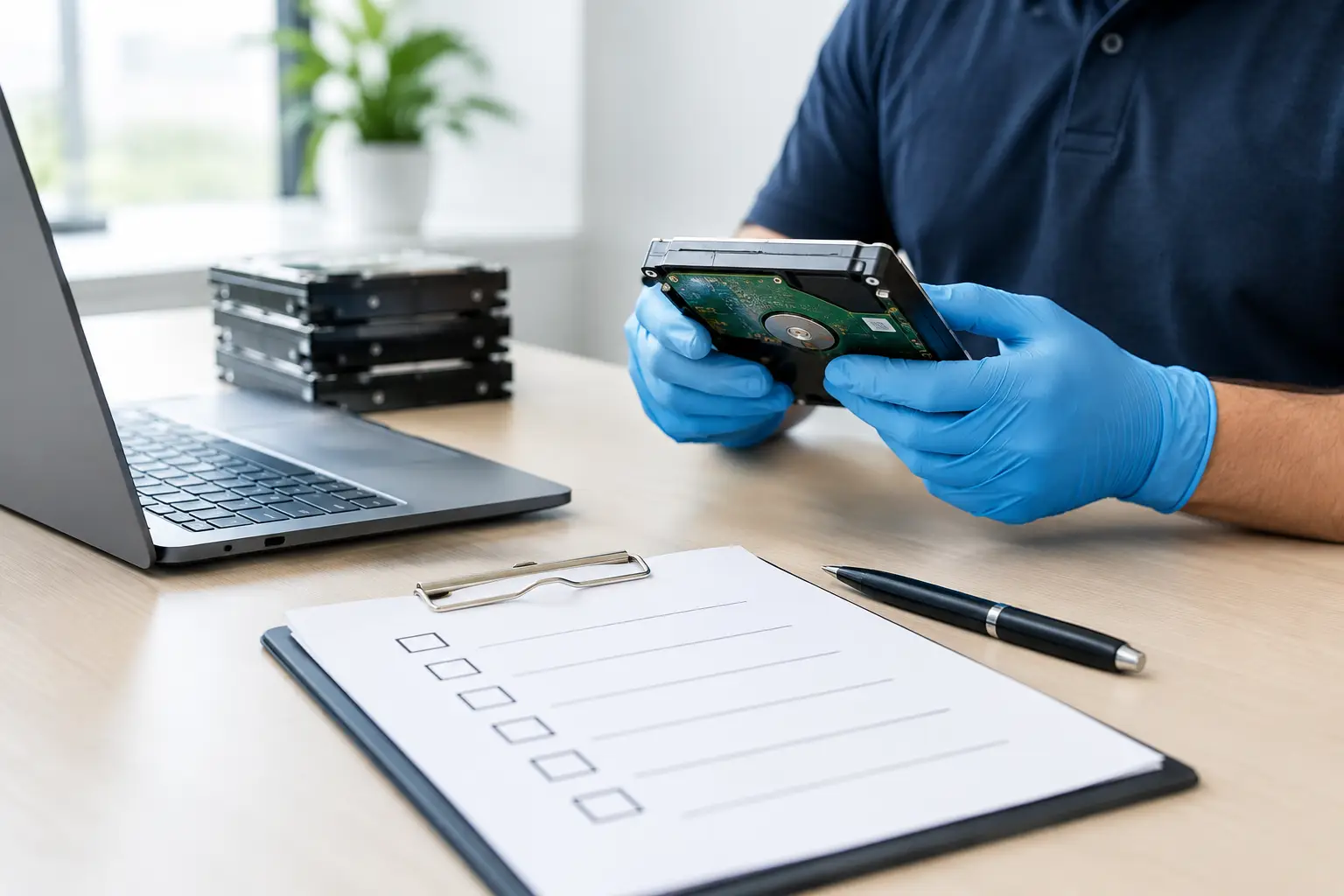
Next comes verification. Businesses should know what was collected, what category of device it falls into, and whether it is a candidate for wiping or destruction. This step helps prevent guesswork and keeps the process accountable.
After that, the data removal method should match the device condition. Functional devices can go through verified wiping. Failed or unsuitable storage media can be flagged for HDD destruction support or similar handling. Once that has been completed, the business should receive documentation showing the pickup and the handling process.
That final piece often gets overlooked. Documentation is not just paperwork. It is your record that the devices left your site through a defined process rather than an informal handoff.
Why pickup and handling matter as much as the wipe itself
A lot of attention goes to the technical side of data wiping, but physical handling is just as important. If equipment sits in an unsecured corridor waiting for collection, or if it is loaded together with general scrap, the process is already weaker than it should be.
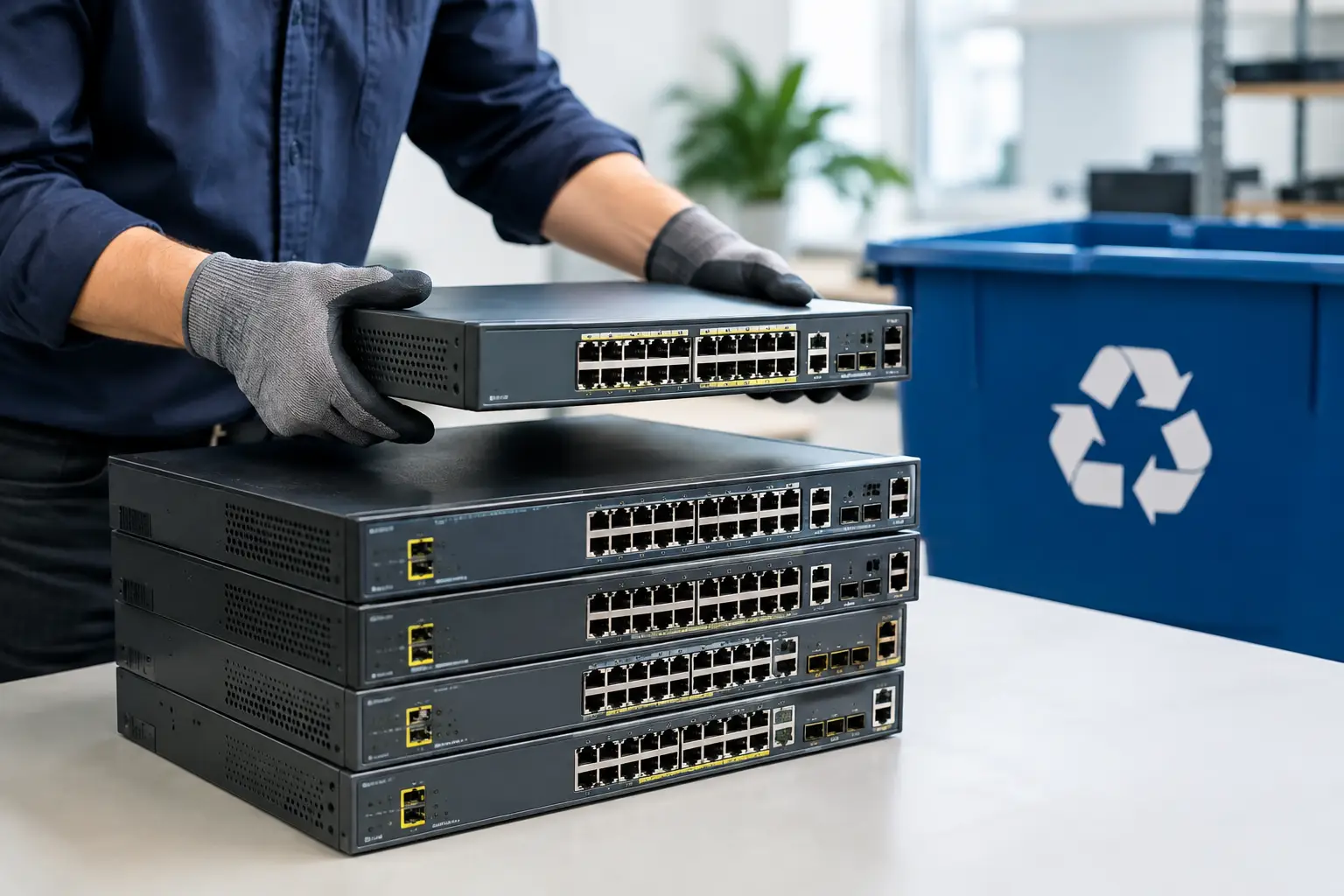
Businesses benefit from working with providers who understand both IT equipment and disposal logistics. That means knowing how to handle servers differently from printers, how to identify storage-bearing devices, and how to keep business pickups organized instead of treating everything as bulk junk.
This is where a service-focused company like MYPC2U fits naturally for local businesses that want convenience without giving up control. On-site pickup, documented collection, and IT-aware handling reduce the gray areas that often cause concern during office cleanouts and hardware refreshes.
Common mistakes to avoid
One mistake is assuming every device has been wiped because it was powered on and reset. Another is forgetting about hidden storage media in network appliances, multifunction office equipment, or external backup devices. Businesses also run into trouble when they mix household-style decluttering with corporate IT disposal. The stakes are different when business records are involved.
A more subtle mistake is waiting too long. The longer old devices sit around, the more likely they are to be misplaced, damaged, or disposed of inconsistently. A scheduled process is usually safer than a someday pile in the storeroom.
It also helps to avoid vague vendor arrangements. If a collector cannot clearly explain how data-bearing assets are separated, wiped, destroyed when necessary, and documented, that is a sign to ask harder questions.
How to choose a business data destruction partner
Look for a provider that speaks clearly about process, not just recycling. You want to hear how devices are collected, how storage media is assessed, what wiping standard is used, when physical destruction is recommended, and what documentation you receive afterward.
It is also worth paying attention to how they talk about convenience. Convenient service should mean easier and more accountable disposal, not faster handoffs with less visibility. Pickup-based service can be a major advantage for offices that lack transport or internal disposal resources, but only if the handling remains controlled.
Finally, choose a partner that treats data protection and responsible recycling as part of the same job. Those two goals should work together. A business should not have to choose between secure disposal and proper downstream recycling.
Old equipment leaves the office eventually. The better question is whether it leaves through a process you would be comfortable defending if anyone ever asked what happened to the data inside.




Leave a Reply