
A retired server is rarely just old hardware. It usually still holds backups, user records, financial files, system logs, saved credentials, and years of business activity that should never leave your control. That is why server disposal with data destruction needs to be treated as an IT process, not just a junk removal task.
For many small and midsize businesses, the risk starts when old equipment is moved out in a hurry. A rack is being cleared, an office is downsizing, or newer infrastructure has replaced legacy systems. The server is no longer useful, but the drives inside may still contain sensitive information. If that equipment ends up with a generic scrap collector or sits in storage for months, the real problem is not clutter. It is exposure.
Why server disposal is different from normal e-waste
A desktop PC and a production server do not carry the same operational weight. Servers often support shared environments, central storage, virtual machines, internal applications, and company-wide access controls. Even when the device looks inactive, the data inside may still be valuable, regulated, or confidential.
That changes the disposal standard. You are not simply removing a piece of equipment. You are closing the lifecycle of an asset that may have touched payroll, customer records, project files, emails, or internal databases. A casual handoff creates too many unknowns.
This is where businesses often need more than recycling. They need a process that includes collection, verification, data handling, and responsible downstream disposal. For households, the same principle applies on a smaller scale. Home lab servers, NAS devices, and storage-heavy equipment can also hold tax files, personal documents, and family backups.
What server disposal with data destruction actually includes
Server disposal with data destruction usually combines two separate responsibilities. First, the equipment must be removed and processed safely. Second, the data on the storage media must be erased or destroyed in a way that fits the device condition and the security requirement.
If the drives are working and suitable for wiping, a controlled erasure process can be used. Many organizations look for recognized methods such as DoD 5220.22-M 3-pass data wiping because it provides a more accountable approach than simply deleting files or formatting a drive. Deletion only removes the easy path to the data. Proper wiping is designed to overwrite the drive so the information cannot be recovered through ordinary means.
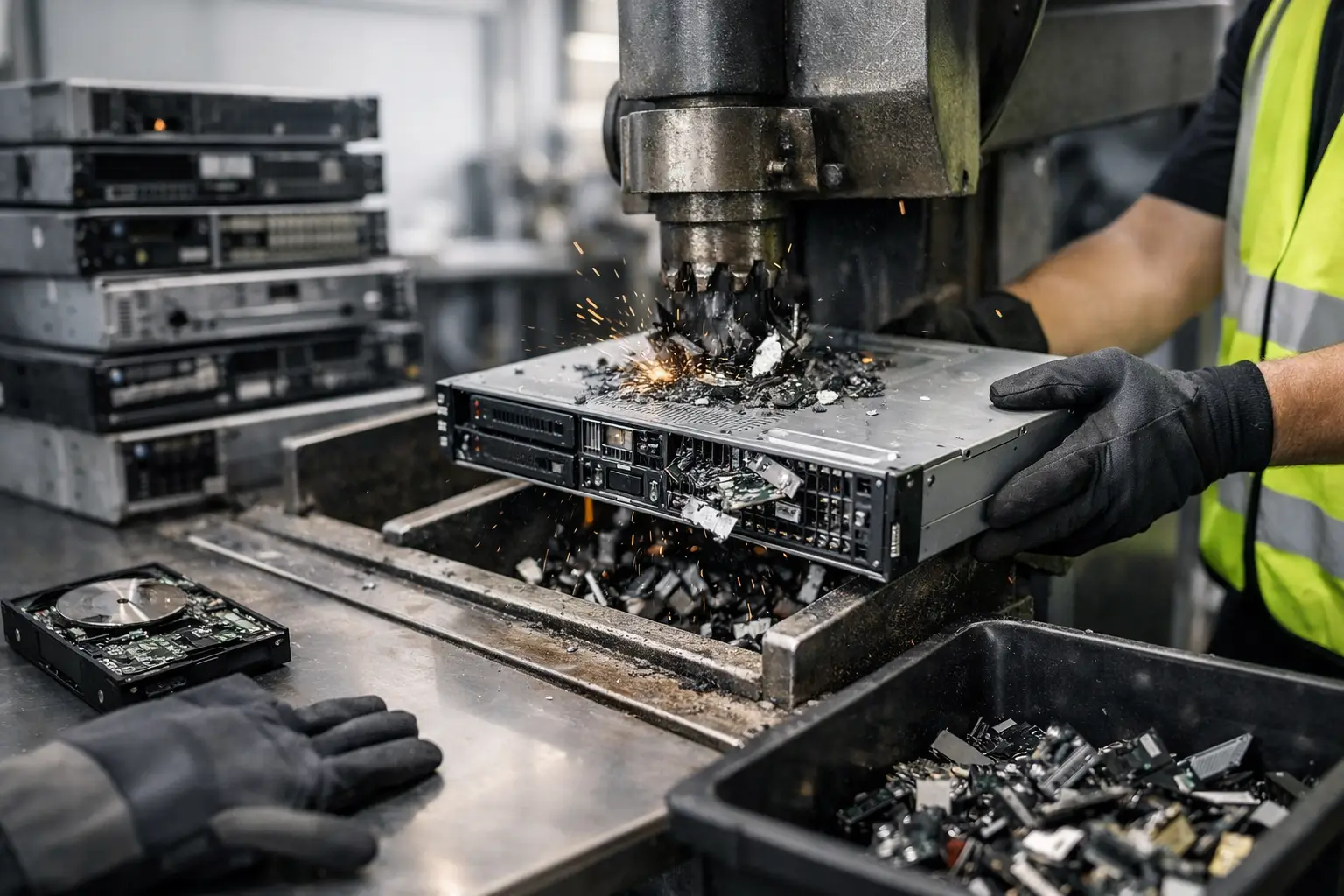
If a drive is damaged, inaccessible, or not suitable for software-based wiping, physical destruction may be the better route. It depends on the media type, the condition of the drive, and how much assurance the business needs. The key point is that disposal and data handling should be planned together, not treated as separate afterthoughts.
The biggest risks businesses overlook
The most common mistake is assuming an old server was already cleared because it was decommissioned. In practice, decommissioning and data destruction are not the same thing. A server may be powered down, removed from production, or replaced by cloud infrastructure, yet still contain live historical data on its internal drives.
Another issue is chain of custody. Once a server leaves your office without proper documentation, it becomes harder to prove what was collected, when it was removed, and how the storage media was handled. That matters for internal accountability and can matter even more when clients, auditors, or management ask what happened to retired IT assets.
Storage delays create another weak point. Many businesses stack old servers in a storeroom while waiting for a future cleanup. That feels safer than handing them to the wrong party, but it still leaves sensitive equipment sitting on-site with no closure. Over time, labels fall off, drives get mixed between units, and nobody is fully sure what has or has not been wiped.
A practical process for secure server disposal
The right process should feel straightforward, even when the equipment is not. It starts with identifying what is being removed. That usually includes tower servers, rack servers, storage units, loose hard drives, SSDs, RAID arrays, and related network hardware.
From there, the important step is confirming how data will be handled before pickup. If software wiping is possible, the media should be checked and processed accordingly. If physical destruction is needed, that should be agreed in advance so there is no uncertainty once the equipment is collected.
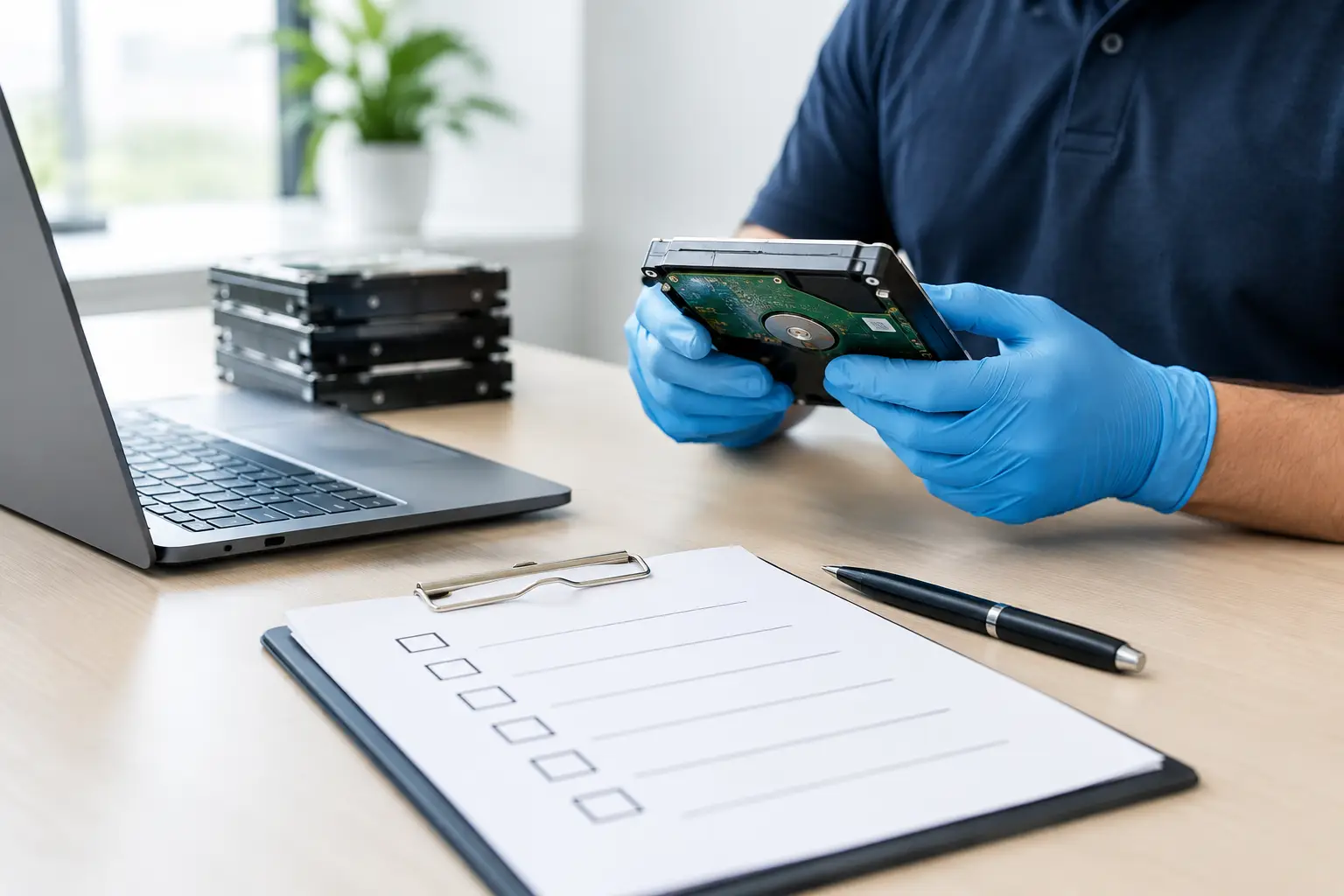
Documentation matters more than many people expect. A proper pickup record helps confirm what was taken and supports internal signoff. For office managers and admin teams, this is often just as useful as the recycling itself because it creates a paper trail for assets that have left the premises.
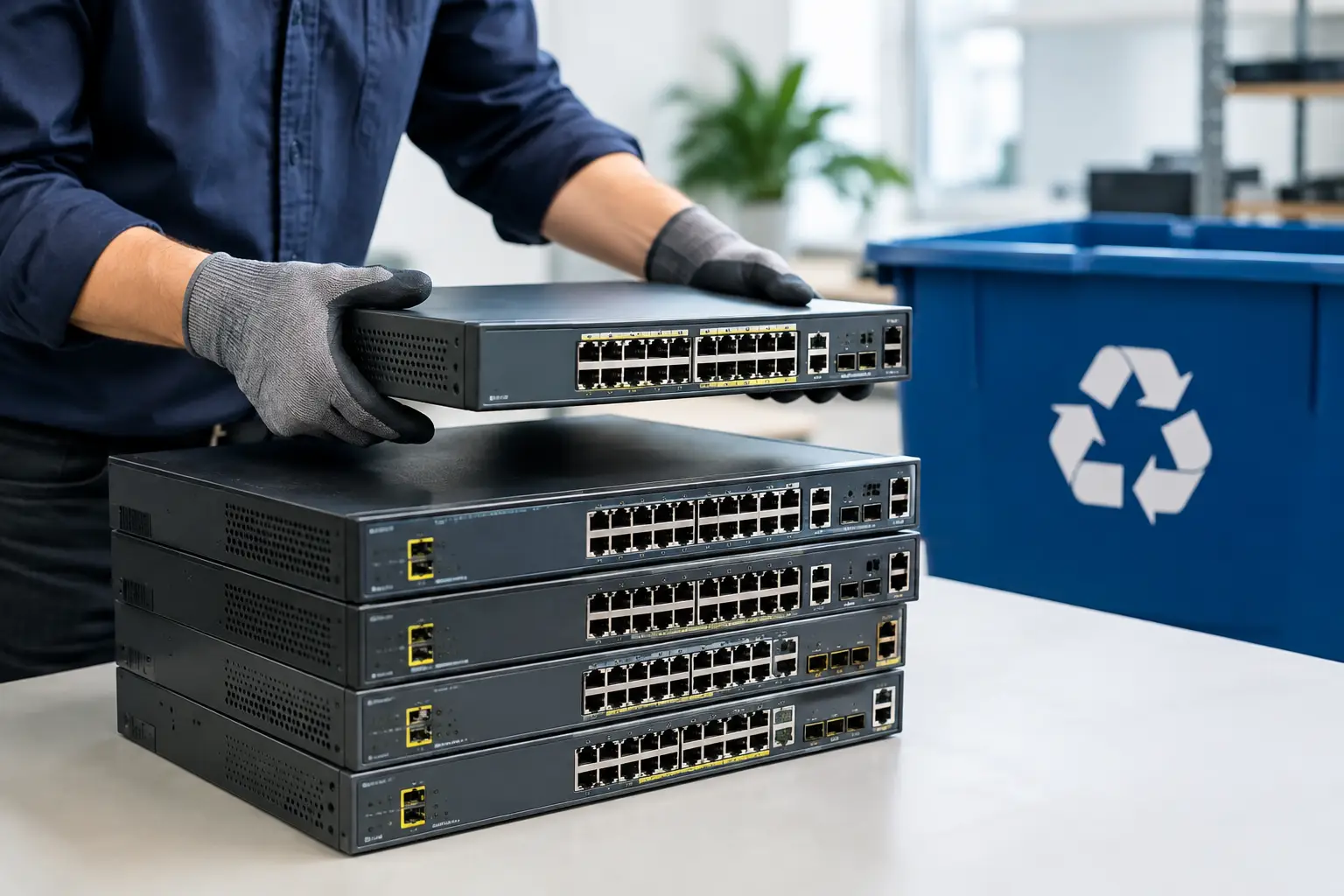
After collection and data handling, the remaining hardware should move through responsible recycling channels rather than informal resale or scrap stripping. That part is less visible to the customer, but it still matters. Responsible processing reduces the chance that equipment is mishandled downstream or simply dumped.
Wiping vs physical destruction – which one makes sense?
There is no single answer for every server. If the drives are functional and the goal is secure erasure with documented handling, wiping can be an effective option. It allows the storage media to be processed without relying on a basic delete or reformat, which does not provide the same protection.
Physical destruction makes more sense when the drives are faulty, heavily outdated, unreadable, or subject to stricter internal policy. Some businesses prefer destruction for peace of mind, especially when the drives held particularly sensitive material. Others use a mixed approach, wiping what can be verified and destroying media that cannot be reliably processed.
The right choice depends on your equipment, your risk tolerance, and whether the media can still be accessed properly. A trustworthy disposal partner should explain the difference in plain language and recommend the option that matches the situation, not push a one-size-fits-all answer.
What to look for in a disposal provider
The easiest collection service is not always the safest one. When choosing a provider for server disposal with data destruction, look for signs that they understand IT assets rather than treating everything as general scrap. That includes familiarity with servers and storage devices, clear handling procedures, and a process for pickup records or collection confirmation.
It also helps to ask how data wiping is performed, when physical destruction is recommended, and how the collected equipment is passed on for final recycling. These are practical questions, not technical traps. A reliable provider should be comfortable answering them clearly.
For businesses, convenience still matters. Servers are bulky, heavy, and awkward to move, especially when there are multiple units or a mix of rack gear and loose devices. Pickup-based service removes that burden and lowers the chance of equipment being misplaced during transport. For households, it solves the same problem on a smaller scale when home equipment is too large or sensitive to drop off casually.
Providers such as MYPC2U are built around that balance of convenience and accountability – on-site pickup, IT-aware handling, secure data wiping support, and documented collection rather than informal disposal.
When to schedule disposal instead of waiting
A good time to arrange disposal is right after migration, hardware refresh, office relocation, or infrastructure cleanup. Those are the moments when old servers stop being useful and start becoming a liability. Waiting rarely improves the outcome.
If your team is already unsure what is sitting in storage, that is usually the signal to act. You do not need a perfect asset register before starting. You need a sensible plan to separate what stays, what needs wiping, and what is ready to leave the site securely.
Old servers tend to linger because nobody wants to make the wrong call on data. That hesitation is understandable. The better approach is to work with a provider that treats disposal as a controlled handoff, with secure handling from pickup through final processing.
When a server has reached the end of its useful life, the goal is simple. Remove it without exposing data, without creating more internal work, and without sending sensitive equipment into the wrong hands. A clean exit for old hardware gives your business one less loose end to worry about.




Leave a Reply