
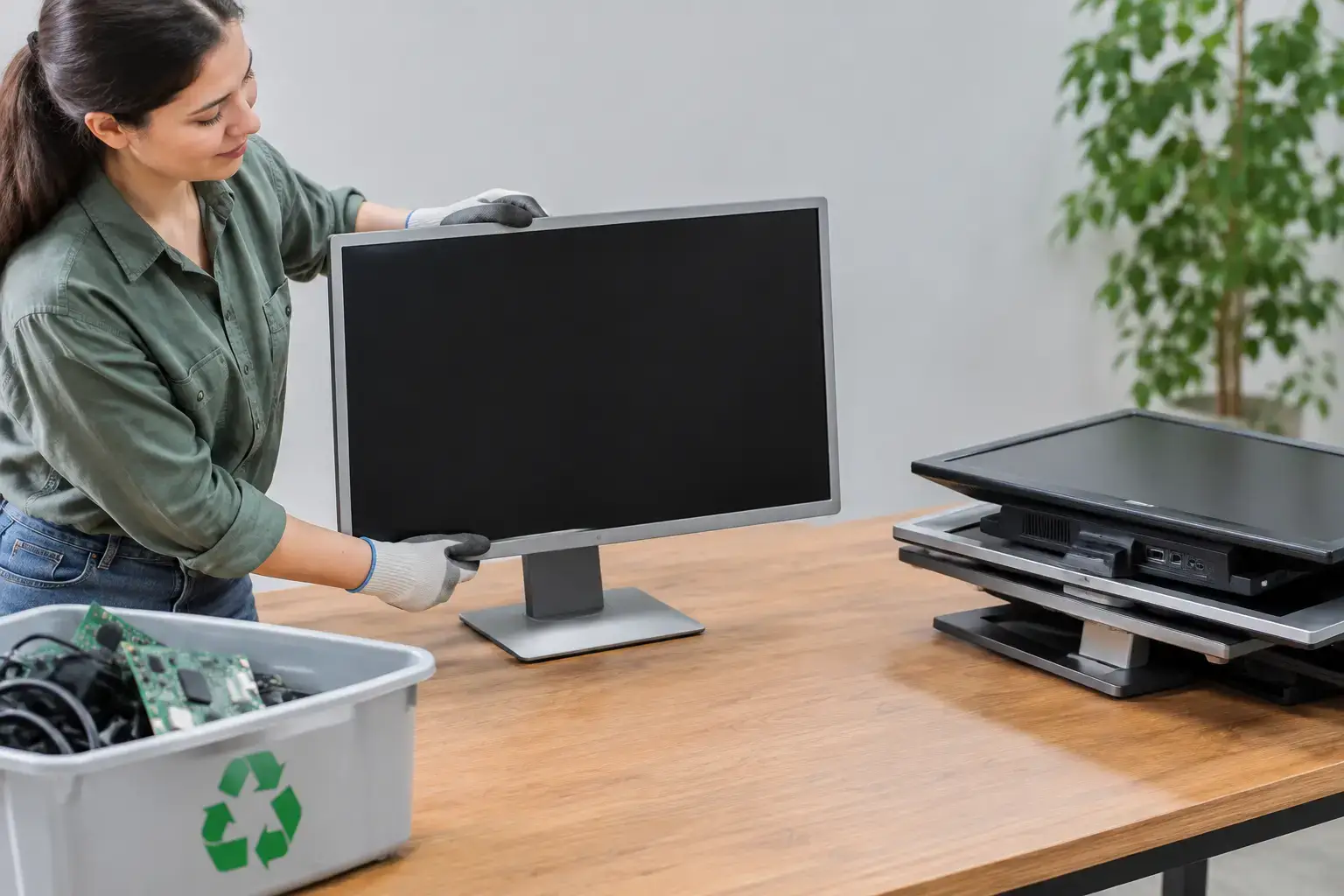
A broken monitor can be surprisingly difficult to move on from. It is bulky, awkward to transport, and not something that belongs beside the regular trash bin. Monitor disposal without landfill gives households and businesses a better route: one that considers the materials inside the screen, any data connected to the device, and where the equipment goes after collection.
For an office replacing dozens of displays, the challenge is often logistics and accountability. For a household, it may simply be finding a responsible option without loading a heavy monitor into the car. In both cases, a professional pickup and recycling process can make disposal more practical while keeping electronic waste out of the general waste stream.
Why monitors should not go into general waste
Monitors contain a mix of valuable, recoverable, and potentially harmful materials. Depending on the model and age, that can include glass, plastics, circuit boards, copper, aluminum, cables, and display components. Older CRT monitors are especially heavy and may contain leaded glass. Some flat-panel displays may contain components that require controlled handling.
When a monitor is dumped, crushed, or handled carelessly, recoverable materials are lost and components can enter an unsuitable waste channel. Landfill disposal also makes it harder to track what happened to the equipment. That matters when an organization is responsible for its IT assets, but it is equally relevant to residents who want confidence that an old screen has been handled properly.
Responsible recycling does not mean every part of every monitor can be reused. Condition, age, model, and downstream processing options all affect the outcome. The goal is to direct the device through a proper electronics recycling channel, where materials can be assessed, separated, and processed appropriately rather than discarded with household waste.
What monitor disposal without landfill looks like
A responsible route starts before the monitor leaves your home or workplace. The equipment should be identified, collected safely, and transferred to a recycling partner that handles electronic assets rather than treating them as ordinary scrap.
For a single home monitor, the process may be straightforward: arrange a pickup, keep the item protected from damage, and hand it over for responsible processing. For a business, the process should be more structured. An office may need an inventory of equipment, a scheduled collection time, proof of pickup, and support for related devices such as desktops, docking stations, cables, keyboards, and network equipment.
A reliable service provider should also be clear about the difference between collection and final recycling. Collection is the secure, documented handover of your equipment. Downstream recycling is where licensed specialists sort and process material. That chain of responsibility is more meaningful than a vague promise that items will simply be “taken away.”
Data security still matters with monitors
A monitor itself does not usually store files in the way a laptop, desktop, server, or external drive does. However, monitors are often retired as part of a larger IT refresh. The pile waiting for disposal may include computers with internal drives, USB storage, phones, routers, or other equipment containing business records and personal information.
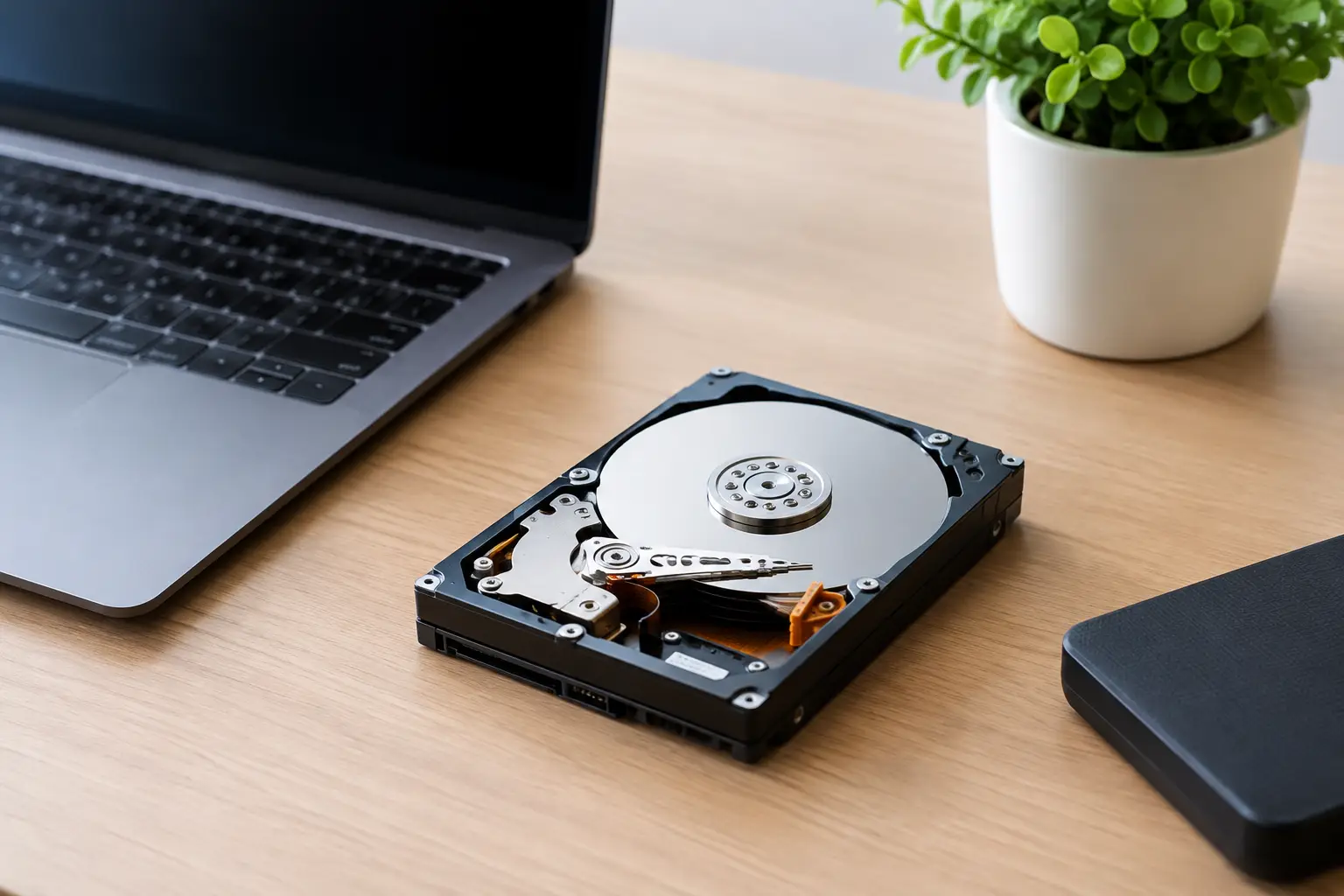
That is why it makes sense to treat the full collection as an IT asset disposal task, not just a bulky-waste pickup. Separate devices that hold data from display-only equipment, and make sure those devices receive the appropriate data wiping or destruction support before recycling.
For businesses, secure data wiping using a recognized process, such as DoD 5220.22-M 3-pass wiping where appropriate, helps reduce the risk of recoverable information remaining on a drive. Physical drives that cannot be wiped because they are faulty may require a different handling method. The right approach depends on the device condition, the type of storage, and your internal data policy.
Documentation also matters. A record of collection helps show that retired equipment was transferred through a responsible process. This can be useful for office managers, administrators, and business owners who need an audit trail for old IT assets.
Prepare monitors for a safe pickup
Most monitor collections need very little preparation, but a few practical steps prevent damage and confusion. First, disconnect all power, video, and USB cables. If the monitor still works, reset any user settings if you prefer, although this is not a substitute for data wiping on connected computers or storage devices.
Keep the monitor upright where possible, particularly if it is a large display or an older CRT unit. Do not stack heavy items on the screen, and do not attempt to break the monitor apart. Damaged display panels can be difficult and unsafe to handle, while dismantling equipment may expose components that should be managed by trained recyclers.
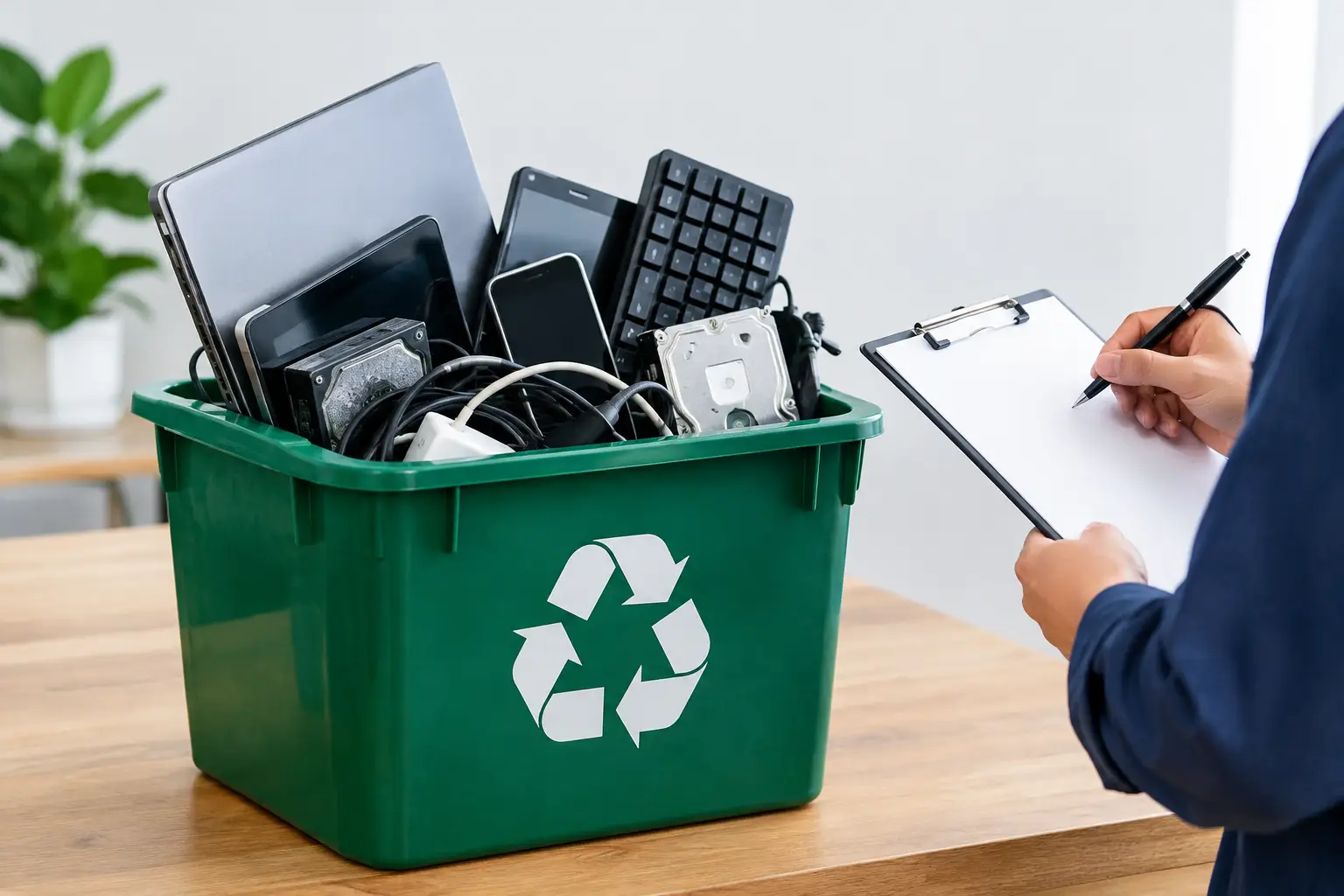
For an office collection, label equipment by department or location if that will help with asset verification. It is also useful to identify which items have storage media and which are display-only. This saves time during pickup and reduces the chance that a hard drive, laptop, or phone is overlooked among cables and peripherals.
Recycling, reuse, and the trade-offs to consider
Not every old monitor has the same best outcome. A newer, fully working business-grade display may have reuse value if it has been tested and remains suitable for another user. Extending the working life of equipment can reduce demand for new manufacturing, but reuse only makes sense when the monitor is functional, safe, and practical to use.
A cracked screen, failing backlight, obsolete connection type, or very old CRT monitor is more likely to be directed to material recovery. In that case, responsible recycling is usually the better option. Components are separated so suitable materials can be recovered while remaining parts are handled through appropriate downstream channels.
There can also be a trade-off between convenience and traceability. Dropping a monitor at an informal collection point may feel quick, but you may not know where it goes next. A scheduled e-waste pickup can be a better fit when you need secure handling, clear records, or help managing several device types at once.
A practical option for homes and businesses
For residents, the biggest barrier is often transport. Large monitors do not fit easily into every vehicle, and making multiple trips to dispose of a screen, old desktop, printer, and cables can be frustrating. Pickup-based recycling removes that burden while giving the equipment a more responsible destination.
For businesses, planning is the key. Group retired monitors with other end-of-life IT assets, confirm which equipment contains data, and arrange collection around office access and operational needs. A professional provider can help verify the items collected, coordinate secure handling for storage devices, and provide documented pickup records.
MYPC2U supports households and businesses in Kuala Lumpur and Selangor with on-site e-waste collection for monitors and related electronic equipment. The service is designed for people who need more than a scrap collection: they need careful handling, data-aware support, and a clear path for unwanted devices.
Choose accountability over convenience alone
The right disposal choice is not just about clearing space in a storeroom or getting an old screen out of the house. It is about handing equipment to someone who understands that electronics can contain sensitive information, recoverable materials, and components that should not enter general waste.
Before booking a collection, ask what equipment is accepted, whether data-bearing devices can be handled securely, and whether you will receive proof of collection. Those few questions can turn an uncertain cleanup into a responsible end-of-life process.
An old monitor may no longer have a place on your desk, but it still deserves a controlled next step. Arrange a pickup when you are ready, keep related IT assets together, and choose a disposal route that treats both your information and the environment with care.



Leave a Reply