That old laptop in the storeroom, the retired office server, the stack of phones from a device refresh – none of it is harmless just because it is no longer in use. When people look at IT asset disposal companies, they are usually trying to solve two problems at once: remove unwanted equipment and make sure no data leaves with it.
That is where the difference between a general scrap collector and a proper IT disposal partner becomes very clear. If your devices hold customer records, staff information, business files, or even personal photos and login details, disposal is not just about getting rid of clutter. It is about handling equipment in a way that is secure, documented, and responsible from pickup to downstream recycling.
What IT asset disposal companies actually do
A good IT asset disposal company does more than collect old electronics. The job usually starts with identifying what needs to go, whether that is desktops, laptops, monitors, servers, storage drives, networking equipment, printers, phones, or smaller office devices.
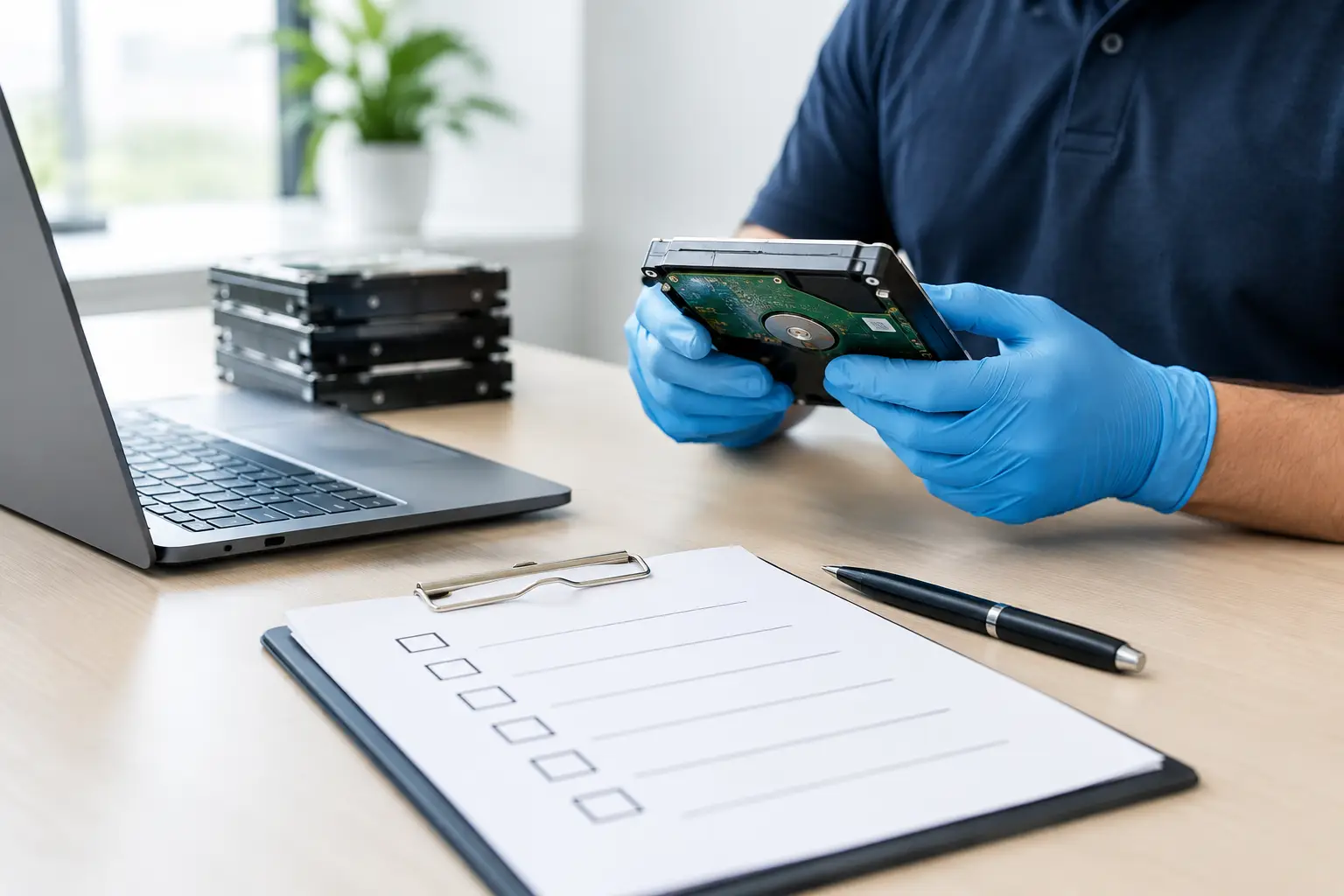
From there, the real value is in the handling process. Devices are picked up, checked, recorded where needed, and routed through the right disposal path. That may include data wiping, hard drive destruction support, asset verification, and coordination with licensed recyclers for proper material recovery.
For households, this means less stress about where to send old electronics and whether personal data is still inside. For businesses, it means a disposal process that fits operational needs instead of creating new risks.
Why businesses should be selective about IT asset disposal companies
Not every provider is built for business equipment. Some simply collect by weight. That may work for low-risk scrap, but it is not enough for office computers, retired storage devices, or network hardware that may still contain sensitive information.
The first issue is data exposure. A device can look dead and still store recoverable data. Deleted files are not the same as securely erased files. If a disposal vendor cannot explain how they handle data-bearing equipment, that is a serious gap.
The second issue is chain of custody. Many companies need proof that assets were collected and handled properly. Even smaller businesses benefit from having documented pickup records because it creates accountability. If a question comes up later, there is a paper trail.
The third issue is logistics. Large or bulky devices are inconvenient to move, and most offices do not want staff spending time loading old equipment into cars. Pickup-based service matters more than people realize, especially when disposal has been delayed simply because no one has time to organize transport.
What to look for in IT asset disposal companies
The right provider is not always the cheapest one, and that is usually for a reason. Secure handling, trained staff, documented collection, and proper recycling coordination all take real operational effort.
Start with data protection. Ask whether the company offers secure data wiping for devices that still function and whether they can support hard drive destruction when needed. If they mention a recognized wiping method such as DoD 5220.22-M 3-pass wiping, that shows a more serious approach than vague promises to “clear” the device.
Next, look at collection procedures. On-site pickup is more than a convenience feature. It reduces the number of handoffs and lowers the chance of equipment being misplaced before disposal even begins. This is especially useful for offices clearing out multiple devices at once.
Documentation also matters. A professional provider should be able to confirm what was collected and when. That can be simple, but it should be clear. For businesses managing internal records or compliance expectations, even basic documentation is far better than an informal verbal arrangement.
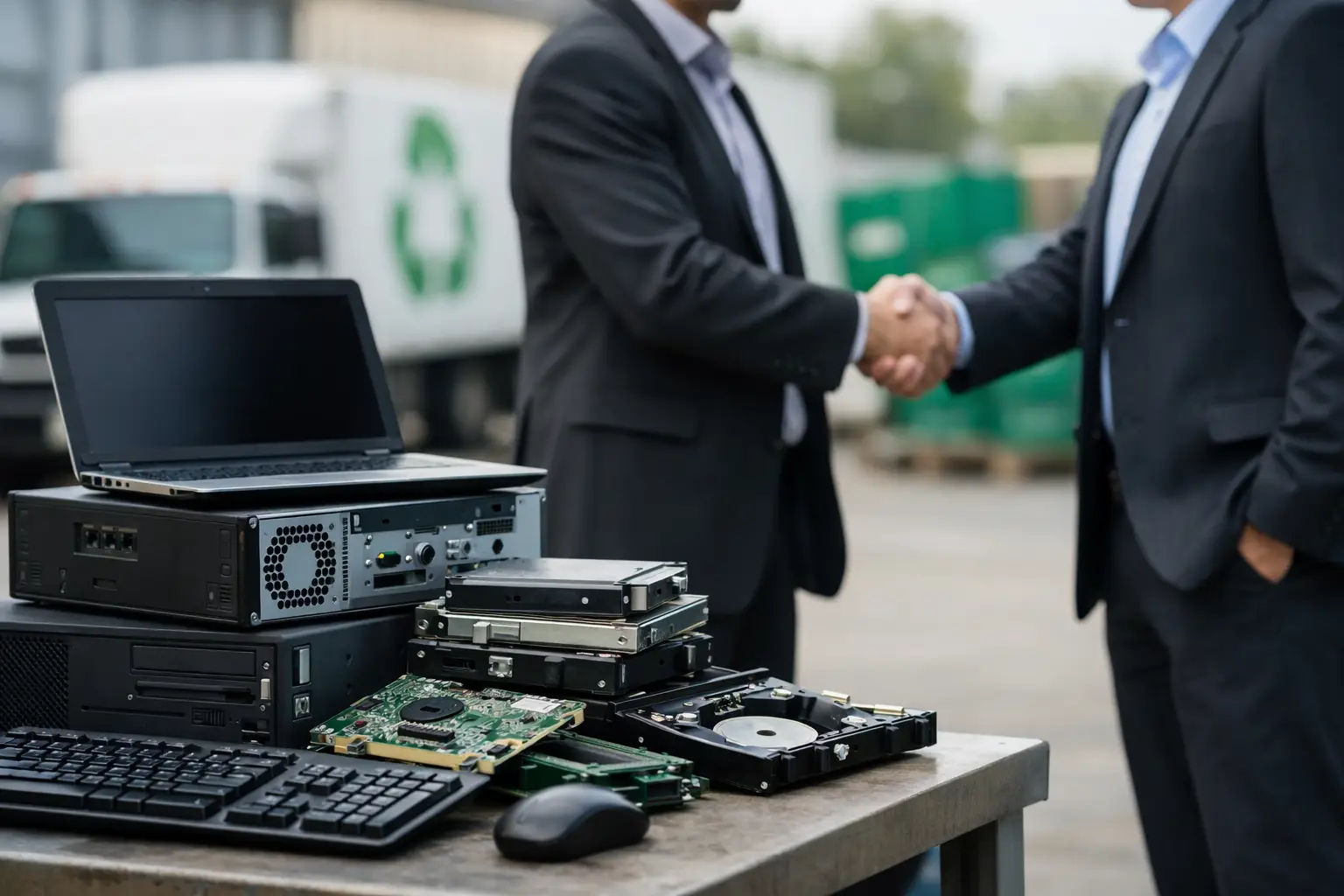
Finally, ask what happens after collection. Responsible IT asset disposal companies do not just remove equipment from your premises and leave the rest unclear. They should be able to explain how items are processed and whether they work with licensed recyclers for downstream handling.
Red flags that are easy to miss
Some warning signs are obvious, such as a vendor who cannot answer basic questions about data wiping. Others are more subtle.
Be cautious if a company is willing to take everything immediately but gives no detail on process, documentation, or where the equipment goes next. Fast service is helpful, but not if the workflow is a black box.
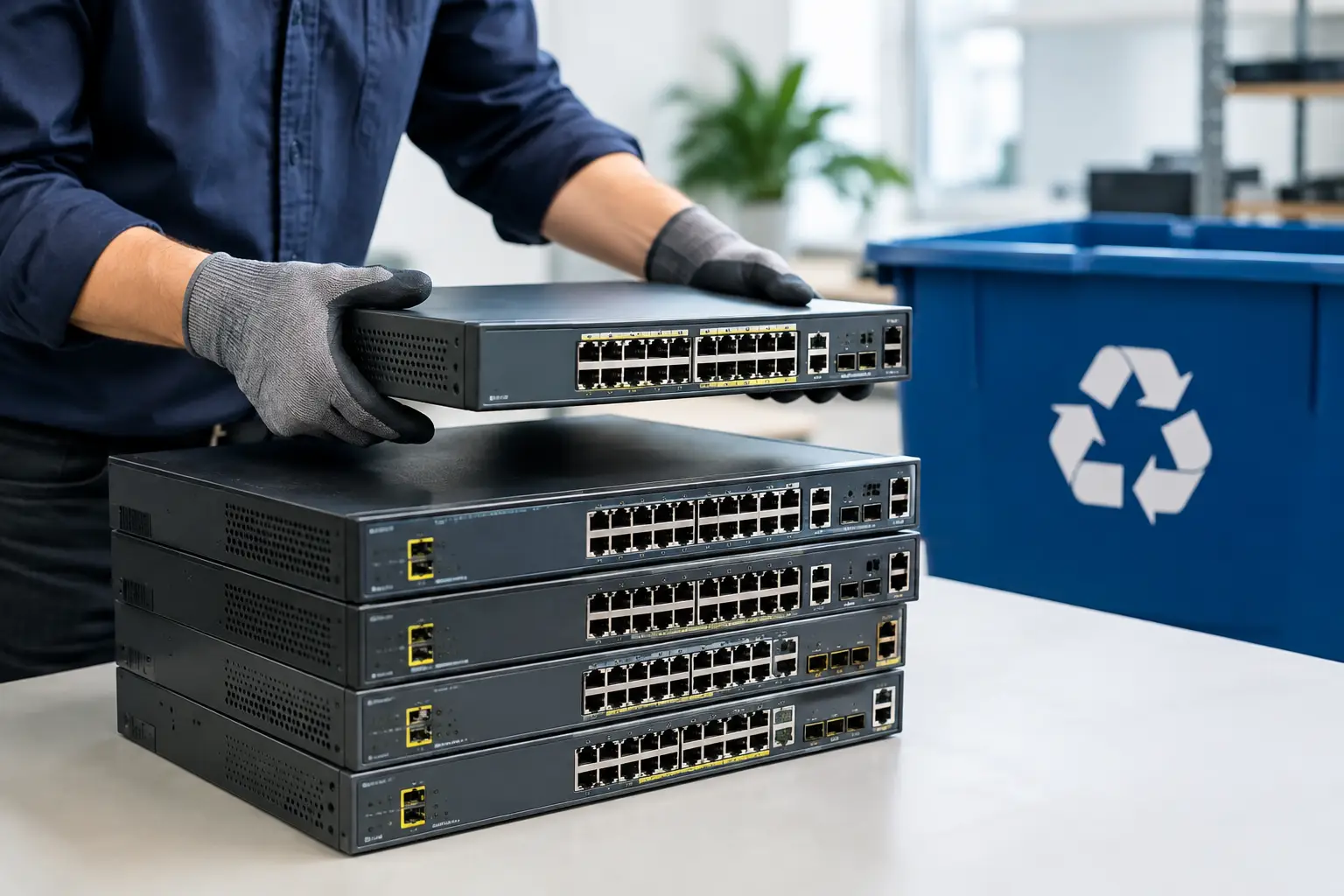
Another red flag is treating all electronics the same way. A broken keyboard and a retired server are not equal-risk items. A provider with real IT disposal experience understands that storage devices, office computers, and network hardware need different attention than general e-waste.
It is also worth paying attention to communication. If scheduling is vague, pickup instructions are inconsistent, or staff cannot explain the steps clearly, that can reflect the overall quality of the service. Disposal should feel organized and accountable, not improvised.
For households, convenience matters – but security still comes first
Residential customers often assume IT asset disposal companies are mainly for large offices. In practice, households can benefit just as much, especially when disposing of laptops, desktop computers, old phones, tablets, routers, or external drives.
The main challenge at home is uncertainty. People are not always sure what can be recycled, whether their device still contains usable data, or how to transport several items safely. A pickup-based service removes much of that friction.
Still, convenience should not replace caution. If a home computer has years of saved passwords, tax files, family photos, or work documents, proper data handling matters just as much as it does in a business setting. The scale is smaller, but the risk is real.
For small and mid-sized businesses, process matters more than volume
Many SMEs think formal IT disposal support is only for large companies with warehouses full of equipment. That is not the case. Even a small office with ten old laptops and a few retired hard drives can face data risks, internal confusion, and unnecessary delays if disposal is handled casually.
This is where a service-oriented provider can make a real difference. Pickup scheduling, device verification, secure wiping support, and proof of collection help turn disposal into a controlled business process rather than a one-off cleanup task.
That practical support is often what businesses need most. They are not looking for a complicated program. They want someone to collect the equipment, handle it properly, and provide enough documentation to show it was done right.
Why a local provider often makes more sense
With IT disposal, local service is not just about distance. It is about responsiveness, communication, and having a provider that understands the practical needs of nearby homes and businesses.
A local team is often better positioned to offer scheduled pickups, answer questions clearly, and handle collections without long delays. That matters when an office is clearing space, relocating, or replacing devices on a timeline.
It also tends to create more accountability. Customers are not handing equipment to an anonymous national chain with no local presence. They are working with a service partner that depends on trust and repeat relationships. That is one reason many businesses and residents prefer a provider like MYPC2U when they want a more professional alternative to general collectors.
The best choice depends on what you are disposing of
There is no single checklist that fits every disposal job. A household clearing one old laptop may care most about pickup convenience and secure wiping. A growing business replacing workstations may prioritize documentation, asset verification, and careful handling of multiple device types.
That is why the best IT asset disposal companies do not rely on a one-size-fits-all approach. They ask what equipment you have, whether it contains storage media, how much documentation you need, and how collection should be arranged. The right service feels practical from the first conversation, not generic.
If you are choosing a provider, focus on the basics that actually reduce risk: secure handling, clear communication, on-site pickup, documented collection, and responsible recycling through proper downstream channels. Old devices should leave your home or office with less hassle, not more uncertainty.
When disposal is handled well, you get back more than physical space. You get peace of mind that the equipment is gone, the data has been addressed properly, and the process was done with the care it deserved.