

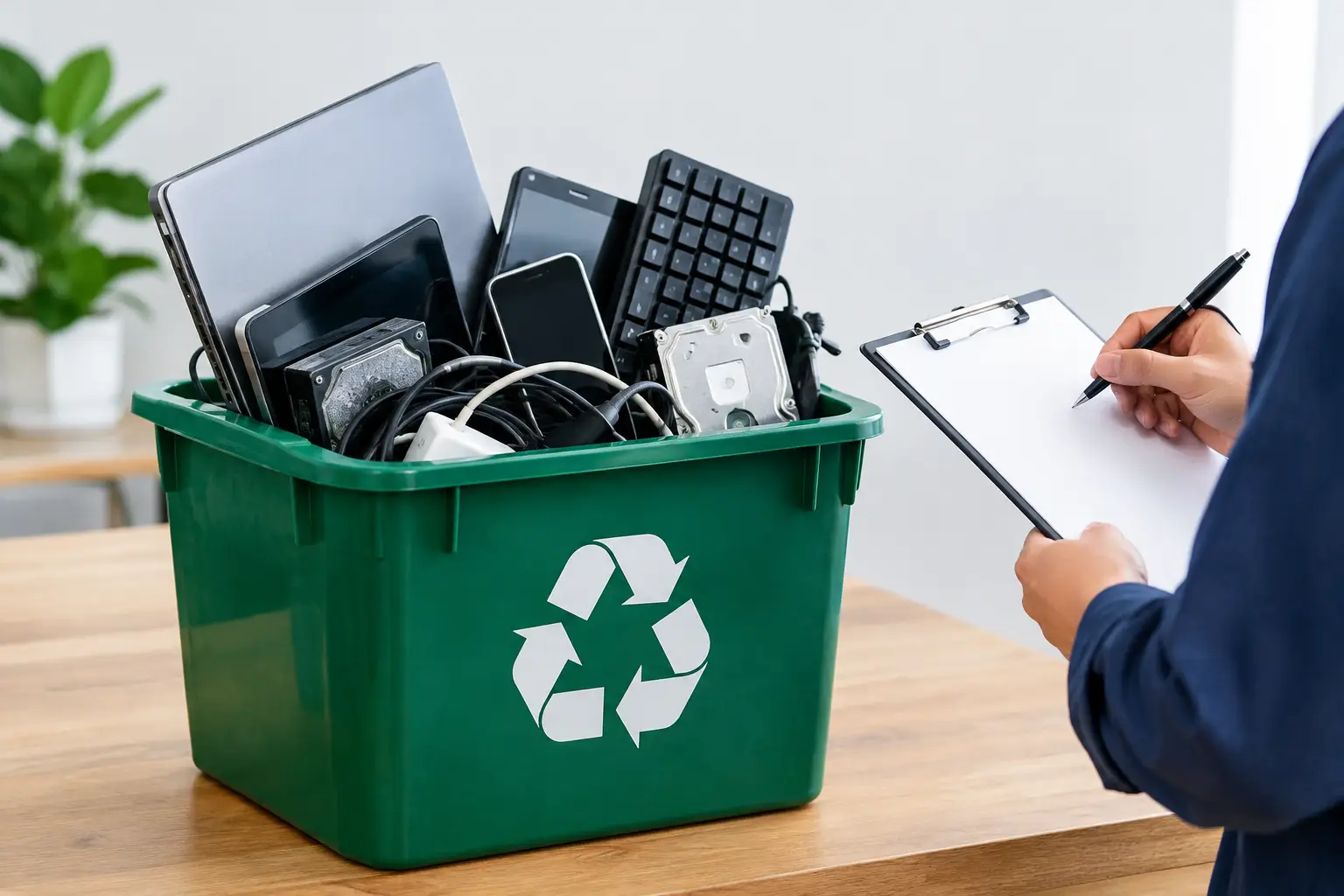
A box of retired laptops can look like ordinary office clutter until someone asks where it went, who handled it, or whether its data was protected. An electronic pickup documentation review gives households and businesses a clear record of what was collected and how the disposal process was handled. It turns an uncertain handoff into an accountable process.
For a household, that might mean confirmation that an old desktop, phone, or external drive was collected responsibly. For an office, it can mean a usable record of retired IT assets, storage devices, and network equipment leaving the premises. The level of detail should fit the equipment and the risk involved.
Why pickup documentation matters
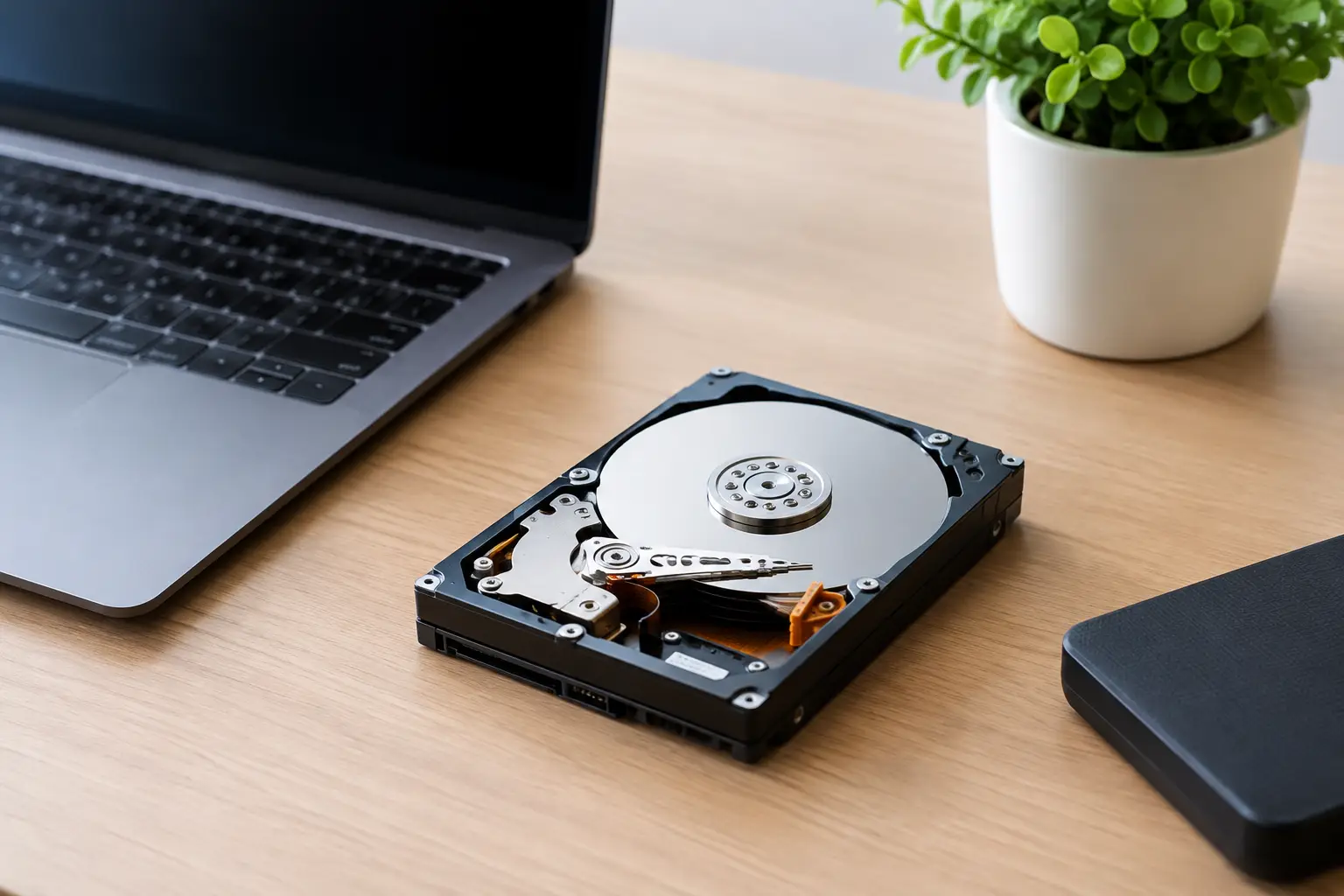
Electronic equipment is different from general waste. Computers, servers, mobile devices, printers, and network hardware may hold personal files, customer information, employee records, passwords, or company data. Even when a device no longer powers on, its storage media may still contain recoverable information.
Documentation creates a practical chain of accountability. It helps confirm the date and location of collection, the party receiving the equipment, and the categories or quantities of assets removed. This matters when an office manager needs to update an asset register, when a business is preparing for an internal review, or when a homeowner simply wants reassurance that old electronics were not left with an informal collector.
Clear records also support responsible recycling. A documented pickup does not replace secure data handling or proper downstream processing, but it shows that the first and often most vulnerable step – removing equipment from your home or workplace – was handled professionally.
What to check in an electronic pickup documentation review
The best records are easy to read and specific enough to be useful later. They should not force customers to interpret vague descriptions such as “mixed scrap” when the pickup included devices that may contain data.
Collection date, location, and contact details
Start with the basics. The document should identify the pickup date, collection address, and the customer or authorized contact. For businesses with multiple offices, branches, or floors, the location detail is especially valuable. It prevents confusion about which site released the equipment.
The collection provider’s name should also be clear. If questions arise after pickup, you should know who received the assets and how to follow up.
A useful description of the equipment collected
A record does not always need a serial number for every low-risk item. A pickup involving a bundle of cables, keyboards, or damaged monitors may be appropriately documented by category and quantity.
However, more detailed identification is sensible for computers, laptops, servers, external drives, network storage, and other assets that may contain business or personal information. Depending on the scope of the collection, documentation may include device type, brand or model, asset tag, serial number, quantity, or a note identifying storage-bearing equipment.
The right level of detail depends on your needs. A small home pickup may only require an itemized list, while an SME replacing a group of staff laptops may need serial-number verification to match internal asset records. The goal is not paperwork for its own sake. It is to make the record useful if someone needs to confirm what left the premises.
Data handling instructions and status
This is the most important area for devices with internal or removable storage. Your documentation should distinguish between equipment collected for recycling and equipment that requires a defined data-handling process.
Before pickup, identify devices such as laptops, desktops, servers, external hard drives, USB storage, NAS units, and old phones. If secure data wiping has been requested, the paperwork should reflect that instruction. If a drive is damaged or cannot be wiped, the handling method should be discussed before collection rather than assumed afterward.
For business IT assets, it is also helpful to record whether devices were collected for reuse assessment, wiping, or recycling. A device can have value beyond its hardware, and that value may be sensitive data. Treating all equipment as simple scrap creates avoidable risk.
MYPC2U approaches collections with an IT-aware process, including secure data wiping options such as DoD 5220.22-M 3-pass wiping where suitable. The appropriate method still depends on the device type, drive condition, and your organization’s data requirements.
Quantity checks and condition notes
A pickup record should make it possible to spot obvious discrepancies. If your team prepared 18 laptops for collection but the record shows 16, resolve that difference before the equipment leaves the site. For a household, checking that the listed desktop, monitor, and old phone are all included can offer the same peace of mind.
Condition notes can be useful for damaged, incomplete, or non-functioning devices. They establish a straightforward record of what was handed over and can prevent uncertainty later. This is particularly relevant when equipment has missing chargers, cracked screens, or removed components.
Proof that the handoff occurred
A documented handoff should include confirmation from both sides where practical. This may be a signed pickup record, collection acknowledgment, or another form of proof that equipment was received.
For businesses, the authorized staff member should review the record before signing. A rushed signature on an incomplete list defeats the purpose of having documentation. Take a few minutes to compare the prepared assets with the pickup record, especially where storage devices or high-value IT equipment are involved.
Preparing equipment before the pickup team arrives
Good documentation begins before the vehicle arrives. Create a simple internal list of the equipment you intend to release. Separate items that contain data from accessories and non-storage equipment. If possible, remove devices from employee desks, label them by department, and keep them in a single collection area.
For larger office clear-outs, assign one person to coordinate the handoff. They can verify quantities, explain which devices need data wiping, and retain the final pickup documentation. This reduces the risk of a server, laptop, or external drive being overlooked among general office electronics.
Households can take a simpler approach. Make a quick note of major items, back up any files you need, log out of accounts where possible, and remove SIM cards or personal accessories from phones and tablets. If you are unsure whether a device contains storage, mention it during booking. It is always better to ask before collection than to make assumptions.
Common documentation gaps to avoid
The most common problem is vague item descriptions. “Old electronics” may be enough to arrange a pickup, but it is not a strong collection record when the load includes laptops, drives, and office network equipment.
Another gap is failing to state data requirements in advance. A collector cannot reliably follow instructions that were never communicated. Make secure wiping, asset verification, or special handling requests part of the pickup arrangement, then check that they appear on the final record.
Finally, avoid treating the document as something to file and forget. Keep it with your IT asset records, office move documents, or household disposal notes. If a question comes up months later, a clear record is much more useful than memory.
Documentation should match the risk
Not every electronic pickup needs the same paperwork. A few household cables and a broken monitor do not require the same verification as a batch of company laptops used by employees. More documentation can be helpful, but excessive detail can slow down a straightforward pickup without adding meaningful protection.
The practical standard is simple: the record should identify what was collected, when and where the collection occurred, who accepted it, and how data-bearing equipment was intended to be handled. For higher-risk or higher-volume business assets, add serial numbers, asset tags, and data-processing instructions.
When you schedule an electronics pickup, prepare the equipment, state your data requirements clearly, and review the record before the handoff is complete. That small step helps ensure your old devices leave your premises with the same care you applied while they were in use.



Leave a Reply